Godot Version
4.7.2
Question
For now have this simple platformer game.
it’s grid map with basic moving left/right
Cell size = 1m
in camera can see about 20 cells on x axis.
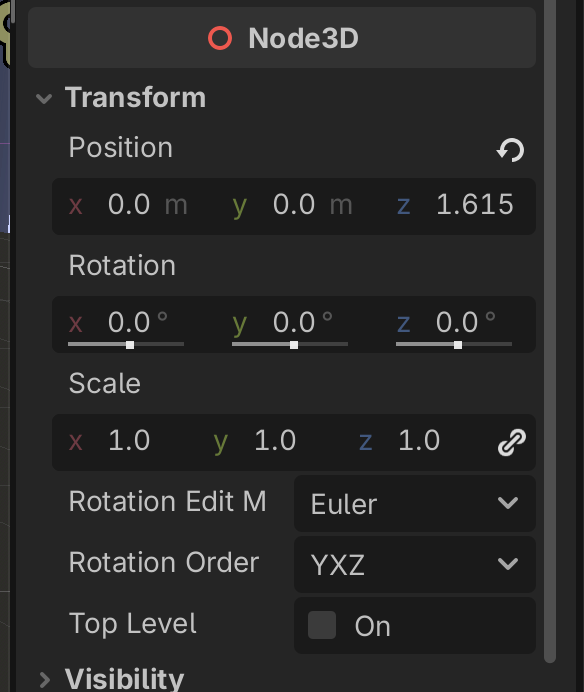
camera pos
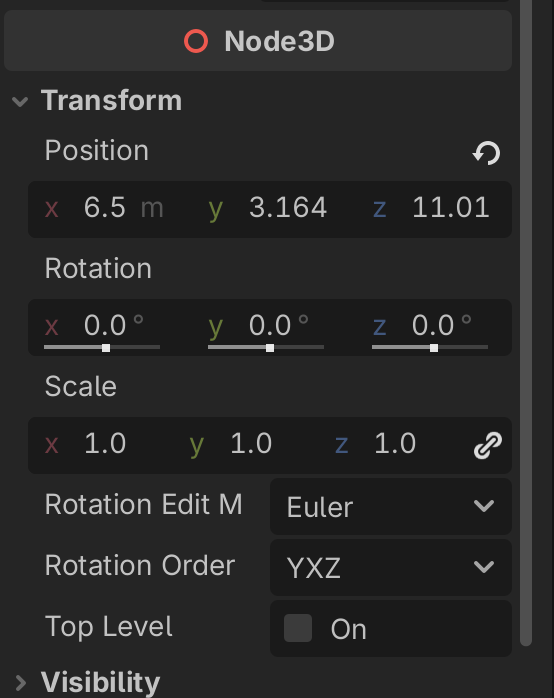
player start pos
The code for now is literally following a player which is not what I intended, I’m looking to achieve Prince of Persia style switch camera like in mentioned here : Making clone of Prince of Persia from Xbox 360
how could I go about it to achieve this minimal follow, but then when player go to edge of next section it position itself in middle and slightly follows a player?
extends Camera3D

@export var player_1: CharacterBody3D
var last_player_pos: Vector3

func _ready() -> void:
	last_player_pos = player_1.global_position

func _physics_process(delta: float) -> void:
	var player_pos = player_1.global_position
	var change = player_pos - last_player_pos
	global_position += change
	last_player_pos = player_pos
You could snap the camera’s position if you are certain each “screen” is the same size and distance.
func _process(delta: float) -> void:
    global_position = player_1.global_position.snappedf(20.0) # 20m steps between each screen
could I only use x axis?
extends Camera3D

@export var player_1: CharacterBody3D

func _process(delta: float) -> void:
	global_position.x = player_1.global_position.x.snappedf(20.0)
it doesn’t work when I use it like this.
I thought something like this as well
extends Camera3D

@export var camera_positions: Array = []
@export var player_1: CharacterBody3D
var last_player_pos: Vector3

func _ready() -> void:
	position = camera_positions[0]
	last_player_pos = player_1.global_position

func _physics_process(delta: float) -> void:
	var player_pos = player_1.global_position
	var change = player_pos - last_player_pos
	global_position += change/10
	last_player_pos = player_pos
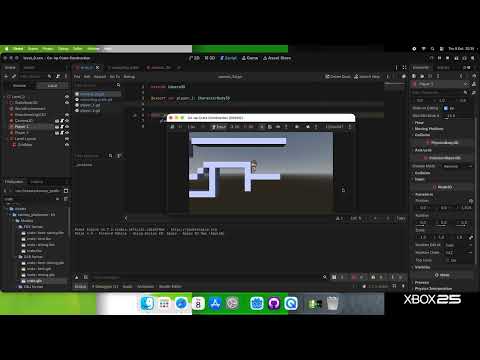
Link some more game footage.
You cannot use dot notation on float types, they have no methods, unlike Vector3. You can use snappedf around it though
func _process(delta: float) -> void:
	global_position.x = snappedf(player_1.global_position.x, 20.0)
This actually looks quite good, I might add bit of fraction of change for each camera position but your one line solved the core of the idea.
In the reference game, it’s a bit more sophisticated than just plain snapping. There’s a subtle follow as well.
Some proposed code how it could works?
The game seems to move the camera to follow the player- but only a little bit, you could add a small factor of the player’s position back into the camera. Probably best modulate it too.
snap(Position) + posmod(Position, Cell Size) / Drifty Factor
I tried use it as, but this doesn’t seem to be doing anything apart only snap part.
extends Camera3D


@export var player_1: CharacterBody3D
@export var drif_factor: float = 1.0

func _process(delta: float) -> void:
	global_position.x = snappedf(player_1.global_position.x, 20.0) + posmod(player_1.global_position.x, 1.0) / drif_factor
Can’t fully understand it how the code should looks like with psmod, do you mind to write write it as code?
read the docs for posmod, it’s a modified modulus operator which is very common in programming, similar to the remainder of a division. In other words posmod will take an input and wrap it around at the given y value, if we take your cell size of 20, then a X value of posmod(22.34, 20) returns 2.34, a value of posmod(42.34, 20) returns the same 2.34