I am trying to export my first game on Godot to my Windows desktop. I made sure to download the export template first, toggled Embed PCK, untoggled Export with debug, and put the path to my desktop. The file is there as an .exe. However, it doesn’t have the Godot icon, and I can’t seem to load it or open it.
Do you have a specific reason for wanting to use Embedded PCK? It’s known to cause quite a few issues and it’s generally not recommended, especially if you plan to release your game on platforms like Steam.
I’d recommend turning embedded pck off and see if your game works like that.
I turned embedded pck off and tried that. It still won’t do anything. I originally did PCK because I was following Brackeys YouTube tutorial “How to make a Video Game - Godot Beginner Tutorial.”
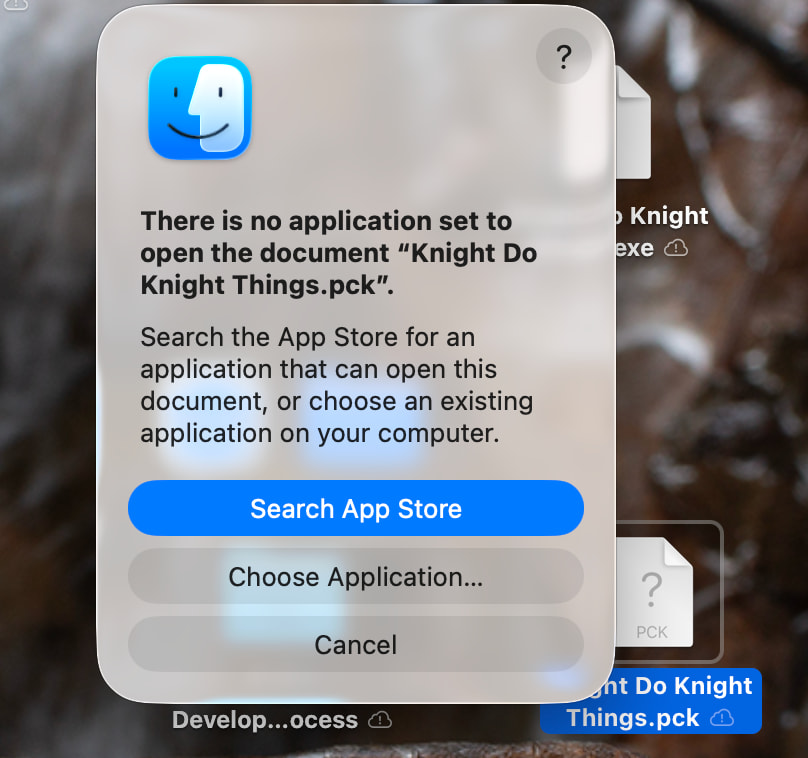
New development: when I reexported the file without the PCK toggled, I thought it would repplace the older file (it didn’t). I clicked on this one and it says there is no application to open the document.
First of all you didn’t tell us you’re on mac.
Windows executables won’t work on Mac no matter what you try.
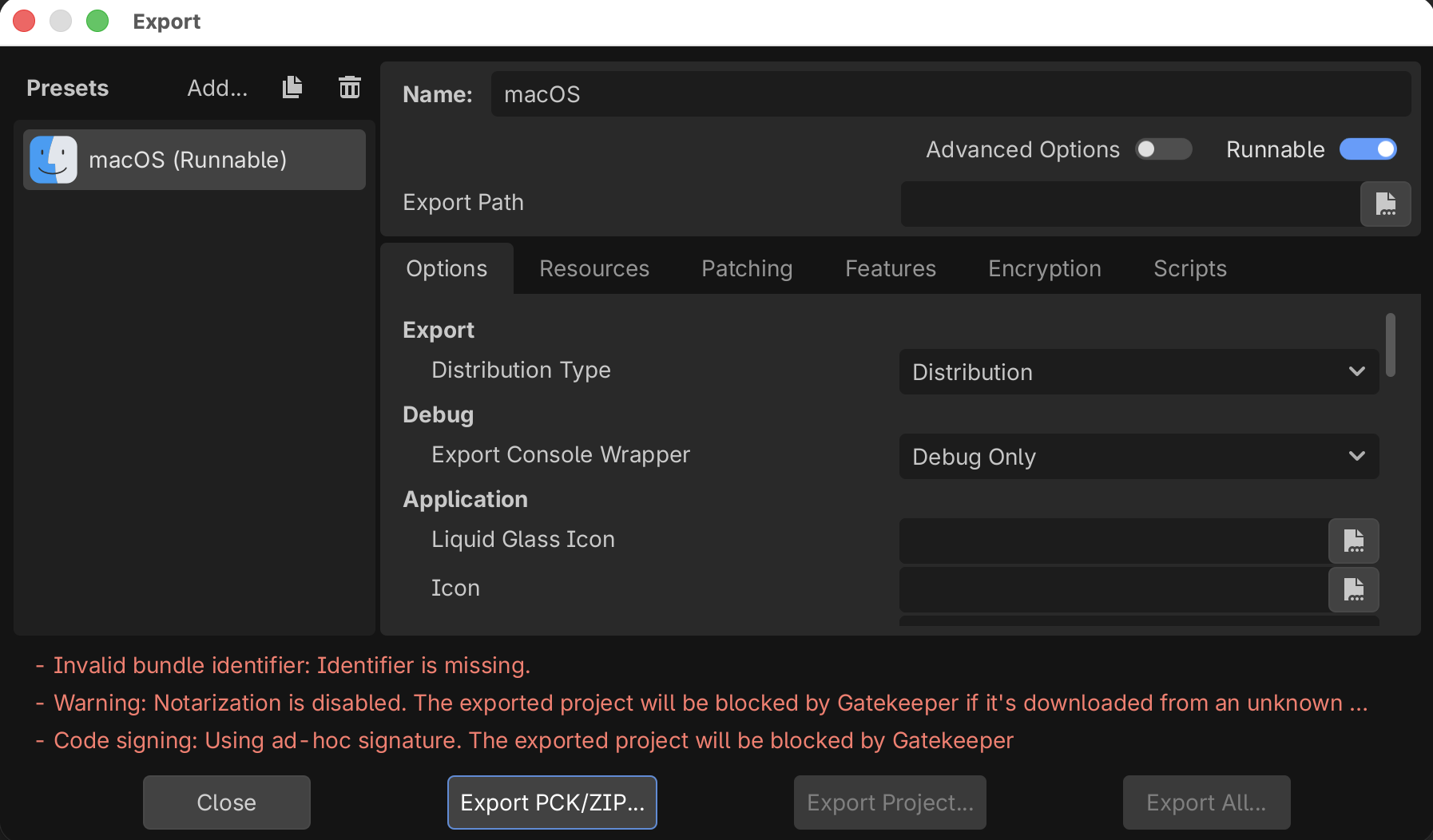
Second, as I said, you likely clicked on Export PCK/ZIP which is incorrect.
You need to pick Export Project then test your game on a Windows machine.
Mac cannot run windows executables.
Okay, I am sorry for the confusion. To clarify, I did click Export Project and not Export PCK/ZIP. Again, I apologize for the confusion. Let me try to follow your advise.
I believe the error message you get is quite clear. You are missing the identifier. If you scroll down a tiny bit, you will see a field highlighted in yellow called “Bundle Identifier”, you need to fill that out.
Thank you so much for your time. I am very new to all this: I only started learning 3 days ago. I know that might have been frustrating for you, but I am so grateful for your time. I filled out the bundle identifier, and everything seems to work.