Godot Version
4.4.1
Question
I followed the instructions on the Battlefield 6 portal to download Godot and try to edit a map.
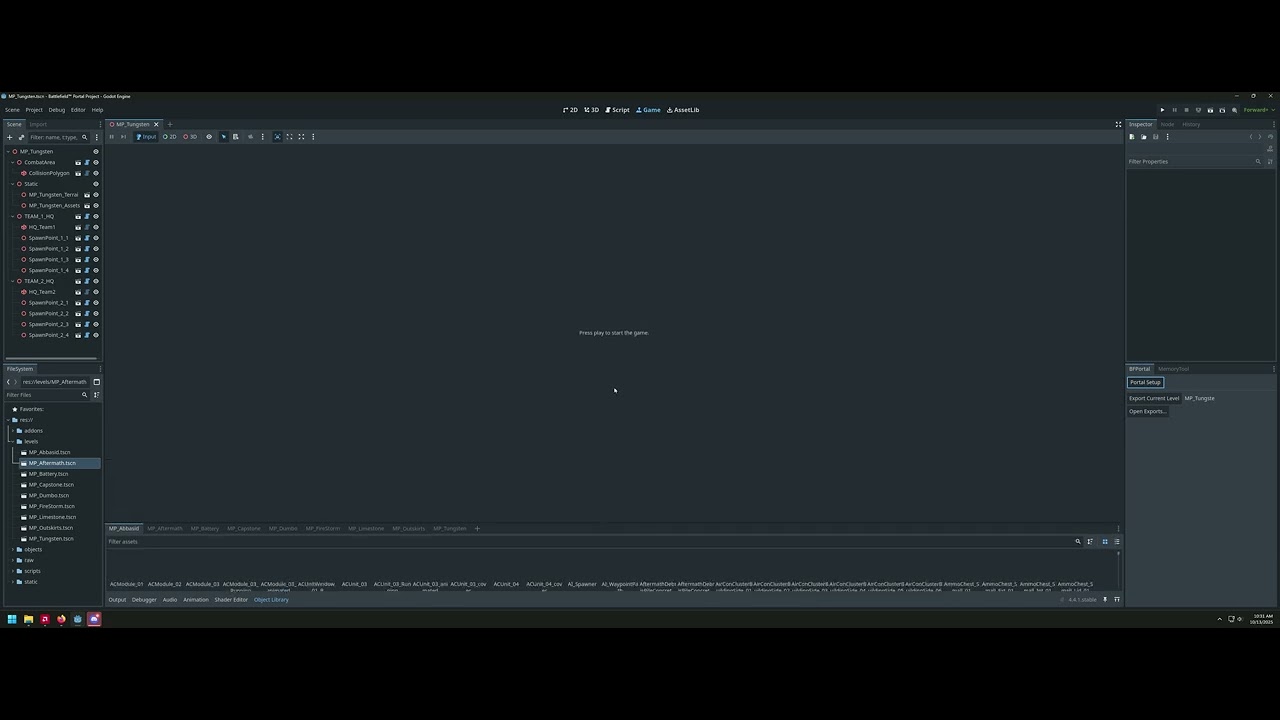
When I try to load a map it’s all messed up, and none of the icons in the Asset Library load.
Video of what happens:
4.4.1
I followed the instructions on the Battlefield 6 portal to download Godot and try to edit a map.
When I try to load a map it’s all messed up, and none of the icons in the Asset Library load.
Video of what happens:
do you have an AMD gpu or cpu?
then just follow this
I do have AMD gpu and cpu. I’ll look at that post now. Thanks.
The map loads fine now, but the object library still doesn’t show icons.
When I drag an object in it just shows this little arrow.
sooo,rendering is working fine but the thumbnails of the obj are not rendering?
that’s odd
try a new project
I think if a 3d model is imported it will create the thumbnail ,when the rendering wasn’t working it just slapped a blank photo.
you have 2 options:
1.reimport all the 3d models,
you can reimport by doing this
2.start a new project
Edit:I understood worng but the thumbnail will be fixed by the steps I mentioned above .
you mean when ever you drag a 3d model it just shows that arrow?
I’ll try this when I get home.
Whenever I drag an object out into the scene it loads in as the little arrow
Not sure how it started working, but thanks for your help. The rollback on the AMD drivers helped fix the map


