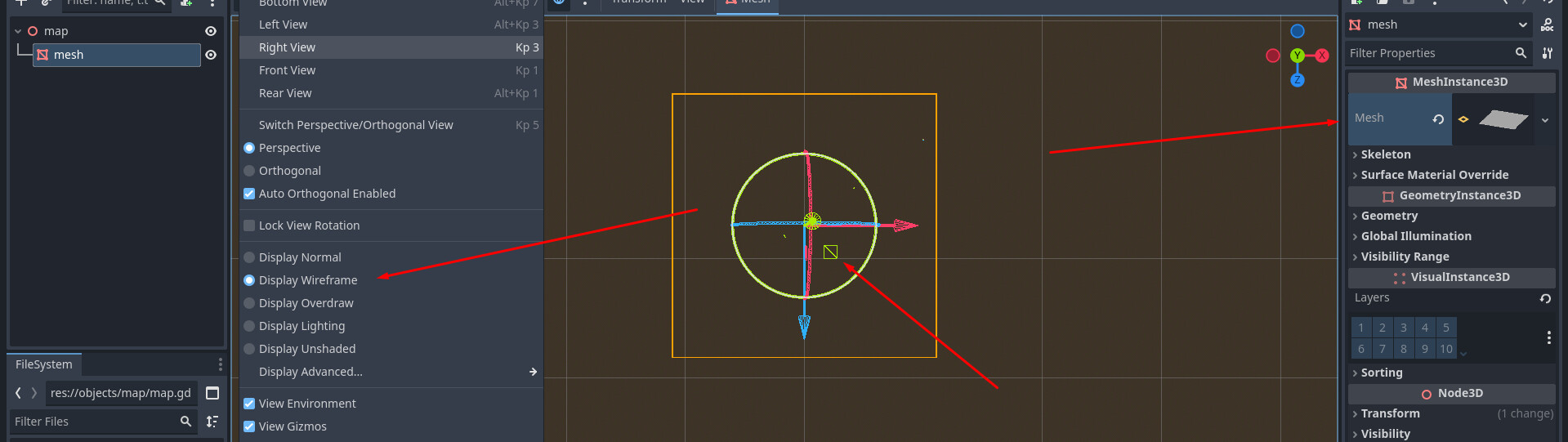
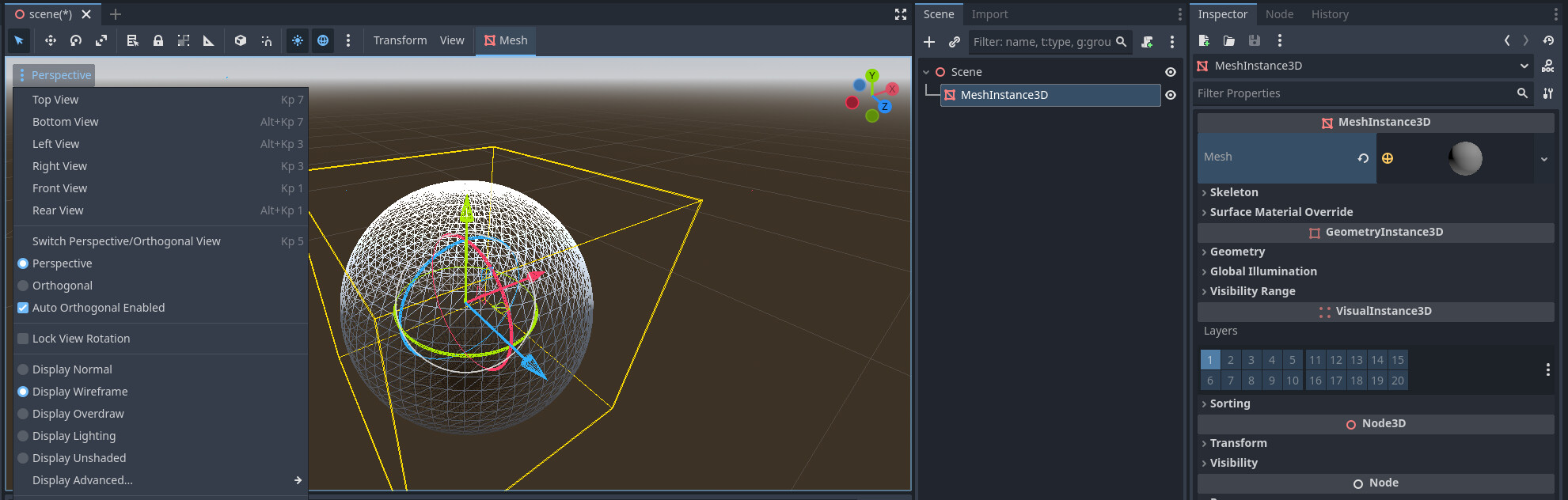
Hello. I trying to learn godot and using documentation for this. According to documentation, i should use display wireframe flag in perspective popup window to see a triangles. But it doesnt work.
(“Then, in the viewport, click in the upper left corner on the Perspective button. In the menu that appears, select Display Wireframe.
This will allow you to see the triangles making up the plane.”). Link to docs: Your first 3D shader — Godot Engine (stable) documentation in English
I appreciate all your support.