Hi! I’m new to Godot. I’ve about two decades of non-interactive design experience under my belt and a couple years in game design, but not a ton of programming experience beyond the occasional small script. I’ve had a game concept in the back of my mind for a year now and it’s time I sit down and do something about it. I’ll reveal details as I dive deeper into the project. For now, this will serve as a place for me to document my progress as I experiment with Godot. I expect this to be a very long term process.
Currently Working On:
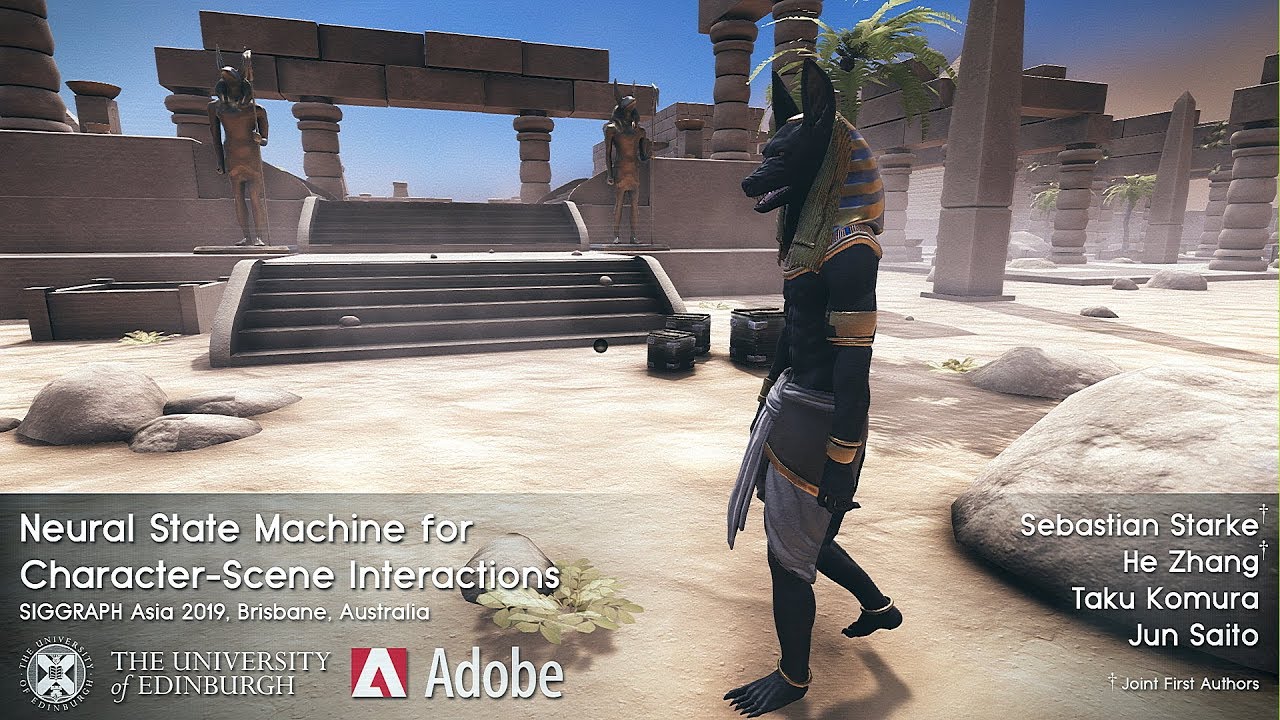
I’m currently prototyping out a procedural(ish) locomotion system based on this GDC Talk I watched many years ago. I thought this would be a fun diving off point to learning Godot.
Long Term Goal:
The plan down the road is to make a small sci-fi shooter with a tight gameplay loop, and simple survival mechanics. I’ve got some unique elements that will be central to the loop, but I’ll wait to reveal those at a later time.
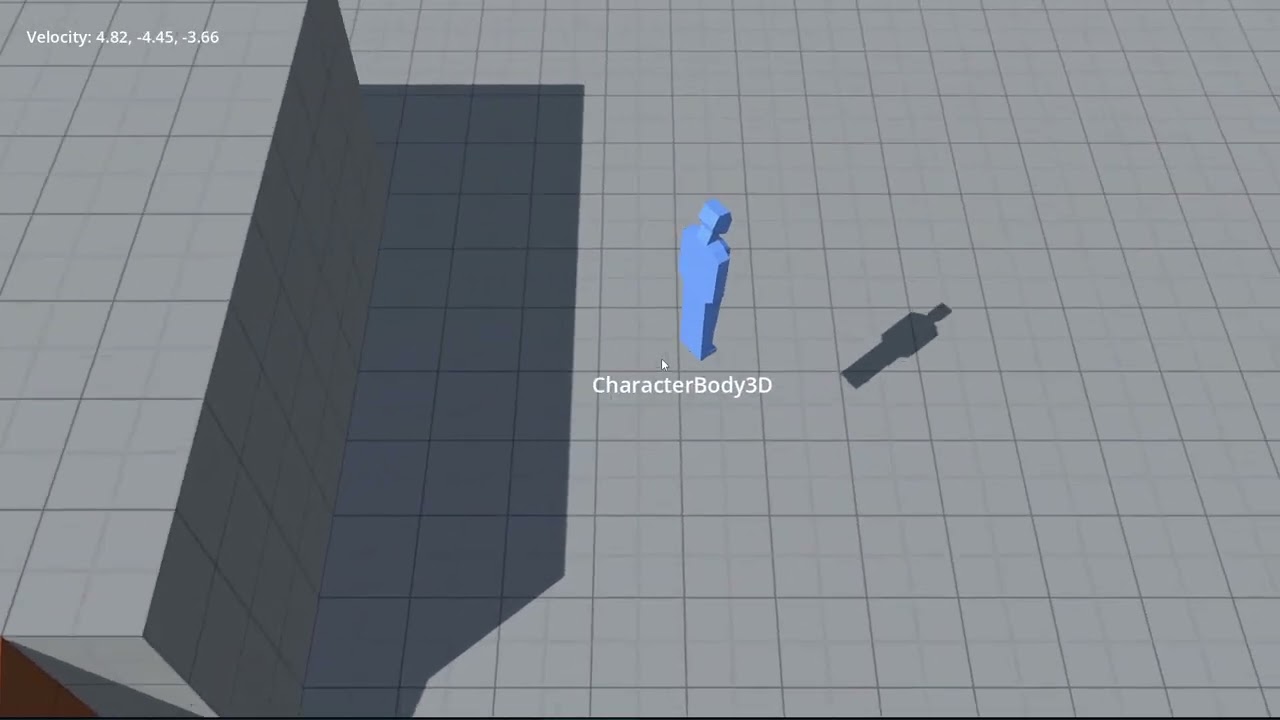
Hi and thank you! Eventually I’ll add in a proper character with run/walk animations, so no, not skiing. But I can see what you mean. haha
I’m actually interested in exploring some procedural animation techniques from an old GDC talk (I’m sure many know the one I’m referring to.) The procedural lean is the first step in that direction.
I went a little while without touching this project, choosing instead to work on several other mini studies and learning various parts of Godot.
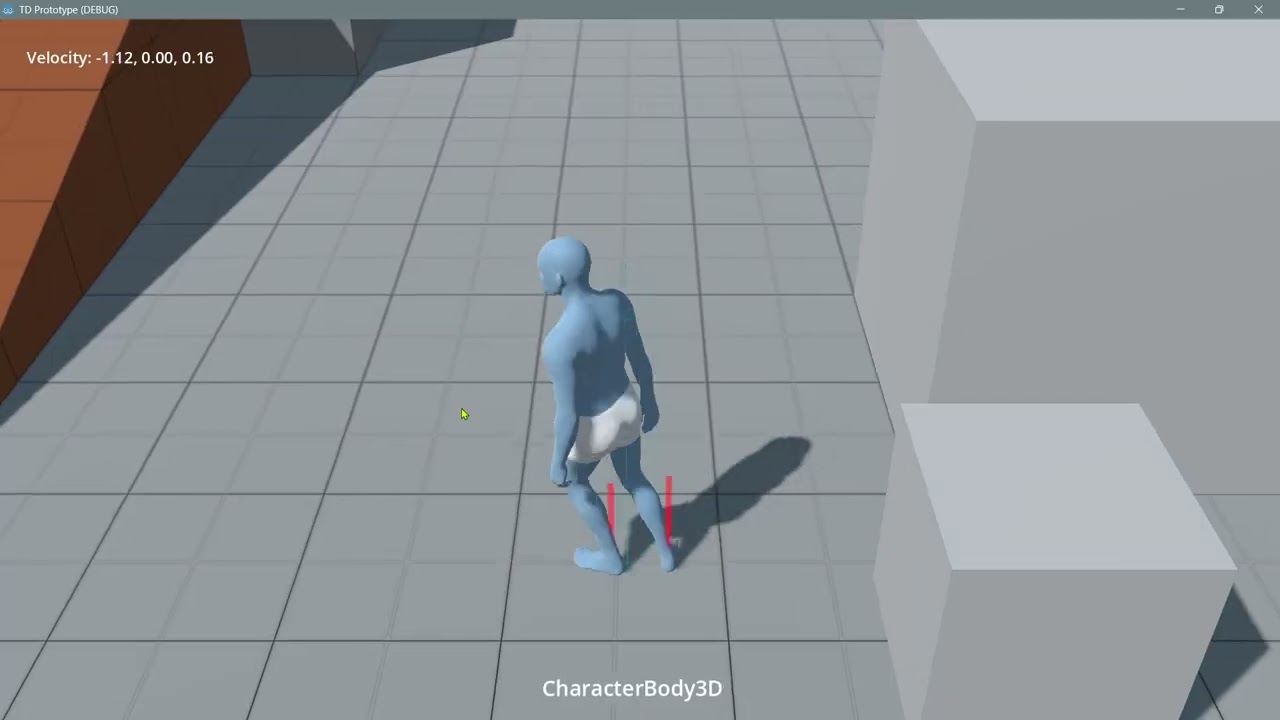
I’ve now created a basic test character rig, and implemented IK and surface orientation for the feet. Now it looks even more like skiing/ice skating, but that’s still not the plan.
I also added a sort of fake suspension to the body, so that there’s a bit of delay when the feet move in elevation. From that I get some jump recovery movement as a free bonus.
Next comes the fun part. pseudo-procedural walking and running!
I think it’s a little too early to say that. Maybe, maybe not.
It’s cool, but sort of the opposite direction I’m going. I’m basing this study on a GDC talk I watched years ago and always wanted to try. I’m not even certain I plan to use it for this project, but I thought it’d be a fun way to learn and familiarize myself with Godot.
Initially, I set up the foot-to-ground orientation by having the foot bones copy the orientation of the IK targets, and adjusting those targets to match the ground. But I could see how this would make adding additional corrective layers a bit awkward. So I set out to manipulate the bones directly, giving me a “ground truth” (pun intended) of the bone pose state.
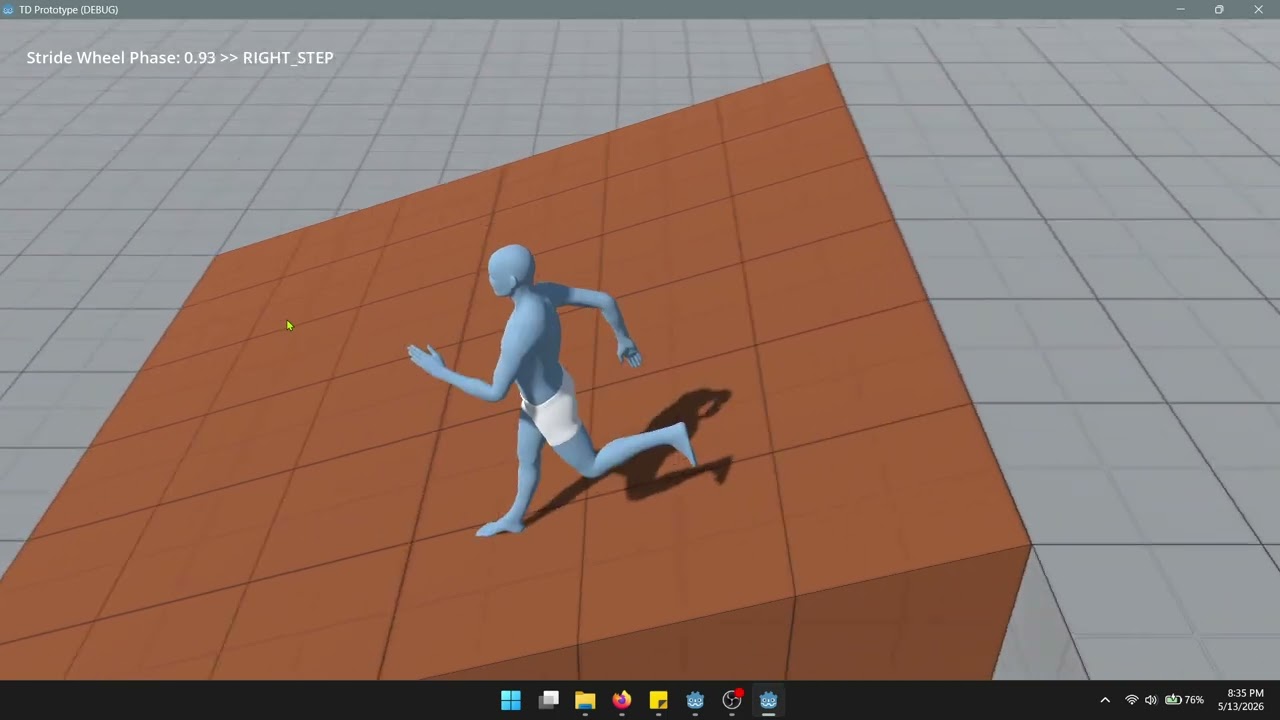
I’m using a movement phase to cycle between 4 poses; The so-called “stride wheel”.
Now that I’ve laid all the ground work (haha another pun), this part was really simple to drop in and just have it work. Fun seeing it come together.
Now before I dive deeper into blending poses, I think I’ll take a step back and flesh out a proper movement state machine. Right now, I just have a basic movement component, but I want to try out some ideas that @dragonforge-dev gave me a while back.
Just sort of thinking out loud here…
I’m not entirely convinced that this stride wheel concept has any meaningful advantage. I eventually plan to implement a blend space for strafing/back peddling, but at that point, I have to wonder if I’m just doing traditional locomotion with extra steps.
I think I just need to change my own perception of what I’m making. David Rosin’s original GDC talk spoke of it as procedural locomotion. But in today’s game design speak, what I’m doing is functionally just modern day stride warping. I guess the one advantage is that I’ll be in direct control of the locomotion cycle, vs warping baked animation. So in theory it’s more responsive. I also have some ideas about blending between multiple pose variations for on-the fly walk/run style editing. Perhaps even a parametric editor tool that would allow me to author a walk/run style and bake the final blend to keyframes. Who knows..
Either way, I’ll continue on. It’s a fun learning experience. I just felt like rambling to myself out loud a bit.
Holy crap. I’m working on a subsystem that is almost exactly what you’re doing.
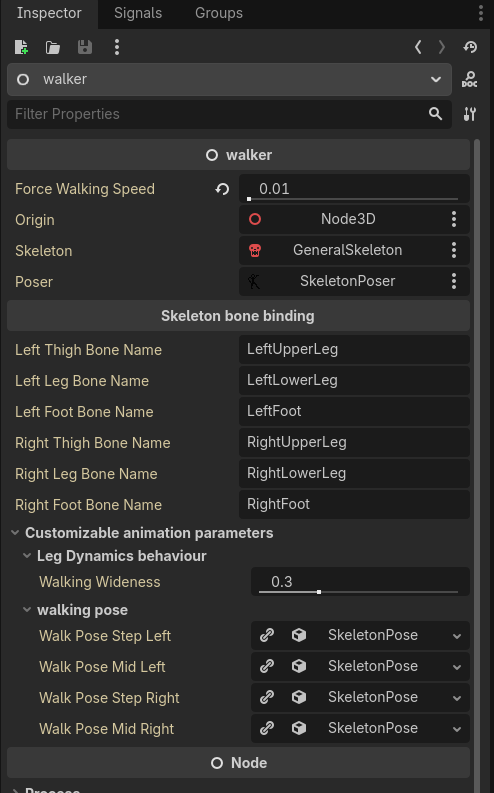
I watched the same procedural animation presentation and i am currently writing my own biped dynamic poser system. On principle i’m doing whatever the talk described, however i am trying to take it to a more reactive and customizable direction. Right now i got:
Walking pose progression based on ground-zero distance (distance from footstep impact point).
Auto-configuration:
IK nodes, poles and targets attach to leg bones by bone-name (as in: “UpperLeg_l”, “Foot_l”)
Walking cycle playback speed scaled by character leg joint lengths (longer legs rotate slower for the same linear speed)
Show me some code, i’ll share some of mine too:
# ensure a clean state on the skeleton before stepping with left foot
func start_walking_step_left(delta:float)-> Callable:
	wsl_ground_zero = origin.global_position
	_release_IK_right()
	_grab_IK_left(origin.transform * skeleton.get_bone_global_pose(lf).origin + Vector3(0,-.1,0) )
	computed_pose.bone_poses = walk_pose_step_left.bone_poses.duplicate()
	#IK_controller
	return walking_step_left(delta)

# logic to compute pose during walking left-step
func walking_step_left(delta:float) -> Callable:
    # interpolate using distance, rather than time (no delta)
	var distance_to_origin = (wsl_ground_zero - origin.global_position).length()

    # footsteps end whenever travel distance is somewhere around leg-length
	var footstep_progress = distance_to_origin / (leg_length)
	if footstep_progress >= walking_wideness:
		return start_walking_step_right

    # interpolate some pose between step left and step right
	tween_bone_set([rt,rl,rf], walk_pose_step_left, walk_pose_step_right, footstep_progress)
	return walking_step_left
Nice! So it looks like you’re creating a traditional procedural system rather than using David Rosen’s stride wheel concept to blend between keyframed poses.
I’ve decided to keep things simple. I’ll author the look of the walk/run by adjusting the pre defined poses. I’ll not show all my code as it’s messy and in a state of flux, but I’m happy to share the stride wheel:
## 0 - 1 phase based on distance travelled - Used for stride pose swapping
func _update_stride_phase(delta: float) -> void:
	if character.speed_zx < idle_threshold:
		if animation_player.current_animation != idle_pose:
			animation_player.play(idle_pose)
		return

	var walk_run_blend: float = inverse_lerp(walk_speed, run_speed, character.speed_zx)
	var stride_length: float = lerpf(walk_stride_length, run_stride_length, walk_run_blend)

	# The stride wheel - Loops 0 to 1 every "stride_length" traveled
	stride_phase += character.speed_zx * delta / stride_length
	stride_phase = wrapf(stride_phase, 0.0, 1.0)

	current_pose_idx = int(stride_phase * 4.0)
	current_pose_idx = clampi(current_pose_idx, 0, 3)
	current_pose = current_pose_idx as GaitPose

	# Change pose
	if current_pose != previous_pose:
		_apply_gait_pose(current_pose, walk_run_blend)
		previous_pose = current_pose


## Change the character pose based on the currently active pose enum
## TODO Swap this out for pose blending
func _apply_gait_pose(pose: GaitPose, blend: float) -> void:
	var walk_pose: StringName
	var run_pose: StringName

	match pose:
		GaitPose.LEFT_PASS:
			walk_pose = &"proto_man_anim/walk_fwd_left_pass"
			run_pose = &"proto_man_anim/jog_fwd_left_pass"
		GaitPose.LEFT_STEP:
			walk_pose = &"proto_man_anim/walk_fwd_left_step"
			run_pose = &"proto_man_anim/jog_fwd_left_step"
		GaitPose.RIGHT_PASS:
			walk_pose = &"proto_man_anim/walk_fwd_right_pass"
			run_pose = &"proto_man_anim/jog_fwd_right_pass"
		GaitPose.RIGHT_STEP:
			walk_pose = &"proto_man_anim/walk_fwd_right_step"
			run_pose = &"proto_man_anim/jog_fwd_right_step"

	if character.is_on_floor() and character.speed_zx > idle_threshold:
		if blend < 0.5:
			animation_player.play(walk_pose)
		else:
			animation_player.play(run_pose)
	else:
		animation_player.play(idle_pose)