same character_select.tscn that now works for 1 player but for two players. Easiest to use the same or dublicate it for two players maybe calling it character_select2.tscn?
Thankful for any suggestions.
Found this:
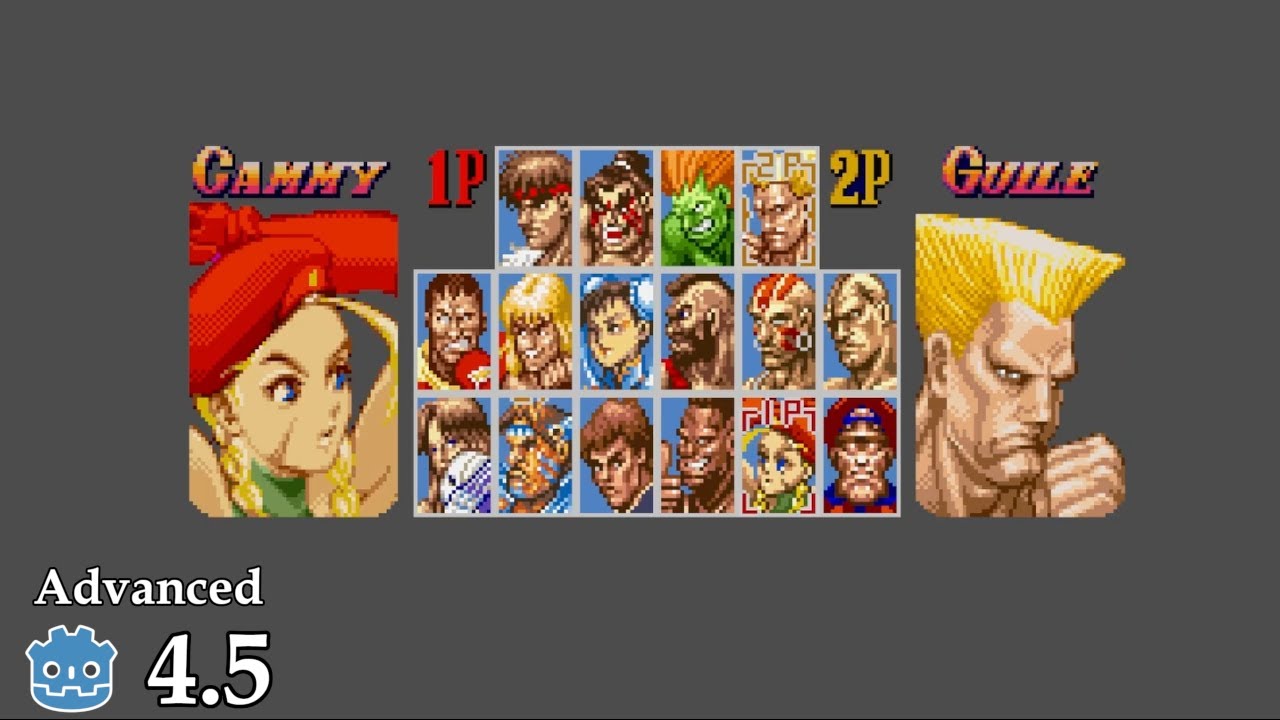
AI-reply:
To create a 2-player character selection screen in Godot,
use an Autoload (Singleton) script to store player choices globally
. Design a UI scene where each player navigates selection buttons using distinct input actions (e.g., ui_up/down for P1, p2_up/down for P2). When a player confirms their choice, update the Autoload variables and transition to the game scene, where you spawn the selected character scenes based on those stored values.
Core Implementation Steps
-
Global State Management: Create a script (e.g.,
GameData.gd) and add it to Project > Project Settings > Autoload. Define variables to hold the selection:gdscript
# GameData.gd var player1_character = null var player2_character = null -
Input Handling: Define custom input actions in Project Settings > Input Map. Create separate actions for each player (e.g.,
p1_select,p2_select) to ensure their inputs do not conflict. -
Selection UI: Use
TextureButtonorButtonnodes for characters. Connect thepressedsignal to a function that assigns the chosen character to the corresponding variable inGameData. -
Syncing Selections: Use a counter or boolean flags in your selection scene to ensure both players have confirmed their choices before calling
get_tree().change_scene_to_file("res://level.tscn"). -
Spawning Characters: In your main game scene, check the
GameDatavariables in the_ready()function. Useload()orpreload()to instantiate the correct character scene and add it to the tree.