I’m trying have very tight control over my CharacterBody3D, but I’m running into an issue where the collider shape is clipping into other colliders when the CharacterBody3D is very close to an edge.
Here’s a GIF of what I’m talking about that hopefully shows what I’m running into:
(Note that the collider in this case is a Box shape, not a capsule. I do want a box collider specifically, not a capsule.)
You can see as I inch toward the edge of the ledge, it starts coming down even before it reaches the edge and clips into the corner there.
Is there a way to get much tighter control over the collision so that it doesn’t clip into the corner like that? I’ve found it will drop off edges when near the edge, even though some part of the collider is still over the ledge surface it’s standing on.
Is there any reason you need such precision? Have you tried altering the safe margin? The display may not be perfectly synced with the actual physics math.
Mainly I’m just trying to have a tightly controlled FPS controller. At the moment I’m trying to implement stair stepping and this clipping problem seems to be at the bottom of why edges have been problematic. I have tried increasing and decreasing the safe margin with no real effect on the fact that it clips when reaching the edge.
For example, this is after increasing the safe margin:
I think you’re being a bit obsessive about it That closeup is enormous.
Make sure you’re using Jolt and try to increase number of 3d solver iterations in project settings. You can play with other solver parameters there as well.
I mean, yeah, it’s a bit obsessive, but I feel like it’s okay to be a bit obsessive since a really solid, reliable player controller is arguably one of the most important parts of an FPS game. And the only reason I’m diving into the micro is because it seems to be what’s affecting the macro. At a macro level things work just fine most of the time. But then there are little edge cases (heh) that I’m trying to clean up.
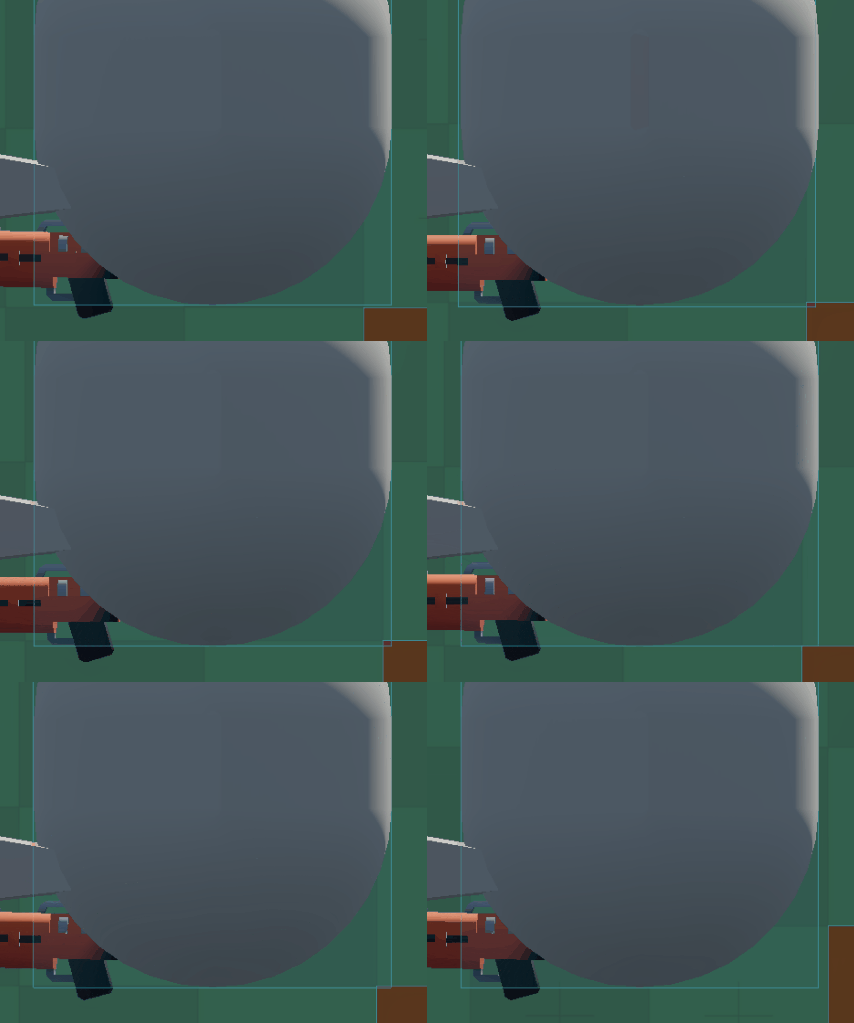


 That closeup is enormous.