I have maybe this trivial question, but I see talking out idea really helps.
So far I discovered how much is possible with few booleans , variables, animation_player and tweens.
But now I starting to think how to keep level in shape I left it before jumping into portal.
Currently it’s loop of one level the portal open same scene, but this of course resets booleans and animations.
Scene need to persist data of dead enemy position and they being inactive, chest opened ( stone queue_free, top lid mesh changed y position ) , portal have finished animation of open_portal where stone is changed colour and mesh with shader is visible with area3d set monitoring ( so player can teleport ) .
What is best way to go about it ?
Make for enemy separate scenes alive and dead and spawn it based on value from resource ?
Chest - maybe storing position of top lid and making stone invisible ?
Portal - I thought about make separate scene as well for open portal scene and spawn it instead of keep track of variables .
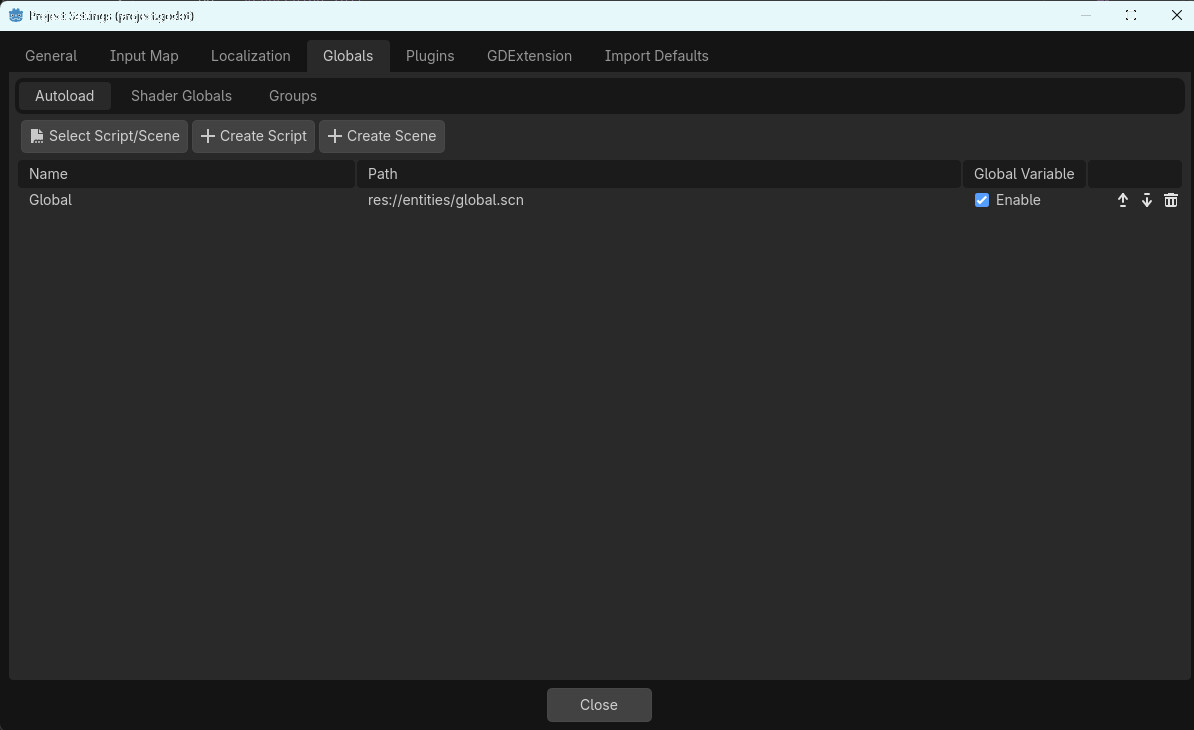
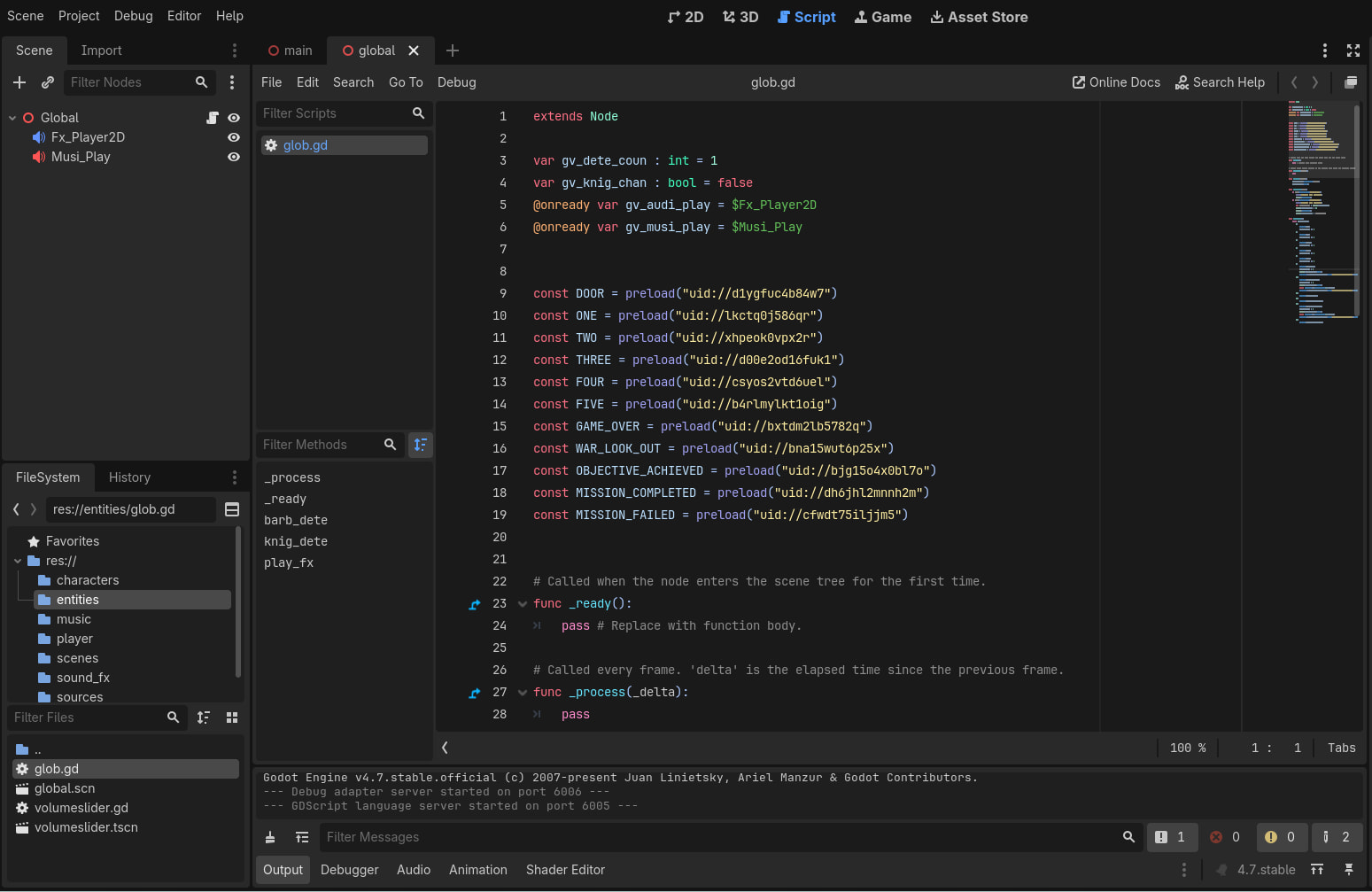
Persistant data can be stored, for the duration of a game, in a Global script. Any variables declared in there are visible to other scenes, and hold their values when changing to a another scene. I declare a Global scene, with an attached Global script, autoloaded, and so always available from the game start. I address these variable etc with a prefix ‘Global.’, ie : ‘Global.gv_dete_coun += 1’, to increment a detection count. Globally available functions may be declared there, and addressed in the same way, from any scene.
Here’s a screenshot of my Project Settings, as an example…
… and the start of the glob.gd script attached to the Global scene…
There may be more elegant or more powerful ways of achieving this; this is my simple way. Hope this helps.
1 Like
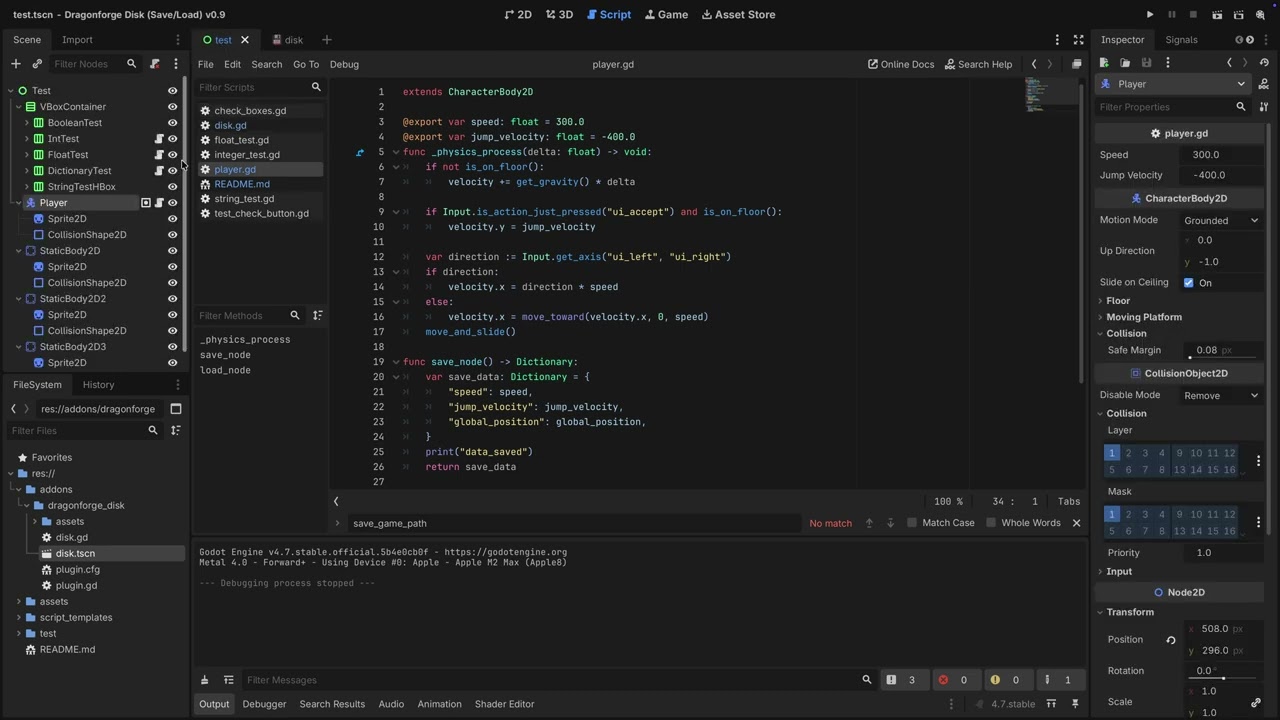
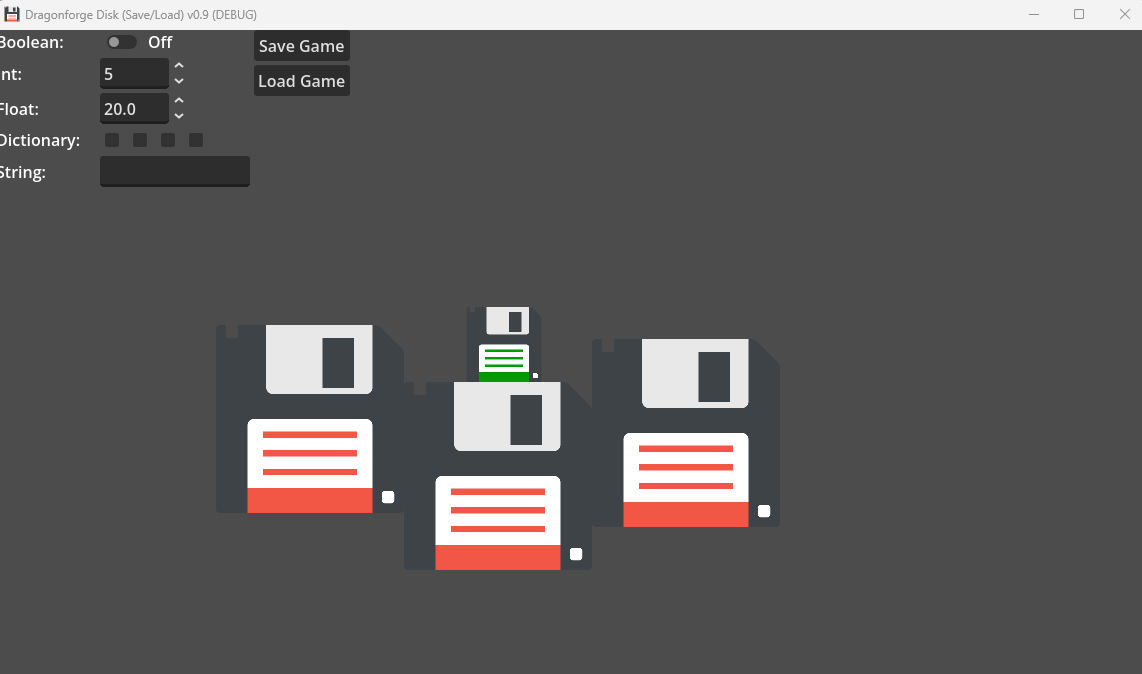
Check out my Disk Plugin. There are step-by-step instructions with screenshots on how to persist data on Disk, allowing you to save it between sessions.
3 Likes
I’m currently testing it by adding things to save .
How would be best to save global_position of characterbody2d and load so it’s not overridden by default one from scene ?
Should I also find game.save in user data ? For some reason when I pass global_position and try load it it doesn’t work, but also print in save_node and load_node won’t print.
I’ve never loaded the global_position of the player, because I always set it when I load a level with spawn points. But I would just try running Disk.load_game() after loading the character into the level.
Yes.
I’ll take a look. The player test is new, and there may be a bug in it.
1 Like
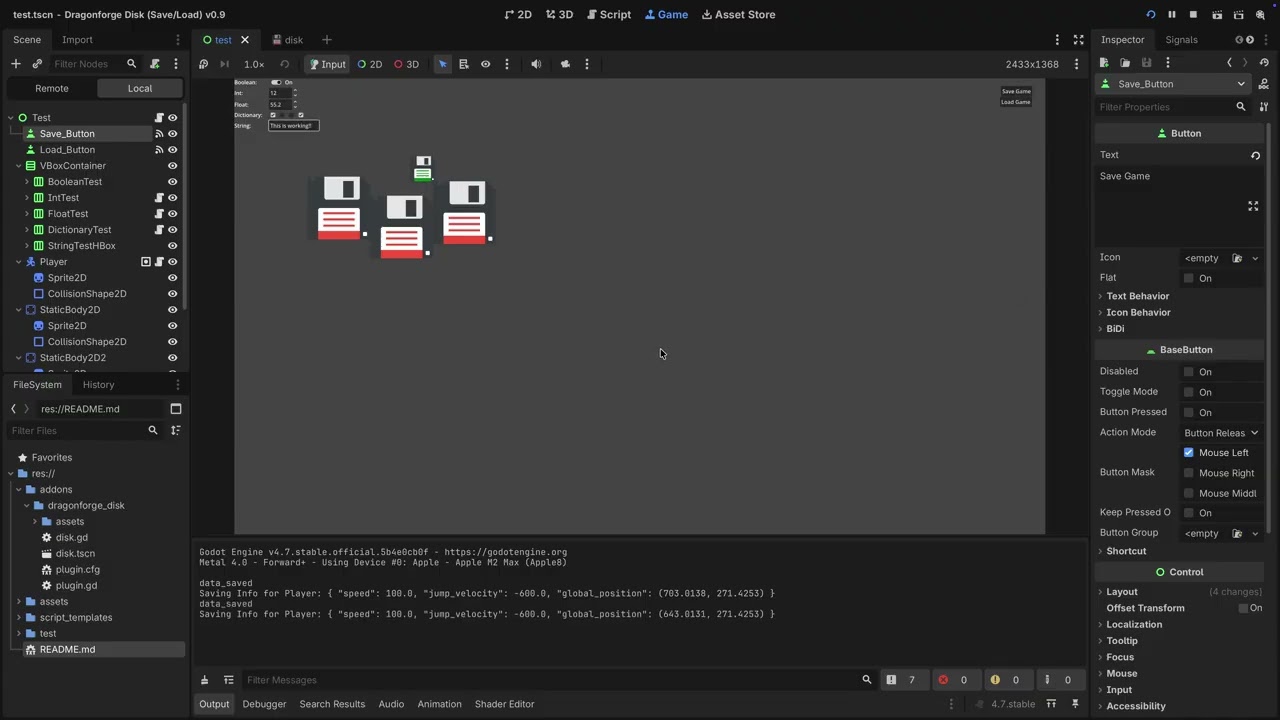
So I made buttons and calling
Disk.load_game() and Disk.save_game() methods worked .
I added a Save and Load button to the test.
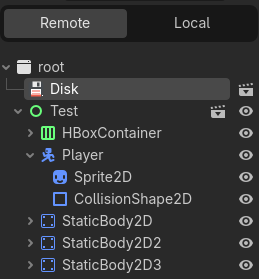
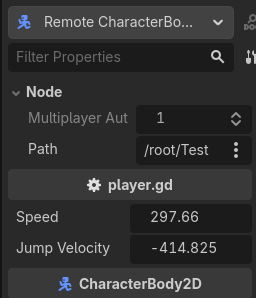
It will now create the save file. Note, if you load values, you need to check the loaded values in the Remote tab. The @export variables will not reflect a loaded value.
I revved the version of Godot to 4.7 and the plugin to v0.10.
1 Like
 read my mind with those buttons
The Save on Quit is currently broke .
1 Like
Good job with it overall, I have few ideas how to use it to make a game keeping the data.
By any chance, where it will save data in web exports uploaded on itch.io?
1 Like
Save on quite requires you to send the quit notification:
## Quits the game, after notifying all nodes, which allows save on quit functionality.
## This should be used instead of [method get_tree.quit]
func quit() -> void:
	print_rich("[color=red][b]QUIT GAME[/b][/color]")
	get_tree().root.propagate_notification(NOTIFICATION_WM_CLOSE_REQUEST)
	get_tree().quit()
1 Like
I don’t remember, but it works.
1 Like
Well, it be interesting to change default quit method for Godot Editor .
So this will likely be only used for button or input action press  .
.
I just followed the documentation:
2 Likes
void EditorRun::stop() {
	if (status != STATUS_STOP && pids.size() > 0) {
		for (const ProcessID &E : pids) {
			OS::get_singleton()->kill(E);
		}
		pids.clear();
	}

	status = STATUS_STOP;
	running_scene = "";
}
I mean this, it seem to handle “quit” and “stop” differently.
Because I thought it will trigger save on stop/quit inside the embedded game window, so it should works in exported game in window mode right ?
Command such as alt+f4 / cmd+. won’t trigger notification ?
I believe Alt + F4 will send the notification, because it’s the same as clicking the close button on the window. However, if you implement your own close button, it must be sent manually.
1 Like
Won’t be a case in browser anyway, I obviously implement load/save buttons and quit.
Suggestions for a minor improvement:
could be autosave with time intervals
Make save slots(such a 10) so multiple states can be used for save/load or override the values in slots
1 Like
So thank you again for plugin, it made scene logic works.
Only small mistake on my side I haven’t putted in condition for interaction switch check, but now it’s working as intended.
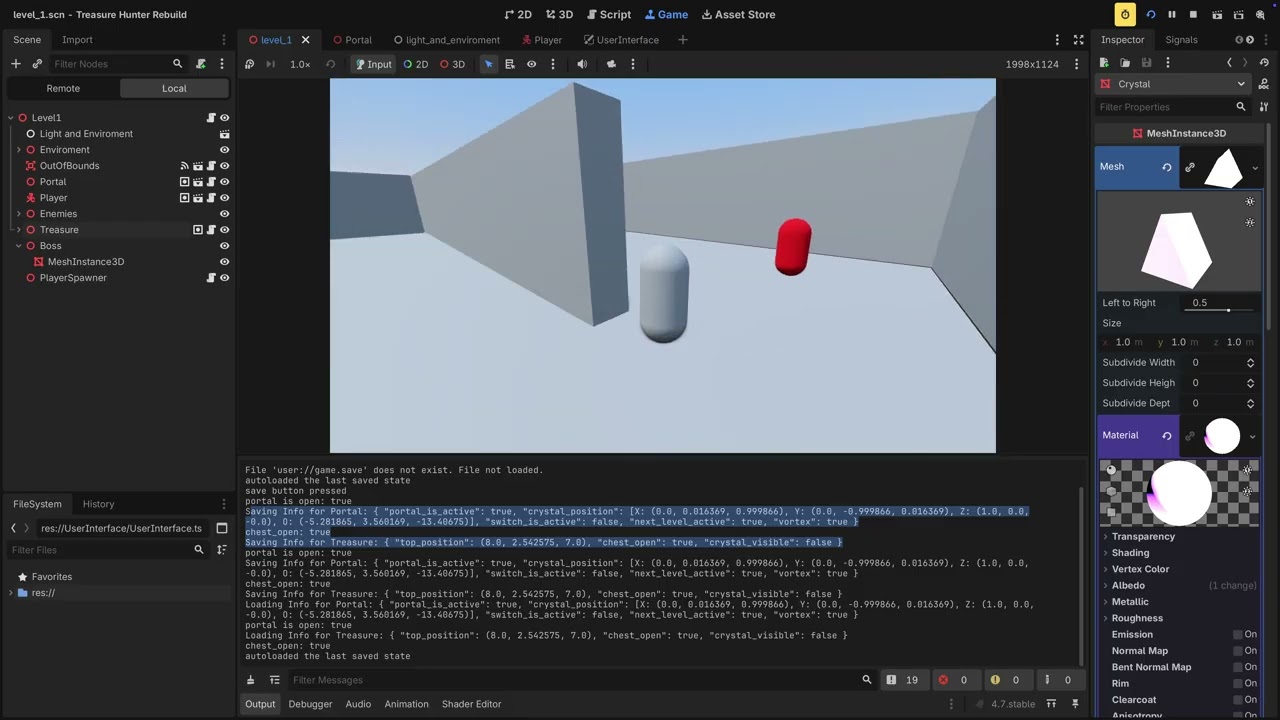
Load save when scene is loaded Disk.load_game() in _ready() , when changing scene via portal it call Disk.save_game() before change_scene .
Only thing which I wonder if I have multiple level don’t I need to add some prefix to separate the logic to not get them mixed ?
Will it throw error if certain node doesn’t exist in current level ?
Such I will have multiple crystal in later levels, but first one have one which is only Boolean to activate area3d monitoring to have played animation of activation of portal, afterwards it’s removed in tweens .
But next level will have crystal as well, which make me wonder since using dictionary as key the name, will it need to be unique for each ? And if it’s missing in current scene then it’s invalid access to dictionary ?
Yes. This system is very basic and relies on the node name being unique. In my Metroidvania, Eternal Echoes, I named each pickup “Heart 1”, “Heart 2”, “Double Jump Heart 1”, Double Jump Heart 2" etc. It helped me keep things organized.
If you wanted, you could change it so you pass a unique name for the data, and use that to retrieve it. But then you still have to change what you’re passing in the code. I simplified it by making it so the node name serves that purpose.
Nope. Everything gets loaded, but If a node doesn’t exist in the tree, it doesn’t try to load its data.
1 Like
The Cogito addon does all that pretty well … although when you add new functional things you have to write the load and save functions. I spent about 4 months making a mobile game in Cogito but never released because of an FPS issue.
1 Like