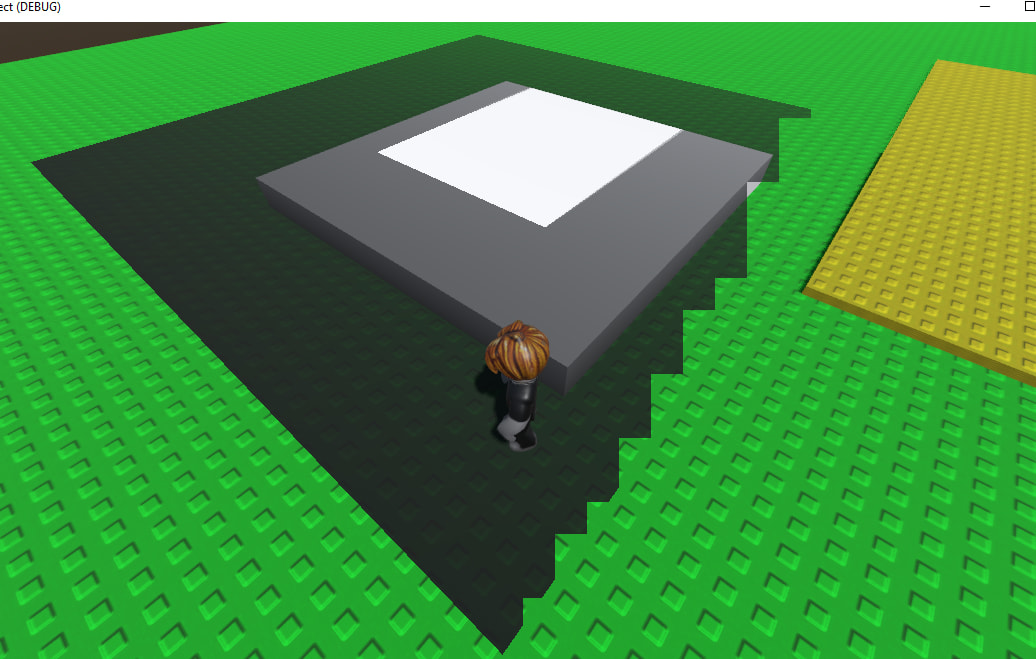
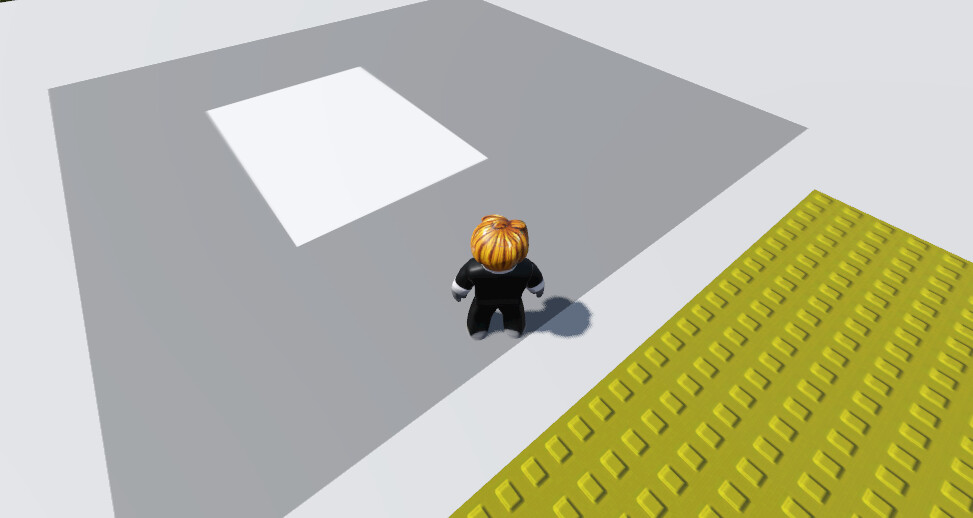
What are your clipping settings in your camera? Did you change them from default? Try to decrease the far plane or increase the near plane. Looks like some kind of z-fighting to me.
I would suggest to use Godot 4.6+, or is there a reason to stay on 4.3?
Could also be a driver issue. What is your GPU and are the drivers up to date? Maybe OS and renderer (Vulkan, DX and Mobile or Forward+) could be interesting, too.
I tested increasing Near and decreasing Far, but it actually became worse.
One important thing: I created another clean project using the exact same Godot version (4.3), and Decals work perfectly there with no edge distortion at all.
So this seems to be something project-specific rather than a GPU, driver, or Godot version issue.
Godot 4.6.2 is light years ahead of Godot 4.3 and a LOT of rendering things have changed. And I get that 4.3 works in another project, but I would still recommend backing up your project and taking the 10-15 minutes it will take to try upgrading it to 4.6 to see if it solves your problem.
It would be interesting to test it on different hardware/system and on the latest Godot version.
I have the impression it’s hardware related, but I’m not sure.
It’s a little bit strange, that in a new scene you don’t get the glitch. It would help to replicate the issue in a minimal scene setup.
"I switched to Mobile and the decal worked perfectly, but then I realized I need Compatibility mode for web export (Yandex Games). Unfortunately, decals don’t work properly in Compatibility mode — they have rendering issues and flickering edges.
Is there any alternative to Decal in Godot that works with Compatibility mode? I need to project text onto a surface (like a sign on a wall/floor/ value of money). Any way thank you for your helping !!!
You could override the material, with a second texture added to the material. Maybe as Detail in the material, with add. Would depend a little bit how flexible you want to display the text. Could need a 2nd UV. Maybe there are better solutions. I’m not sure what is possible with Mobile and Compatibility, I’m rendering only in forward+.