Godot Version
4.6.2
Question
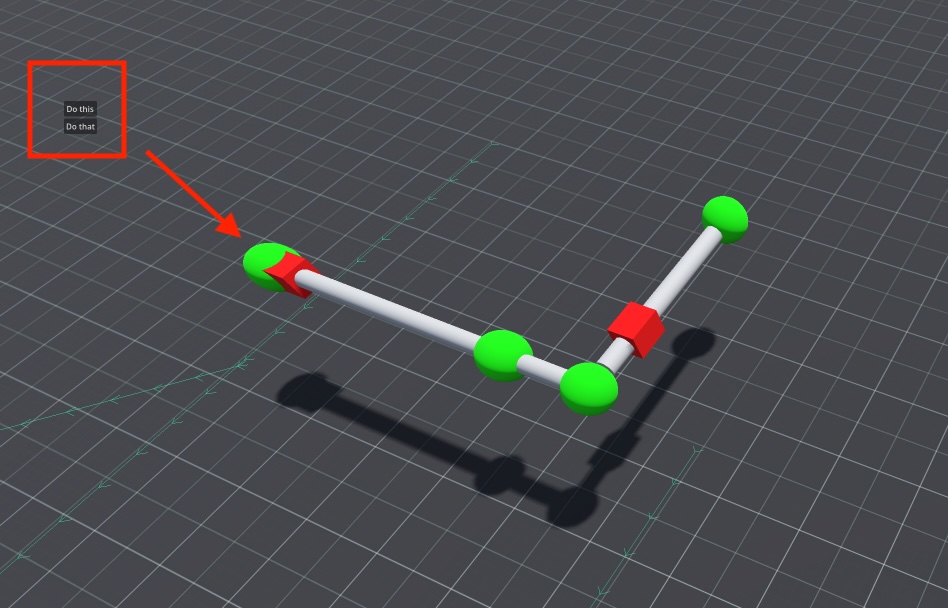
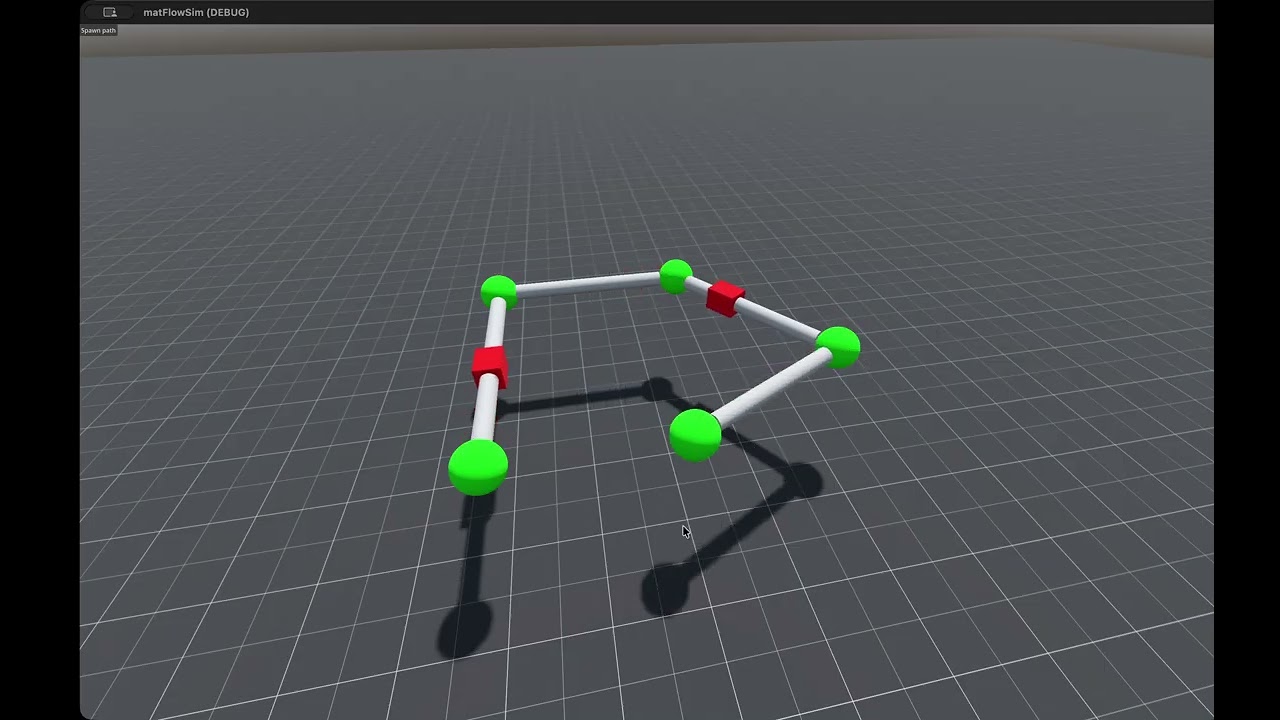
I want to display a context menu when the user is clicking on one of the green nodes of the path.
My idea was to build a scene that has a canvas layer as root and a vbox container with all the buttons (see red square) and then display that at the position of the node when a click on it has been detected.
But how do I know the 2D coordinates of the screen where to move the scene to so that it always appears next to the node?
Or is that whole approach stupid and there are better ways?
Here my script to detect the click on the node (the click on the node detection is working fine already):
func _unhandled_input(event: InputEvent) -> void:
	var mouse
	var result
	if event is InputEventMouse:
		mouse = event.position

		var worldspace= get_world_3d().direct_space_state
		var camera = Globals.camera
		var start = camera.project_ray_origin(mouse)
		var end = start + camera.project_ray_normal(mouse) * 10000
		var query = PhysicsRayQueryParameters3D.create(start, end)

		query.collide_with_areas = false
		result = worldspace.intersect_ray(query)