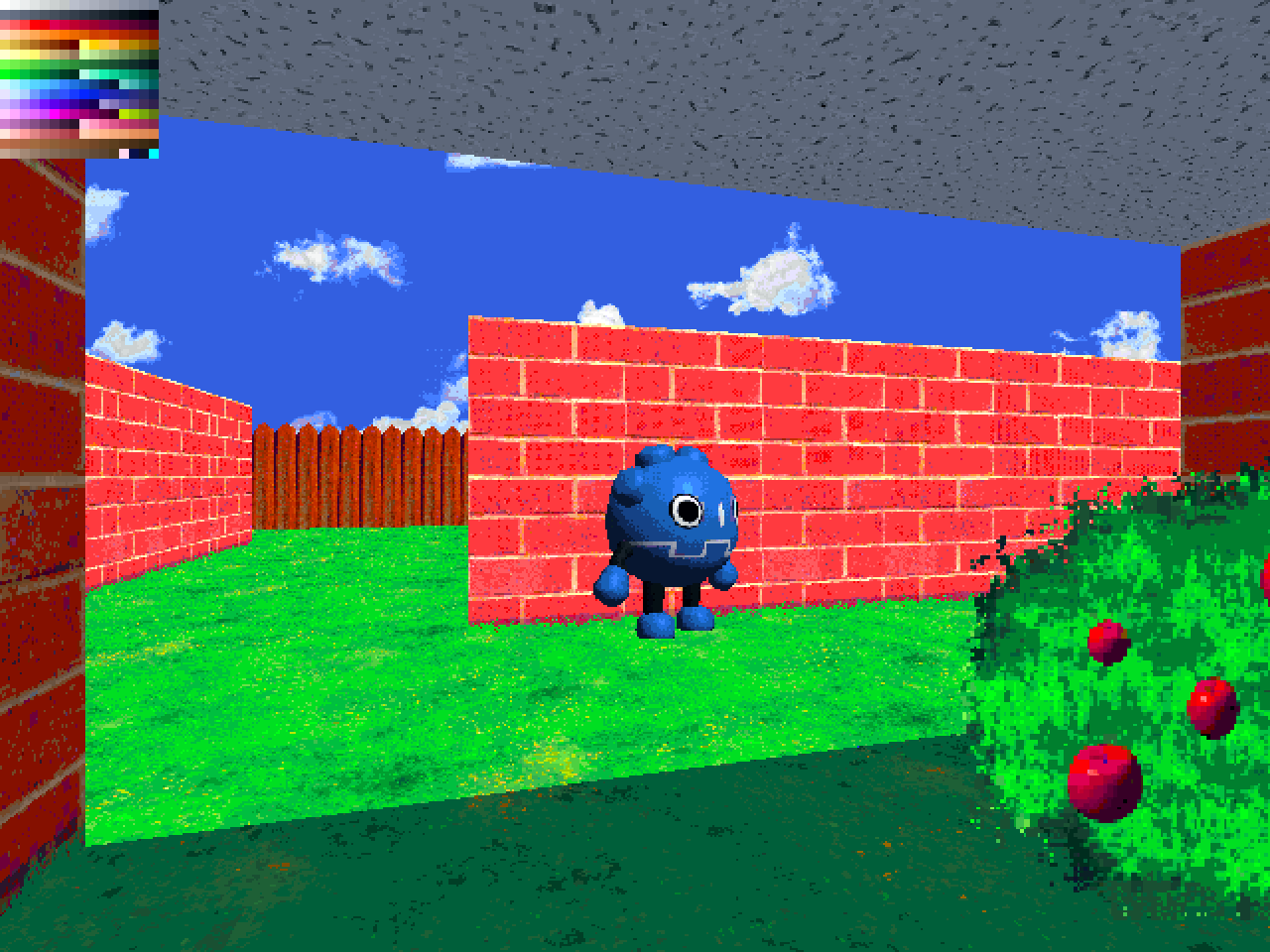
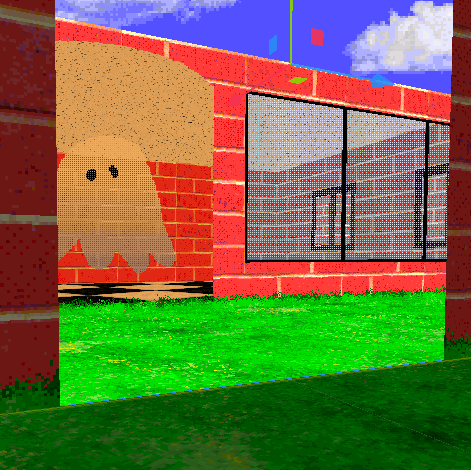
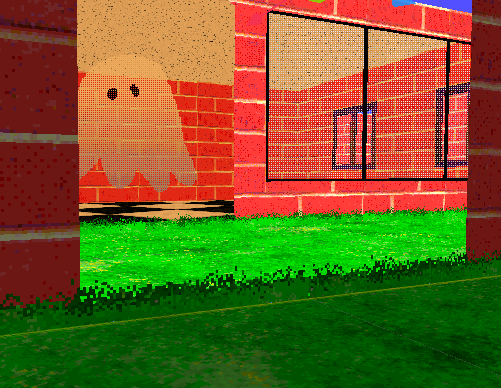
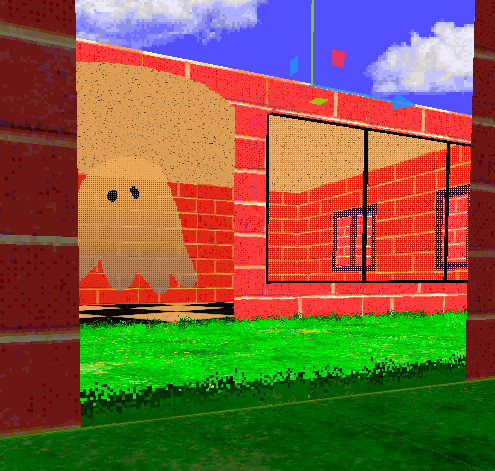
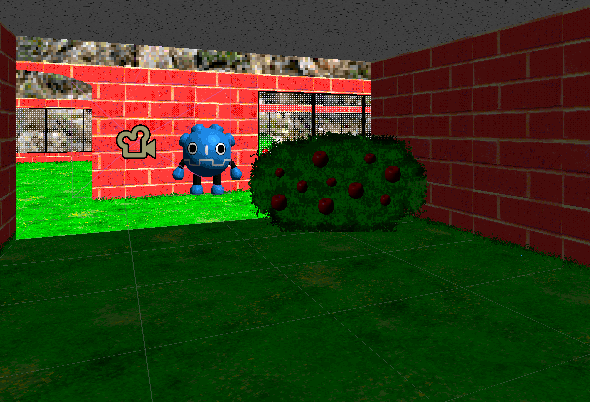
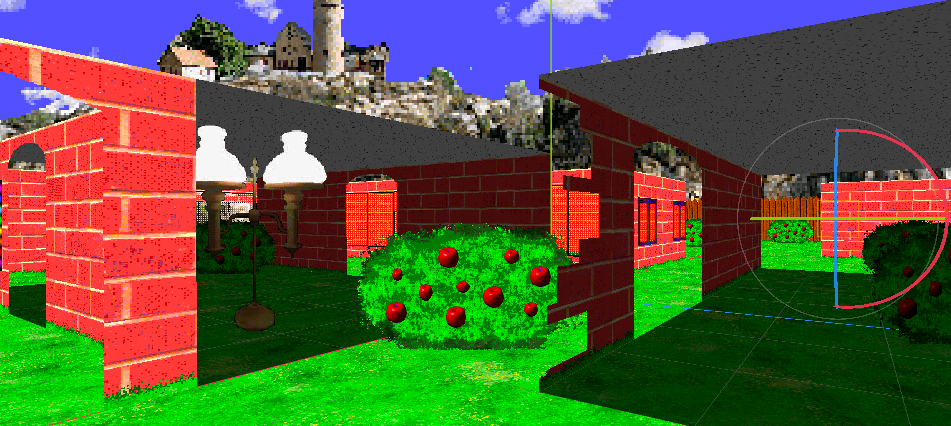
Hello! I’m a bit new to sharing my resources, but as I’ve been trying to solve my own little niche little issue (mainly regarding replicating the lighting in a similar way the games this pack is trying to replicate is, you can find that thread here as I give progress logs), I figured it might be in my best interest to try and make some of the visual resources I’ve used (not including the textures I’m using for my personal project and instead providing some sample textures to use) , adjusted and created open to the public in a pack that can hopefully be used to both provide more resources to anybody aiming for similar visuals as I and perhaps be able to expand upon as time continues.
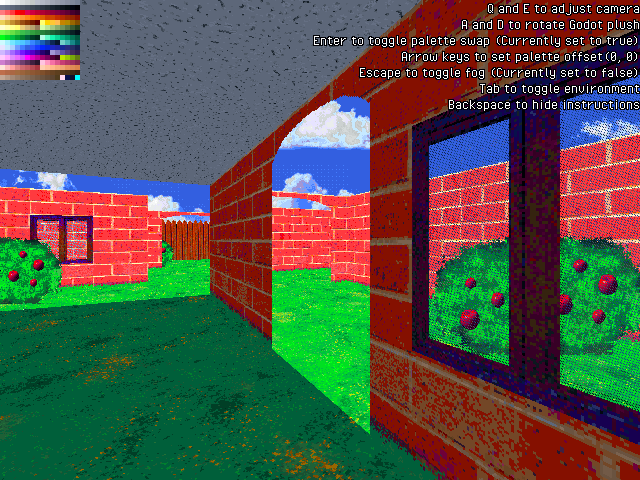
Small update to this pack! Whilst I’ve been trying to work on other projects and tinker to find solutions to the sector lighting issue, I ended up giving the screen palette swap shader a bit of a retooling! It was only really good if you wanted your palette to corrupt originally (not to mention it used a float between 0 and 1 for the offsets so it wasn’t numerically even), but I’ve set it up in such a way now that it both can now function as an actual palette swap and still do weird palette corruption effects: albeit much more accurately!
I’ve also adjusted the test visual map to be a bit different and I’ve added a bit more to the sample project for the sake of testing!
(Mild flashing colors warning, though I don’t know if it’s anywhere near fast enough to cause issues the palette offset is tampered with in the footage so I’d rather put a warning here in case!)
I’ve still got to figure out how to replicate Doom’s sector lighting, the thread I initially made gave some really good leads though I haven’t been able to act upon them and it’s admittedly a bit hard to find the right balance between accuracy and convenience. I’ll be sure to update this if I do find a way to go about that!
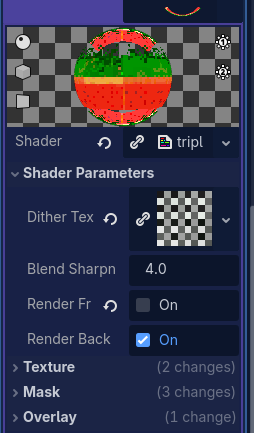
I ended up setting up even more new features for the Doom-esque visual packs! There are now triplanar shaders which can be offset (though they take in floats for emergency cases, they’re meant to take in integer offsets!) along with integer-based rotations! Not only that, but you can also now use masks with your triplanar textures to carve holes inside textures without having to make new ones, along with the ability to use dithered transparency (.. admittedly a bit more akin to Baldi’s Basics Plus’ implementation of transparency compared to Doom, but it looks neat so it’s here!)
Hey there! It’s been a while, though I come with a little update for this pack of mine!
A good bit has been adjusted as I continue to work on trying to solve my troubles and I reckoned I’d share the new progress here!
The dithered transparency effect has been slightly reworked. Originally, it used a hardcoded vec3 table baked into the shader code, but it has since been adjusted to allow for custom dither patterns (by default, the project uses 8x8 bayer dither though there’s a couple other bayer patterns packed in!)
The sky shader, which was originally unaltered for the most part, was given the ability to have transparency: that might not seem like much, but it does allow for the sky to layer nicely akin to 1996’s Hexen!
Billboard sprites now have their own shader: mainly just to apply the transparency effects, though when/if I figure out how to properly set up sector-based lighting this will hopefully be of use there too! Setting that up has also made me consider trying to port the directional sprite shader to support Sprite3Ds instead of relying on MeshInstance3Ds, though I’m not entirely certain on doing that.
Triplanar-opaque.gdshader has been removed in favor of just using triplanar, since as it turns out: discarding parts of the texture practically makes it transparent anyway with no need for depth-prepasses!
Triplanar shader is much more neatly organized, and as you might have noticed from the categories: there is now overlays baked into the triplanar shader! Though this is moreso meant as a support to prevent there from being a ton of next_passes needed for more complex overlays, it can work fine on its own if you only need one overlay!
Overlays, alongside having most of the settings the main texture does, allow you to select how it responds to the mask! You can either have the overlay ignore the mask, follow the mask, or invert the mask!
Big update incoming! I’ve finally figured out the general setup for lightmaps and though there are still some things I’ve ought to iron out (mainly, the ability to automatically create lightmaps which can be adapted dynamically: I’m currently just using a texture I drew on top of as a placeholder) they are mostly functioning! Not only that, but there are also light masks included with this too (akin to the Light Guides found in something like Baldi’s Basics: though they aren’t something that suits my own needs, I reckon that might be a good feature to have being that I reckon folks might need something like that!) They are not on the main branch of the shader pack yet at the moment, they are on a separated branch (check here if you’d like! GitHub - The-HandyDandyman/godot-doom-esque-visuals at lighting_testing · GitHub ) but using the initial advice I was given from the folks in the advice thread a while ago (huge thank you to @normalized especially for giving me pointers on how to approach this: I will be including this person in the credits of this pack accordingly!!) along with my own experimentation, lightmaps are now mostly implemented and functional!
Just for fun, a small extra addition! Though I still need to figure out how I’ll go about creating lightmaps with viewport textures (I have two forms of setting them up in mind, will share in a bit) but I added a small thing I mentioned in the original thread that I thought would’ve been such a hard detail to include: only to find it to be the easiest thing to implement, with a little help from reading over its implementation here: https://medium.com/@jmickle_/writing-a-doom-style-shader-for-unity-63fa13678634
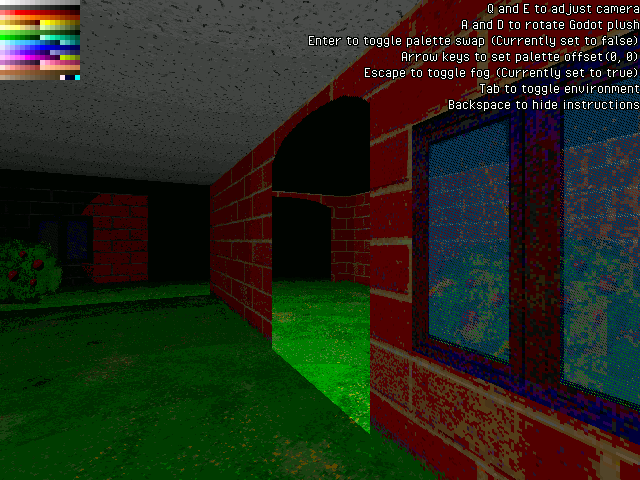
Light diminishing is now a feature that can be toggled, alongside fog which uses the light diminishing values as well (due to it using VERTEX.z instead of length(VERTEX), it goes in a straight line which is a little more faithful to Doom compared to the normal circular depth fog!)! Both of these are shader globals which can be adjusted when needed!