Godot Version
4.3 Stable
Question
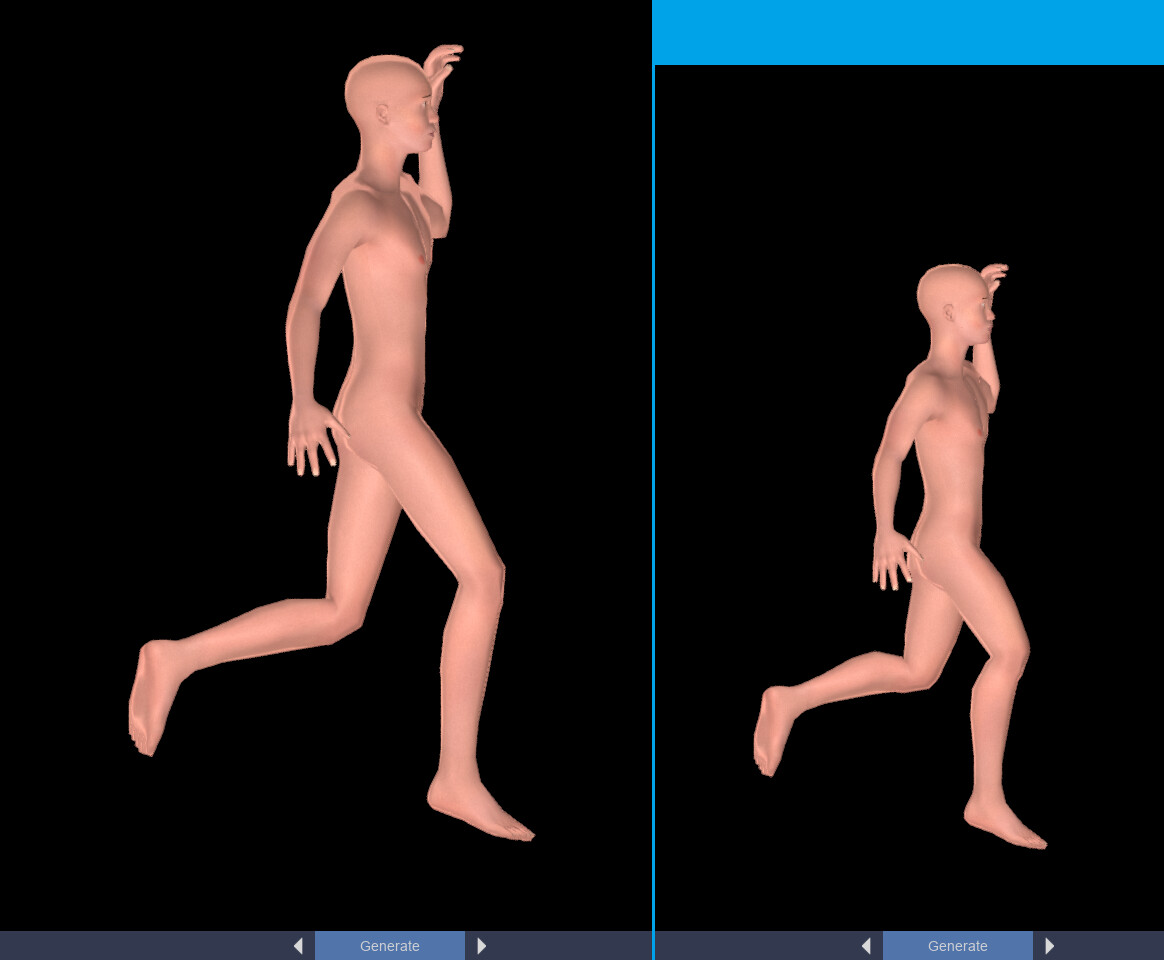
In Godot 3.4 I had a method to edit my skeleton - not it’s animated poses, but it’s rest or base pose. When I made my character taller I could edit the skeleton and the animations would still work.
E.g. same mesh, different height, works fine
In Godot 4 my code appears to do nothing.
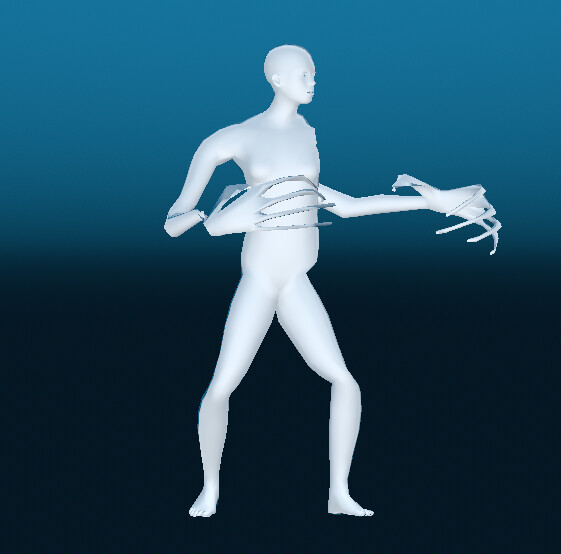
Does anyone know how to achieve this? I make the character taller with blend shapes, but currently I’m creating a monster if I use any non-rest pose.
Extra info:
This is my code that doesn’t work in Godot 4 - the only changes in updating it from 3 were:
-BoneAttachment → BoneAttachment3D
-Spatial →Node3D
-Added ‘boneAttachment.on_skeleton_update()’, as I noticed BoneAttachment3D didn’t get it’s position when first attached.
func updateSkeleton():
	anim.play("apose")#same as rest, no posing at all
	anim.advance(1)
	var numBones = skeleton.get_bone_count()
	for boneToUpdate in numBones:
		var boneName = skeleton.get_bone_name(boneToUpdate)
		if boneName == "Base":
			pass
		else:
			var jointName = getJointNameFromBoneName(boneName)
			var desiredLocation = get_node("bonesGLB").getBlendShapedPositionOfBone(jointName)
			moveBoneToGlobal(desiredLocation,boneToUpdate)
	fixSkins()
	anim.play("apose")#set it back to previous animation if desired
	anim.advance(1)
func moveBoneToGlobal(pos,boneNum):
	var parentNum = skeleton.get_bone_parent(boneNum)
	if parentNum==-1:#no parent, root bone, never moves in this
		pass
	else:
		var parentBoneAttachment = BoneAttachment3D.new()
		parentBoneAttachment.bone_name = skeleton.get_bone_name(parentNum)
		skeleton.add_child(parentBoneAttachment)
		parentBoneAttachment.on_skeleton_update()#this makes it updates its position to the skeleton
		var boneTrans = skeleton.get_bone_rest(boneNum)
		var s = Node3D.new()
		s.transform = boneTrans
		parentBoneAttachment.add_child(s)
		s.global_transform.origin = pos
		skeleton.set_bone_rest(boneNum,s.transform)
		parentBoneAttachment.remove_child(s)
		s.queue_free()
		skeleton.remove_child(parentBoneAttachment)
		parentBoneAttachment.queue_free()
func fixSkins():
	var skin = base.skin#base = MeshInstance3D
	var numBinds = skin.get_bind_count()
	for n in range(numBinds):
		var bindName = skin.get_bind_name(n)
		var boneIndexInSkel = skeleton.find_bone(bindName)
		var gp = skeleton.get_bone_global_pose(boneIndexInSkel)
		var gpi = gp.inverse()
		skin.set_bind_pose(n,gpi)
This was a struggle for me to make in Godot 3, I ended up using BoneAttachments to calculate the transform for me. In Godot 3 I was editing the mesh directly, not using blend shapes. I’m hoping that won’t matter.
I have tested extensively to check the ‘desiredPosition’ is correct, and have confirmed it using MeshInstances:
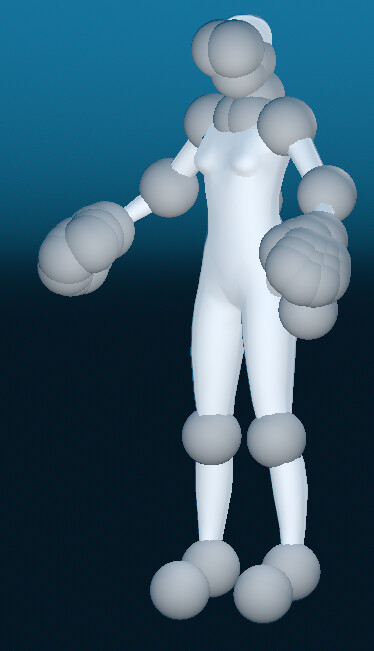
(Tall character with spheres placed at the desired bone locations)
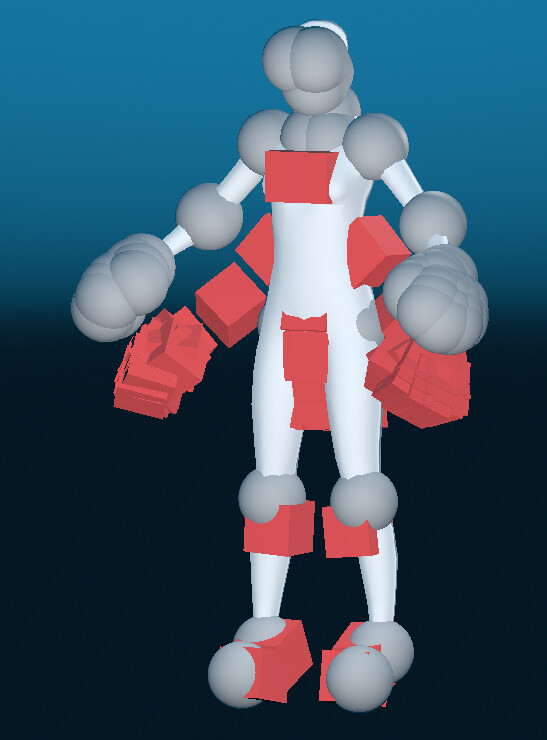
I am using a similar technique to view the results of the bones, this time red cubes, but they don’t move: