Hi my first post and still a rookie so please take it easy.
I have exported my finished game for linux. I work on Windows and have exported for Windows aswell. I get an error only when opening the linux version (with a linux PC). I seames to have troubles with arrays but i only use one array and have no problems listed in Godot.
func random_dir(dir):
	dir = choose([Vector2.UP, Vector2.DOWN, Vector2.RIGHT, Vector2.LEFT])
	print(dir)
	return dir

func choose(array: Array):
	array.shuffle()
	if array:
		return array.front()
	else:
		pass
ERROR: /root: The caller thread can’t call the function `propagate_notification()` on this node. Use `call_deferred()` or `call_deferred_thread_group()` instead.
at: propagate_notification (scene/main/node.cpp:2597)
================================================================
handle_crash: Program crashed with signal 4
Engine version: Godot Engine v4.6.stable.official (89cea143987d564363e15d207438530651d943ac)
Dumping the backtrace. Please include this when reporting the bug to the project developer. ERROR: FATAL: Index p_index = 1 is out of bounds (size() = 0).
at: get (./core/templates/cowdata.h:193)
Game/Holistication.sh: line 4: 6387 Illegal instruction (core dumped) “$base_path/Holistication.x86_64” “$@”
doug@tux ~/Downloads$
The issue with Linux though is different distros with different windows manager (x11 or Wayland).
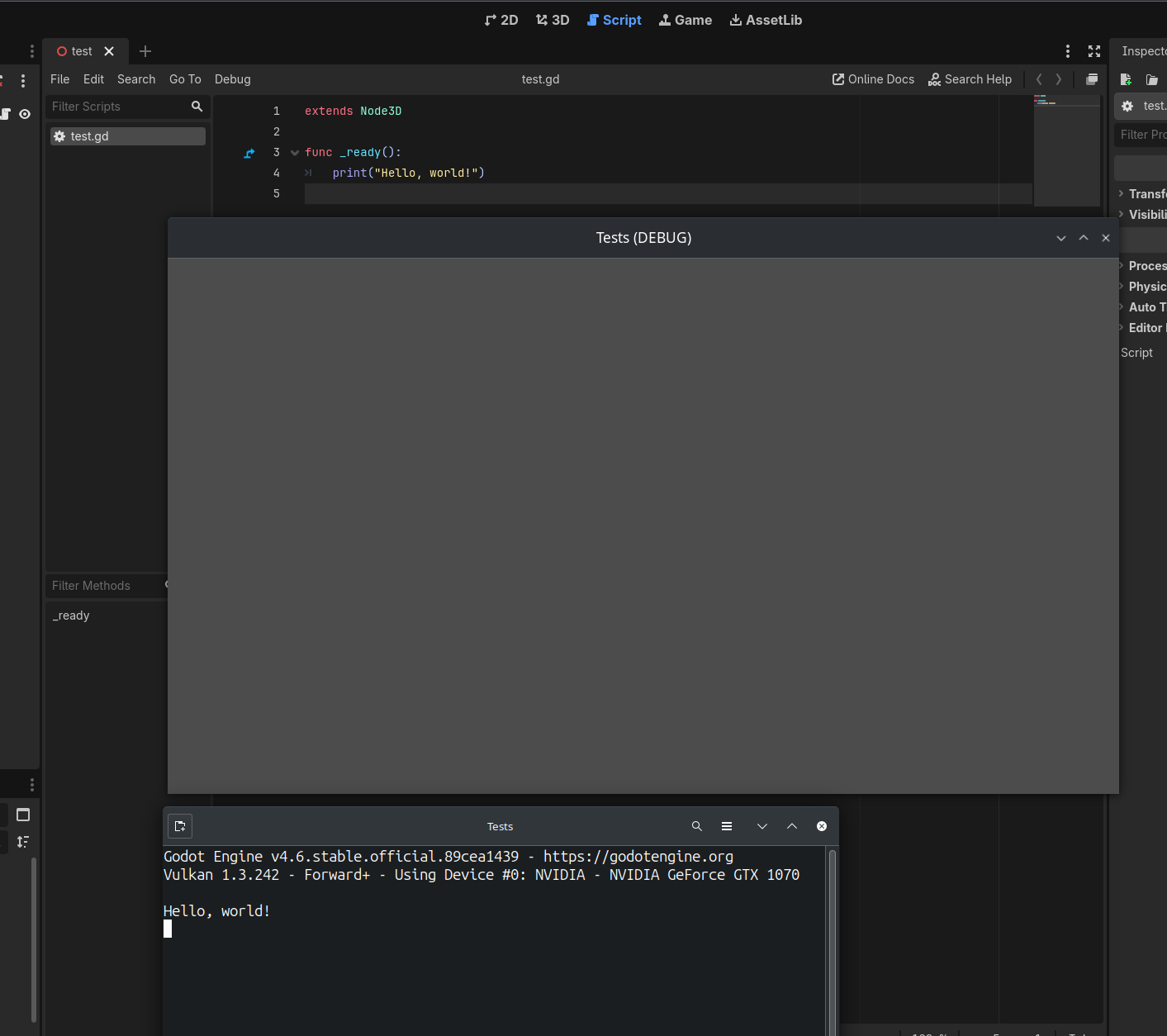
Just seems to me like thats where the issue is. The function that its crashing on literally is used for print commands:
And whilst there is nothing wrong with prints, I wouldn’t have them in my code for a final release.
Create a separate version for the final release (which is best practice) and remove anything like that. Literally creating log entries to an editor that does not exist (although could be redirected to a in-game ‘console’ if that was required).
You could use feature tags to hide anything like that in a non release version I guess though. (or preprocessor tags in c#)
Yeah I have been slowly implementing switches. I’ve considered using the new logging class. But I export debug versions a lot and want that output for now. Creating a separate version for game jam games is not necessary.
This is not how this works, as long as Engine.print_to_stdout has not been changed from the default of true, then any print call will output into the console that started the process on the stdout output stream. The reason you should use push_error and push_warning is to not pollute the stack trace.
On Linux it will be either the console you launched the executable from, or it will be piped to the compositor/graphical server, so it will always be “printed” in some capacity.
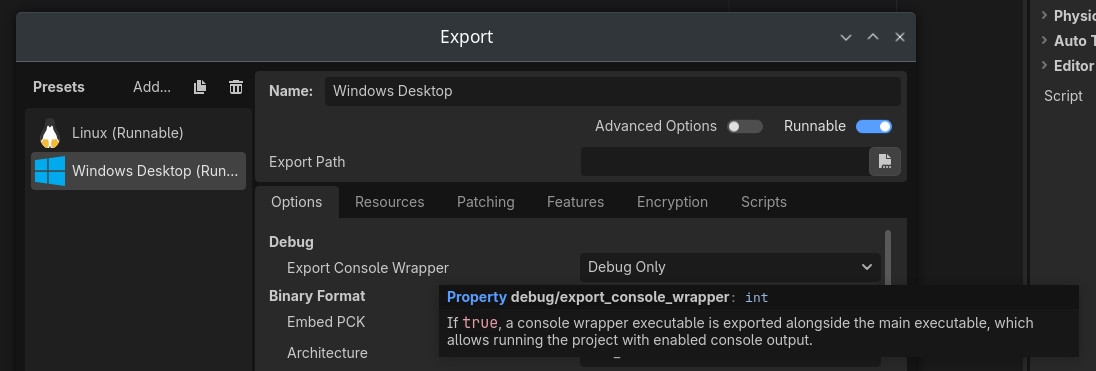
On Windows, even if you launch the .exe without the console wrapper it will be handled, but God knows where it gets piped to…