Godot Version 4.1.2 (v4.1.2-stable_win64)
Question
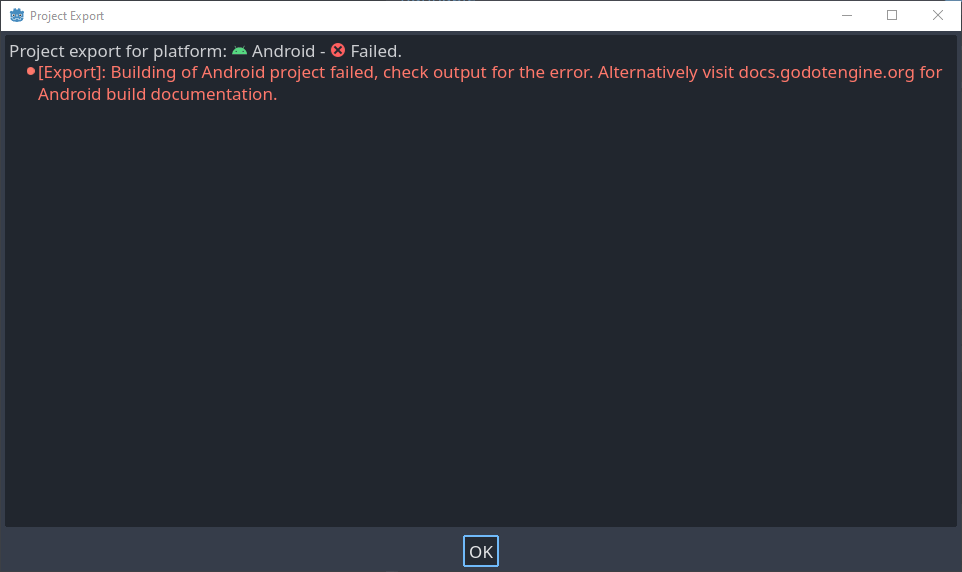
There’s another window that pops up whenever I get this message:
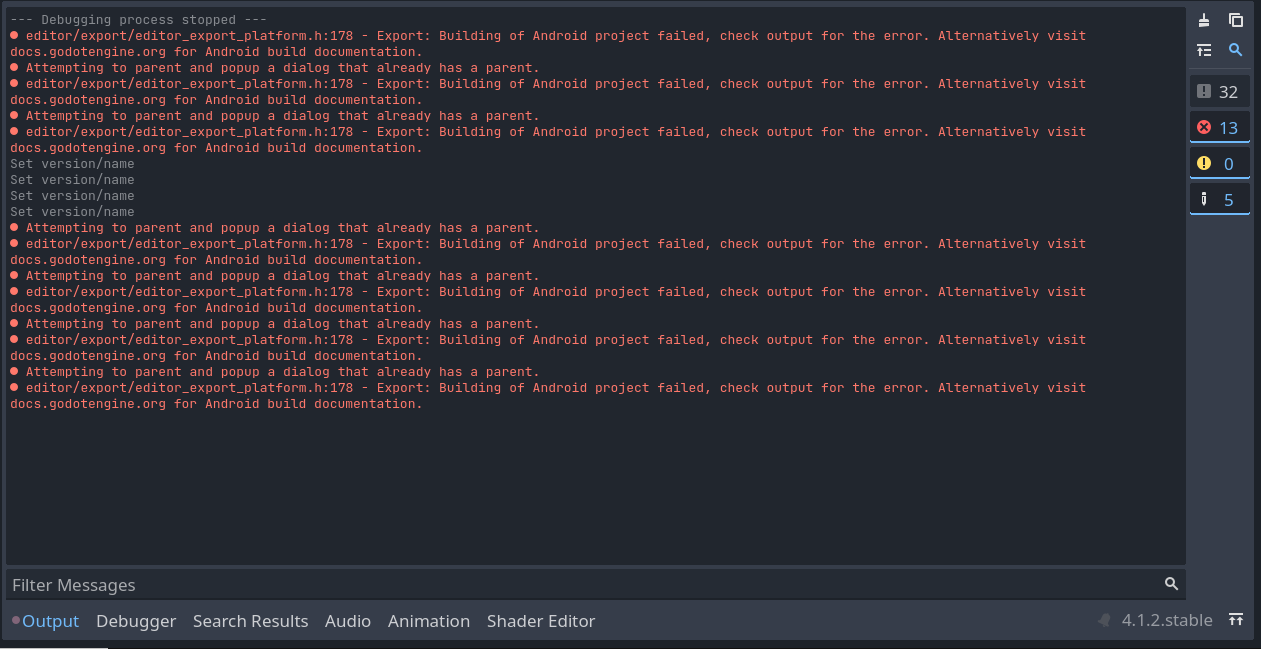
I keep trying to look to the output, but there’s nothing there except the Godot Documentation links…
(can’t post the pic bc I’m a new user?!)
I’ve seen dozens of other problems people have, but not a single one is like mine - it just fails to work.
I was in the middle of an Android Studio downloading session, then hit the Background button to close the dialog. I started a CMake download during that time. Maybe that has something to do with this problem?
Here’s the second pic with the debugger:
*…Mostly Resolved, at least!
So it turns out I just needed to install the template which my Godot 4’s export menu said was the default (33 was the default, I installed Android Studio SDK Build Tools 33.0.2 and the problem fixed itself!)
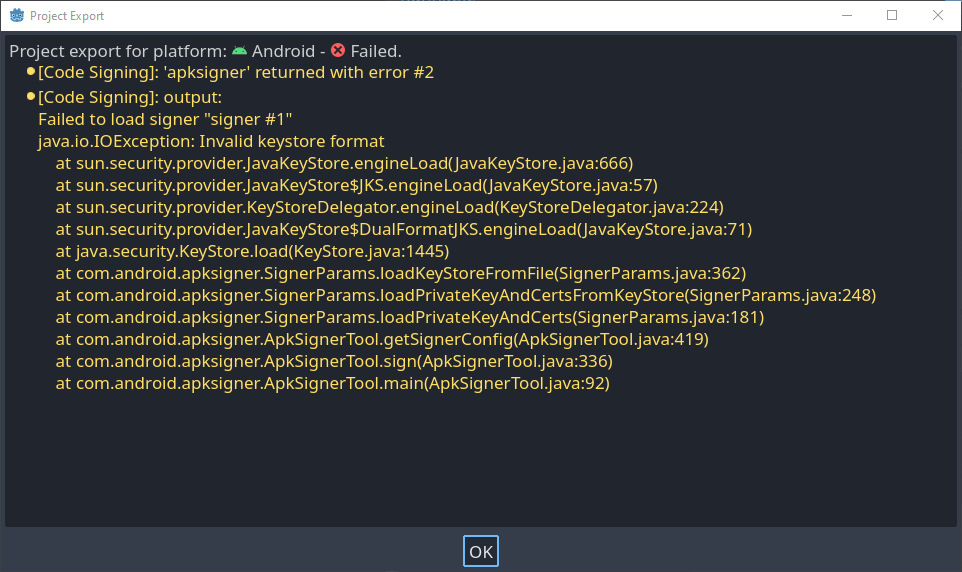
Now I just run into this screen:
I feel a bit silly leaving this trail of self-replies, but I figured that its better to have a bunch of info in case a person better at Godot than me stumbles into it.
1 Like
How did you generate the keystore? Is it a debug keystore or a release keystore provided by Google Play?
Does the path to the keystore file contain special/non-ASCII characters?
1 Like