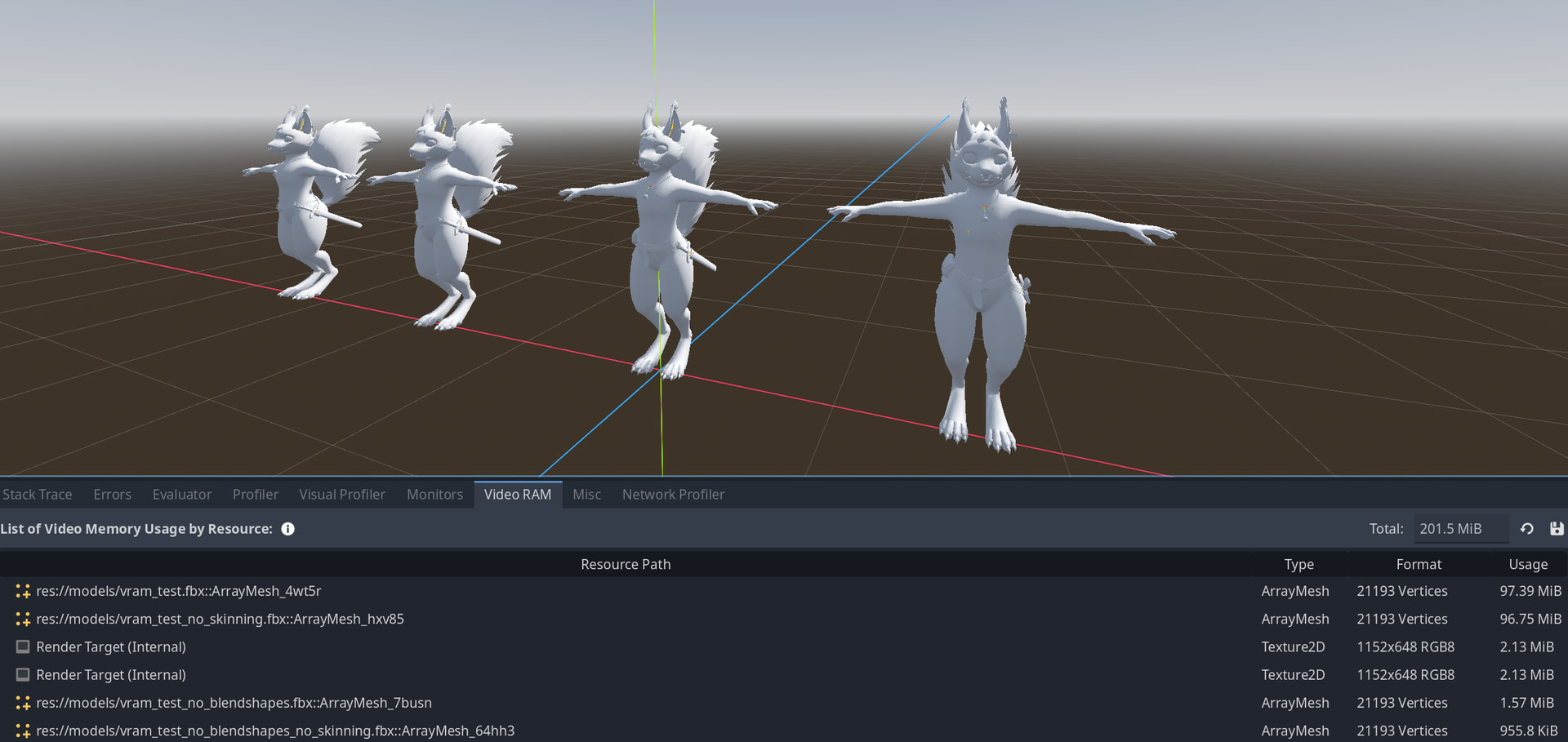
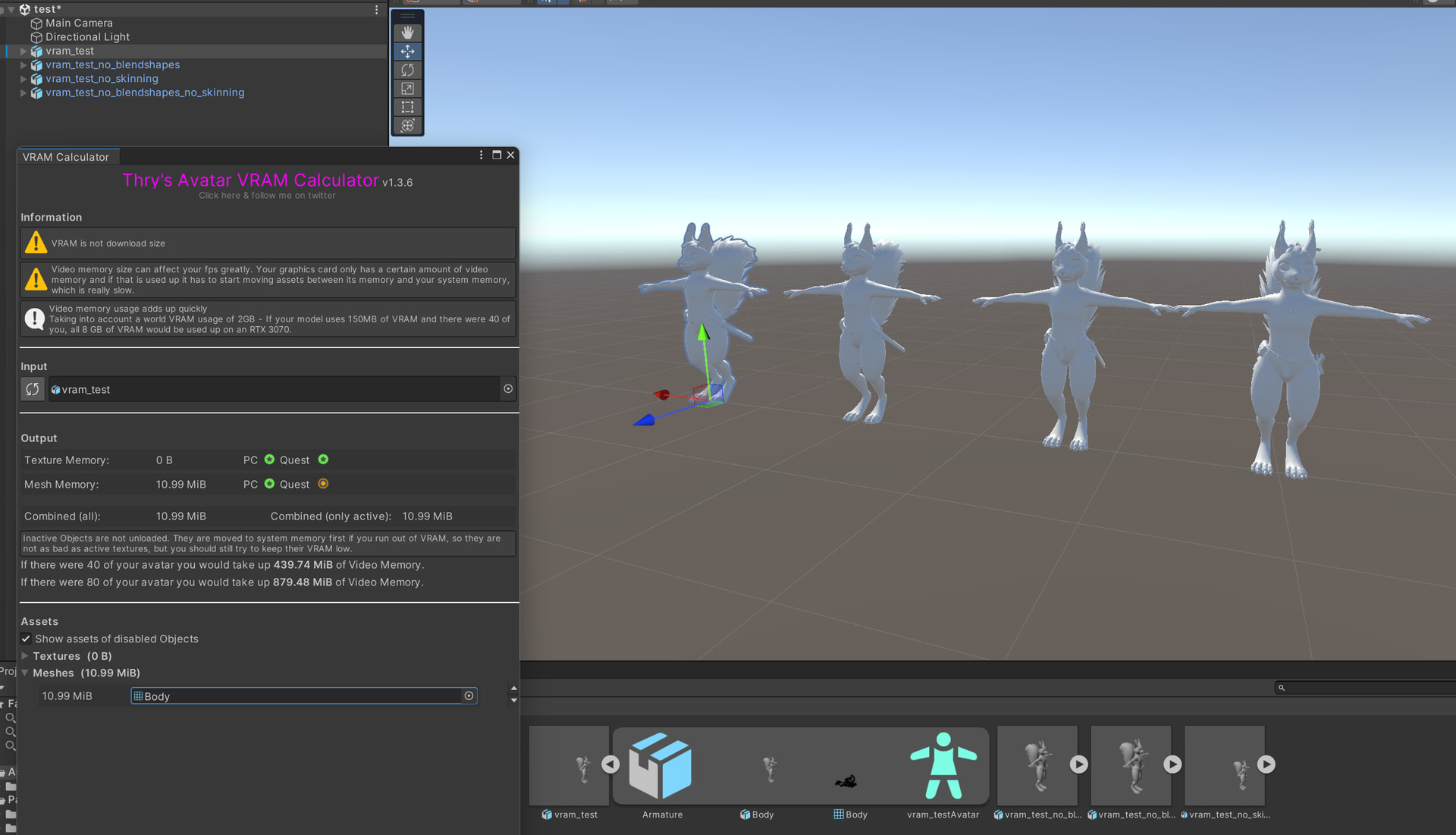
I noticed some extreme VRAM use for meshes with blendshapes.
I’m not 100% certain whether I just configured something wrong, or this is a bug.
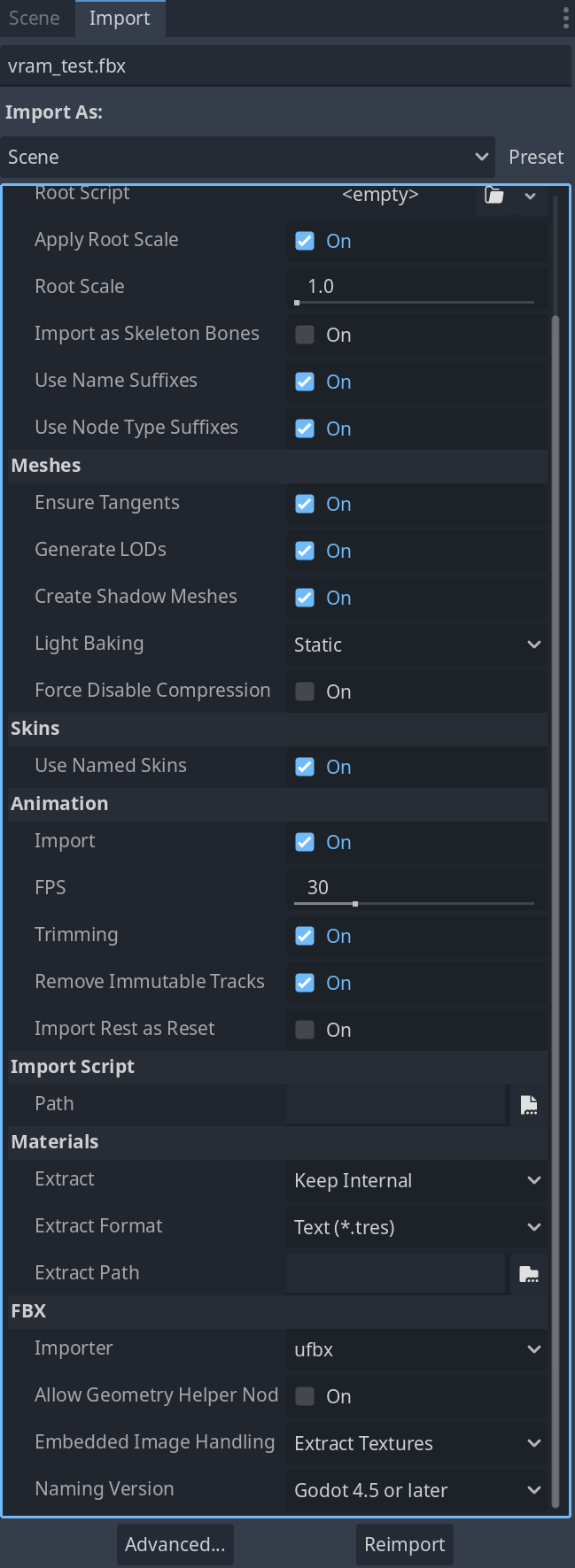
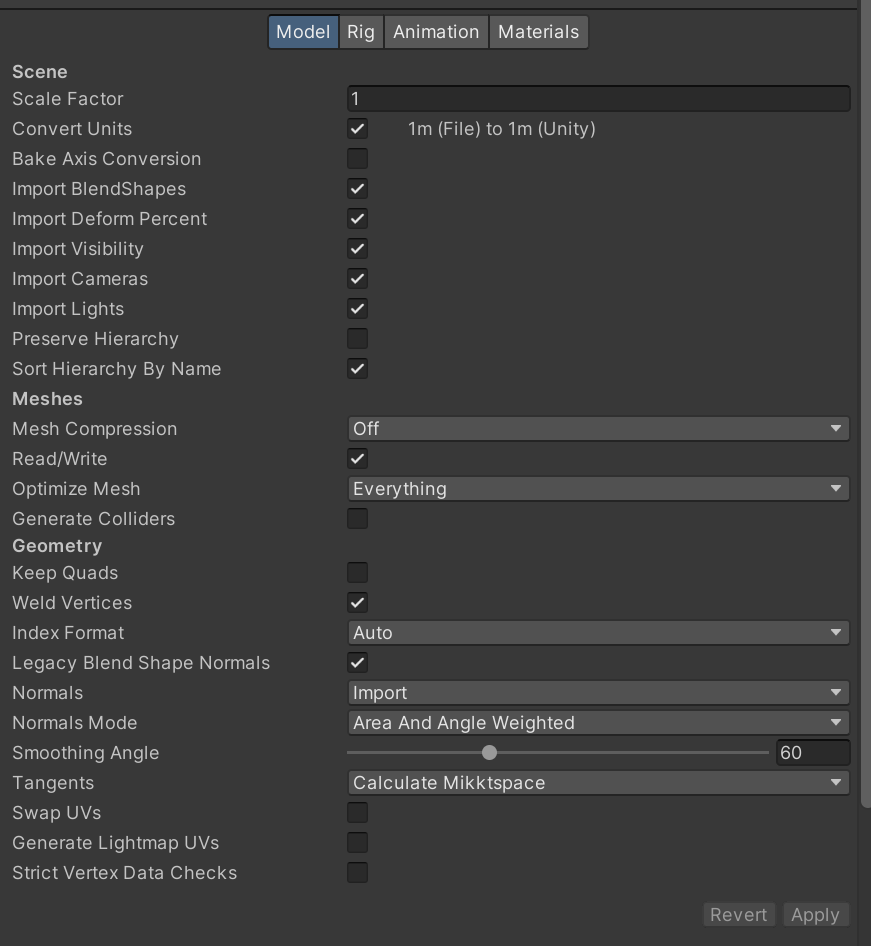
I compared the same mesh with and without blendshapes & skinning, between Godot 4.5.1 and Unity 2022.3.22f1.
The model has 237 blendshapes, including a big set of lip-sync shapes, which affect only a small part of the mesh.
If it’s not me having configured something wrong, this would make Godot not yet well suited for 3d games with medium or higher fidelity character models.
A possible reason, if I haven’t configured something wrong, could be that Godot stores blendshape values for every vertex, even if that vertex isn’t part of the blendshape. Is that correct?
From my understanding it’s generally unfavorable to have mass amount of shape keys like this in most cases, not just Godot specifically. Even trying to re-export this mesh from Blender as glb froze my PC for a second, and the file size ended up being a whopping 10 MB. Although yes it does seem like Godot handles shape keys for all vertices of the mesh, even if they are unaffected, and Unity handles it in a better way. So this could be more optimized, however all things considered I believe using skinning instead of blend shapes will be more optimized in most cases. Another thing you can do is separate different parts of the model into their own meshes, and remove the shape keys that don’t affect those parts of the model, but that still results in rather large VRAM usage. I’m also seeing a decent amount of shape keys in this model that don’t seem to serve any real purpose, which can be removed.
From what I know blend shapes are usually used sparingly when it comes to any game-ready models, definitely not in the hundreds. For example: in my game I have a 30K tris character model. The skeleton has over 130 bones, and there’s only about 10 blend shapes. The model uses up about 2 MB of VRAM.
From my understanding it’s generally unfavorable to have mass amount of shape keys like this in most cases, not just Godot specifically…
… I believe using skinning instead of blend shapes will be more optimized in most cases.
… From what I know blend shapes are usually used sparingly when it comes to any game-ready models, definitely not in the hundreds.
That’s pretty much correct, unfortunately in some cases you just don’t get a choice. Take for example rpg-games like Skyrim, with an insane amount of character customization and large numbers of NPC’s.
In my case specifically, it’s due to the model being setup as a VR avatar, where you don’t get a choice. The respective SDKs require these blendshapes. (At least in my Unity setup, about half the blendshapes get baked on build. That should be possible to implement in Godot as well.)
Although yes it does seem like Godot handles shape keys for all vertices of the mesh, even if they are unaffected, and Unity handles it in a better way.
Yep, I got more confirmations elsewhere as well, so I’ll post this on the issue tracker.
In fact, there is no need to save all these shapes in the game. After configuration, the character is baked, and only the shapes necessary for the game are saved, if any. Something similar is done in Humanizer, which allows you to create a character, then bake it, and choose which keys to keep.
Godot has bake_mesh_from_current_blend_shape_mix() to bake the blend shapes not needed anymore, like after character creation. Although I guess that bakes all of them, but it should be possible to do it “manually” with the Surface or MeshData tools.