Godot Version
4.2.2
Question
I think I’m not understanding global_rotation represents.
I wanted to use it to rotate a 3D node along the global y-axis.
I know now that I was supposed to use the global_rotate() method.
But then I fail to understand what the global_rotation is for.
Here’s what happened.
Everything works was expected when using rotation.y += PI.
But when trying to rotate an object with global_rotation.y += PI.
Everything is just broke.
First, it resets the scale of the object to 1.
Then, it makes a very weird rotation that makes no sense.
Here’s an example:
func _process(delta: float) -> void:
	scale += Vector3.ONE*delta
	global_rotation.y += PI*delta

The example here had a rotation of (-10º, 0, 0) in the editor.
Any slight x rotation causes it to slopes down until its flat.
It only shows this weird behavior when trying to scale.
I think the basis is getting precision errors trying to readjust the scale.
I get the correct expected results when using normal rotation.
So it makes no sense that global_rotation would be different.
func _process(delta: float) -> void:
	scale += Vector3.ONE*delta
	rotation.y += PI*delta
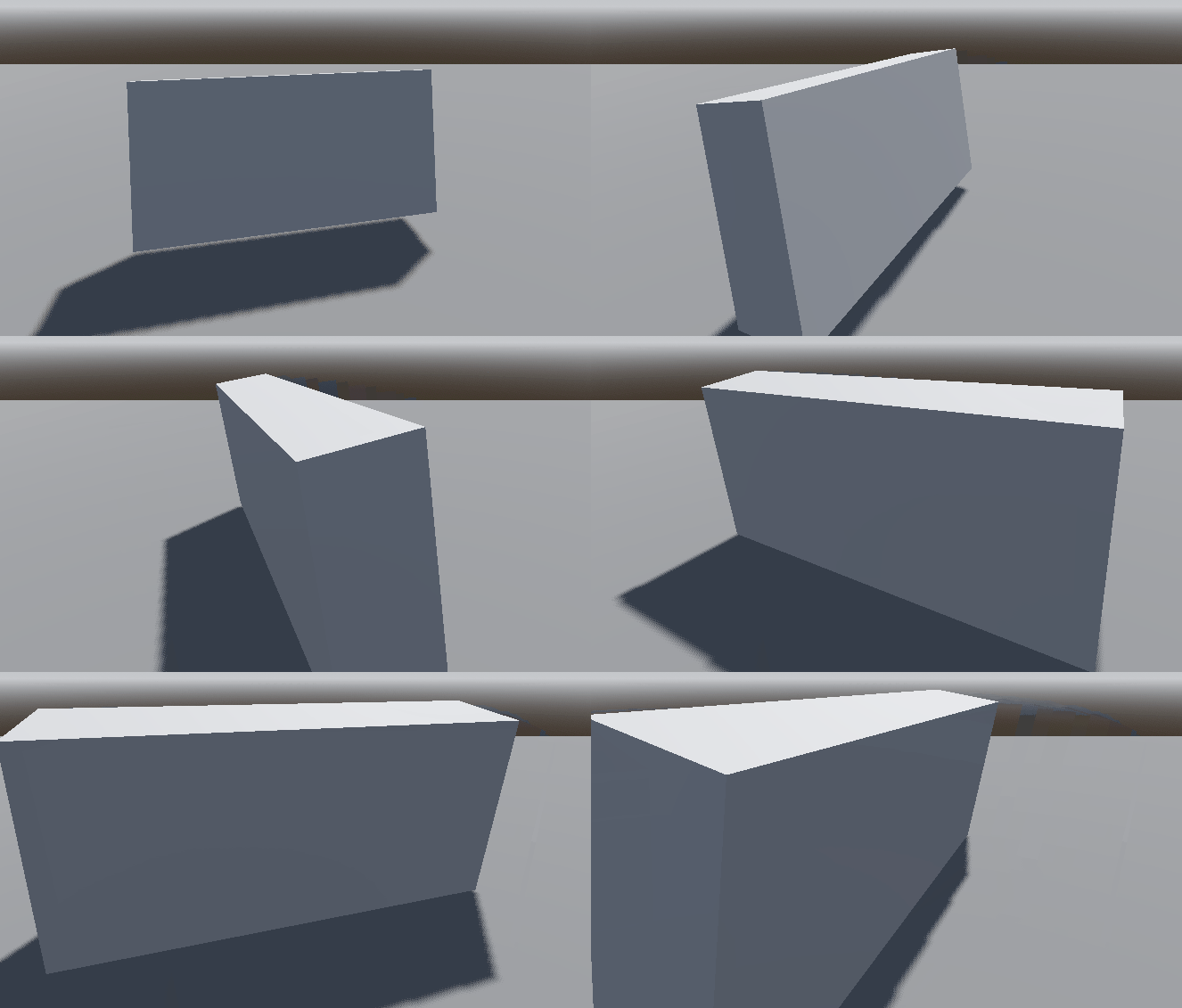
I’ve also found some old issue about broken basis when using global rotations (Setting a global rotate and scale may lead to a broken Basis · Issue #18987 · godotengine/godot · GitHub)
And though it might be related.
I know the correct way is to use the global_rotate(Vector3.UP, value) and that works perfectly.
But I wanted to understand what is happening and why does it resets the scale?
Is global_rotation meant to be used as a read-only variable?