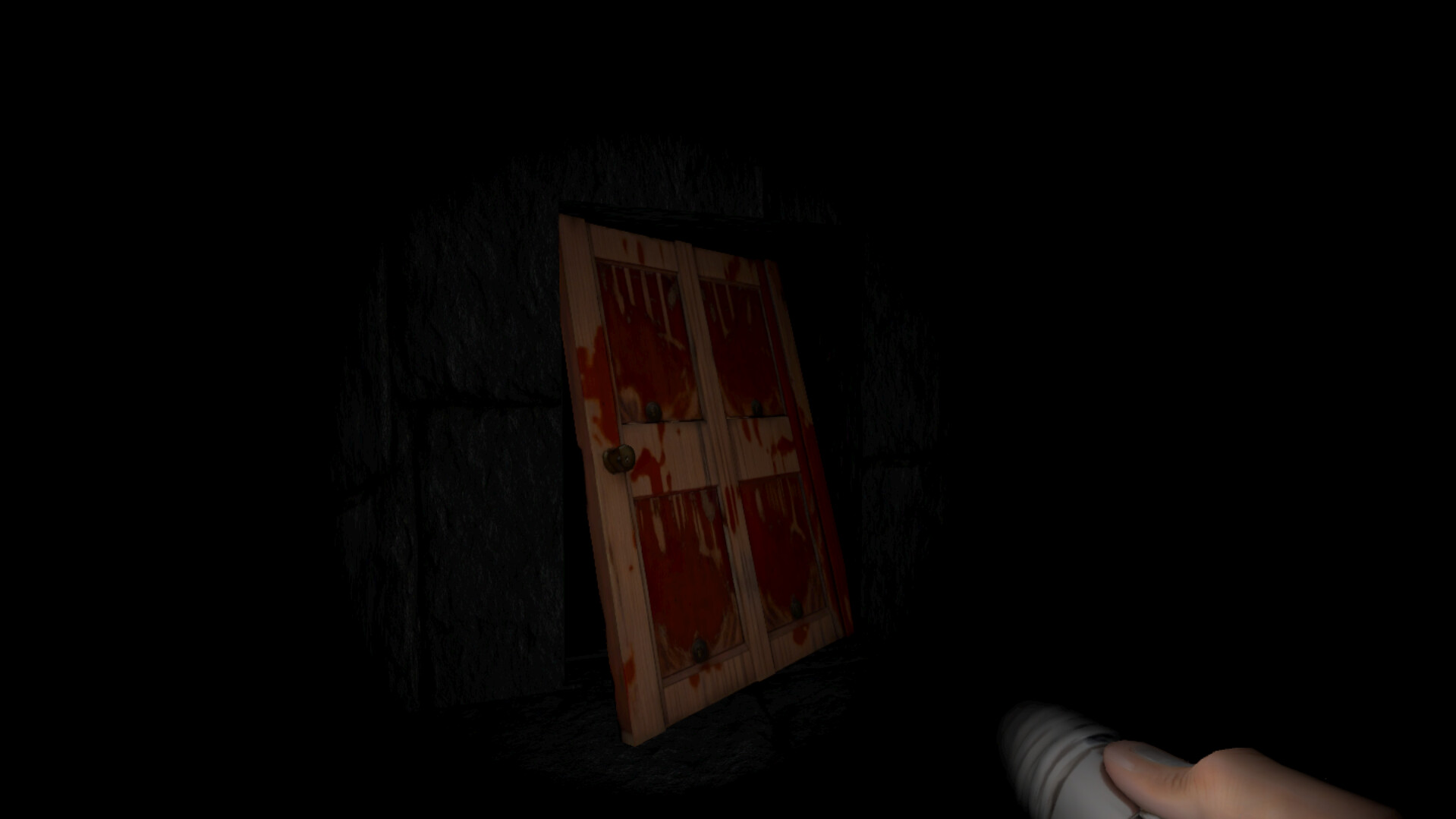
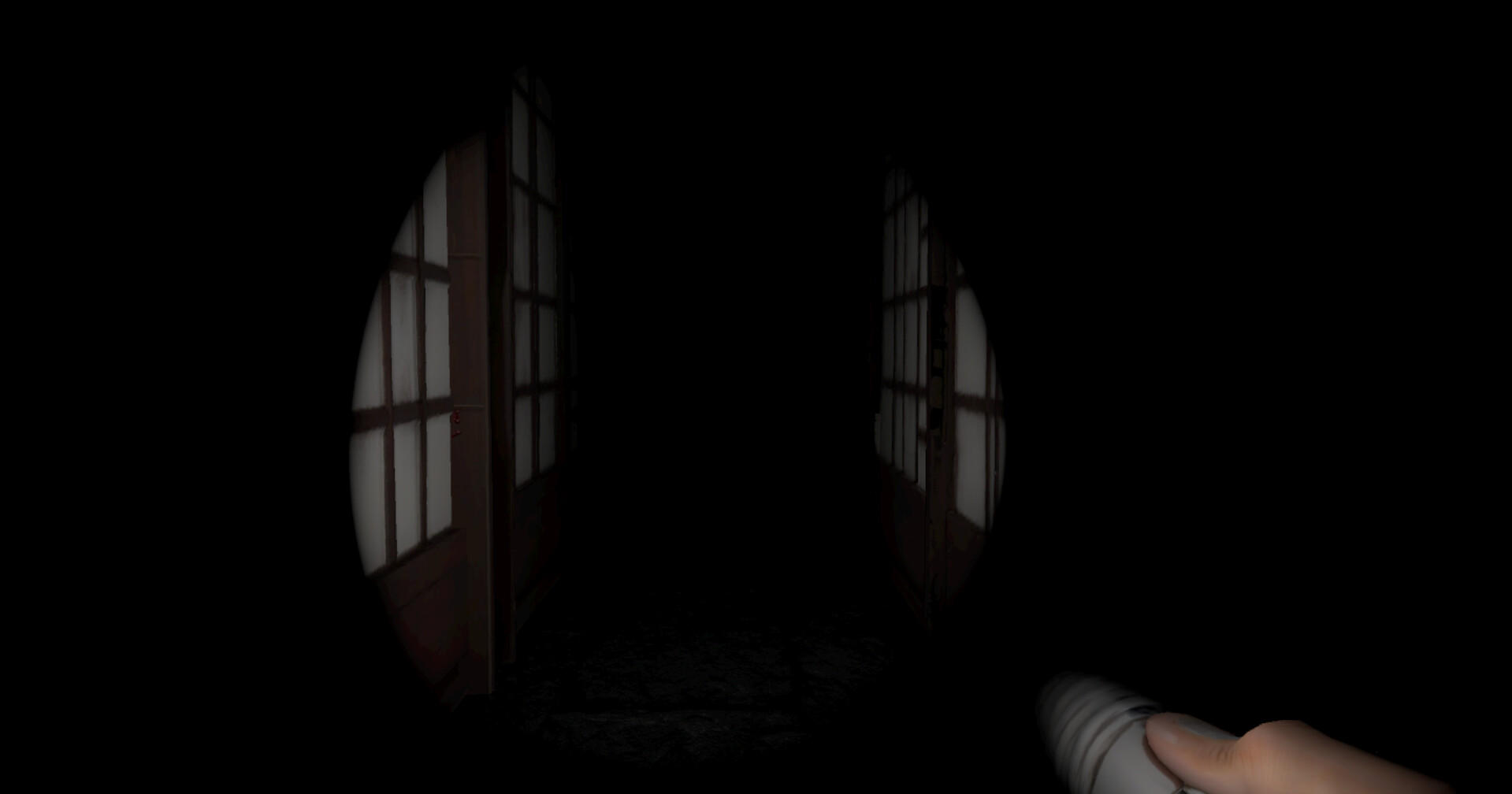
I’d like to share my game, Father’s Heritage, made in Godot.
Father’s Heritage is an atmospheric yokai-inspired survival horror game focused on tension, exploration, and unsettling encounters. The project is currently in development, and I’ve prepared a playable Windows demo for testing.
I played the game for 20-odd minutes, but wasn’t able to make any progress… I found the first locked shack close to the car, a barn and finally another small building I could enter… I assume the password for the door is somewhere to be found there, but I didn’t manage that, despite searching everywhere I could think of. If the clues are in the very long radio sound, I couldn’t make it out, because of the pretty heavy reverse reverb effect.
First, the good - I think the music and ambience are really atmospheric, and coupled with walking in the dark, it’s quite creepy. That’s half the battle, really
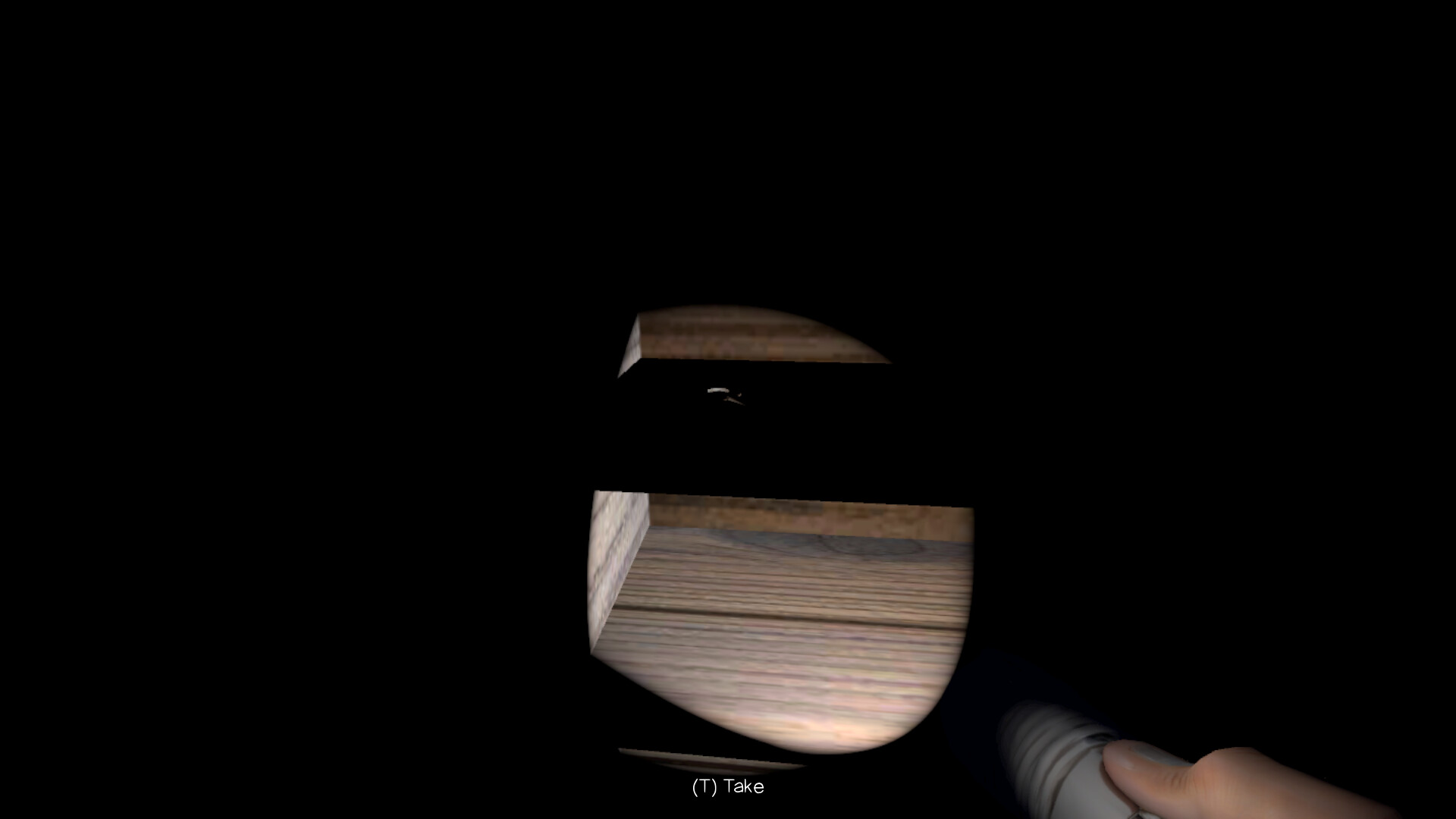
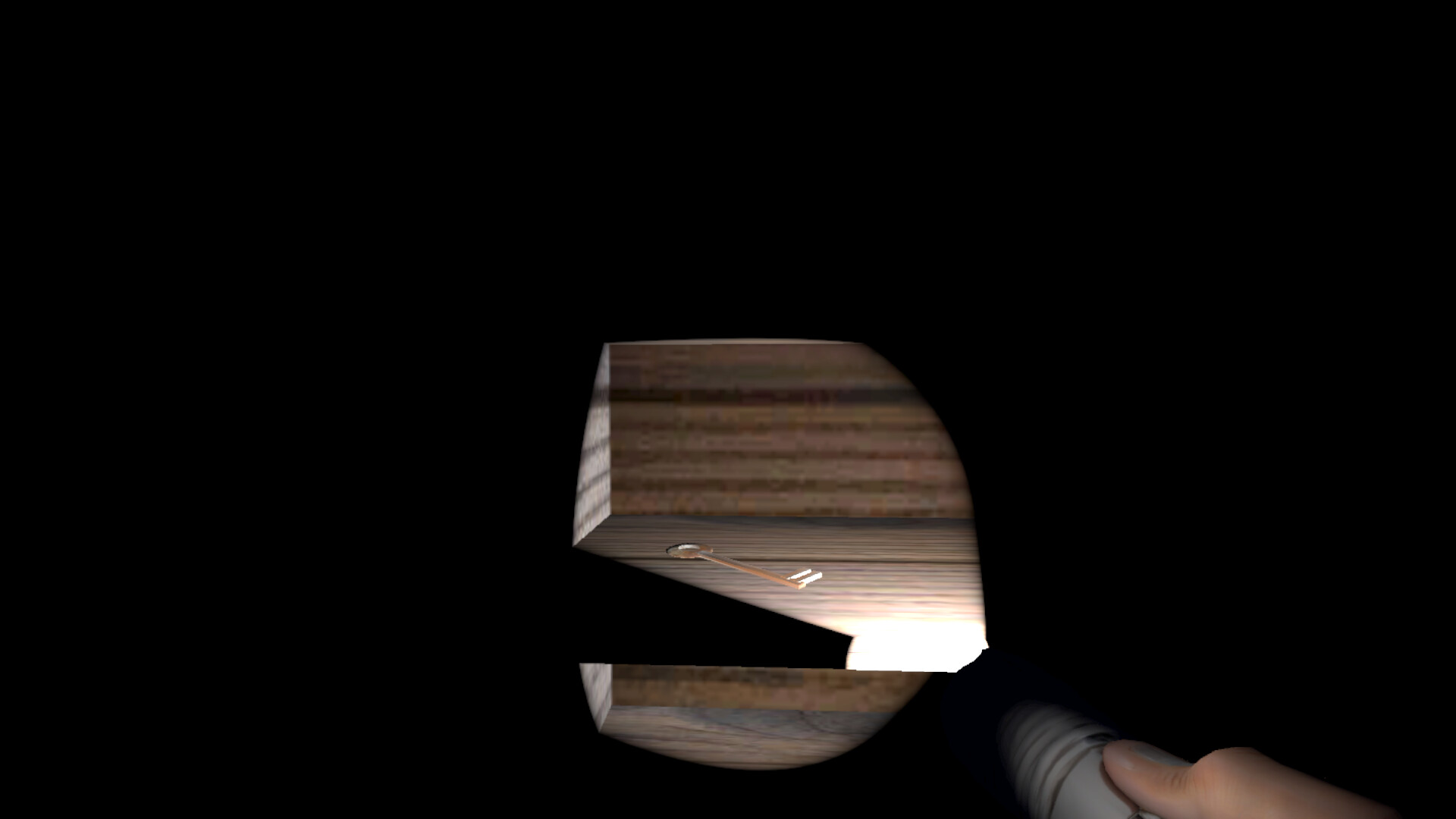
Unfortunately I felt stuck the whole time, and never really got an idea of what to do. I combed everywhere I could find several times, but got nowhere. There’s a key in the closet of the building I got into, but even that couldn’t be picked up. Keys are always important in games, and any player will assume it’s important.
So my main piece of feedback would be to make it clearer what the player is supposed to do. Your game’s opening is similar in structure to Silent Hill 2, but even as you navigate the empty town in that amazing game, there are roads to keep you on track, sounds and other hints that guide the player. Incidentally the ground outside in your game is pretty bland - you could consider having dirt paths, blood stains, foot prints, or just anything that will catch the player’s attention and set them on the right path.
Below are the notes I took as I was playing:
The music is cool but too loud - it drowns out more important sounds, and the main menu music was almost clipping (distorting). I A/B’ed it with a black metal album, and your soundtrack is WAY louder
Intro text is too fast to read
Suggestions
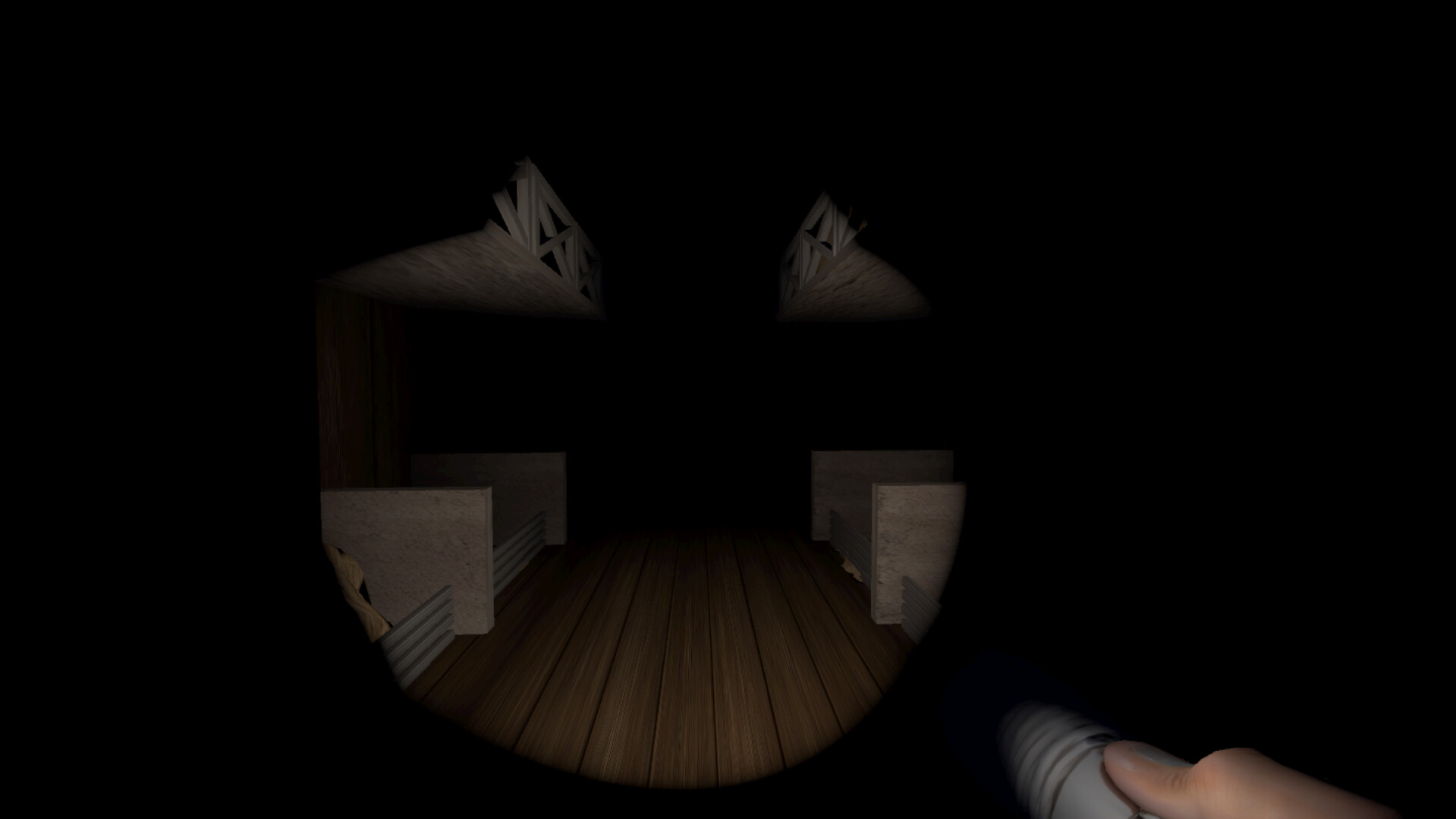
Consider not having the flashlight completely blacked out when standing against a wall or object - currently there’s a lot of careful tapping back and forth involved in studying something (like a framed photo) up close, and the flashlight also pokes through geometry
Small details like text in the environment are difficult or impossible to read, even in full screen. Maybe have right mouse button zoom in, or some other solution. Consider that some players will be playing at the lowest resolution and test accordingly
Bugs
Light from car is hidden when looking straight at it (in the distance) but not when viewed at the edge of vision
UI text is quite thin, and can become unreadable in windowed mode
Nice to haves
Alt+enter = fullscreen
Kill audio and / or pause when window loses focus
Outside area has straight walls, doesn’t feel foresty and organic. Maybe have a more natural look, possibly with straight invisible walls to prevent getting stuck etc
Small bushes probably don’t need collision with the player, feels odd and unnecessary to get stuck on
Maybe have a bit more ambient light outside, it’s largely black, which gives no contrast to the darker inside areas
Don’t forget to use your own critical sense as well, I did only spend 30 minutes on it total, whereas you’ve spent many hours, and probably will spend many more
I think the resolution was 1200 x something last time, in fullscreen. I just tried it again 1920 x 1032 fullscreen, same result… however I think the problem is not the resolution - I managed to get the (T) Take prompt by aiming well below the key.
I could have written the feedback above, as it echoes very precisely our impressions (playing it with our Youngest son, so two minds on the game…). Very frustrating to have so few clues, and unable to ‘Take’ the second key. We abandoned at the same point, after nearly 30 minutes. Promising, but needs honing.
Thanks again to everyone who shared feedback on the previous build — it was genuinely helpful.
A new update for Father’s Heritage is now live, and several issues from earlier feedback have been addressed, especially around early progression, interaction clarity, and general gameplay polish.
This build includes improvements to:
early-game guidance and flow
interaction reliability
usability and quality-of-life
atmosphere and overall presentation
I’m currently looking for fresh feedback, especially on these points:
Is the objective clearer in the first part of the demo?
Do interactions and pickups feel more reliable now?
How does the game perform and feel on your PC?
Even short first impressions would help a lot.
If you tried an older build and got stuck before, I’d especially love to know whether the updated version feels smoother and easier to understand now. I’d also appreciate your feedback with screenshots attached.
Not so much for me, I still felt pretty blind when walking around outside, first in the game. Of course I already know where things are, but I try to think link a new player… Maybe flashlight range should be longer? Or have paths, grass, etc that guide the player between the buildings.
It’s very nice with right-click zoom, I found it much easier to read the text in the world.
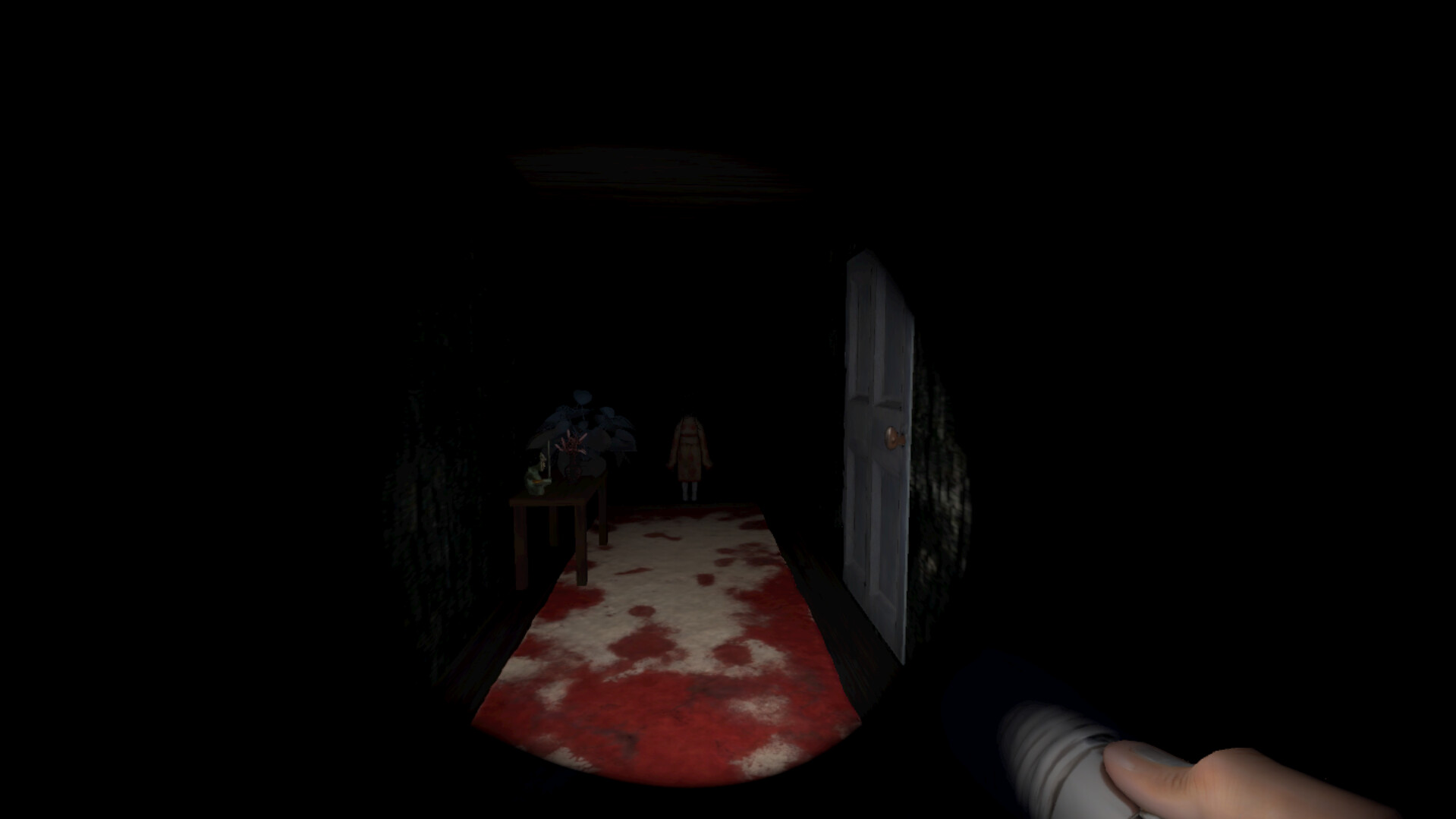
I got to the password door, having been through the building with lots of paintings and a vanishing doll girl couldn’t figure out the password..
Was picking up the keys easier this time? I’m curious how it felt on your end.
I’d love to give you a hint about where to find the password, but ideally it should feel intuitive enough for you to figure it out on your own. If it’s still unclear, that probably means there aren’t enough hints in the game yet.
I do have some ideas on how to improve that part, but first I wanted to fix the pickup issues and see how players handle it now.
Much the same reactions here. I was able to retrace the actions of my first attempt, and this time could Take the key in the outhouse. Climbed the stairs, wandered into a room or two, but became stuck beside the kimono doll, unable to go forward, back or anything other than open and shut the door there. I had to quit the game, from the menu. I imagine that my Player got stuck to the wall, with some sort of collision handling that went wrong.
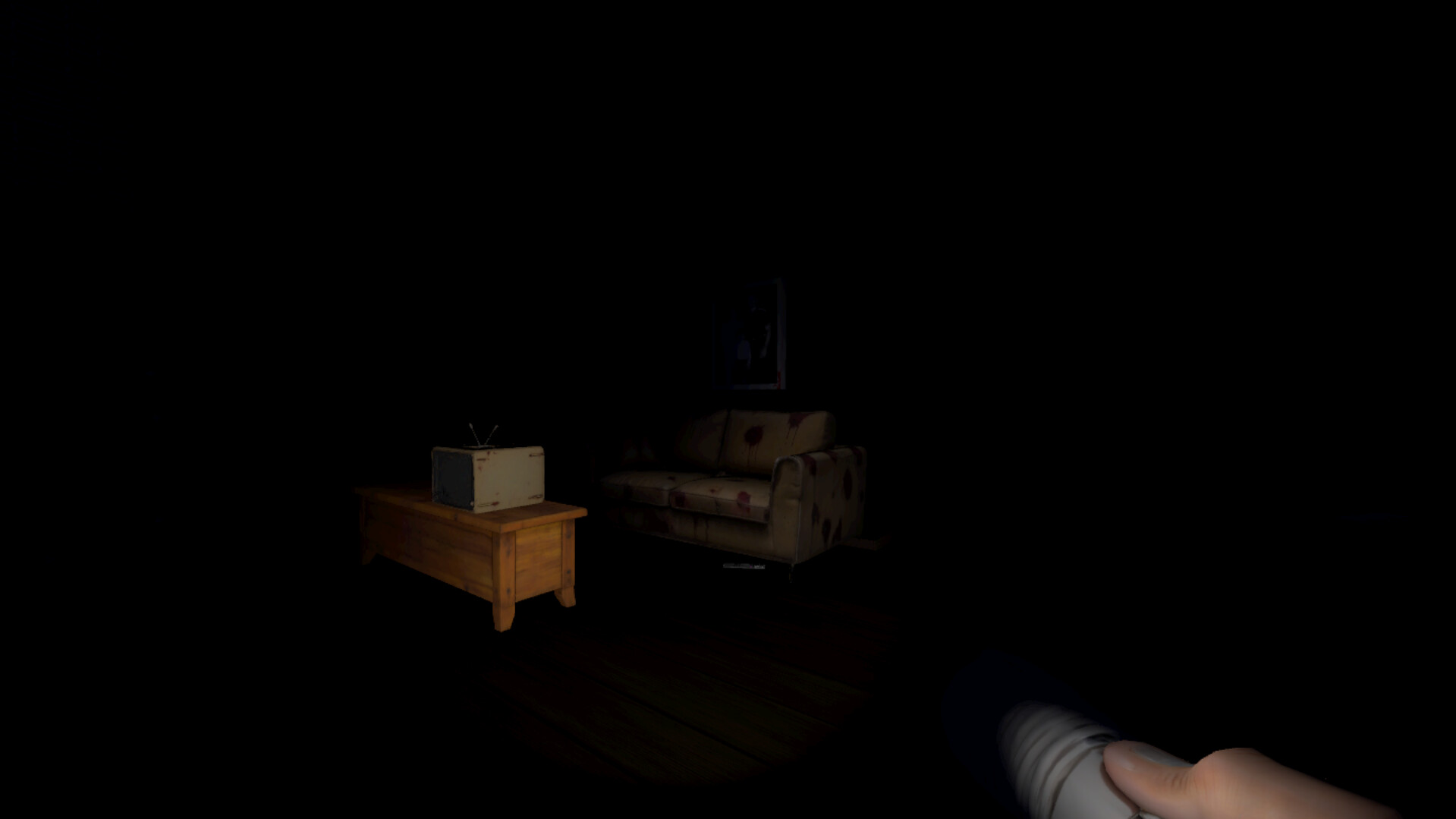
Progress of sorts, then, but it still felt strange having all of these details, but nothing to do with them. Examples..? The remote control under the sofa, the cleaver on the table, a bathroom with no actions to perform, lurid paintings upstairs revealing nothing, rooms entered to no apparent purpose… Maybe things develop as one progresses, but it’s not much of an incitation to go further if there are so many inanimate details.
Disclaimer : I’m not, myself, a Gamer, so my humble opinion is certainly not typical. Hope this helps, though.
Thanks a lot for the feedback — it’s really helpful.
The issue with getting stuck near the kimono doll sounds like a collision bug and definitely shouldn’t happen. This will be fixed. The key interaction inconsistency is also noted and being improved.
The plan is to improve interaction clarity and give more meaning and guidance to what the player sees.