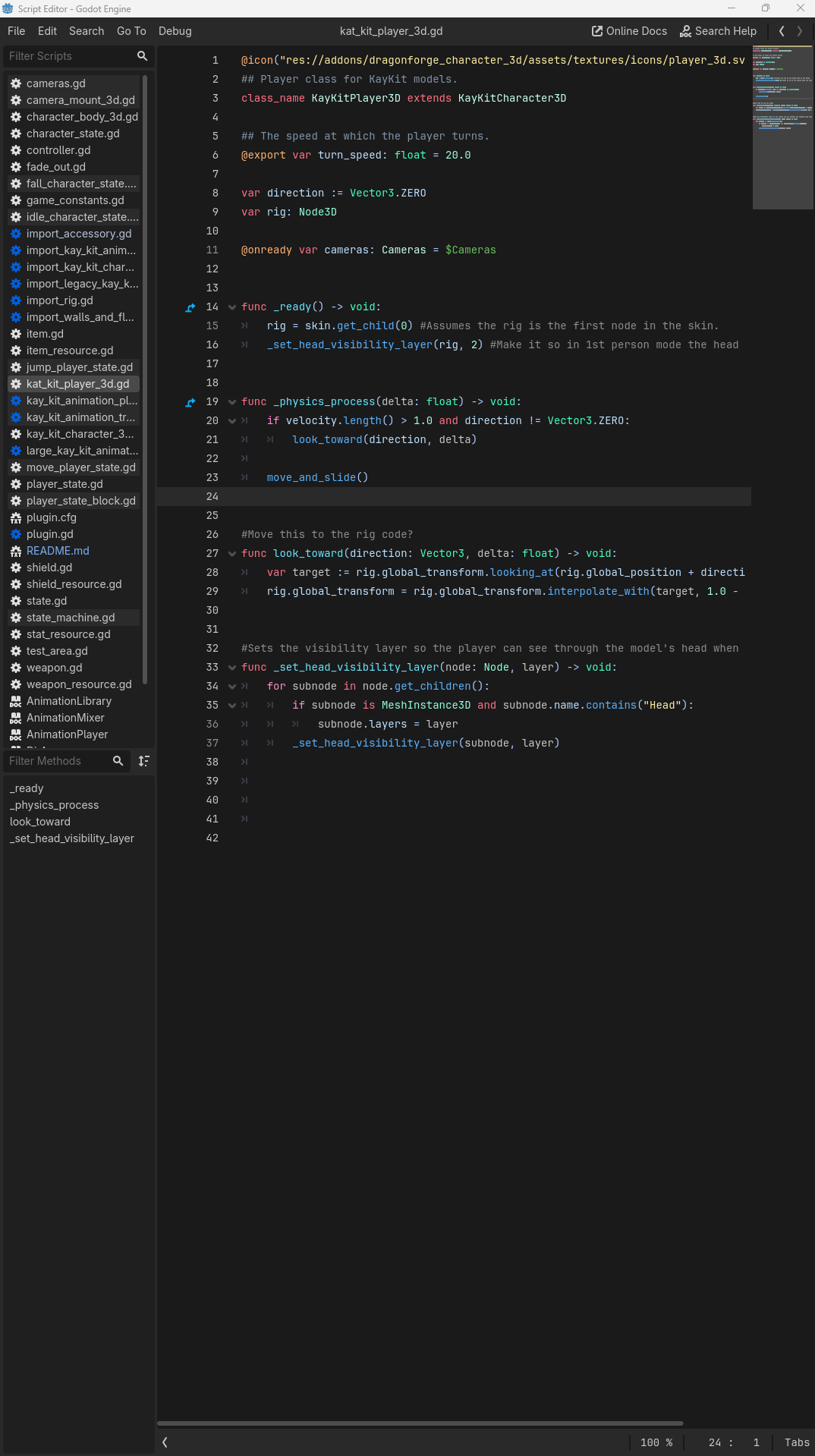
@migueldeblas please stop putting your replies inside code blocks.
Right, well don’t do that.
First, use an @onready var. Second, right-click on your CollisionShape2D node and select % Access as Unique Name. Then do this.
@onready var collision = %CollisionShape2D
Problem solved.
No matter where you move that node in your hierarchy, the reference won’t change. Though I recommend a better descriptor.
I agree, I wish GDScript had better refactoring, but every problem you’ve brought up so far has a Godot-specific solution.
I would say that perhaps the problem isn’t the editor but your assumption that if things aren’t done the way you are used to them they don’t exist. That, and not asking for help on here when you can’t figure out how to do something you want to do.
Hey thanks! Super useful, thanks for the nudge toward GDScript – I think I’ll try the 2D Demo out soon. Launching the editor is super fast for me with C# it’s like 1-3 seconds, which from Unity is lightning speed, but I’m okay with GDScript’s instant launch too.. so yeah I think I’ll try it out. Do you use the editor in Godot or external IDE? I really like Rider and when I did try the editor out at first it felt kind of cramped nested in Godot – what do you do there?
If you want to use C#, do NOT use the built-in editor. It’ll be like using the default notepad in windows to try and make your game. No Autocomplete or anything.
Rider is perfect for C#, but can even handle GDScript now natively, but if you go purely GDScript, go with the built-in script editor. It still has better support than Rider.
I have 4 monitors. At this point I really like Godot’s Script Editor. The only thing missing for me is easy refactoring, but since that often involves script names and node names, I haven’t bothered checking if Rider can do that because I don’t think it has access to the scene trees.
So I have the Godot Editor in one landscape monitor, and I pop out the Script Editor into its own window, and put it on one of my portrait mode monitors (rotated 90 degrees).
Source code and community. Only forum where you don’t get torn apart for small stuff and barely hear “just Google it” and engine errors can be fixed by myself instead of being utterly powerless.
It has probably already been mentioned and I forgot, but it’s just such a good feature: All important project files are just simple text files, which makes version control so easy in comparison to other engines who save all their resources as binary blobs.