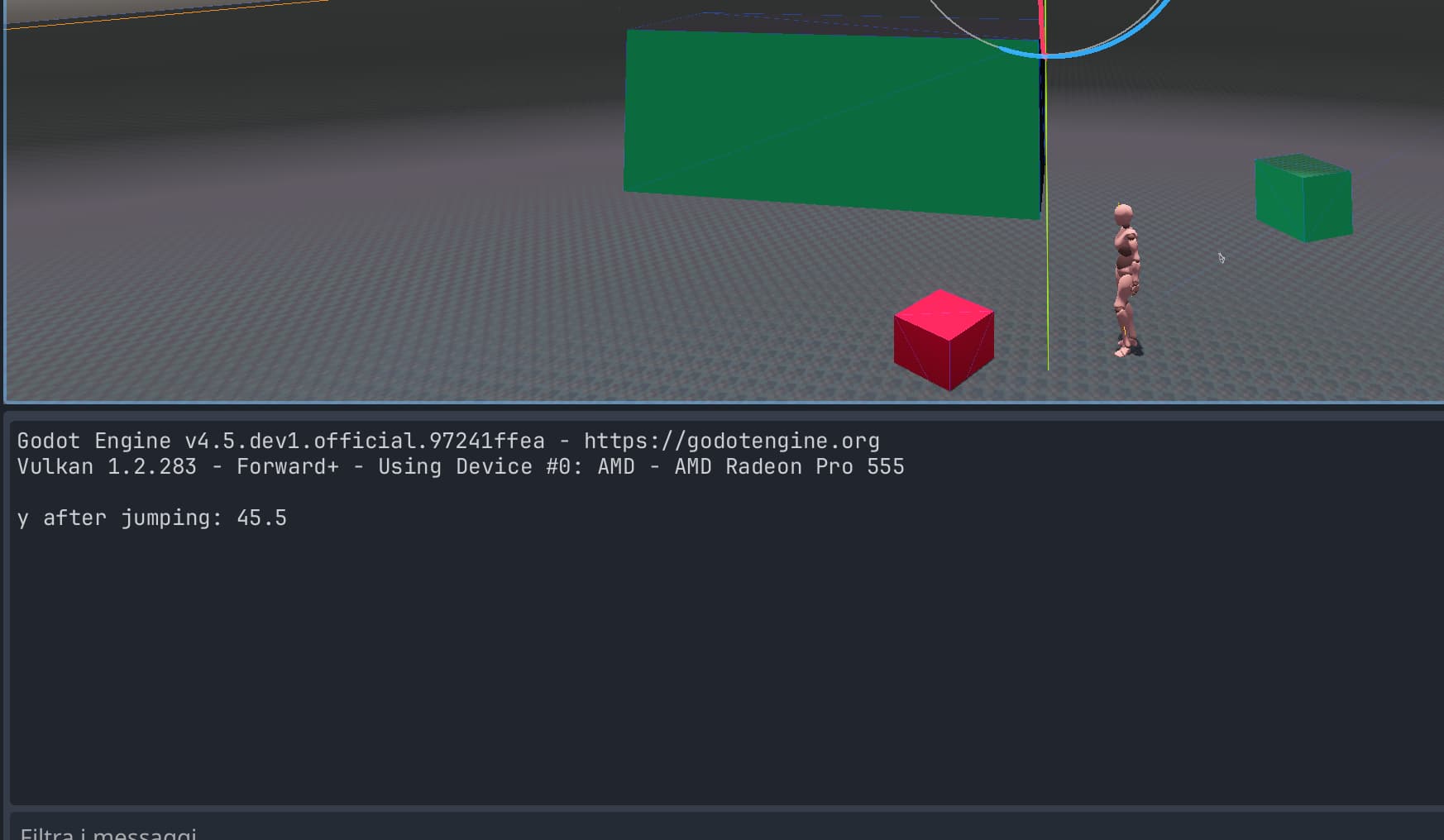
Hi, after having looked around to get information as much as possible, I. started to implement a 3d protorype; more in. detail I did a scene named ‘player’ which can just perform basic actions like: walking and jumping. First of all, my concern is about handling Jump action. followin there is Implementation I tryed but I seems it doesn’t work at all…player doedn’t JUMP!!!
The code is:
extends CharacterBody3D

const SPEED = 45.0
const JUMP_VELOCITY = 45.5


func _physics_process(delta: float) -> void:
	# Add the gravity.
	if not is_on_floor():
		velocity += get_gravity() * delta

	# Handle jump.
	if Input.is_action_just_pressed("ui_accept") and is_on_floor():
		velocity.y = JUMP_VELOCITY
		print('y after jumping: ',velocity.y)
I am stuck yet within my first 3d game attempt:
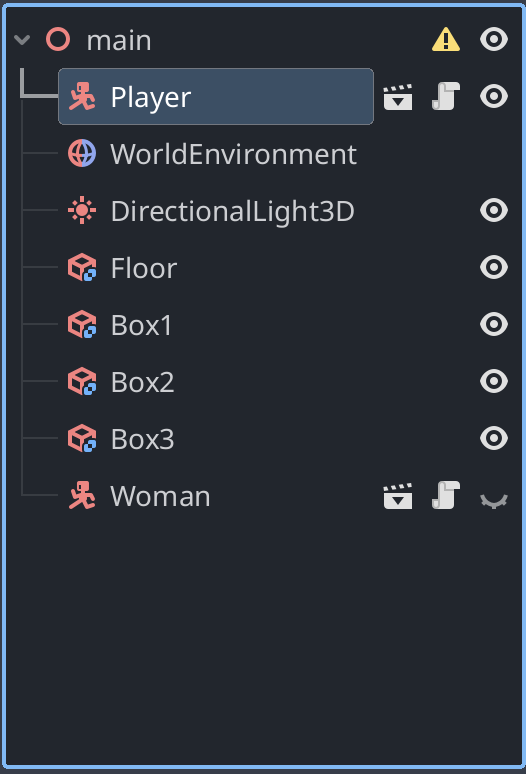
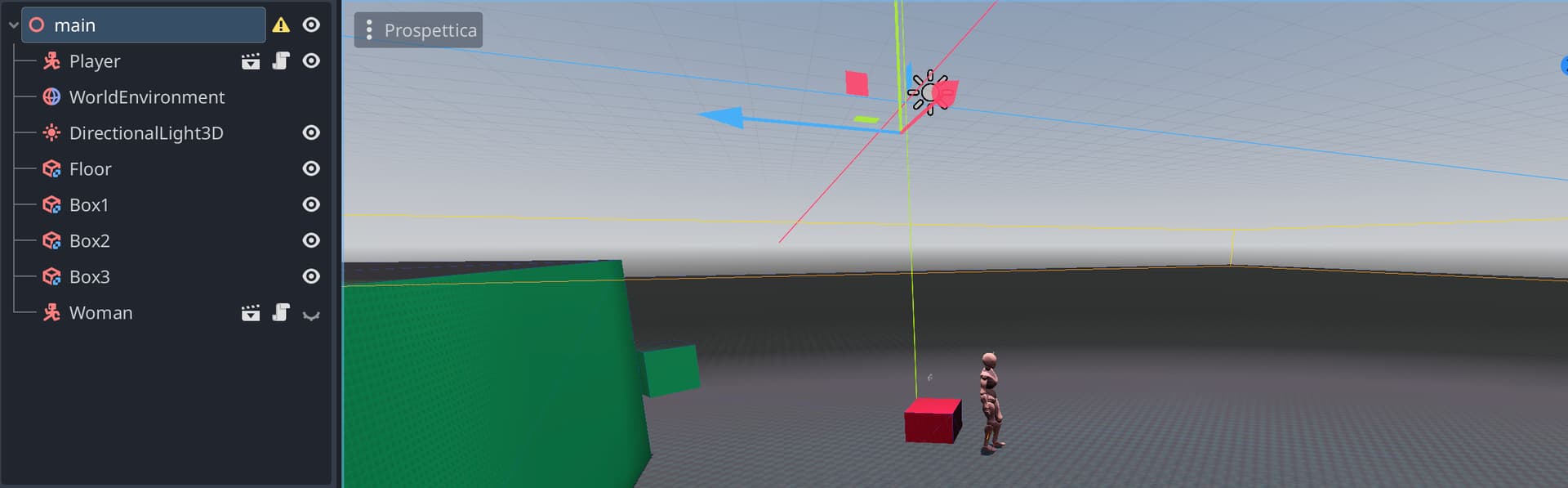
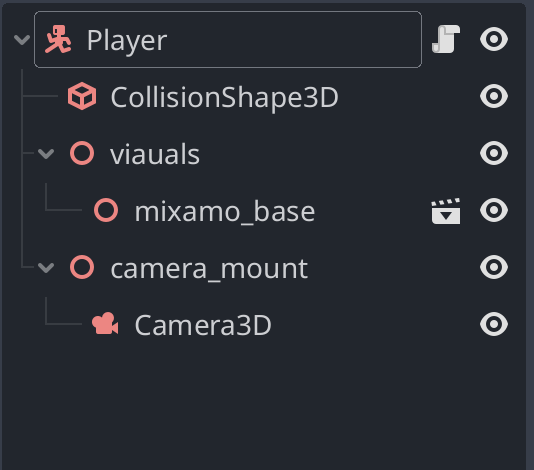
I have as root node of the scene a Node3D and one of its children is scene which is CharacterBody3D type: the Player:
Attached to the Player there is the following script:
extends CharacterBody3D

const GRAVITY = 5
const SPEED = 45.0
const JUMP_VELOCITY = 20.0

func _ready():
	print('ALL IS READY')
	print('velocity vector is: ', velocity)

func _physics_process(delta): # _physics_process
	# Add the gravity.
	if not is_on_floor():
		velocity += get_gravity() * delta

	# Handle jump.
	if Input.is_action_just_pressed("Jump") and is_on_floor():
		velocity.y += JUMP_VELOCITY
		print('y after jumping: ',velocity.y)

	move_and_slide()
It is very easy approach just to start…but the problem is when I run the game and press the Input command linked to “Jump” (I defined it in the Input Map)…I cannot see any character movement,
Have you tried setting a jump velocity to something like 10000?
If the scales are messed up, maybe a force of 45 is actually very low compared to the size of the character, which would mean that the code is working, but you just don’t see anything as there’s no jump at all.