4.5.1
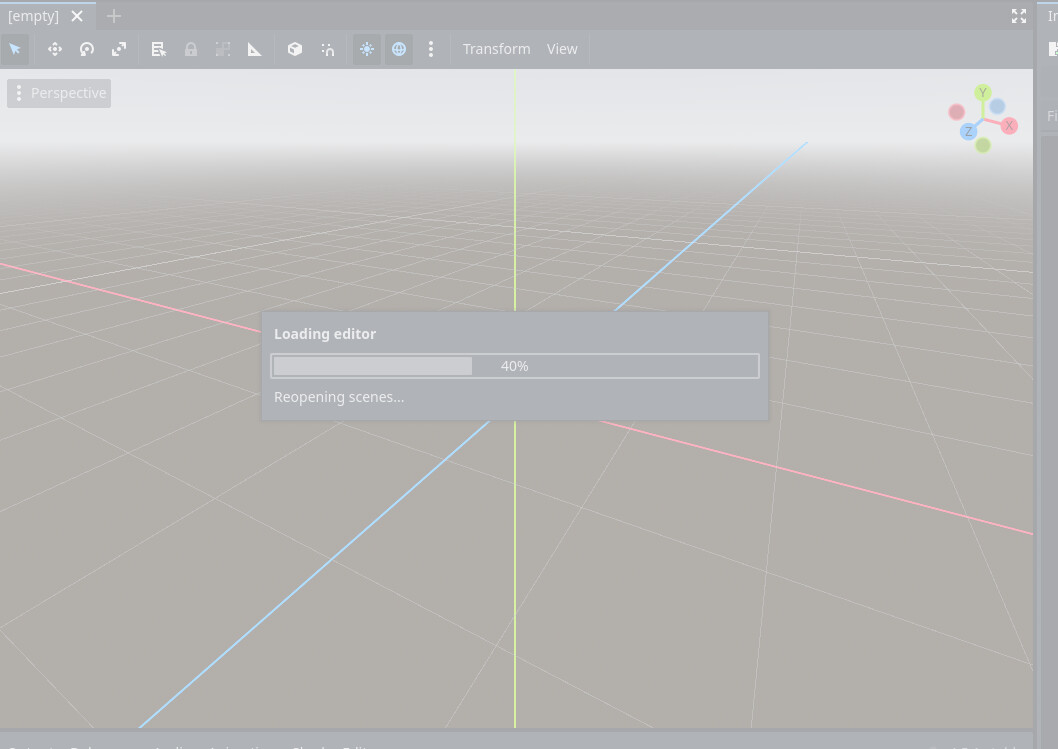
When I try to open my 2D project outside of recovery mode, Godot freezes with this screen.
I don’t have this problem when I create a new project.
The project only contains TileMapLayer nodes.
How can I solve this problem?
Hey!
What it means?
CPU: 12th Gen Intel(R) Core™ i7-12700H (2.70 GHz)
Thanks for the help
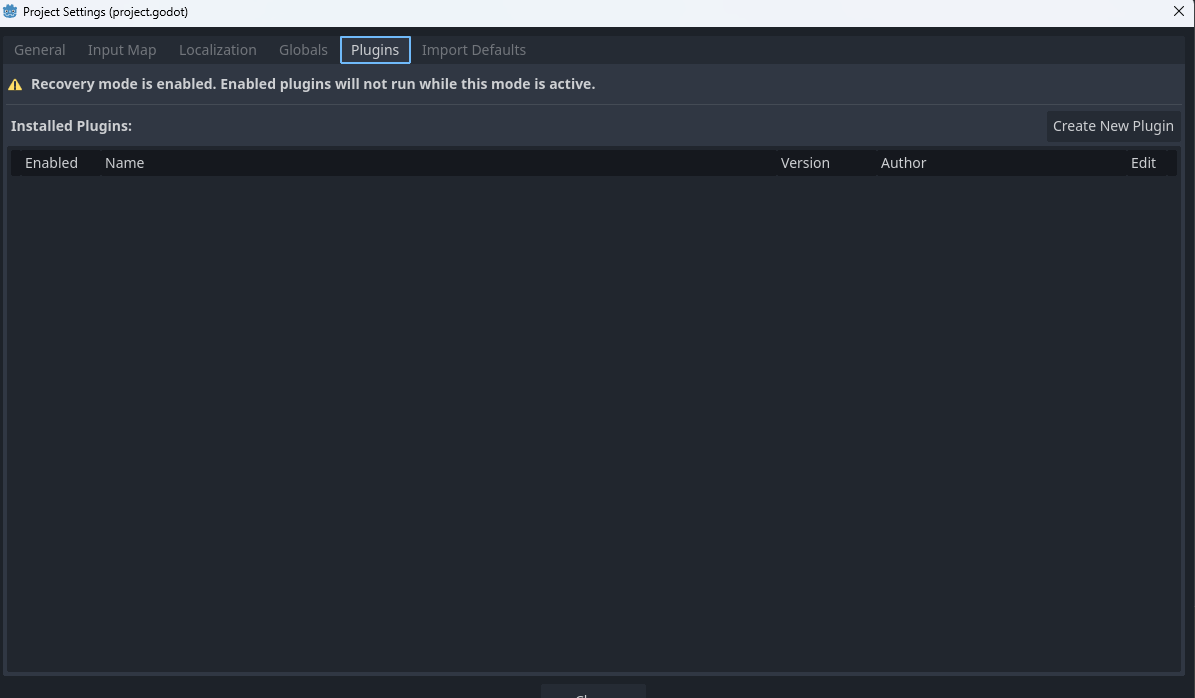
Hmmn you got any plugins in the project?
Seems like the automatic screen restoring is the problem here
OleNic
January 6, 2026, 7:59pm
5
Might be his project is corrupted…
1 Like
Go into the project folder and delete the .godot folder.
Reopen your project.
If that works, your project just got corrupted, and you should be fine.
If that doesn’t work…
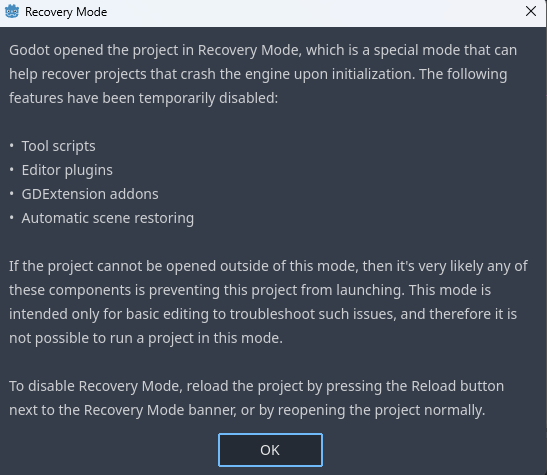
Open your project in recovery mode.
Disable all plugins.
Close your project.
Reopen your project normally.
If that worked then you have a plugin with an @tool script that is causing problems. Re-enable them one-by-one until you find the culprit.
2 Likes
I eliminate the .godot folder of the project but it freeze at the same moment as before.
Create a new project and move your old project files to the new project’s folder (except project.godot file)
Make sure to create backup
When i click on the scene it freezes.
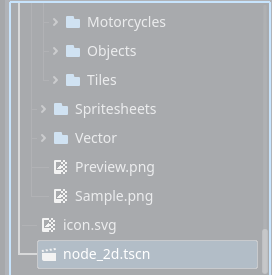
Your node_2d.tscn have a nuke inside it…
can you try a different version of godot?
I tried with Godot 4.5 and Godot 4.4.1. I think i will delete it, I’ll lose a small car racing track
I think the race track is the nuke
You can inspect and edit the tscn file in a text editor.
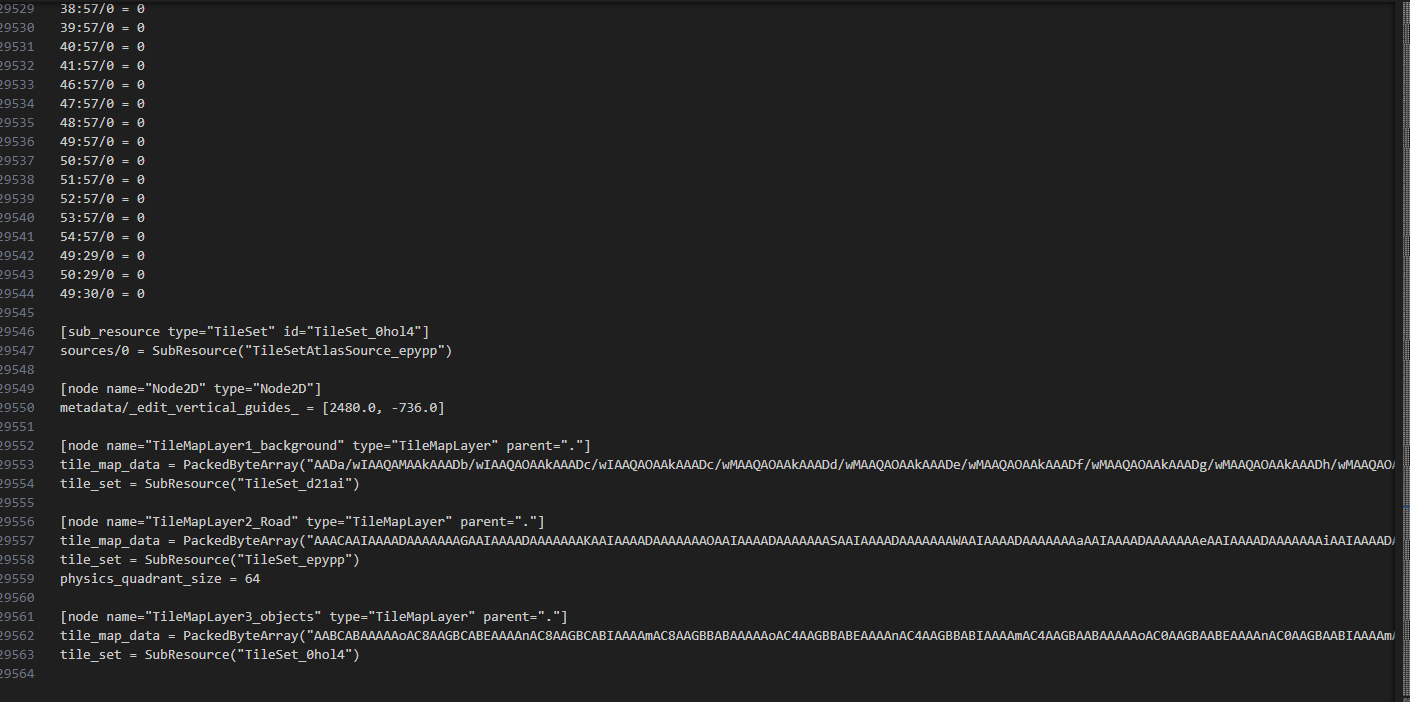
I have like 29k lines of divisions like this:
I think so too, some mess with the tiles.
What block are they part of? Post the starting lines. You can possibly get away by deleting the whole block. Don’t forget to backup the file before intervening.
I tried, but nothing changed. the screen refers to the final lines. I created another project made a small map with other tiles and everything seems to work.