I was asked if I would release my code for the Game Jam Game I made a few months ago called Rick O’Shea. I have released it under the MIT license. Keep in mind that you are responsible for purchasing any assets I use in the game that are not free/open source if you wish to use them in a project of your own.
You can play the game in the browser or download it.
DevLogs
The game jam lasted 10 days, and I wrote a detailed DevLog every day as I created the game. If you are interested in how a game is created, and hearing about problems encountered and how to get through them, take a look.
Also, for completeness, here is the original thread I made in this forum about the first few DevLogs - which I forgot to update going forward when making the game.
Awesome! You are so generous with your time and sharing your work. And this is not flattery, I love that you ask for no recognition, even opposing any sorts of popularity contests.
That’s the kind of outlook and output a community like ours need.
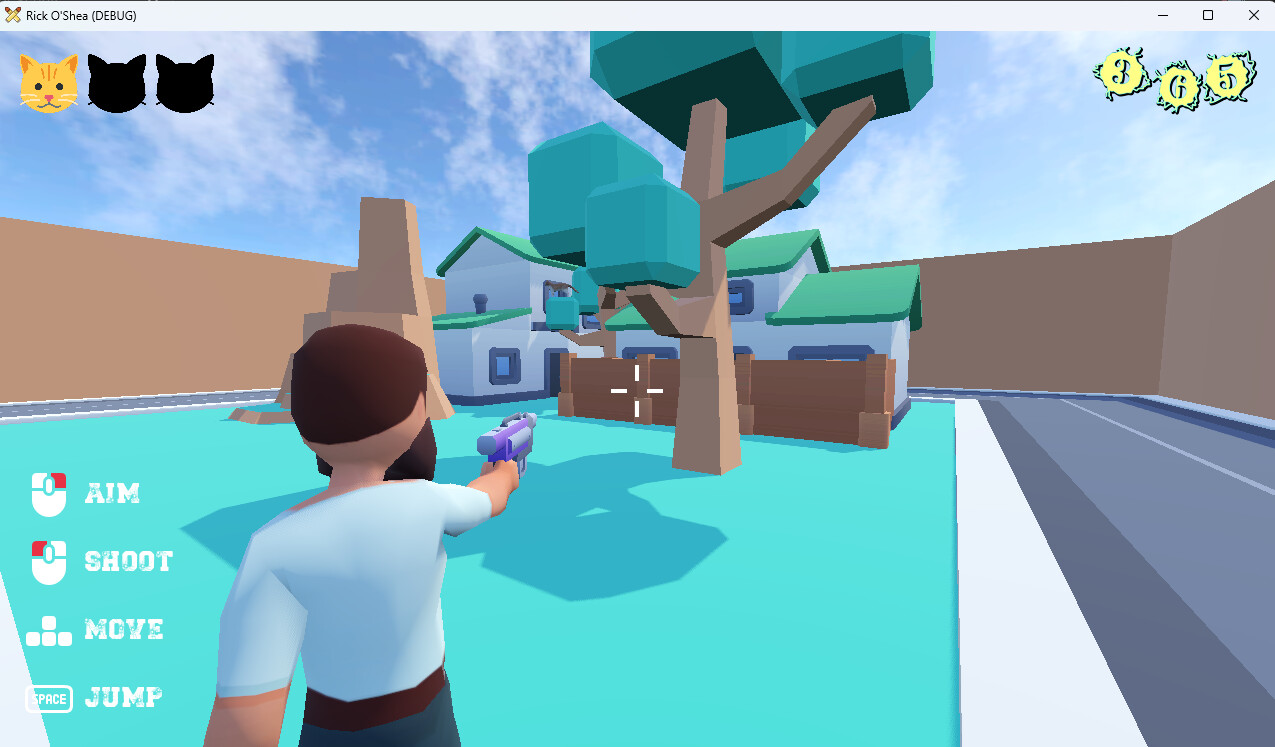
I thought the startup screens looked great, the gameplay was nice, although I think it would be even better if you could hold down the button to fire - perhaps there could be weapon upgrades. The animation is good and the camera controller works well. A couple of points:
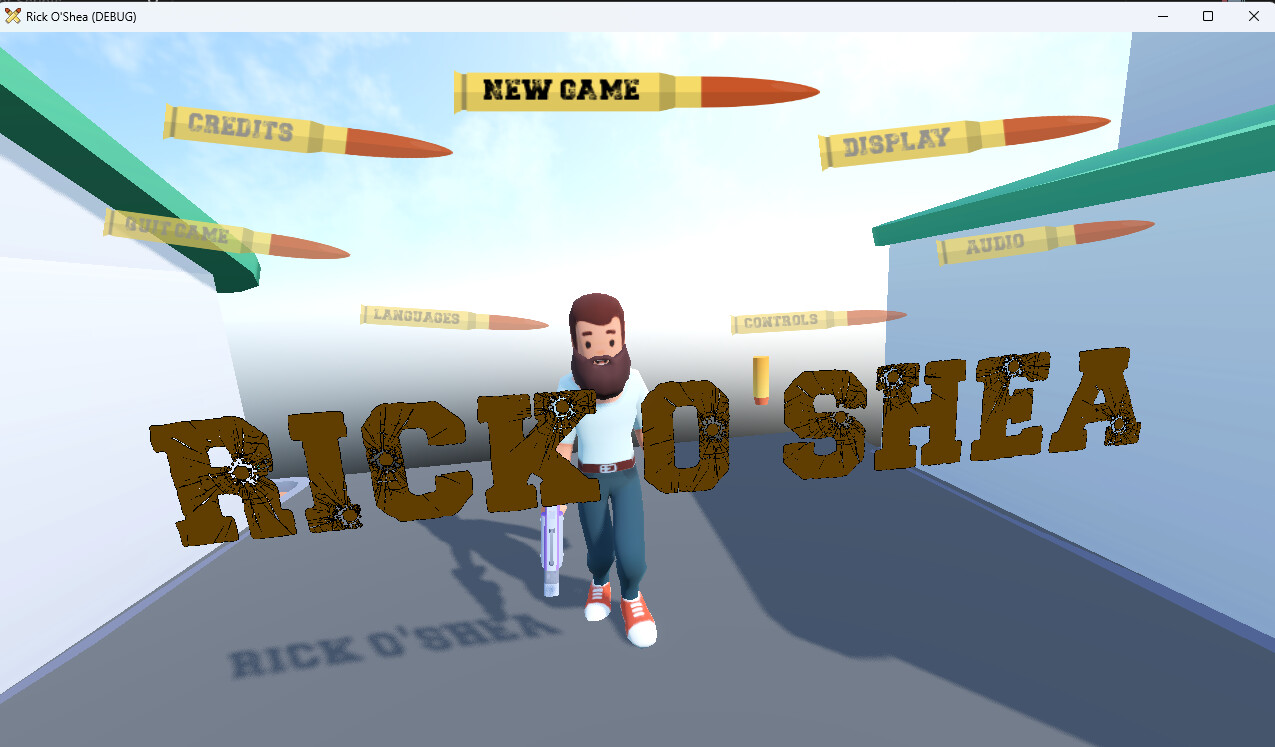
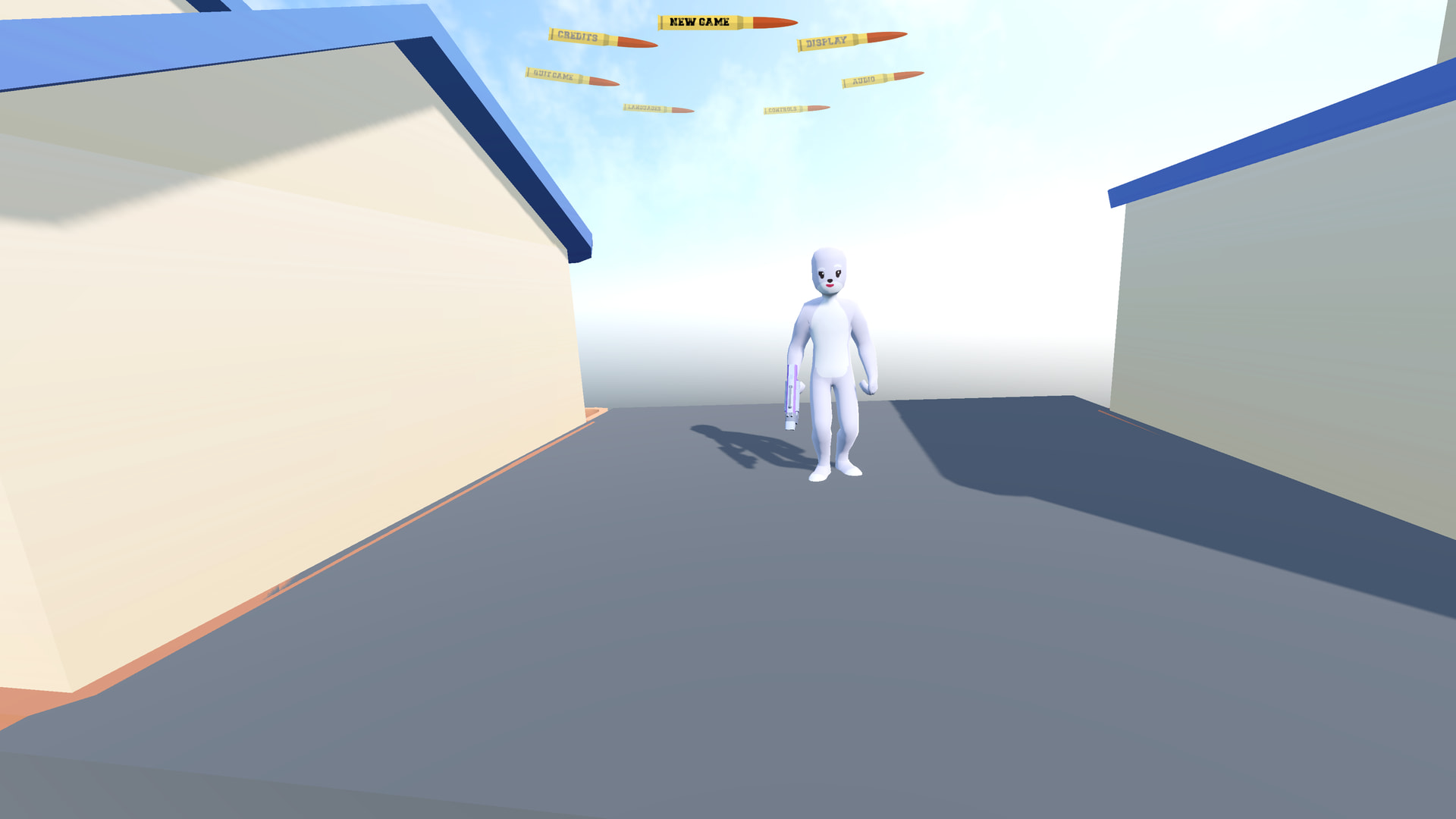
I think Rick shouldn’t be in the walking animation on the title screen.
Some of the trees didn’t seem to allow projectiles to bounce
I managed to save all 3 cats one time, perhaps the first level should be easier? ( this isn’t a serious game obviously )
The help text boxes sometimes overlapped when I walked quickly from one area to another.
Looking at the code, no problems, just a question, why is the bullet object a CharacterBody3D and not a RigidBody3D?
In the Game Template, the button name usually changes to Resume Game after you start. I took that code out because I was not saving progress in this game.
To save all the cats. It’s basically a 3D puzzle game about angles, like 3-dimensional pool/billiards.
I have no idea. I moved the houses around.
Thanks.
You cannot hold down the button to fire because the then the game became too easy. The bullets became tracer bullets.
I had plans for weapon upgrades. I originally intended for there to be a goop gun so you rescued the cats more humanely than knocking them out of the tree. Ran out of time. (Remember, I made this game from start to finish in a week.)
How come? I liked the movement it added to the main screen, especially with the music.
You cannot bounce projectiles off the trees. The trees always absorb the bullets.
I didn’t get complaints in the jam about difficulty until level 3. But yeah, I have no plans to go back to this game. If I’d had more time, I would have made more levels and made level 1 even easier.
Yeah I didn’t have time for a whole tutorial system, so they were slapdash. I had originally planned to use Dialogue Manager to manage them but I ran out of time.
Good question. I discuss this at length in my Day Two Blog Post. The short version is CharacterBody2D/3D have a bounce() function that gives the physics you expect, whereas Rigidbody2D/3D tend to be much more chaotic when bouncing. Great for grenades and actual bullets, not good when you’re trying to make a skill puzzle game about reflecting bullets to hit a target.
I would love to repurpose it for Portal themed game.
What steps should I take to
Replace character
Save state of game, reintroduce Continue Game
Load new level
Fix carousel menu position in pause state
I plan to use only free assets from KayKit and Kenny.
Started Breaking Game to better understand what is going on, just after opening debug collision realized the Number on trunk(“rescue_threshold”) is what trigger rescue of cat is signaled.
Use the Disk plugin, already included. You can grab a copy of the Game Template to see the original button and see how to change it.
To change the starting level, check the Game Template Readme. You can see how each area transition loads a new level.
I don’t know to what you’re referring, but all the code is in the Carousel Menu Plugin.
Yes.
It’s code to make it so hitting the leaves would reduce your score. I zeroed it out to make the game easier.
I just realized you got tutorial level ( shooting_gallery ).
[/quote]
Yes, there is a tutorial level. Again, understanding how the Game Template works will answer a lot of your questions.
So I thought the best way would be to read all ReadMe of Game Template, unfortunately I didn’t find all answers there.
I hope you don’t mind if I ask them here
How is text in Label node for TUTORIAL_1 and TUTORIAL_2 updated ?
( I see there only code for detect player entry/exit
extends Area3D

@onready var canvas_layer: CanvasLayer = $CanvasLayer


func _ready() -> void:
	body_entered.connect(_on_body_entered)
	body_exited.connect(_on_body_exited)


func _on_body_entered(body: Node3D) -> void:
	if body is Player:
		canvas_layer.show()


func _on_body_exited(body: Node3D) -> void:
	if body is Player:
		canvas_layer.hide()
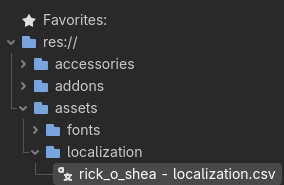
Update: I partially figure out it use rick_o_shea - localization.csv to show certain text on screen
)
I’m trying to understand a bit more this code from Tree, why do we tween position.z by 0.0 ? couldn’t we just remove it complety from scene or change visibility ?
class_name DetailedTree extends StaticBody3D

@export var score_multiplier: int = 25
# The amount of ricochets needed to free the cat from the tree.
# -1 means there is no cat to rescue.
@export var rescue_threshold: int = -1
# The cat to rescue
@export var cat: Cat

@onready var hit_sound: AudioStreamPlayer3D = $HitSound
@onready var target_mesh: MeshInstance3D = $Target_Mesh
@onready var target_mesh_2: MeshInstance3D = $Target_Mesh2


func _ready() -> void:
	if rescue_threshold > 0:
		target_mesh.mesh = target_mesh.mesh.duplicate()
		target_mesh_2.mesh = target_mesh_2.mesh.duplicate()
	else:
		target_mesh.hide()
		target_mesh_2.hide()


func hit(ricochet_amount: int) -> void:
	if rescue_threshold >= 0 and ricochet_amount >= rescue_threshold and cat:
		cat.rescue(ricochet_amount)
		_hide_meshes()
	hit_sound.play()


func _hide_meshes() -> void:
	var time := 0.1
	var tween := create_tween().set_parallel()
	tween.tween_property(target_mesh, "position:z", 0.0, time)
	tween.tween_property(target_mesh_2, "position:z", 0.0, time)
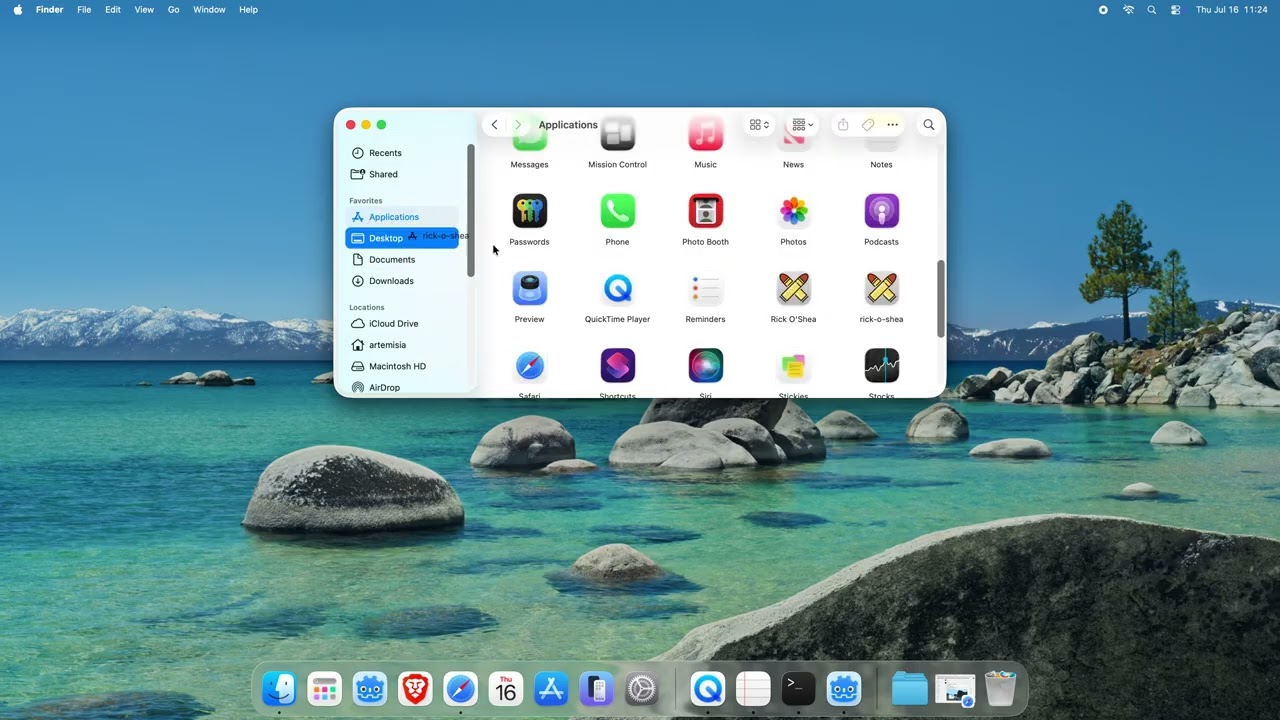
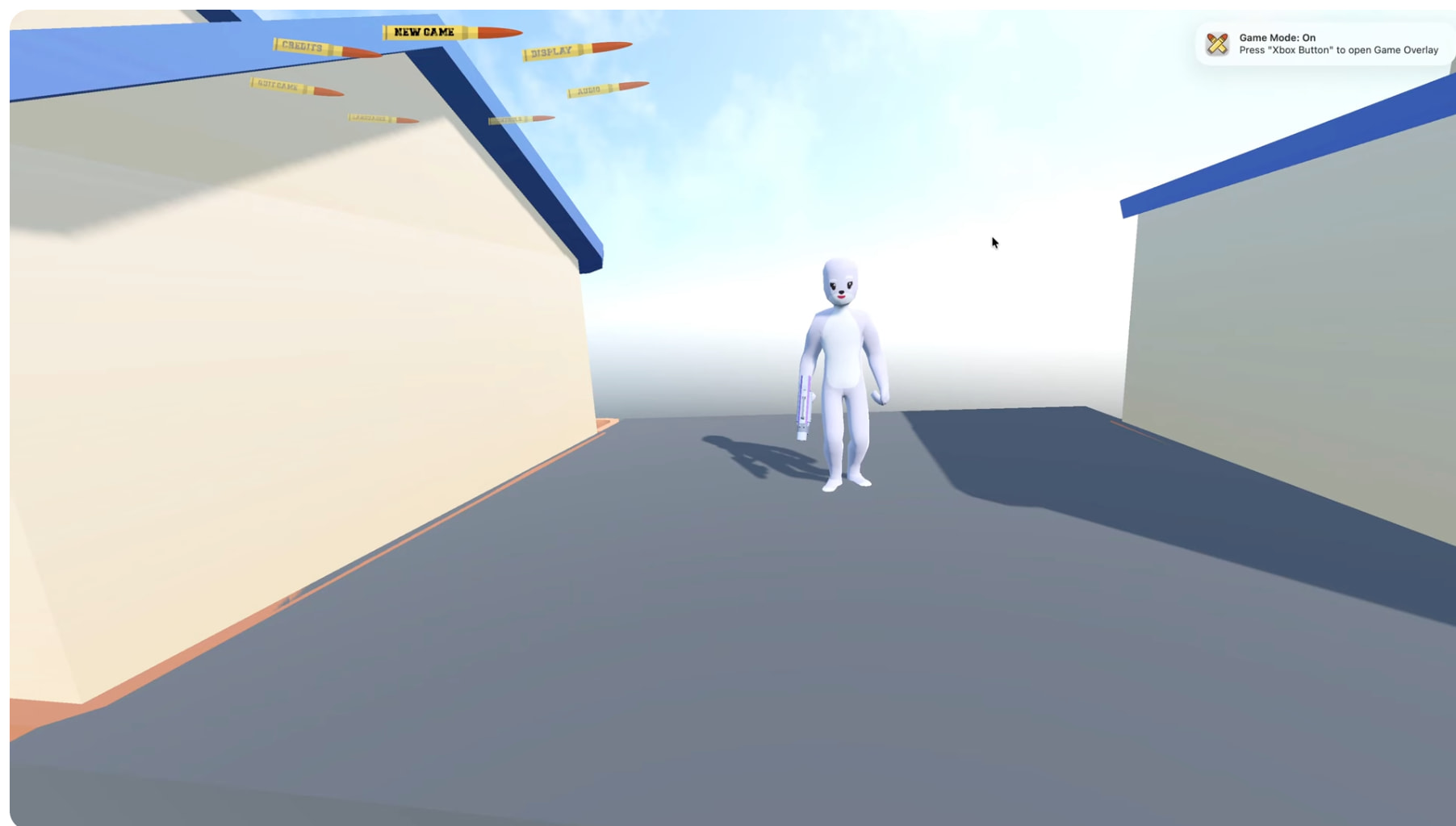
I manage to enable Game Mode for the your game by tweaking a settings of export and redoing UUID’s - it not throwing no longer error’s about resources.
First you could see it didn’t worked on Mac either, and it’s not naming of folder or assets .
When you use SCREAMING_SNAKE_CASE for a label’s text, Godot automatically looks for a translation for that string. The translations are stored in rick_o_shea - localization.csv.
You can open and edit the file in Google Sheets. For full instructions, check out the Readme in my Localization Plugin.
I’m doing that so that the numbers slowly sink into the tree so that the change is less abrupt. It’s an animation. Yes, I could just make them disappear, but when things change it’s a good idea to show they’re changing. That’s why the cats have particle effects when they are saved.
That’s good.
Yes but you never told me what the problem was in the Pause menu.
inside is this nice code, which I understand if no cat is in scene, we get gpu_particles_3d emitting and we can enter portal.
But in Shooting Gallery, I keep experience something strange.
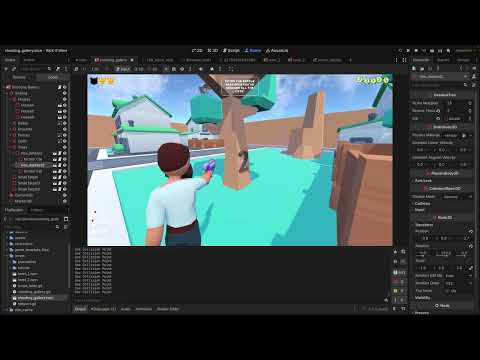
It’s enough to give a few shots into MeshInstance(Number 1) and portal will open.
Short demo.
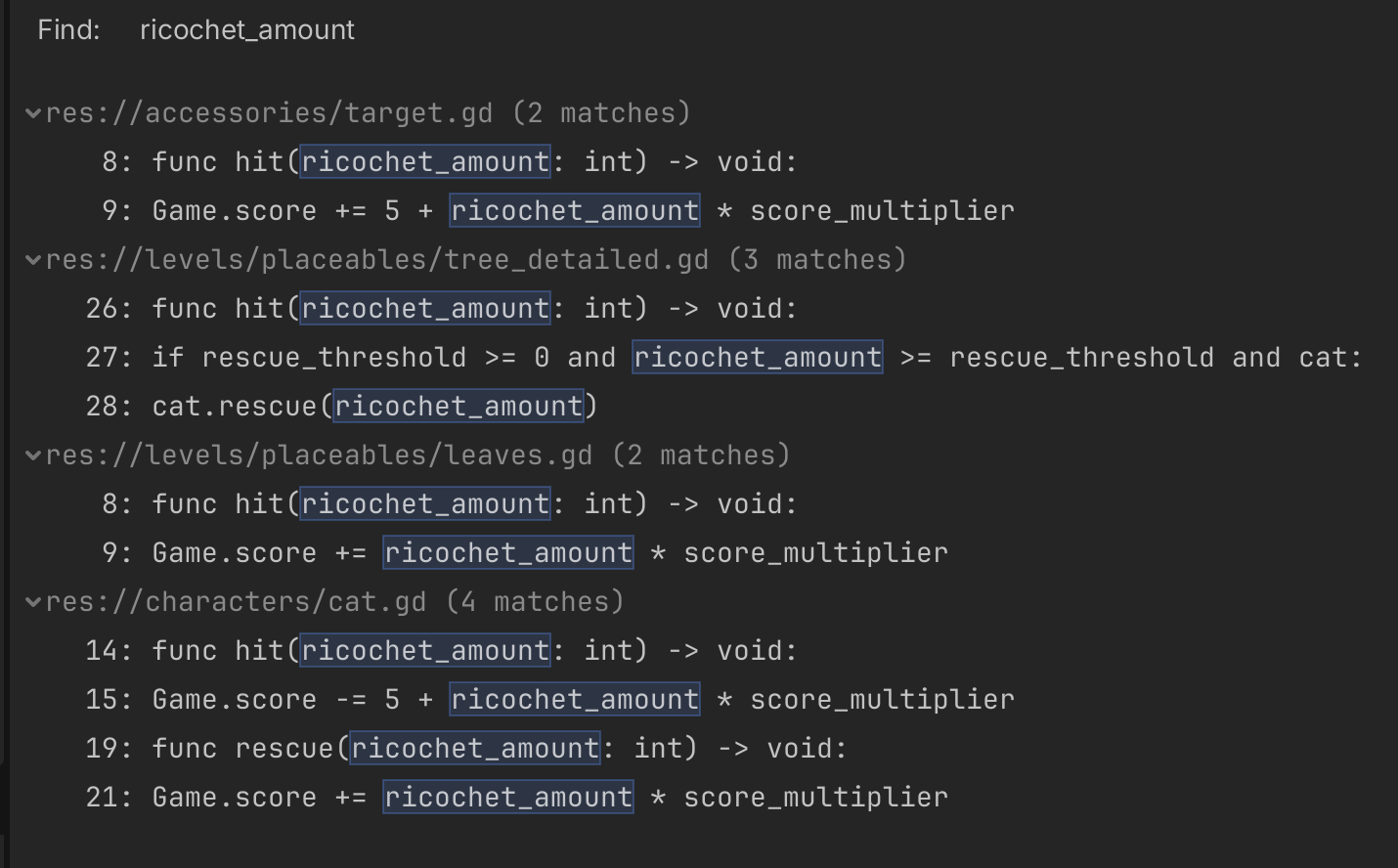
Next is tree_detailed and ricochet_amount:
As we can set different ricochet_amount in export it make me question how do keep checked this ricochet_amount in scene and how rescue_threshold in condition checking this.
	if rescue_threshold >= 0 and ricochet_amount >= rescue_threshold and cat:
		cat.rescue(ricochet_amount)
		_hide_meshes()
I see this variable passed in few functions across scripts, but don’t see where it’s stored or how it should work.
Cat can be rescued once only ( the score won’t be unlimited while sound finish) cat.gd updated
class_name Cat extends StaticBody3D

signal rescued

@export var score_multiplier: int = 25

@onready var hit_sound: AudioStreamPlayer3D = $HitSound
@onready var rescue_sound: AudioStreamPlayer = $RescueSound
@onready var gpu_particles_3d: GPUParticles3D = $GPUParticles3D
@onready var already_rescued: bool = false

var cat_face_link: CatFace


func hit(ricochet_amount: int) -> void:
	Game.score -= 5 + ricochet_amount * score_multiplier
	hit_sound.play()
	print("cat hit", ricochet_amount)


func rescue(ricochet_amount: int) -> void:
	if already_rescued == false:
		already_rescued = true
		rescued.emit()
		Game.score += ricochet_amount * score_multiplier
		print("cat rescue", ricochet_amount)
		rescue_sound.play()
		cat_face_link.fill()
		gpu_particles_3d.emitting = true
		await rescue_sound.finished
		queue_free()
	else:
		pass
Target - same logic but can be hit only once for multiplier. target.gd
class_name Target extends StaticBody3D

@export var score_multiplier: int = 10

@onready var hit_sound: AudioStreamPlayer3D = $HitSound
@onready var already_hit: bool = false


func hit(ricochet_amount: int) -> void:
	if already_hit == false:
		already_hit = true
		Game.score += 5 + ricochet_amount * score_multiplier
		print("target",ricochet_amount)
		hit_sound.play()
		await hit_sound.finished
		queue_free()
	else:
		pass
Typo fix
in bullet.gd changed richochet to ricochet.
@icon("uid://vvp4qmlmdhtv")
class_name Bullet extends CharacterBody3D

@export var speed: float = 20.0

var ricochet_count: int = 0

@onready var life_timer: Timer = $LifeTimer
@onready var fire_sound: AudioStreamPlayer3D = $FireSound
@onready var ricochet_sound: AudioStreamPlayer3D = $RicochetSound


func _ready() -> void:
	life_timer.timeout.connect(queue_free)


func _physics_process(delta: float) -> void:
	var collision: KinematicCollision3D = move_and_collide(velocity * delta)
	if collision:
		# Get what we collided with
		var collider: Node3D = collision.get_collider()
		# If it's a target, we are done
		if collider.has_method("hit"):
			collider.hit(ricochet_count)
			queue_free()

		#if collider is Target:
			#collider.hit(ricochet_count)
			#queue_free()
		#elif collider is Cat:
			#collider.hit(ricochet_count)
			#queue_free()

		# If not, add to the ricochet count and bounce
		ricochet_count += 1
		velocity = velocity.bounce(collision.get_normal())
		ricochet_sound.play()

		# If we are bouncing, we also need to rotate towards our new direction.
		var look_dir := Vector3(velocity.x, velocity.y, velocity.z)
		if look_dir.length_squared() > 0.01:
			look_at(global_position + look_dir, Vector3.UP)


func fire(muzzle: Node3D) -> void:
	var forward_direction: Vector3 = -muzzle.global_transform.basis.z.normalized()
	velocity = forward_direction * speed


func fire_at(target: Vector3) -> void:
	fire_sound.play()
	var direction: Vector3 = (target - global_position).normalized()
	velocity = direction * speed
Edit :
Another suggested fix
Suggested another fix to avoid disabling TITLE scene while pausing game.
in main.tscn (res://game_template_files/main.tscn)
for Gameplay node extend script with following
extends GameplayGameState

func _input(event: InputEvent) -> void:
	if event.is_action_pressed("pause"):
		print("is_paused: ", Game.is_paused(), " | is_loaded: ", Game.is_loaded)
	if not Game.is_paused():
		return
	if not Game.is_loaded:
		return
	if event.is_action_pressed("pause"):
		switch_state()
		get_viewport().set_input_as_handled()
This resolve issue of empty viewport at starting scene.
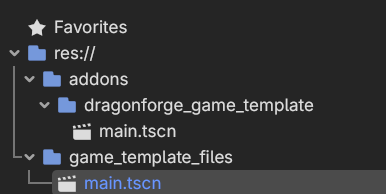
it was a bit confusing with main.tscn as there is two of them:
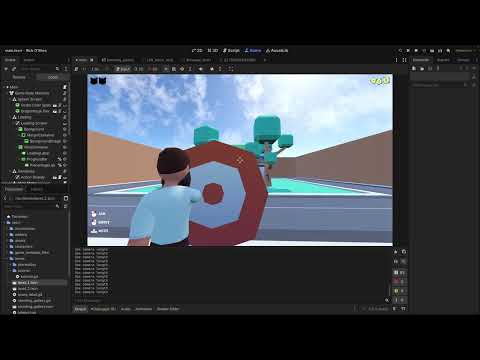
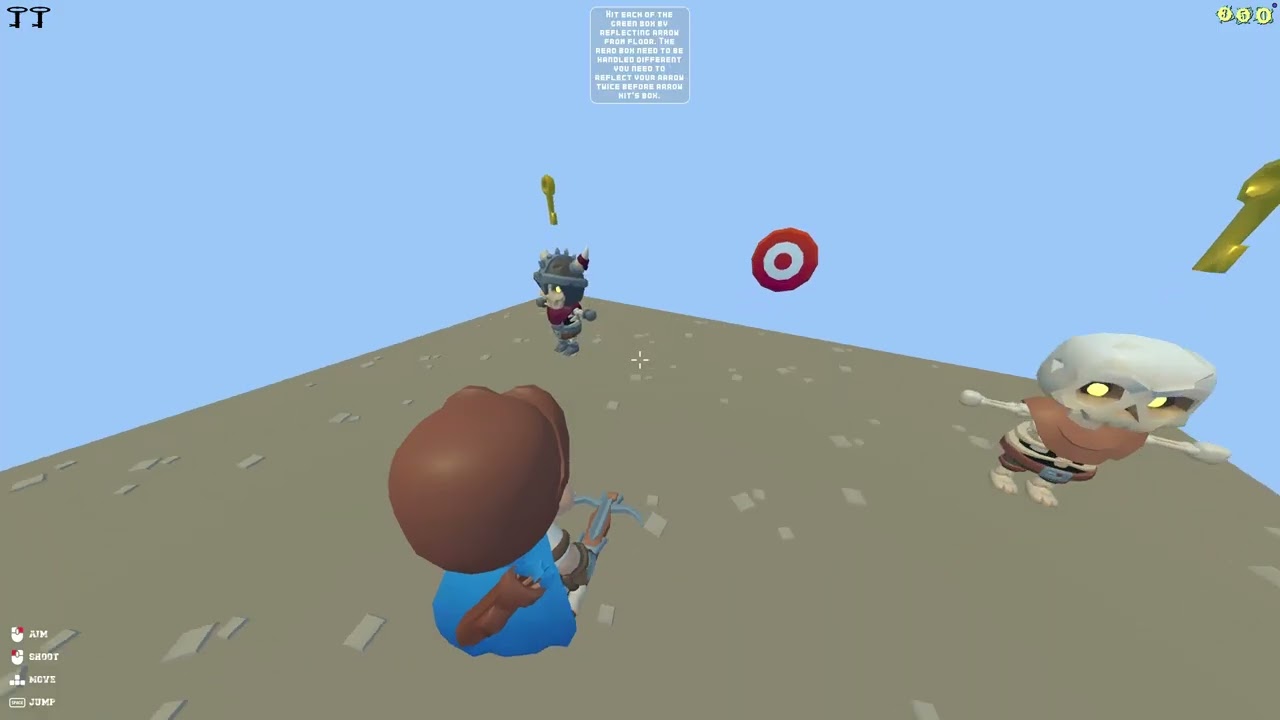
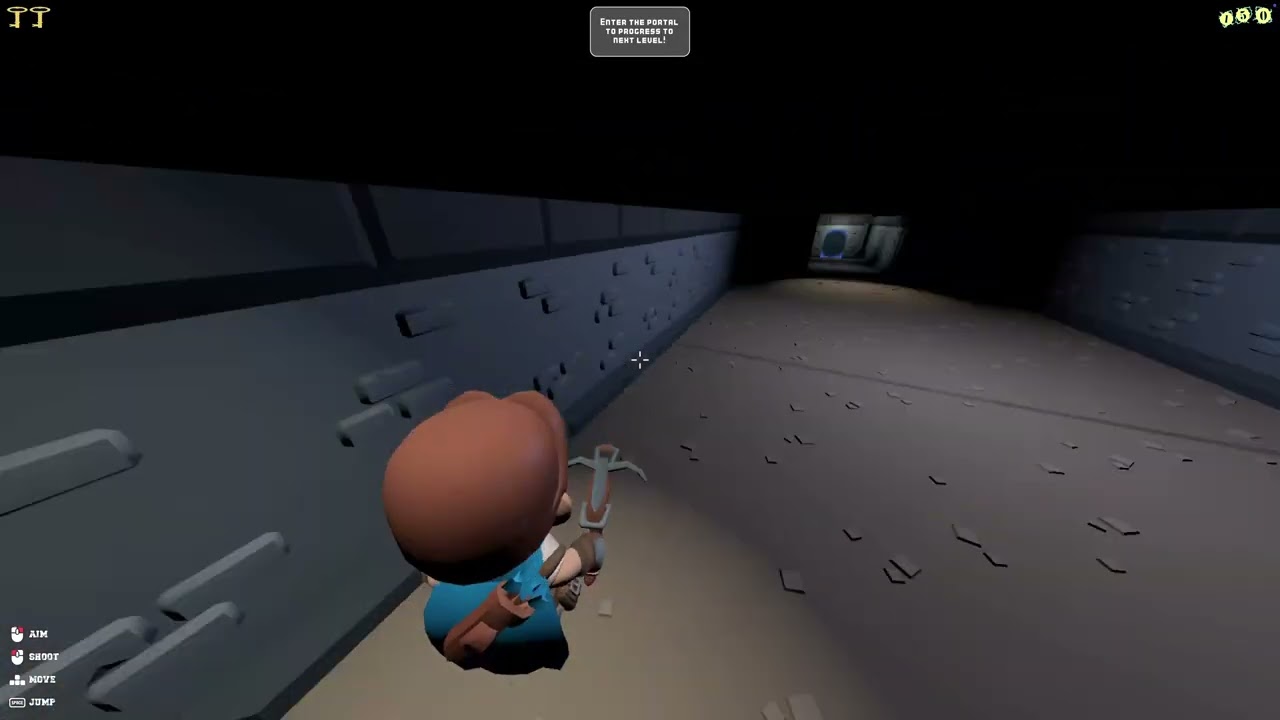
So here is preview what currently looks like modifying of your game:
I have learned more about states, especially HUD was a bit challenge to stop visual overlaps but it works now.
Edit :
For now I have replaced music in opening menu. there is few more assets that need change.
Sizing of Carousel adapted, TITLE scene now detects itself in pause state as not loaded and won’t queue_free() scene, bit of generic adjustments .
Recoded this time with OBS, so audio included