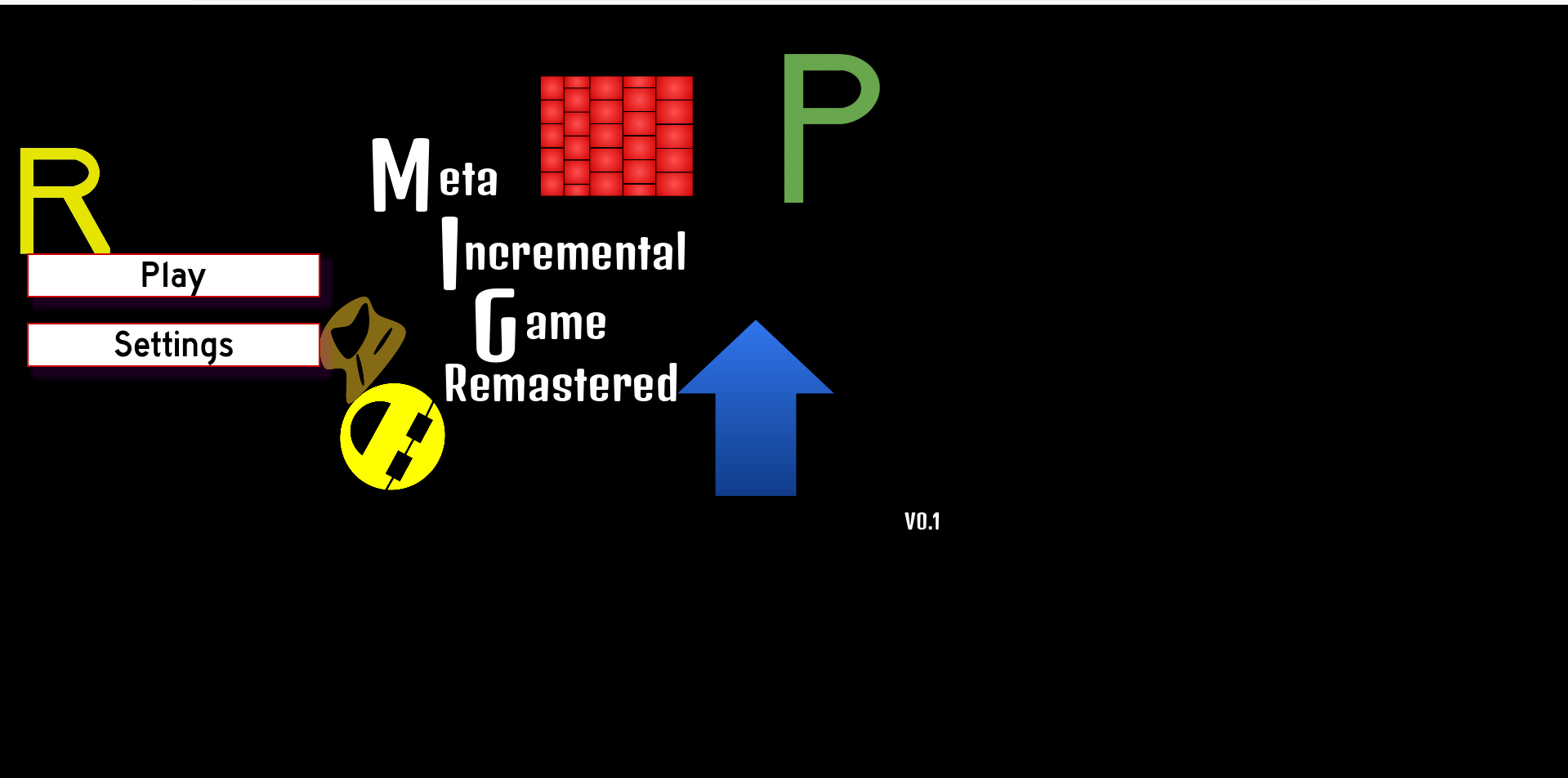
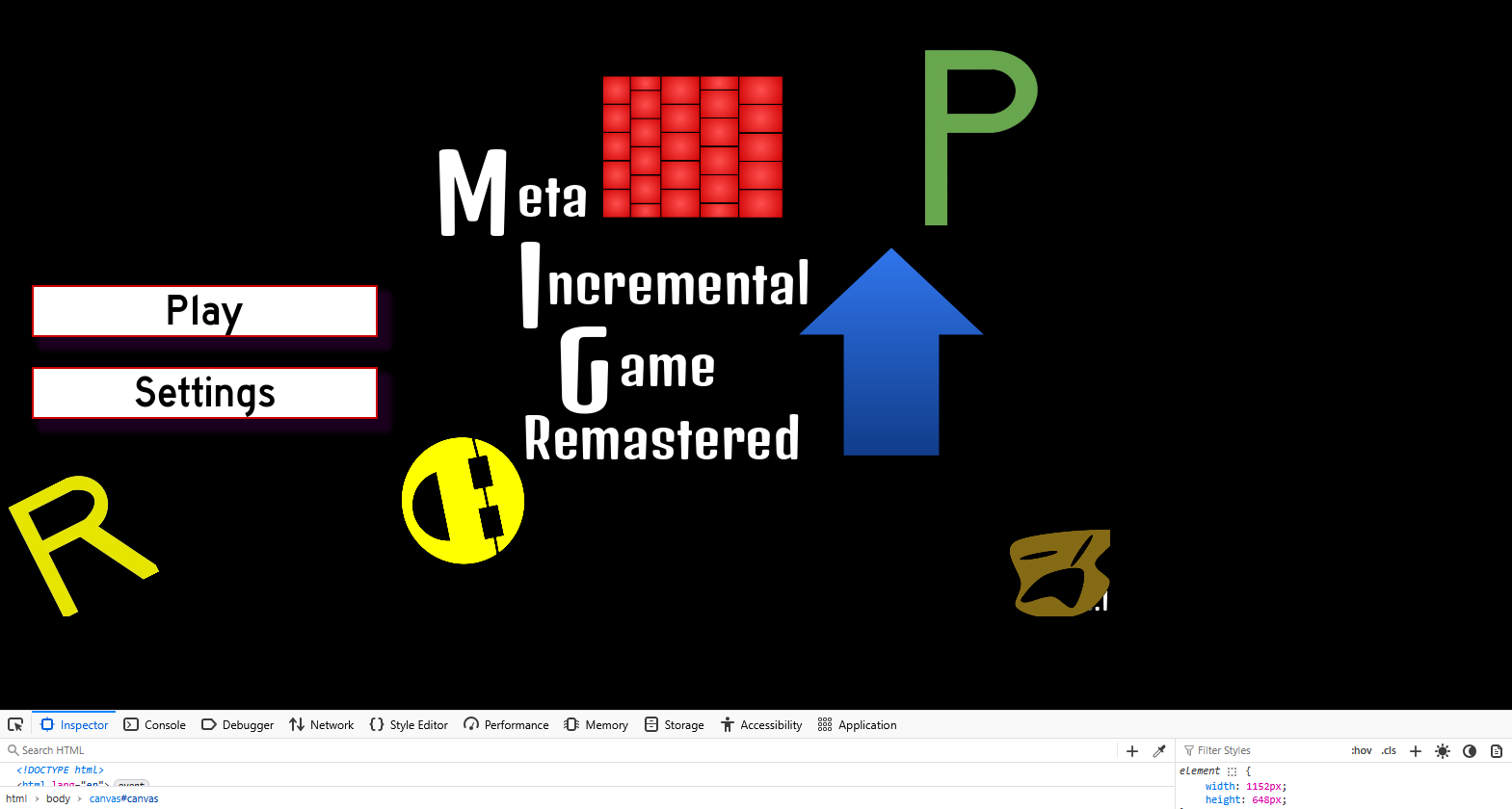
I’ve just finished working on my game, and am finally ready to release it on web (with a github link, incase that matters). However, it just seems like it is not stretching at all. The stretch settings are below;
(Ignore the face it’s supposed to be in different spots)
As you can see, the resolution just does not stretch at all in the top image. I tried this on phone and the issue is the same, with it only taking up a small amount of space at the top and getting cut off horizontally. I have no idea what could be causing this behavior. I have tried changing the stretch settings to viewport, keep, and all the different combinations with the two different settings there, and it’s always been the exact same. Inspecting it reveals that the ‘canvas’ is the same size it is in the editor settings (1152x648), and it didn’t change at all.
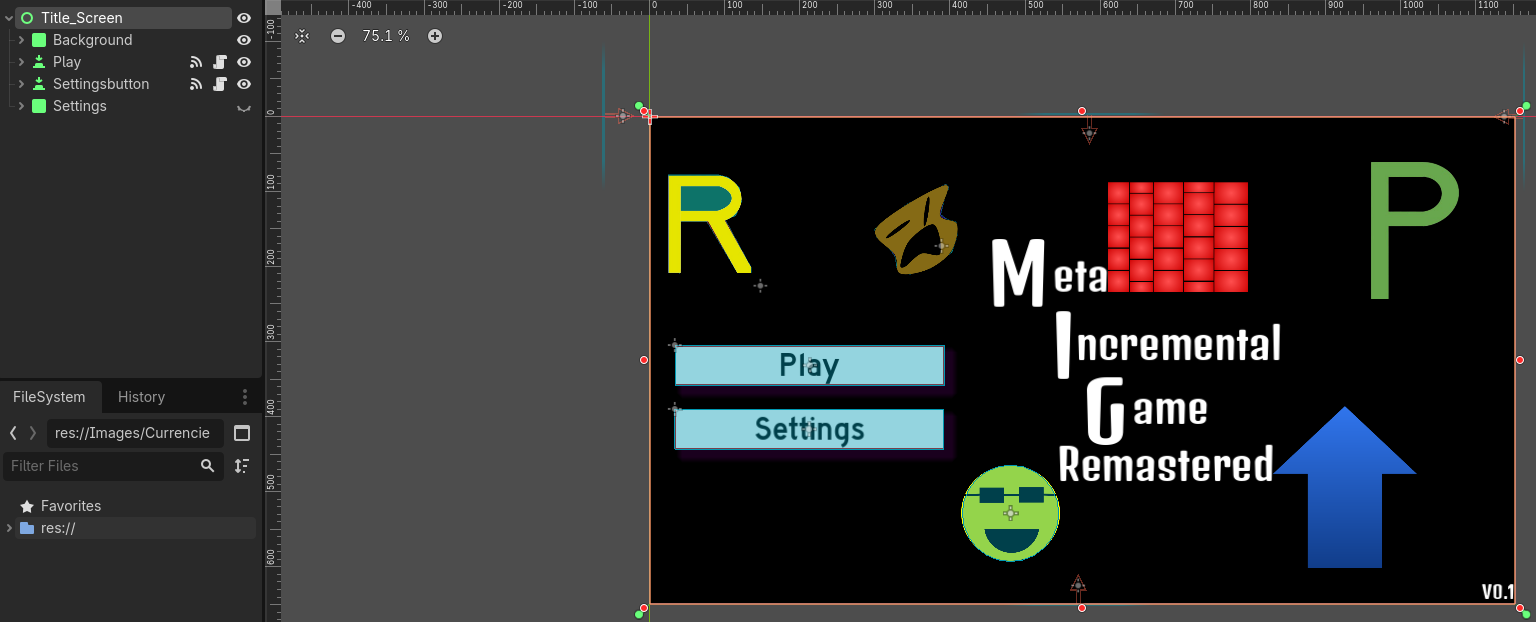
The base of the scene tree looks like this (there’s too many things in it to be able to show all of them). I think the anchors are set correctly? They’re atleast set correctly for the root control here, do I need to set them for each individual node? And it so how would that work for the Node2D ones (which I have plenty of, as well as a Node2D root node in another scene).
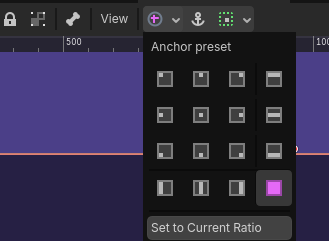
The green pips in every corner means this control node “Title_Screen” will scale to fit the entire screen, check if “Background” is set the same way as it should have green pips in every corner too, the toolbar will show this as “Full Rect”
Same exact thing, and that still wouldn’t help with the Node2D parts anyway I don’t think, which also have the same issue. After using inspect element the canvas itself is locked at that 1152x648 resolution, which I’m fairly certain is the issue here.
Does anyone else have any ideas on why this is happening? If I can’t get this fixed soon I’ll have to assume this is a godot bug and make an issue on the github page
Pretty sure canvas size on web isn’t controlled by the stretch settings, it’s an export option. Project > Export > Web, then under Options find Canvas Resize Policy in the HTML section. On Project it writes your project’s viewport size onto the canvas as inline CSS and leaves it alone after that, which is exactly the width 1152px and height 648px showing in the element styles panel in your screenshot. Adaptive is the one that keeps rewriting those to match the browser window.
That should also covers why every stretch combination came out identical. Stretch decides how the game maps into the canvas, and yours is mapping in fine, the canvas itself just never grows past 1152x648.