i’m currently trying to make a game with a 16x16 resolution as a challenge. my problem is that i can’t seem to figure out how to scale up that 16x16 scene to a much bigger viewport, like 1280x720, both for window scaling and for custom borders or other information around the game.
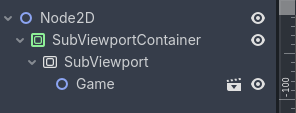
i’ve tried having the game as a separate scene, then having a main scene with a SubViewportContainer and a SubViewport, like so:
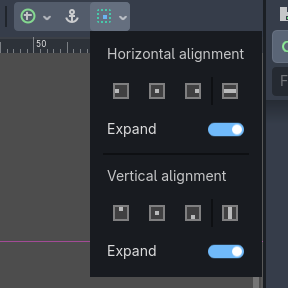
i clicked all the options at the top of the screen to make the subviewportcontainer larger, the anchors and sizing settings and stuff, but it refuses to grow at all. with the stretch option enabled, absolutely nothing changes, neither does putting the subviewportcontainer in a different kind of container with all of the settings.
i’ve also changed all of the window settings, and none of those change absolutely anything. i’ve settled on viewport mode, keep aspect, and fractional scale mode, but like i said, they don’t seem to change anything.
does anyone know what i should do here? any help would be appreciated!
You can either scale the container or instead display the texture on a texture rect which will automatically fit the texture when sizing the rect.
how would i expand the container? i’ve tried all of the expand option up here:
and either nothing changes, or it sets everything to 0 pixels big.
Use a texture rect instead of viewport container. It’s better for automatically fitting into layouts.
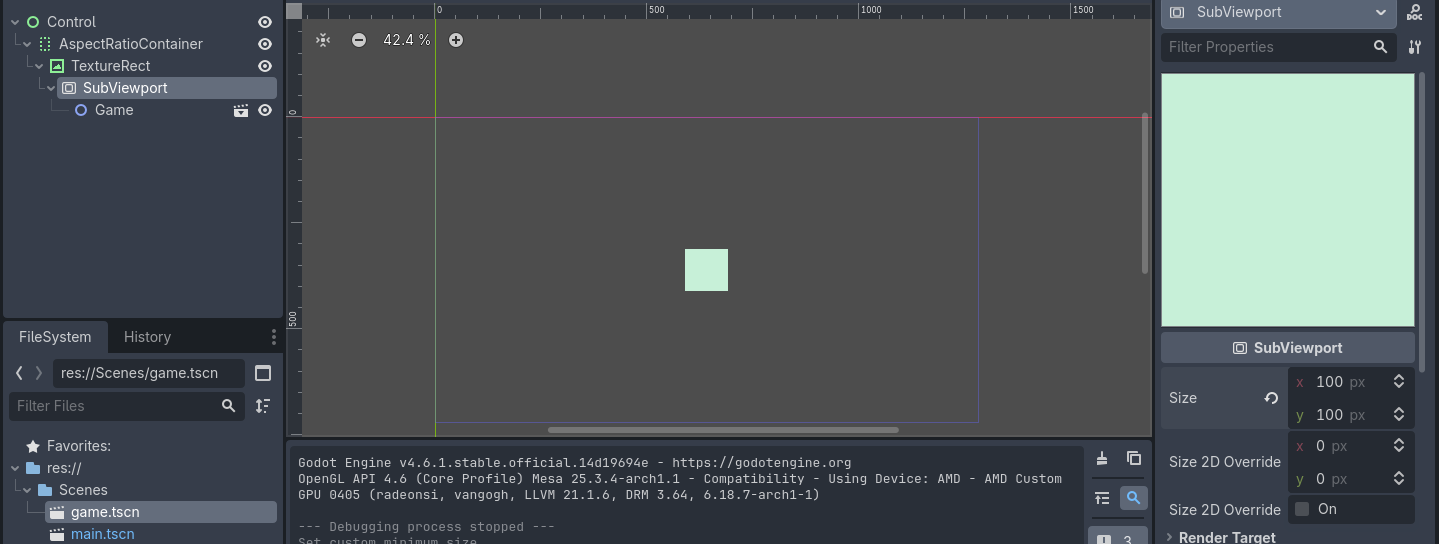
figured out the 0 size problem was because the root wasn’t a control, but with a subviewportcontainer or a texture rect, i can’t get the subviewport to scale up. just center
Don’t use any containers. Just a texture rect parented to a root control
16x16 ? we talking 1 pixel is the character ?
I mean godot upscales your image any way…
Even if you chose 320x180… its not native unless you put it in a sub viewport, and i
would not recommend for one good reason… if your moving the camera, it will get jitter
on the diagonal.
You could zoom with a camera2d.
Anyway good luck for the rest if that does not work as you want.
Yes and no ,
If you set the viewport in the project settings and dont set the zoom options then it will be ‘native’ i.e. postage stamp.
Its perfectly possible, you just choose a viewport size that is multiples of say 1080p, and then use integer scaling.
16x16 however, thats not going to work.
If you want to simply scale the game, remove the subviewport stuff, and just use the project settings display. If you want a custom border you will have to put the project settings display back to default and scale up the game yourself.
The reason the size flags on the container doesn’t work is because size flags area meant to be used on a Control node that is a child of a container. Your SubViewportContainer is a child of a node2d, which is not a container
Sizing won’t scale the viewport though.
If the goal is to blow up a 16x16 viewport and have the most options regarding it adapting to various screen proportions and size, displaying the viewport texture on the texture rect is the most flexible option.
I have maybe a solution !
Go to the project settings, Display and activate the advanced button.
Change your viewport size and go a little bit down and there is window override.
Change to what ever is you target resolution and turn on Stretch with viewport (pixel perfect i think)
And if you want custom borders when strecth make a background around