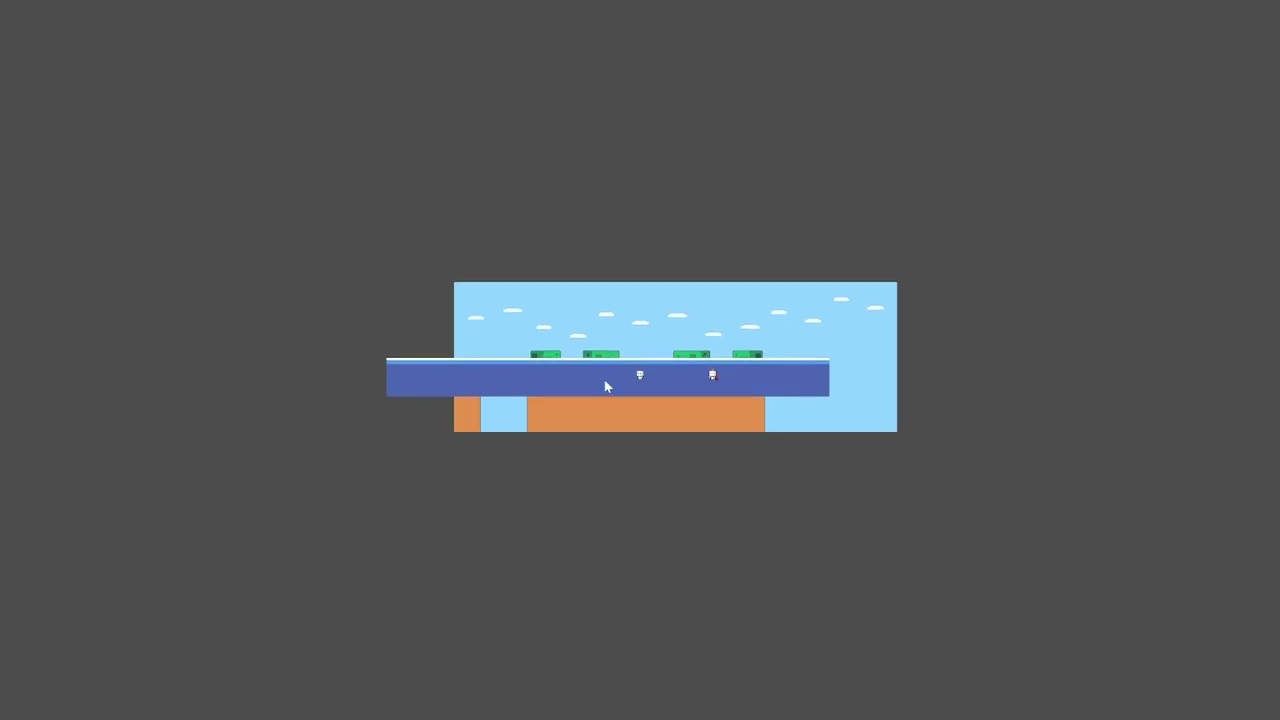
Hello ! First of all, here a video of my problem !
I don’t really understand why my sprite2d go so far away from the camera everytime I change the scroll scale… I tried everything, but everytime it just dissapear !
Also, if I modify the position of the parallax2d when the debug is active, it reappear on the screen at the good position, but at the moment my player move again, boom, it go away again…
Do any of you have an idea of what is happening ? I’m using Godot 4.5 !
You can read about how to set up Parallax2D in Godot here. It walks you through how to set things up and how it’s working behind the scenes step by step. This will help you better troubleshoot in the future.
For your specific issue it looks like three things:
You’re zoomed out far too much. Your background/foreground should be able to cover your entire viewport.
In your video, you’re setting both the x and y axis to parallax, but it looks like you only want it to parallax on the x-axis. You should set only the x-axis in that case, otherwise it will move at a different rate along the y-axis as well (like in your video). Also, when you set it to 0, that means “never move”, kind of like a CanvasLayer, which is why it’s in the top left.
The parallaxing origin is 0,0, so you need to make sure that your Sprite2D’s position is based around that.
The docs also link to KoBeWi’s parallax preview tool, which may help once you finish reading.