I thought I’d first open this topic here for discussion before forwarding it as an actual Godot Jolt bug on GitHub.
I made an MRP with a rigidbody capsule falling onto a flat surface from gravity. Here it is for testing and debugging ideas:
Expected: The capsule should just stay on the ground on land with no perceptible sink or penetration.
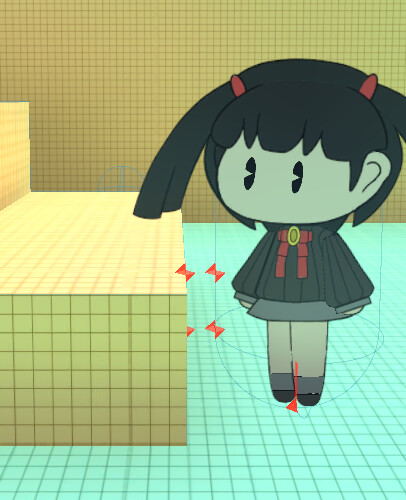
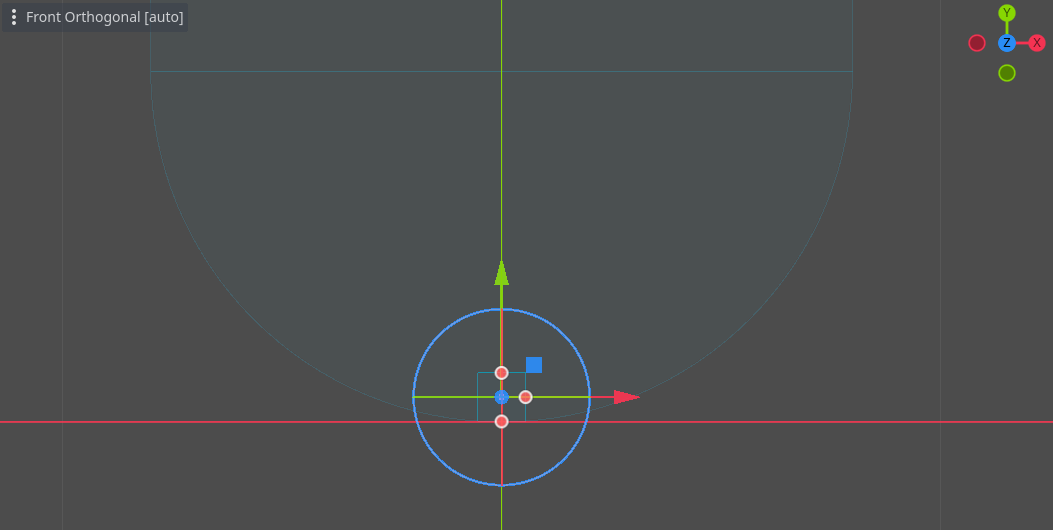
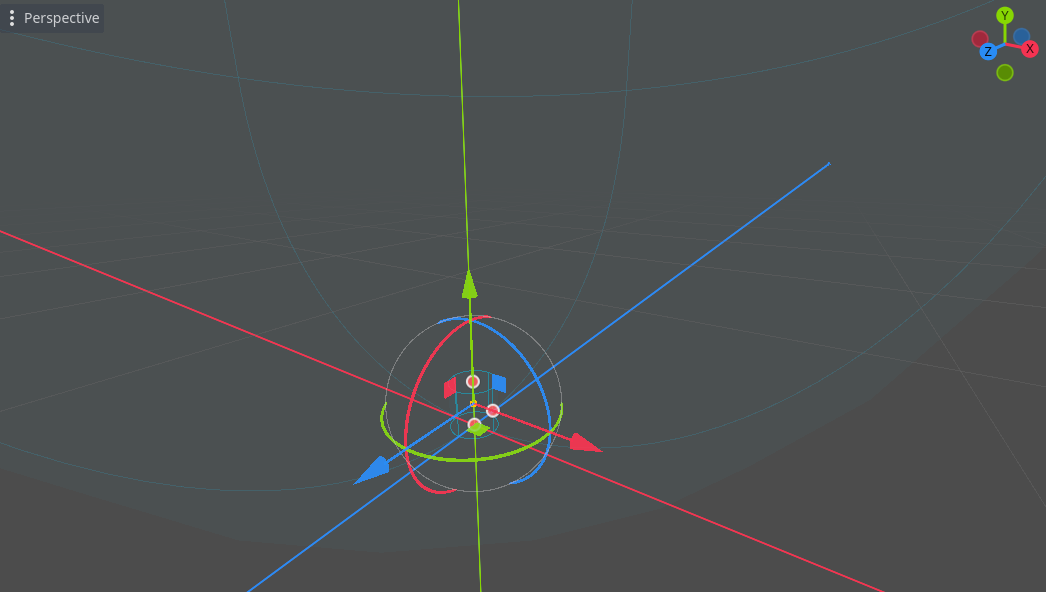
What actually happens: The capsule sinks slightly and resurfaces, finally staying at ground level. The capsule seems to penetrate the StaticBody3D floor for around 7 frames. In the MRP I print logs which point to these frames it takes for the rigidbody to resurface, and you can also see how the capsule clips slightly into the floor.
Issue: This results in a very perceptible visual “sink” for rigidbody3d character controllers for example. In my case (not the MRP, some other 3D games I’m making) my rigidbody capsule collision based characters very visually sink into the ground on land which looks bad visually, and since my camera system works with height coordinates, it messes up the character following. But I think capsule collision is still the best choice for dealing with ramps and other uneven surfaces.
I’m currently making a game in 2D, and you can sometimes also notice rigidbody2d’s sinking on land (although I might dare say it’s less common or perceptible).
What I’ve tried: I’ve been investigating workarounds for this issue for a few years now and I already tried quite a few physics configurations, most notably increasing physics ticks to 120 (which seems to help slightly, but doesn’t really get rid of the issue). This only happens with capsule collision afaik (considering their shape, it may also occur with spheres? but I haven’t tried this yet), switching to more flat bottom shapes offering more landing surface helps a lot, but sometimes just isn’t reasonable for character controllers.
What I’m looking for: Some magical workaround, godot jolt configuration, solution, fix, moral support… any of those would do at this point.
That’s not fixing the issue in the MRP provided with default physics settings and trying out a few higher speculative_contact_distance values (even 1.0).
Feel free to try for yourselves and even submit a PR to fix the MRP! The issue is very simple and it can affect a wide range of physics in godot with jolt.
Darn… then my MRP is useless to showcase this issue in a simple manner right now (I’ll likely start a new one to investigate). I 80% thought that when godot updated to 4.4, their default physics system had become jolt, so I imagined leaving physics/3d/physics_engineDEFAULT, Godot would just use jolt by default, as announced.
This is what happens when you make assumptions.
But I see you still have to set jolt manually (I wonder what default actually means then, I asume it’s still pointing to Godot’s old incorporated physics system?), hence the MRP I’m providing isn’t valid, because I just noticed switching to jolt on it completely fixes the problem .
Unfortunately my main 3D project https://www.youtube.com/watch?v=mVSjKyWop3I DOES have Jolt physics selected, and it still presents this problem, but I’ve noticed speculative_contact_distance does help there if set to around 0.3+, however this generates another complex issue I’ll have to investigate…
I can see collision points duplicating with a `speculative_contact_distance` value of 0.3 (I know this is something the setting warns about as “ghost collisions”, and it might be fine for just the main character, but every physics object will have this unnecessarily).
`speculative_contact_distance` also breaks how I calculate friction (I currently use friction to stop the character from moving), so now the character halts immediately when touching the ground, because previously I did this halt from 0 to 1 friction more progressively after touching the ground, causing a short and smooth slide (likely easy to fix, but still, these sorts of issues where the character collides a few frames before it should will likely emerge everywhere).
This also completely fixes the problem (I presume it has to do with the fact that the contact surface is being amplified this way) without having to resourt to that weird extra collision radius, but it seems to bring it’s own derived issues (with my game specifically)… I might be able to deal with them though.
It’s a lame solution, but it works. I must say, this is something I wouldn’t find myself doing using Unity.
I think I found 100% surefire cause which is pretty logical and straightforward:
So basically, if you apply 9’8 gravity to physics objects (the default) jump and gravity physics tend to feel very floaty. So what I always do is set the physics gravity to 100.
I just updated the penetration test to use jolt + 100 gravity which allows for appreciating the issue:
Also, here’s a Jolt enabled rigidbody character controller project in which I can also reproduce this sinking (not really necessary but I would like to fix it some day, while keeping the speed at which the character falls):
So, sometimes I set gravity to 100 because I can’t think of any other way of making the jump physics feel less floaty than setting it this way (except changing per rbd gravity scale which should be pretty much the same and has the same effects). For that paperlike video example I sent before I just couldn’t think of any other way to get the physics right but setting high gravity.
If I could come up with some other way that makes my characters not feel like they’re jumping in the moon it would likely avoid this issue.
I am not sure if my previous post helps but… are you sure is this even issue with the Jolt Physics? Does same thing happen on the default physics engine?
Would you mind trying out my 3d rigidbody based character controller project?
The key with this project is that it has gravity set to 100 so the character actually falls at the same speed your fist falls on to your desk if dropped (unforced). If you set it to 9’8 it certainly will feel floaty, as though your fist was in a wind tunnel or on the moon.
If this floatyness were something unusual with gravity 9’8 and you can’t figure out a cause for it on my character controller, please let me know. But I doubt it, 9’8 feels floaty, and many other people have reported the same.
I haven’t intentionally tried the default physics engine in a while (well, you could say I did so with the main MRP by mistake just yesterday). The sinking would likely (well I did see it could be reproduced yesterday using default godot physics) be even worse / easier to reproduce.
 You’ll need to change it to Jolt first.
 .
.