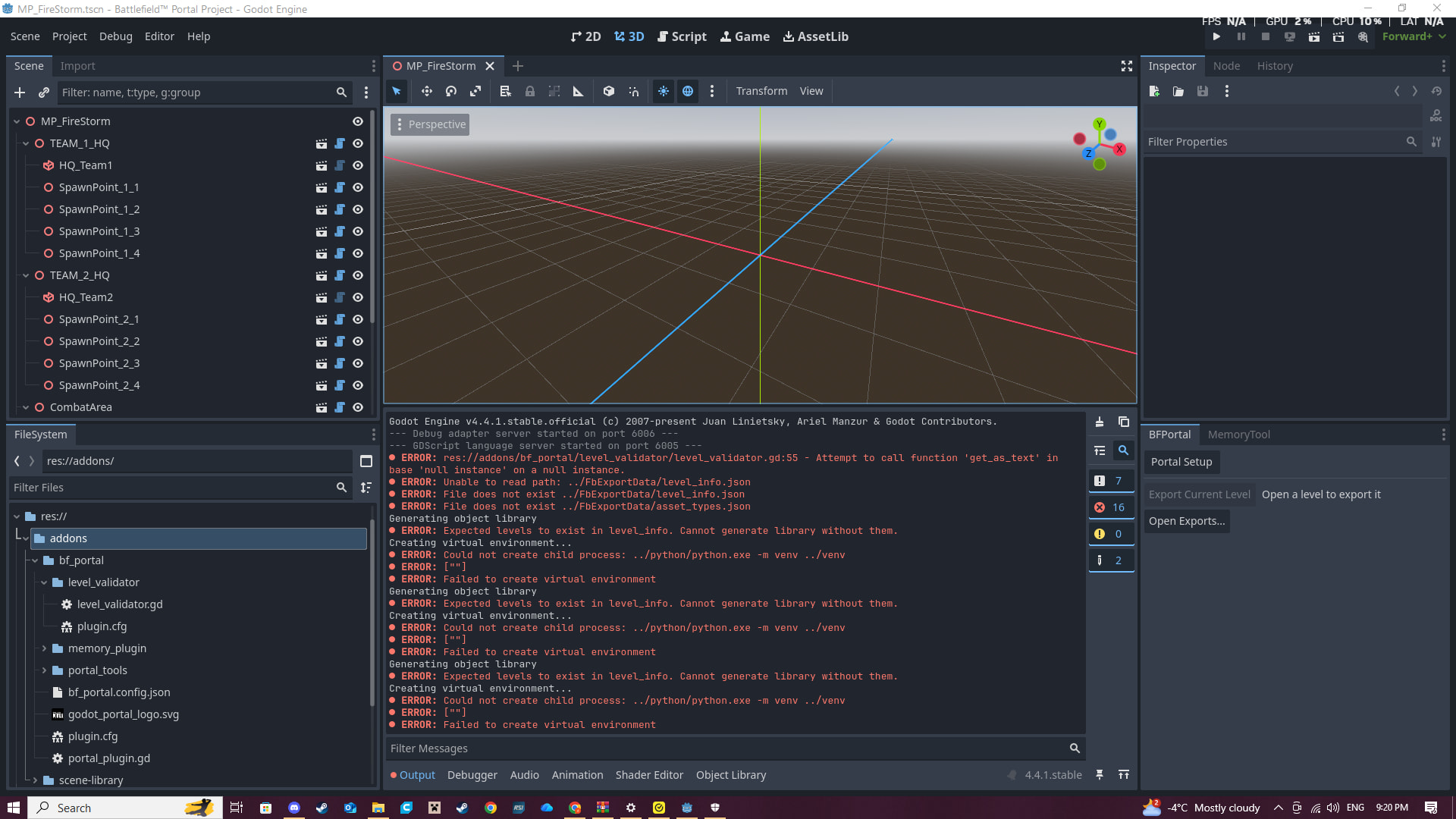
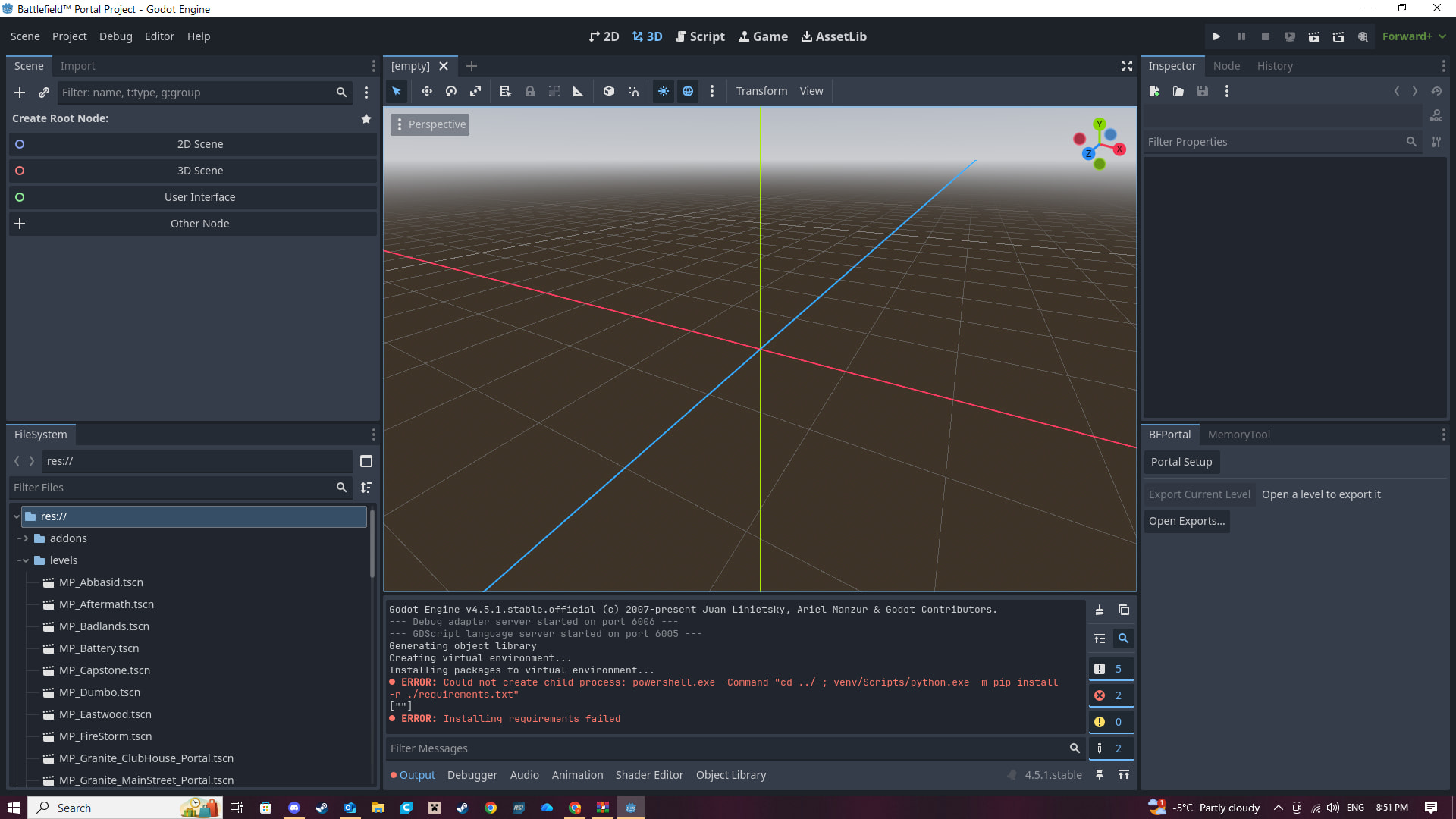
hello, I'm very new to this and just trying to create a map on battlefield 6 for me and my friend to play on. when I press portal setup I get these errors. I have tried everything and cant seem to figure out how to fix it and it wont let me export a map. any help will be very appreciated!
you dont appear to be using the newest version of godot, I havent made a map for battle field 6 and unless this version of godot is a requirement I recommend you try update to the newest version of godot
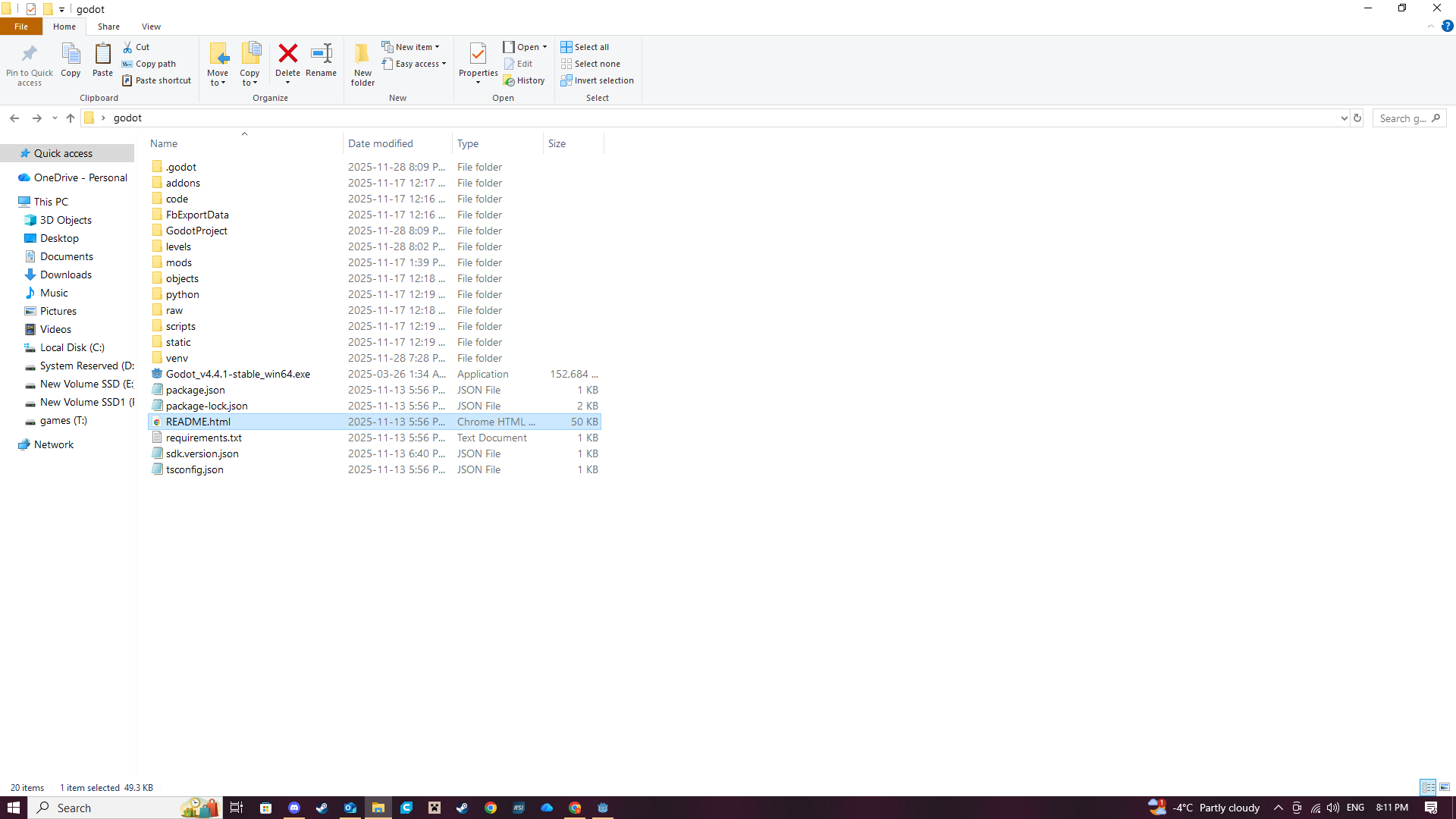
oops it looks like that you need to use the version provided in the BFPortal SDK. Did you right click and extract the PortalSDK or are you clicking on a zippered folder?
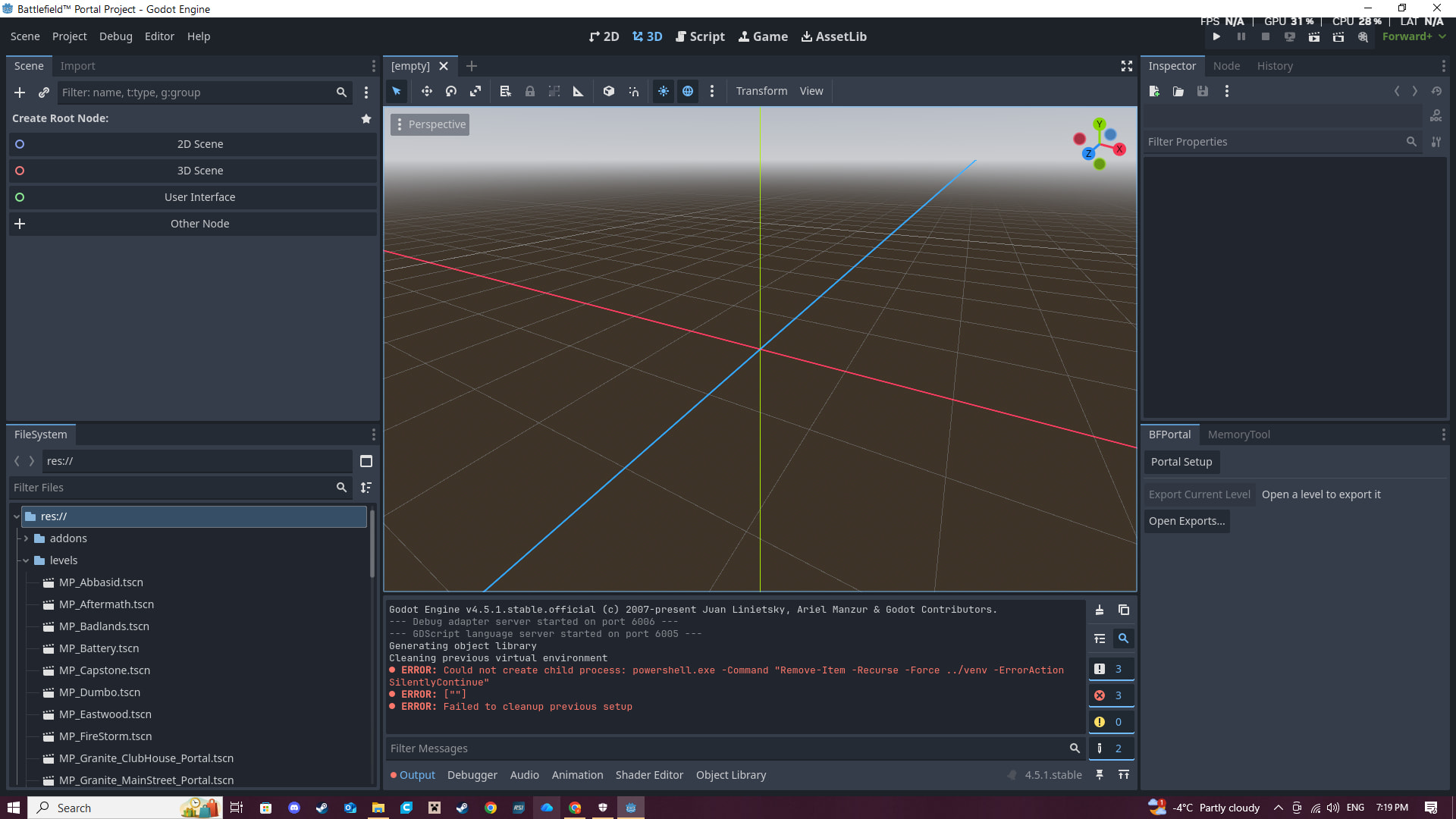
I tried that version with no luck. I had better luck with the updated version off of godots website. now its not letting me drag the godotprojects folder into godot.. lol whatever I’m doing godot doesn’t wanna let me edit a BF6 map..
Have you tried deleting the godot folder and trying again? I can’t seem to find anyone else talk about this problem or any information on what could be wrong.
I deleted anything godot related off my computer and reinstalled the portalSDK file from battlefield website again. That didn’t work so I installed the updated version of godot and used the godotprojects folder from the portalsdk download to drag into godot. This seems to get me much farther and I can actually press portal setup. it loads and takes a few minutes and seems to almost work but I get stuck here.
so I have somehow gotten it to the point where I’ve exported my file but when I go to upload it into the battlefield 6 portal it says “cannot upload, game mode not set” is there a way to set my game mode in godot?