Godot Web Export: Area Appears Larger Than in the Windows Version
I have a problem and I hope you can help me. This is my first game with Godot.
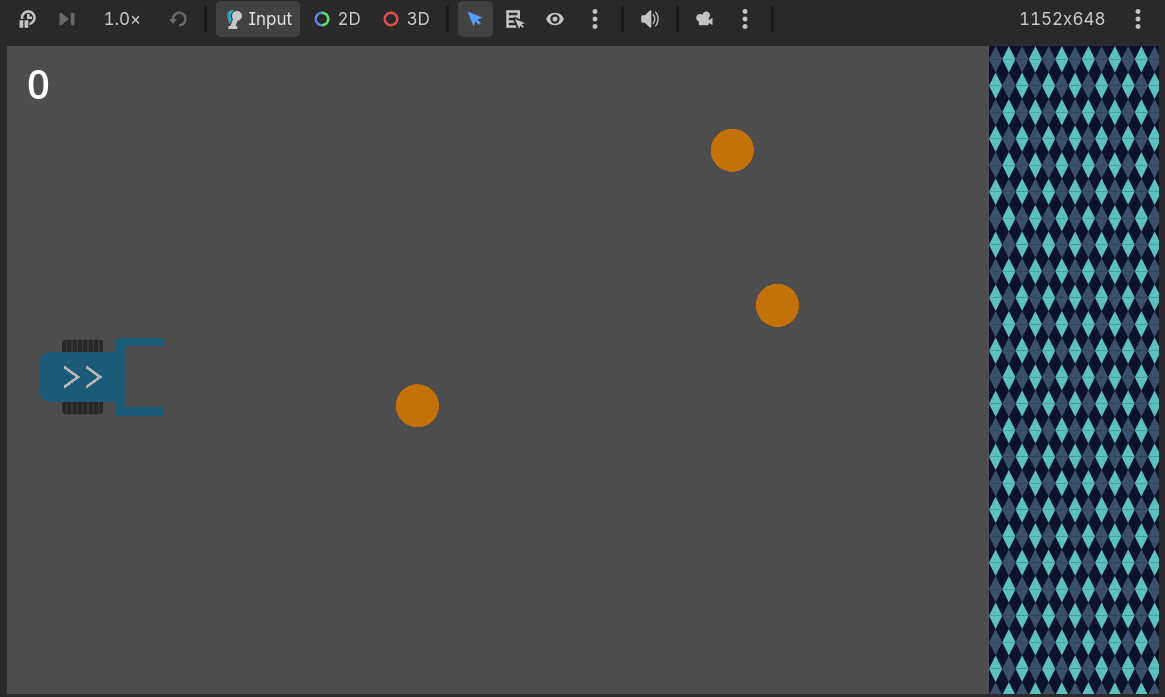
As you can see in the screenshot, I have an area on the right whose purpose is to serve as a place where the spheres can be brought. When I run the game in Godot and in the Windows version, everything works perfectly and the area is displayed correctly.
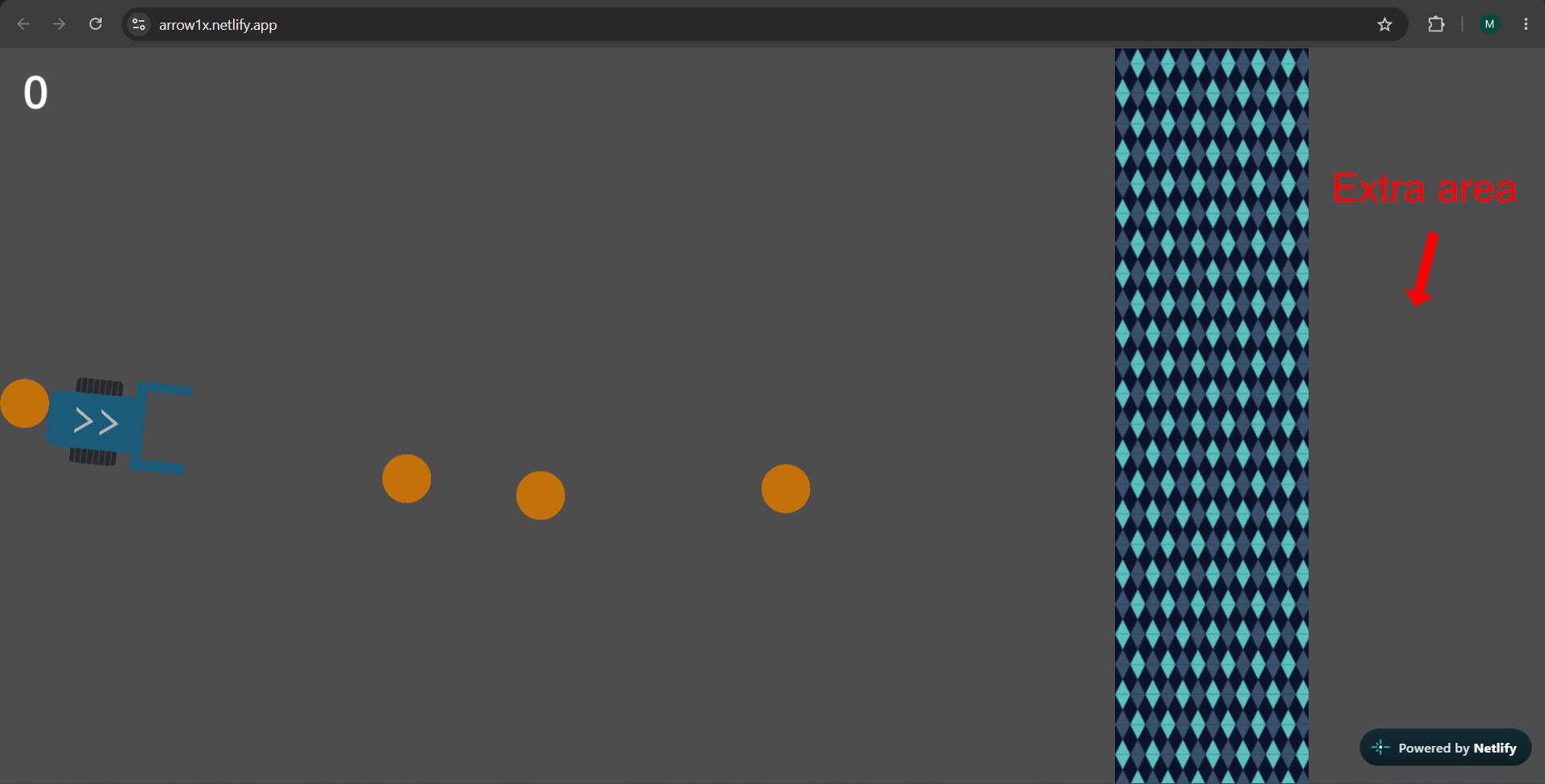
However, in the web version, the area that is displayed is larger. This screenshot is from Netlify, where I uploaded my project for testing. As you can see, because the screen is wider, an extra area that I don’t want is visible.
How can I fix this?