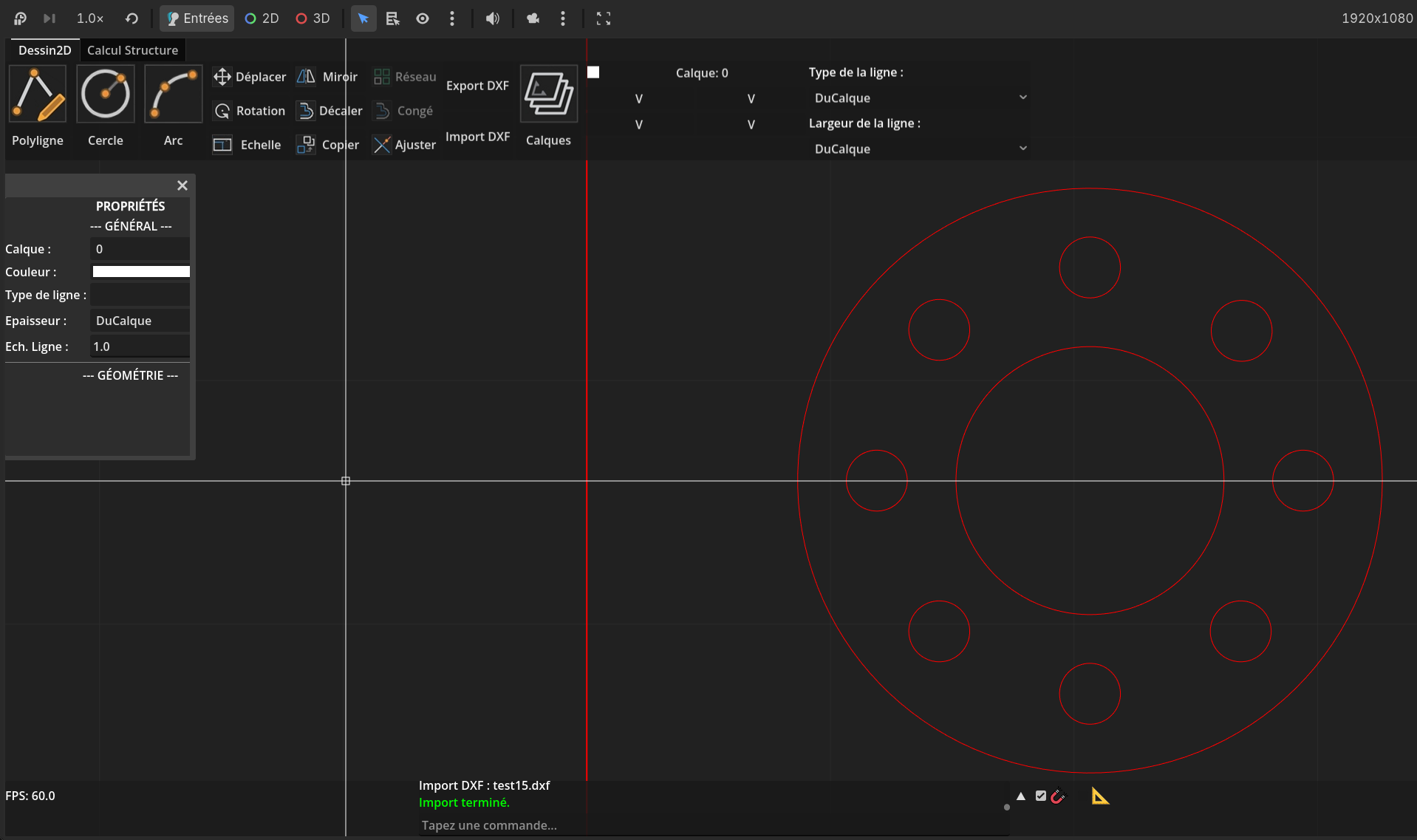
Welcome to GodotCAD, an open-source 2D CAD software. This project aims to provide a lightweight, modular alternative for technical drawing, with features inspired by AutoCAD but designed for simplicity and extensibility.
:: Key Features :
Geometry Tools: Draw lines, circles, and arcs.
Smart Snapping: Endpoint, midpoint, center, intersection, and perpendicular snaps.
Editing Tools: Move, copy, rotate, scale, mirror, and offset
Selection System: Click, box selection (window/crossing), and control points (Grips).
DXF Export: Save your drawings in DXF R12 (AC1009).
This is the type of software that’s actually REALLY useful for level design.
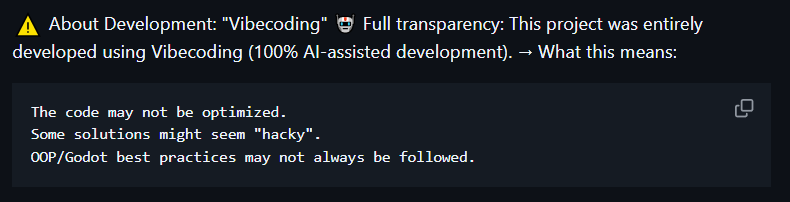
I’m glad you made this, however, the fact that the code was AI-assisted is very concerning for long-term maintenance. Especially for an open source project.
I am not exactly concerned per say about the AI in general, however I would say that artificial intelligence’s advice should be taken with more than just a grain of salt, at least 7 grains of salt. One must fully understand the logic and at least be able to write SOME stuff themselves (preferably all of, or at least learn from working code, which is another benefit to seeing other geniuses work here)—This project is pretty cool indeed, but just for general usage of AI 101, one must be able to review and evaluate that the code IS efficient, done correctly and not “hacky”; the best practices must (mostly) be followed.
What i would say is concerning is the 100% part, if nothing more, if a robot is a tool, then it should be USED like one, not made a manager, see. *Continues to sit on chair and starts coding moving cloud logic
Thanks for your feedback! I completely understand the concern about long term maintenance. This is actually one of my first programming projects, and I honestly wouldn’t have been able to build it without ai assistance
Your project looks excellent! I just want to ask – does the renderer have to be Forward+? My computer only operates with Compatibility and I’m afraid posting issues which only occur with Compatibility.
 : Key Features :