4.6.stable.official
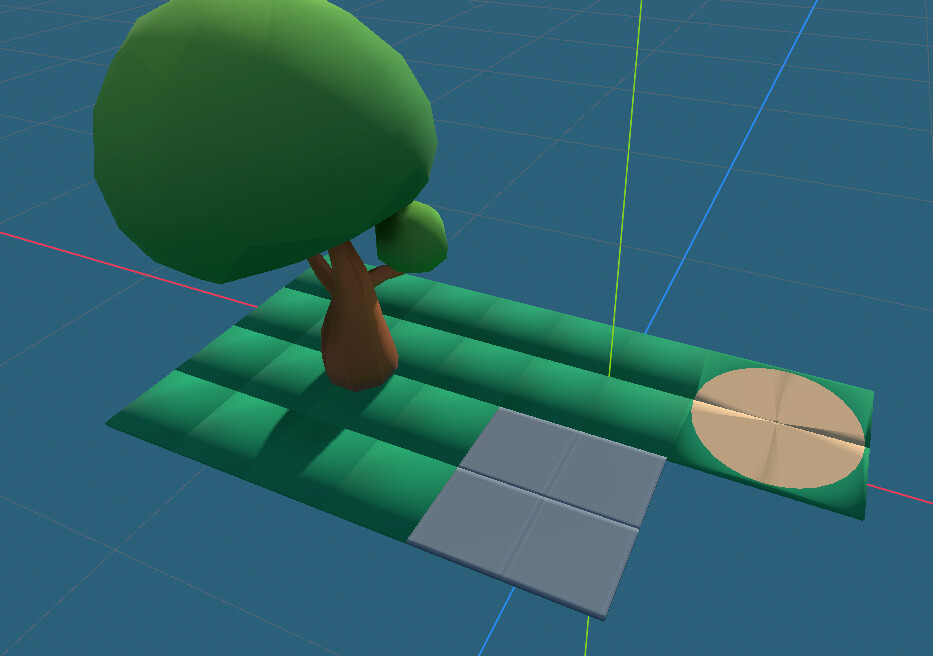
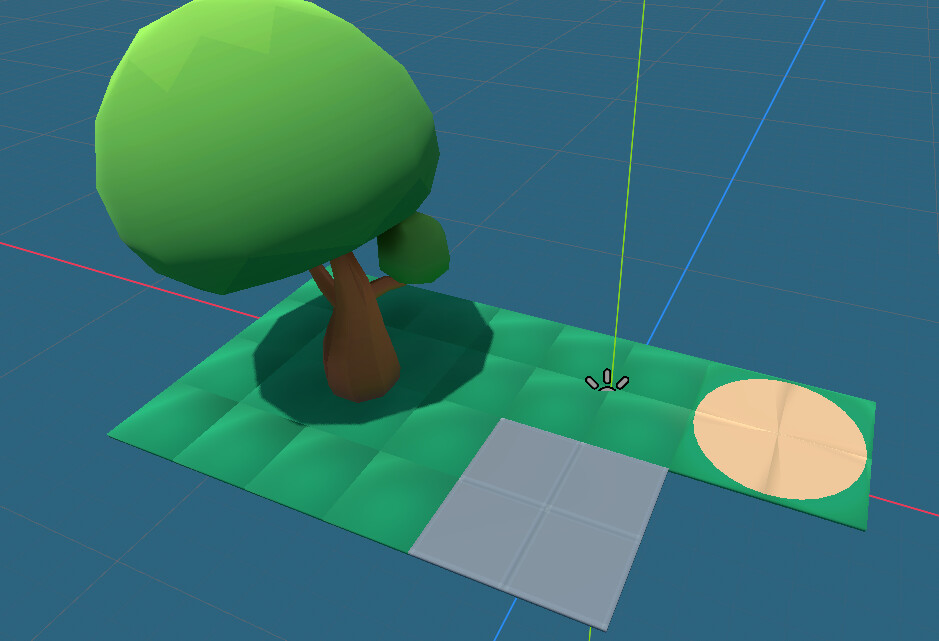
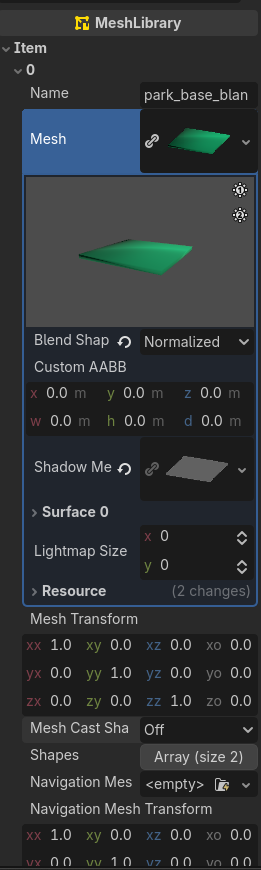
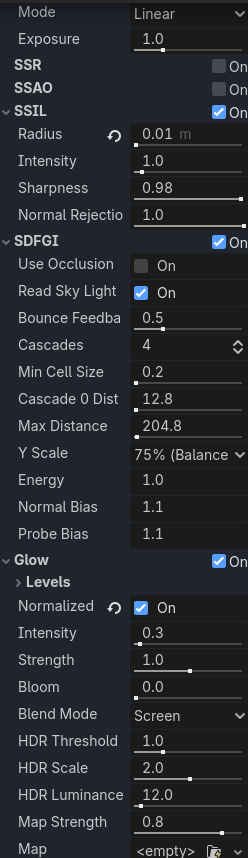
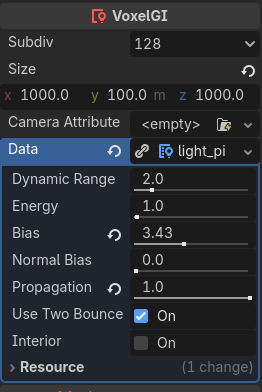
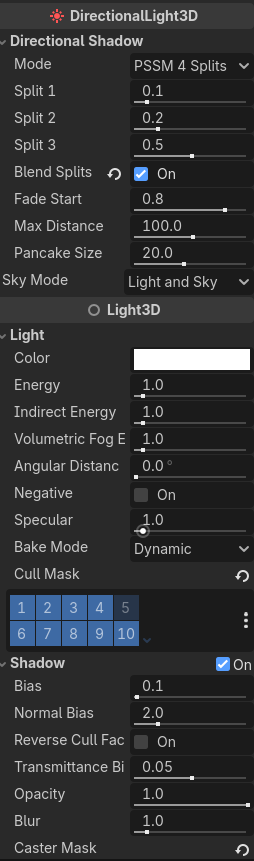
I have a GridMap, and the lighting on top is making a checkerboard pattern. I want the lighting to be smooth across the ground. I’ve tried messing with every possible setting, and I cannot seem to find one that removes this effect.
The issue is with the ground mesh’s normals, not the lighting. They are not pointing straight up, which leads to this bumpy appearance.
You need to fix this on the original 3D models, then export them again.
They are, indeed, pointing straight up.
Are the faces marked as flat-shaded instead of smooth-shaded in Blender? They should be marked as flat.
That worked! I marked all my objects for smooth shading, but I didn’t think to make the gridmap objects flat-shaded to prevent this. Thanks