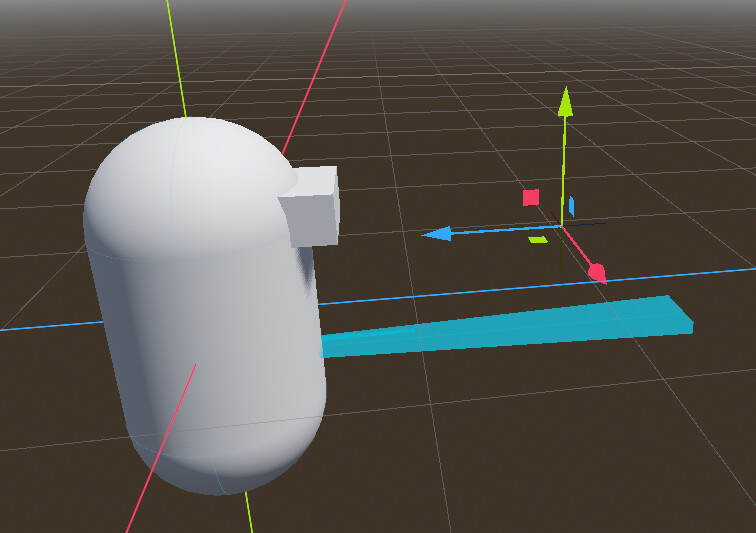
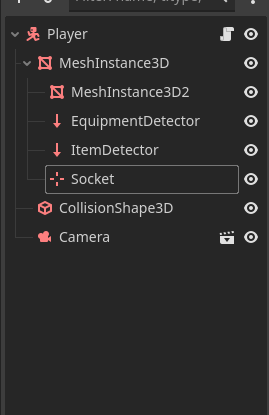
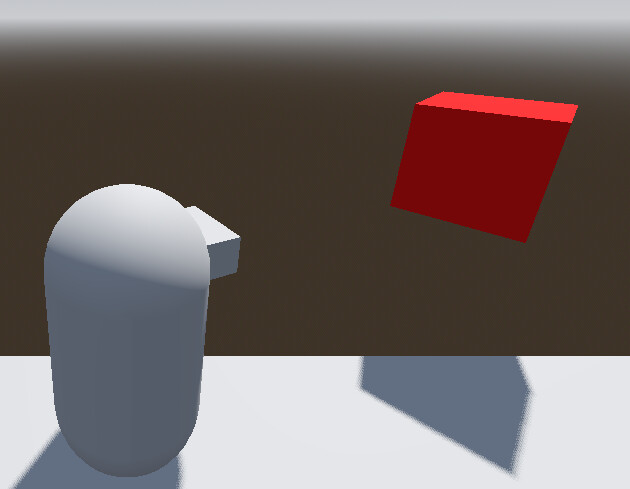
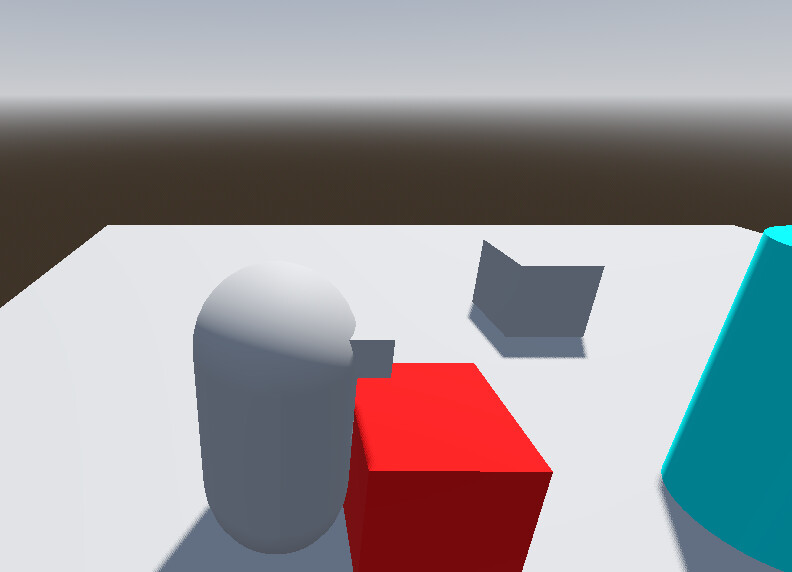
Hello, I am trying to attach a scene to my player by adding it as a child but I can’t figure out how to set the correct position.
I would like for it to connect to the position of the gizmo of “Socket” but when I add it as a child to “Socket” it inherits the transform and is far away.
I know that the child (Item) would inherit the parent (Socket) transform, but I can’t figure out how to set the transform to 0 so it would be where the Socket is.
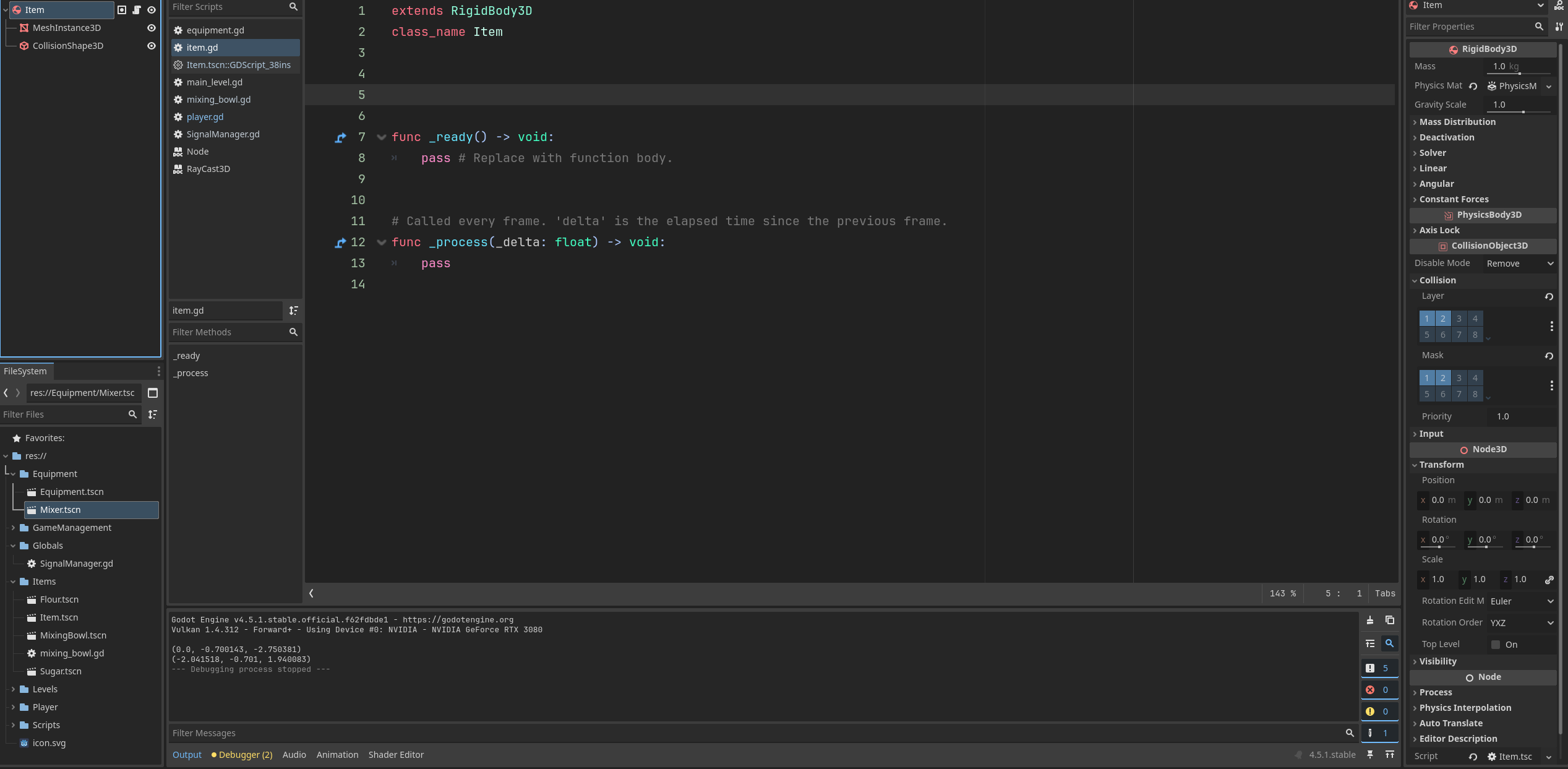
You’ll need to provide more info. What is item? If it’s a scene, post its structure and any code it might run. Also post the complete player script.
Do you have any autoloads?
extends CharacterBody3D
@onready var player: CharacterBody3D = $"."
@onready var level: Node3D = $".."
@onready var mesh_instance_3d: MeshInstance3D = $MeshInstance3D
@onready var item_detector: RayCast3D = $MeshInstance3D/ItemDetector
@onready var socket: Marker3D = $MeshInstance3D/Socket
@onready var equipment_detector: RayCast3D = $MeshInstance3D/EquipmentDetector
var newdir := Transform3D()
var orientation := Transform3D()
var detected_item
var attached_item
var isAttached: bool = false
var motion := Vector2()
const SPEED = 5.0
const JUMP_VELOCITY = 4.5
const PLAYER_ROTATION_SPEED = 10
func _ready() -> void:
#sets orientation equal to the global transform which contains position rotation scale and origin
orientation = mesh_instance_3d.global_transform
#sets orientation origin to a Vector 3
orientation.origin = Vector3()
func _physics_process(delta: float) -> void:
# Add the gravity.
if not is_on_floor():
velocity += get_gravity() * delta
# Handle jump.
if Input.is_action_just_pressed("ui_accept") and is_on_floor():
velocity.y = JUMP_VELOCITY
if (attached_item):
attached_item.position = socket.position
var input_dir := Input.get_vector("left", "right", "forward", "backward")
var direction := (transform.basis * Vector3(input_dir.x, 0, input_dir.y)).normalized()
if direction:
velocity.x = direction.x * SPEED
velocity.z = direction.z * SPEED
#putting direction in its own variable
var target := direction
# using Quaternion, get the rotation quaternion of the origin, which is of type basis
var q_from: Quaternion = orientation.basis.get_rotation_quaternion()
#this establishes a quaternion that gets the target rotation quaternion. This is done by taking the Basis - which is only position, rotation, and scale
#and using looking_at (target) which creates a vector looking at the target, and then gets the rotation quaternion of that.
var q_to: Quaternion = Basis.looking_at(target).get_rotation_quaternion()
#uses slerp (spherical linear interpolation). orientation.basis is becoming the q_to from q_from and slerped from there.
orientation.basis = Basis(q_from.slerp(q_to, delta * PLAYER_ROTATION_SPEED))
else:
velocity.x = move_toward(velocity.x, 0, SPEED)
velocity.z = move_toward(velocity.z, 0, SPEED)
move_and_slide()
#Rotate Character. This is the code that actually rotates the character
orientation.origin = Vector3() # Clear accumulated root motion displacement (was applied to speed).
orientation = orientation.orthonormalized() # Orthonormalize orientation.
mesh_instance_3d.global_transform.basis = orientation.basis #this rotates the character.
func _input(event: InputEvent) -> void:
if event.is_action_pressed("Interact"):
if item_detector.is_colliding() and isAttached == false:
#print("Item detector collided and no item attached")
detected_item = item_detector.get_collider()
var groups_detected_item: Array = detected_item.get_groups()
#print(detected_item.get_groups())
if groups_detected_item.has("Item"):
attachItemtoSocket()
elif equipment_detector.is_colliding() and isAttached == false:
print("Equipment Detected, Run Equipment")
elif isAttached == true:
if equipment_detector.is_colliding() == true:
print("Holding Item and interacting with equipment")
print(detected_item.get_groups())
detected_item.queue_free()
isAttached = false
else:
attached_item.get_parent().remove_child(attached_item)
# I had to declare this variable because it wasn't getting the groups FAST enough before signal
var array_of_groups: Array = attached_item.get_groups()
SignalManager.on_dropped_object.emit(array_of_groups)
isAttached = false
func _process(_delta: float) -> void:
pass
func attachItemtoSocket() -> void:
detected_item.get_parent().remove_child(detected_item)
socket.add_child(detected_item)
attached_item = socket.get_child(0)
detected_item.global_position = Vector3(0,0.35, -1.75)
#detected_item.position = Vector3(0,0,0)
#detected_item.global_transform = socket.global_transform
print(detected_item.position)
attached_item.set_physics_process(false)
isAttached = true
return
Item.gd doesn’t run any code but does have a class_name:
extends RigidBody3D
class_name Item
func _ready() -> void:
pass # Replace with function body.
# Called every frame. 'delta' is the elapsed time since the previous frame.
func _process(_delta: float) -> void:
pass
Here is my main level script as well in case that is necessary
extends Node3D
const ITEM = preload("uid://b4nkr60ehsdpk")
const PLAYER = preload("uid://8bx1an1edxv7")
const MAIN_LEVEL = preload("uid://bgatqathefj53")
const SUGAR = preload("uid://dasong7gubw4g")
const FLOUR = preload("uid://dxsbdv0ej3ybj")
const MIXING_BOWL = preload("uid://cdox80irdgpab")
var PickUpItems = {
"Item" : ITEM,
"Sugar" : SUGAR ,
"Flour" : FLOUR,
"MixingBowl" : MIXING_BOWL
}
@onready var level: Node3D = $"."
@onready var player: CharacterBody3D = $Player
# Called when the node enters the scene tree for the first time.
func _ready() -> void:
SignalManager.on_dropped_object.connect(_on_dropped_object)
func _on_dropped_object(Items: Array) -> void:
if Items.has("Flour"):
spawn_object("Flour")
if Items.has("Sugar"):
spawn_object("Sugar")
if Items.has("MixingBowl"):
spawn_object("MixingBowl")
func spawn_object(ItemName) -> void:

	var item_to_dict = PickUpItems[ItemName]

	var spawnobject = item_to_dict.instantiate()
	spawnobject.global_transform = player.socket.global_transform

	level.add_child(spawnobject)
# Called every frame. 'delta' is the elapsed time since the previous frame.
func _process(_delta: float) -> void:
pass
I have one Autoload which handles the signal “on_dropped_object”
Remove that part. This is setting the item’s local position to the socket’s local position. But if the item is child of the socket, it already inherits its transform, so this will double the distance between the player and the item.
Unrelated to your issue, but it seems you always spawn a new item when dropping an attached one, without properly deleting the previous item. You only call remove_child(), which removes it from the scene tree, but never queue_free() it.
Do you even need to spawn a new one? Can’t you just reparent it back to the level and reenable its physics processing?
This seems to mostly have fixed it, but how do I get the item to stop having physics when I am holding it? It looks like it is still having gravity acting on it when it is in position. I think this is why I added that original if statement.
The other thing you mentioned: Is it possible to just reparent? I thought I had to call get_parent().remove_child() (which looked to me like it just deletes the scene) then instantiate a new scene immediately. Is there something else I should be doing?