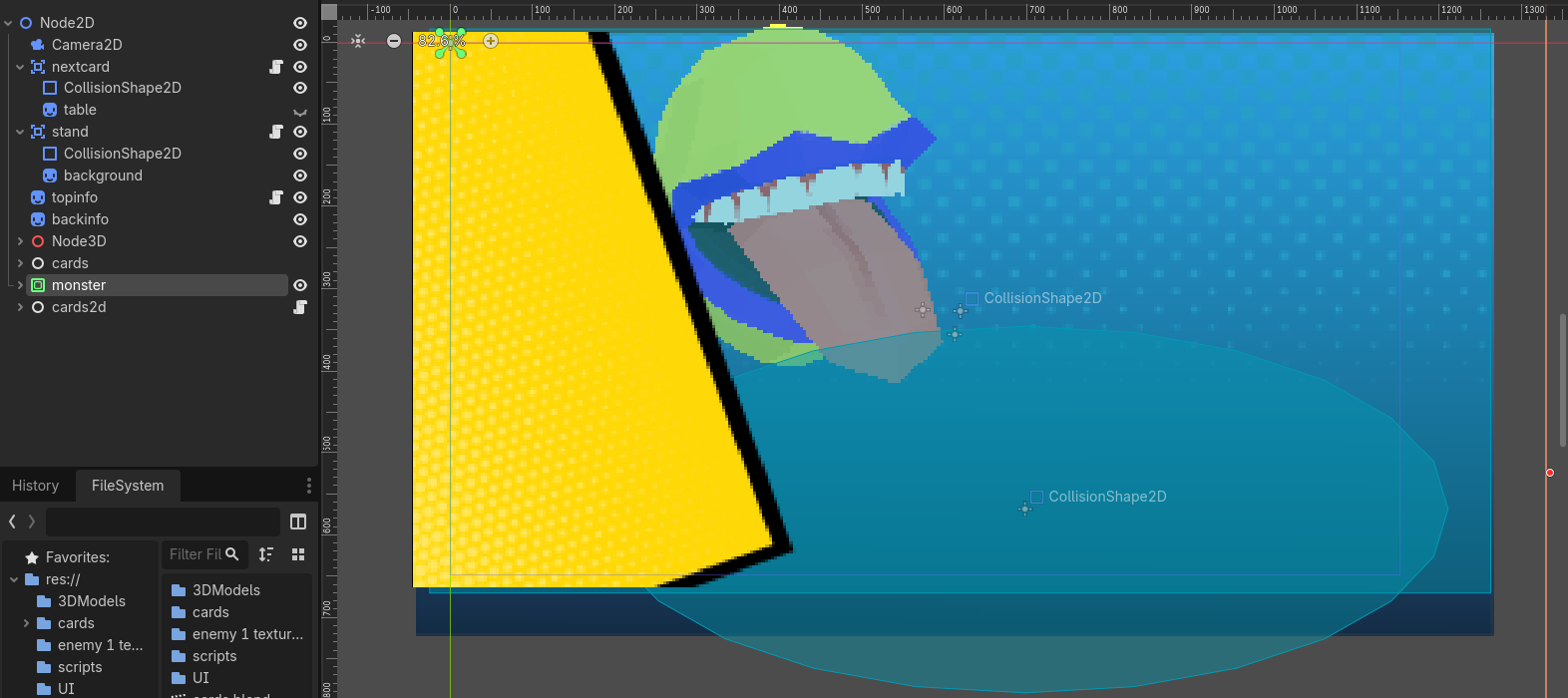
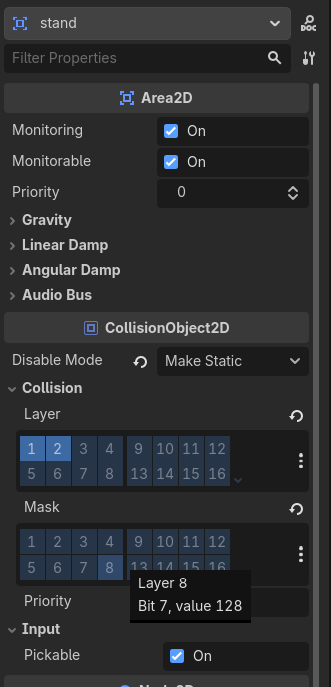
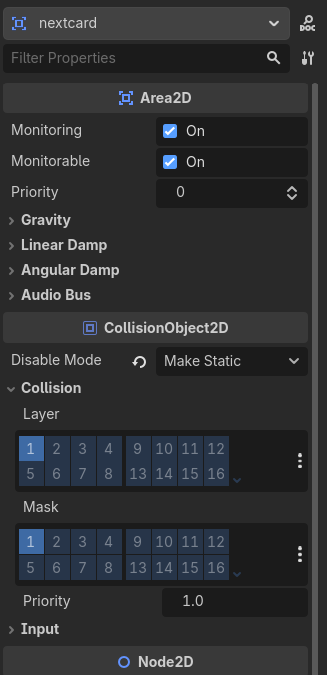
i have 2 area2d nodes and im trying to make the top one (next card) be clickable without also clicking the bottom one (stand), i tried everything but nothing works any tips?
#top area2d script
extends Area2D


func _input_event(viewport: Viewport, event: InputEvent, shape_idx: int) -> void:
	var play = $"../topinfo"
	if event is InputEventMouseButton and event.pressed and event.button_index == MOUSE_BUTTON_LEFT:
		play.draw_card()
		print(play.handTotal)
		viewport.set_input_as_handled()

#bottom area2d script
extends Area2D

func _input_event(viewport: Viewport, event: InputEvent, shape_idx: int) -> void:
	var stand = $"../topinfo"
	if event is InputEventMouseButton and event.is_pressed() and event.button_index == MOUSE_BUTTON_LEFT:
		stand.handsCheck()
You could check the z index of the objects in question (assuming you are using it), and then adjust the z index on the fly of the objects for the one that is ‘on top’ as it were. So your top object set to 1 when you know it is, and everything else below that set to 0. (or less than zero)
And then in your code when you get a click event only respond if the z index is 1.
thank you for responding, what do you mean by And then in your code when you get a click event only respond if the z index is 1. im pretty new to gdscript
Any Control node, they are all gui nodes and receive input in the _gui_input callback that also automatically consumes inputs and prevents inputs from going up the scene tree.