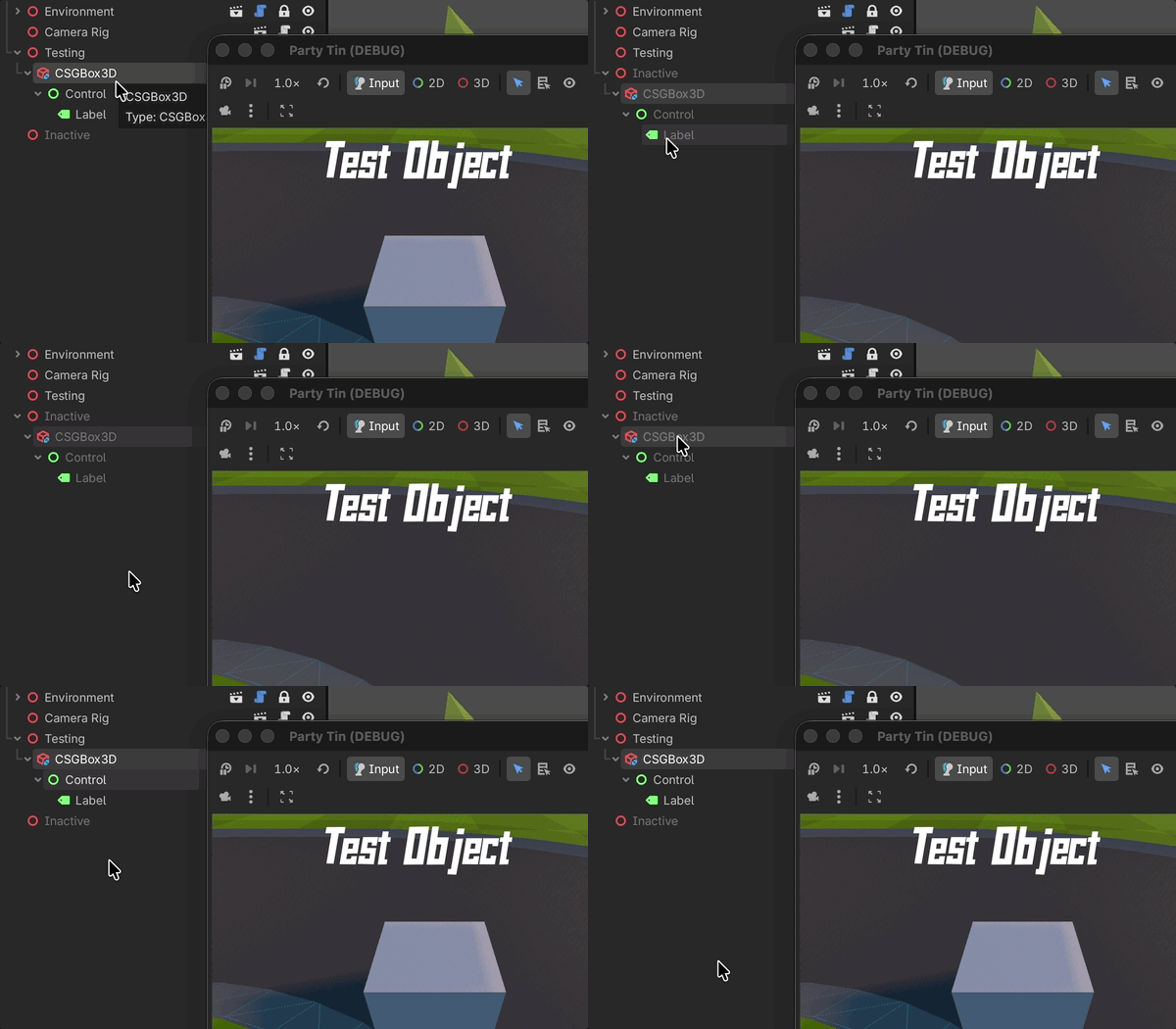
Just wondering, is there an easy way to make this UI element hide along with it’s parent? (Also just checking that I’m not doing something horribly wrong here )
I just thought it would be handy to have a little debug UI that went along with my character.
Afaik 2D nodes won’t inherit visibility from 3D nodes. You can write a script function connected to 3D node’s visibility_changed signal and alter control’s visibility from there.
There’s actually nothing wrong with using CSG. The resulting meshes of its boolean operations are cached. So if the top CSG node doesn’t have any CSG children, or none of the children are transformed at runtime, the costly re-calculation shouldn’t be triggered. It would perform pretty much like a regular mesh instance.
Go search posts about CSGBox3D and people questioning why their game is running so slowly after a dozen are in their game. They do not perform the same. In fact the documentation even warns about this:
Note: CSG nodes are intended to be used for level prototyping. Creating CSG nodes has a significant CPU cost compared to creating a MeshInstance3D with a PrimitiveMesh. Moving a CSG node within another CSG node also has a significant CPU cost, so it should be avoided during gameplay.
They will also cause you problems with collision detection. Don’t use them in a running game or you’ll run into problems. Just build the mesh and use that instead. In fact, if you’re just making a test cube, just start with a MeshInstance3D. It can do boxes all day. CSG Nodes are for creating additive and subtractive complicated objects.
Umm, no. They perform exactly as static mesh instances would if you don’t move the children. Even the docs section you quoted says precisely that. There will be overhead for actual boolean operations but once the result is in the gpu buffers and no booleans need to be re-calculated, it’ll perform exactly the same as if converted to mesh instances prior to runtime.
I do agree that you shouldn’t use them if you don’t really need CSG, like in this example of a dummy box. But the limitations are precisely known.
Doing complicated objects with them is actually where the care needs to be taken. The resulting mesh topology can easily end up ugly, having visible artifacts. In which case it wouldn’t really matter if you convert “offline” or at startup. The wonky topology will be the same. That’s why docs emphasize to use it only for prototyping.
I don’t see how you get that information from, “Creating CSG nodes has a significant CPU cost compared to creating a MeshInstance3D with a PrimitiveMesh.” The next sentence is about moving them. That one is about creating them.
And again, I’m not talking just about what the docs say, I’m talking about the experience of people who have used them. Then were told to make meshes and their performance dramatically improved. Now, that may have changed in the last year, but I’m just telling you what I have seen others experience.
Yeah that’s because they’re moving the CSG nodes at runtime, not understanding how they work. This will trigger the costly re-calculation and re-upload of mesh data to the GPU, possibly per frame, depending on how often they move them. If you don’t move them, this will happen only once at startup. And that’s what the docs are referring to when saying there’s “a significant creation cost”. It’s mesh boolean operations. Those won’t happen (except once) if you don’t transform the nodes. And for the rest of the runtime they’ll perform exactly as the ones you converted in the editor.
Not re-doing mesh booleans if not needed is a low hanging fruit optimization here. I’m pretty sure it was there from the get go.
 )
)