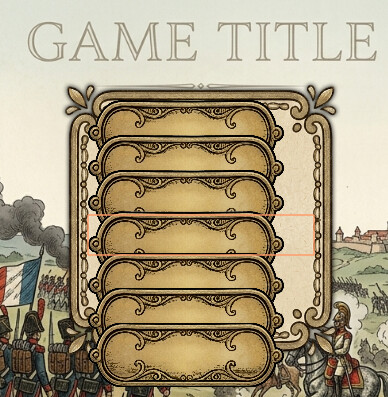
How can I build a menu that is horizontally centered on the screen and has a list of buttons inside that are centered in this container and have a localized text? I’ve got something to work but I think I fail to really understand the UI system.
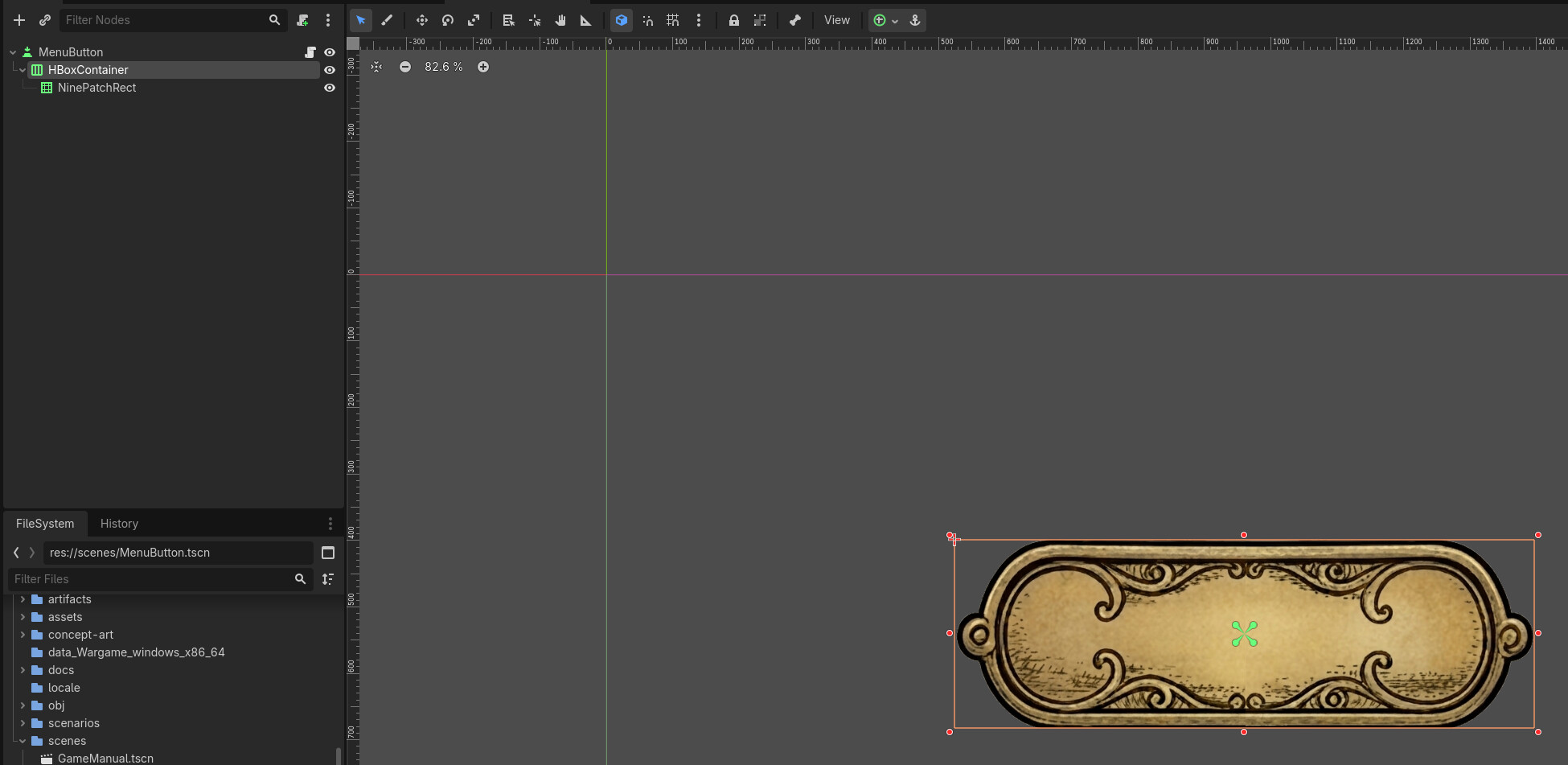
I have a MenuButton that is set up as MenuButton → HBoxContainer → NinePatchRect.
I can’t see the text label on top, nor is it centered… How do I achieve this? Is there any good step by step UI tutorial that shows how to create different, common, UI patterns?
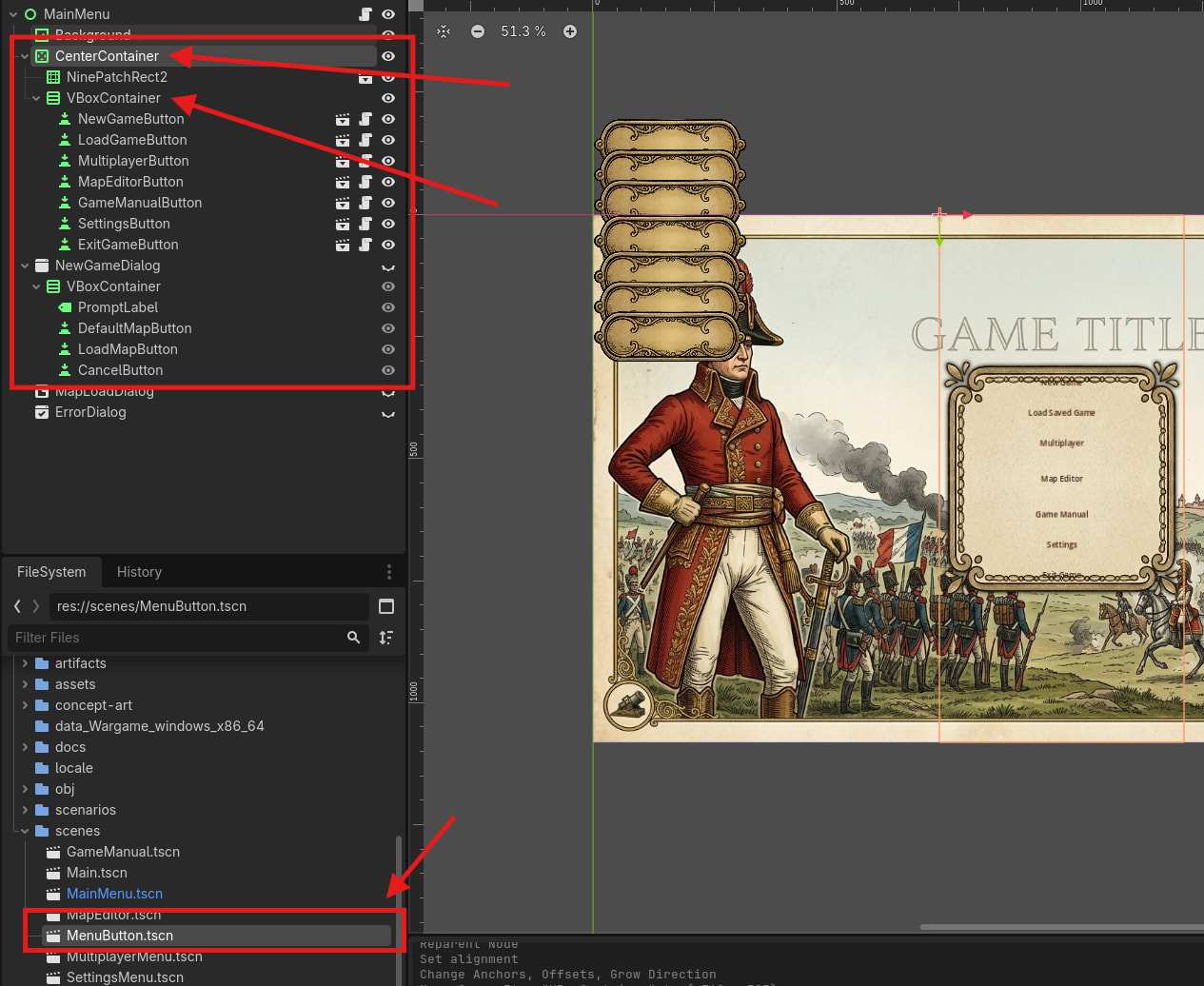
This is exactly my setup. But the button is displayed wrong. Unfortunately, I can’t post more than one image at the moment, it tells me because I’m a new user.
As I wrote, I can’t post more than one screenshot. I’m using your setup for the menu. The button itself is an instance of MenuButton and its setup is what I’ve posted before. As you can see, the labels appear correctly, but not the background of the button. I’ll check the manual again and watch the video when I have time tonight.
Why are you using a MenuButton? These type of buttons are for very specific use-cases and, unless you need each button to show a PopupMenu when clicked, you should use a normal Button and change its styleboxes instead of using a NinePatchRect
 How do I achieve this? Is there any good step by step UI tutorial that shows how to create different, common, UI patterns?