Godot Version
4.5
Question
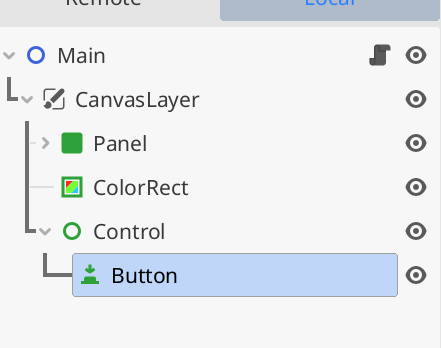
I added a button in this manner
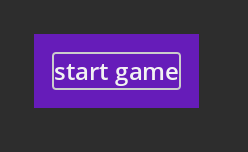
why is there such outline and how do i remove this i tried overriding styles but doesn’t make any change
4.5
I added a button in this manner
why is there such outline and how do i remove this i tried overriding styles but doesn’t make any change
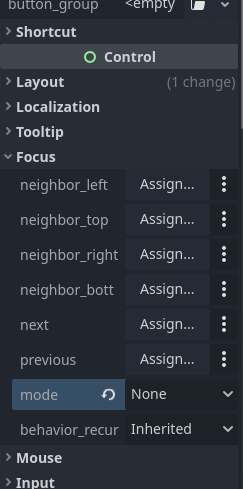
The outline is supposed to show that you are “focussing” the button, which is useful for keyboard navigation.
focus_mode to “None”:Otherwise, could you share an MRP (minimal reproducible project)? There definitely shouldn’t always be an outline around the default buttons
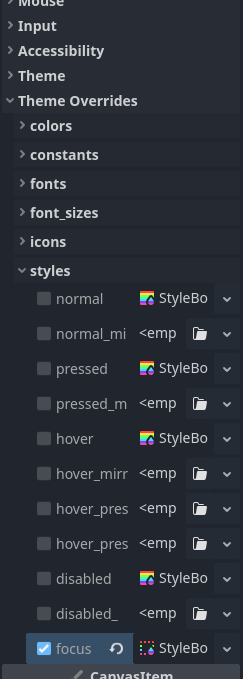
That outline comes from the theme. @yesko has your answer if it’s focus related, and otherwise the answer is similar; it’ll be the normal or pressed or hovered style for the button that’s doing it.
yeaah the issue that was coming from focus, i changed all and forgot to handle this