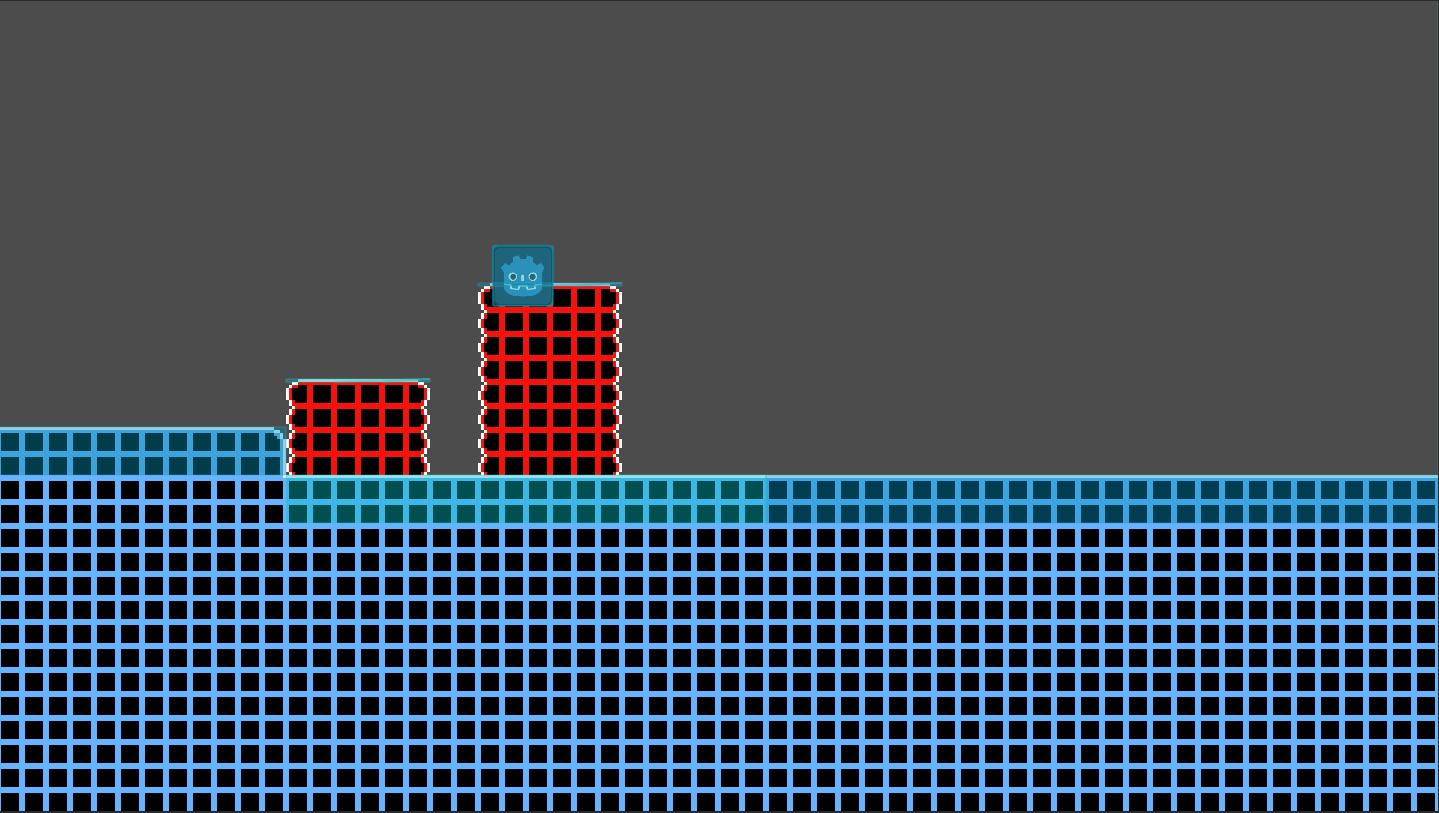
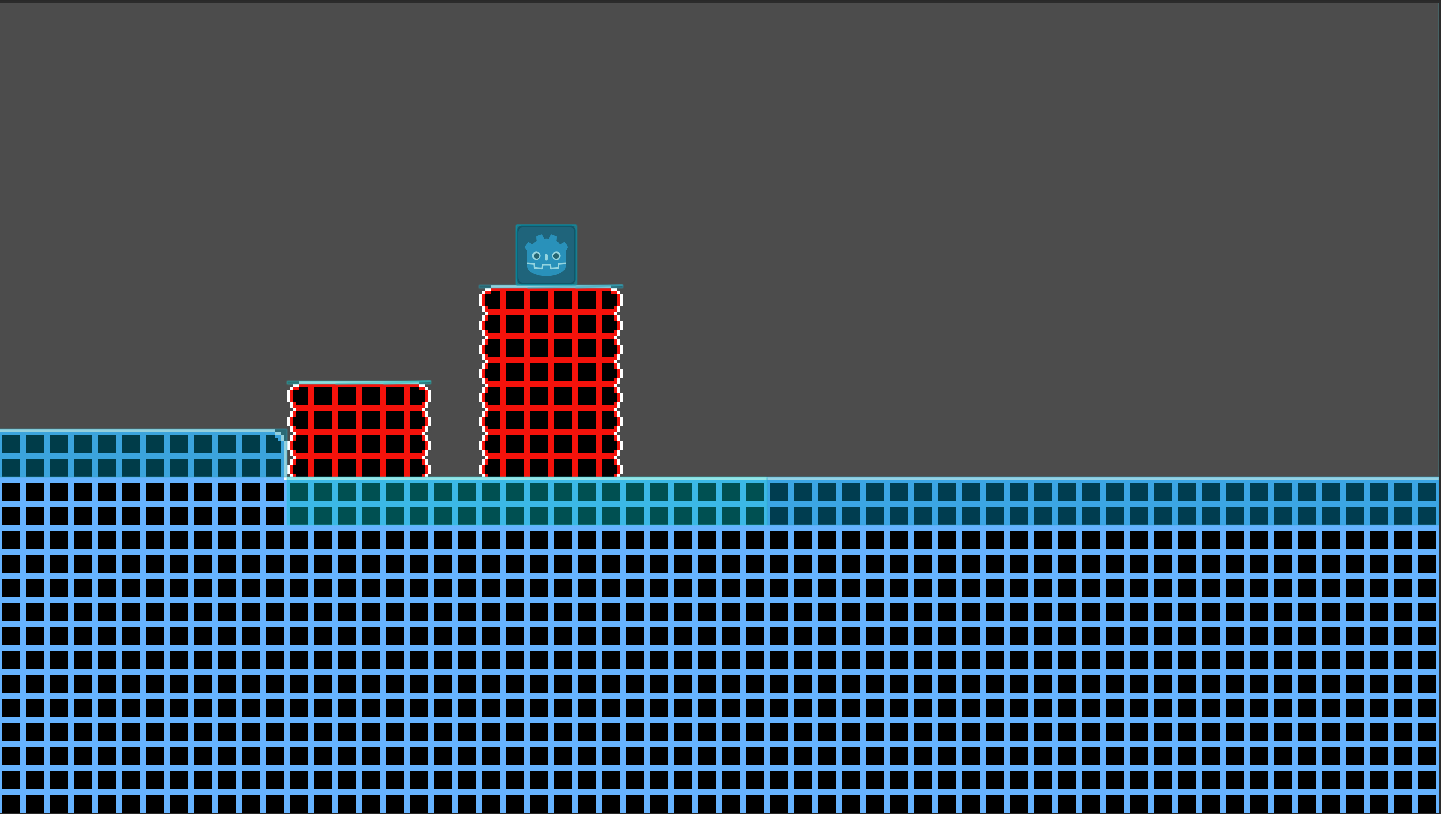
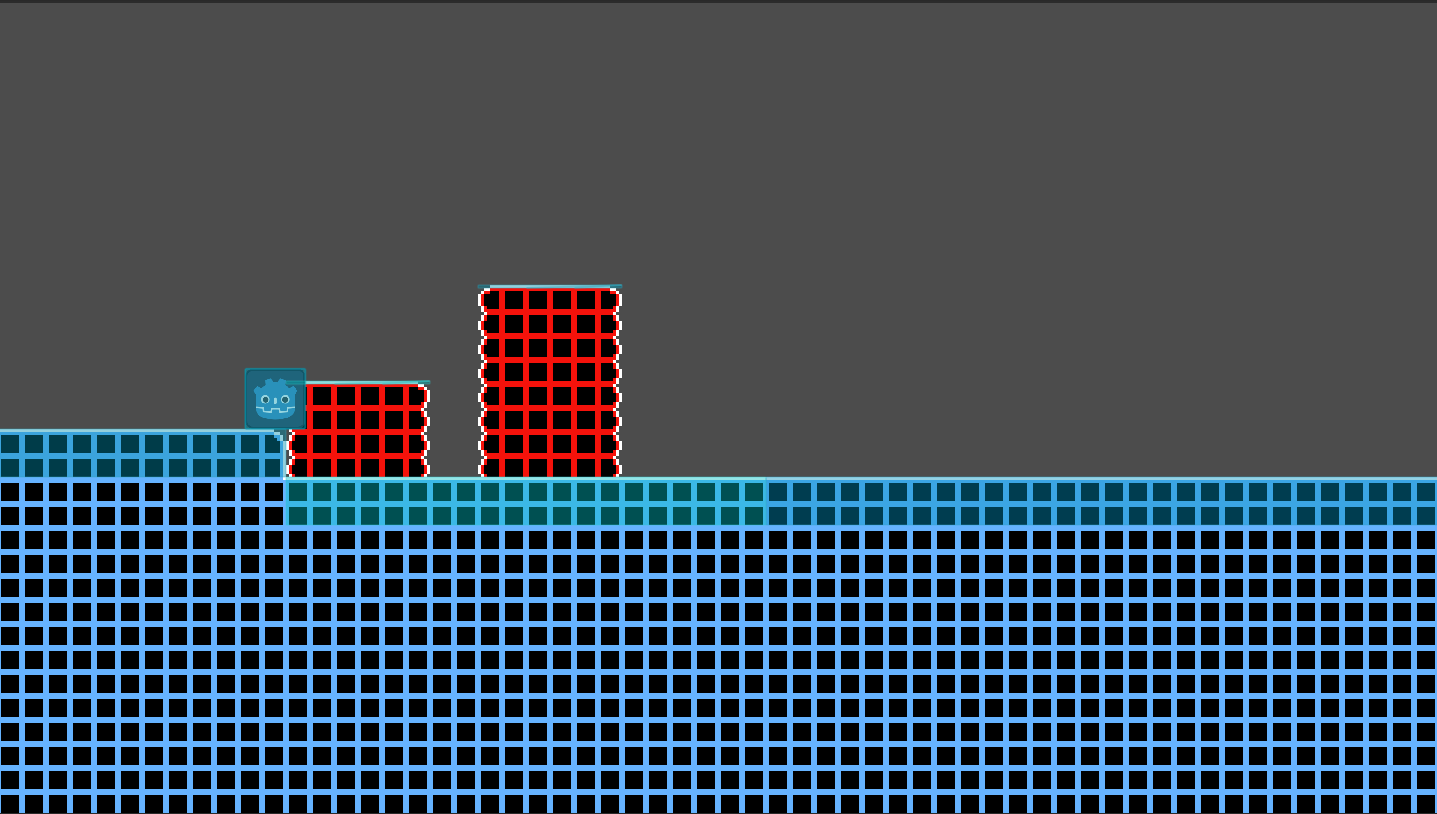
I’ve been using one way collisions for these 2d static bodies and they generally work as expected, but if you come at them from the side at close to a flat angle, you end up colliding with them. Are there any simple workarounds for this? The collision is happening between a static body (the one way collision) and a rigid body.
I have one-way tiles and the player keeps colliding with the sides of the one-way collision as if it’s a wall when trying to jump up. I’ve tried making the shape smaller and mess with margins but it still happens. I’m trying to make the player only collide with it as a floor.
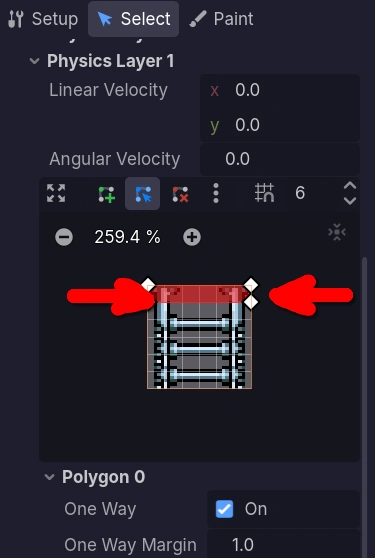
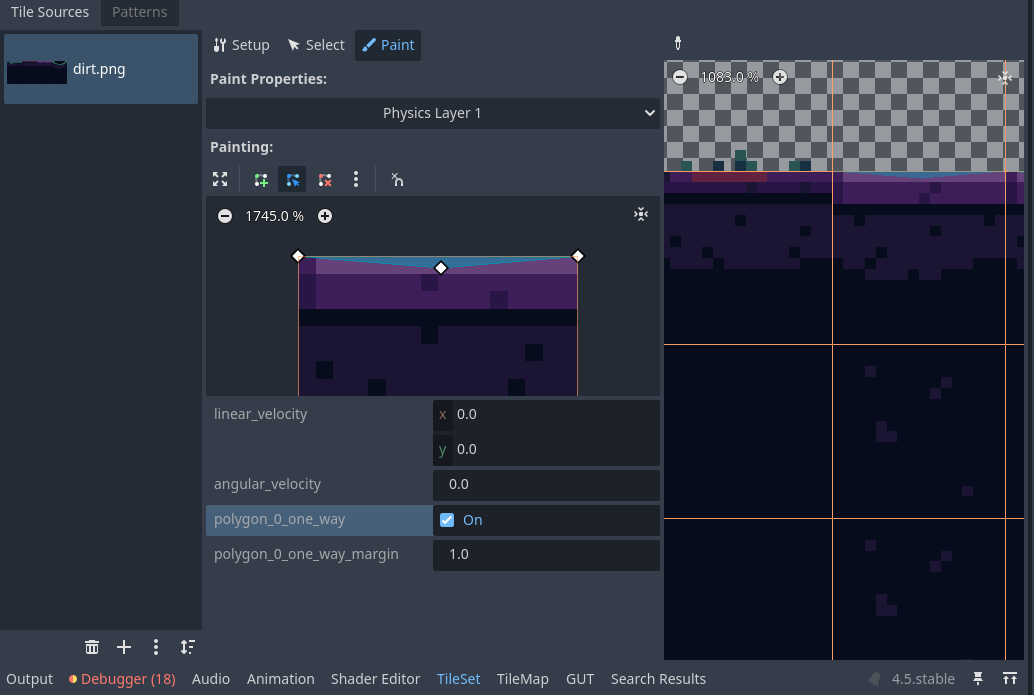
Hello, I’ve experienced this issue before. While I’m not sure of the specifics of your game, I’ll assume the same principle applies (a KinematicBody2D with a collision shape as the player). Basically, I edited the tile’s collision shape to have no vertical height, only a width to stand on. You mentioned changing the margin, but for reference, a larger margin gives more leeway, which can actually cause unintended collisions at shallow angles. Also, make sure the player’s collision shape stays parallel to the tiles, as any rotation can lead to strange collision behavior. Hope this helps!
I worked around this by disabling the collision mask bit for my fall-through floors layer unless the player’s downward speed is fast enough (or if the player was already colliding with the floor).
It’s definitely a hack, but it seems to be working ok.
const _FALL_THROUGH_FLOOR_COLLISION_FALL_SPEED_THRESHOLD := 70.0

var is_descending_through_floors := is_down_pressed

var is_fall_through_floor_bit_enabled := (

    not is_descending_through_floors and

    (velocity.y >= _FALL_THROUGH_FLOOR_COLLISION_FALL_SPEED_THRESHOLD or

    is_on_floor())

)

set_collision_mask_value(

    _FALL_THROUGH_FLOORS_COLLISION_MASK_BIT,

    is_fall_through_floor_bit_enabled,

)
Hello, I’m not quite sure on the specifics on what you are trying to do exactly. I was under the impression that popcar2 was talking about some sort of semi-solid platform where a body can go through it below but not above (that’s what my solution entailed). You seem to be trying to create the ability for the body to drop under the platform that they are already standing on by toggling the collision mask. If you could specify what you are trying to do maybe I could suggest an alternative to your “hack” if you would like.
The issue is the classic old Godot bug where you can collide with “one-way collision” tiles from multiple ways. In this case, we should only be able to collide with the tile from the top (i.e. as a floor) but we collide with it from the side (i.e. as a wall) when we should be jumping through it horizontally.
Yes, this was what I was assuming. I created a little test project to make this type of platform, and it worked as expected. I even added the ability to fall through the platform when pressing down on it. So, I am unsure on what you mean by buggy. Is there is some extremely specific case where this doesn’t work as intended?
It’s been a long time since I had this issue, so I don’t remember everything about the problem exactly. It also has been a while since I have been working on a project in general, so my knowledge of everything isn’t going to be exact. That being said, this is the gist of what was going on and the solution I came up with.
From what I remember about the specific problem that I didn’t fully specify had to do with the collision objects made by the tile map system. What it was doing at the time was making an individual collision object for each tile in the tile map (you would do this by making a terrain and adding a physics material to the terrain or something like that). For example if you were to make a floor with a tile map with these one way collisions on the tiles, what would be created is a line of square collision objects. The issue would come when I got a RigidBody going really fast and would end up hitting the side of one of the squares because it was going so fast that it was able to clip through the top of one the squares and instead hit the side of the square next to it (this may be the reason you weren’t able to find the issue, because I don’t think you would have this issue with a CharacterBody as you move it with move and slide instead of with impulses like with RigidBodies).
I tried a couple of work around like adjusting some of the physics material properties and some of the physics settings (I don’t remember what they all are) to try and make the physics more exact, and I couldn’t notice any change.
I then tried to make everything one way collisions instead, so that theoretically there should be no collisions from the side, but I got the same issue. Again the issue being when approaching the floor/wall/ceiling at a sharp angle, going very fast, and hitting the seam of two tiles the RigidBody would bounce in the opposite direction instead of bouncing off the surface at a reflected angle like you would expect.
Again I tried a few work arounds to no avail.
What I ended up doing at the end was not using the collision shape system provided by the tile maps and instead made a fill algorithm to find the blobs of tiles that I wanted to have collision and defining their shape as one collision object at runtime so that there would be no more seams (the reason I could just draw the shapes by hand in the editor is because the tile maps would be randomly generated).
I remember after I got this solution working seeing in the new features of one of the new versions that they added something very similar to this for the tile maps (i.e. the option to have the tile map make connected squares on a tile map one collision object instead of a bunch of separate square collision objects so there would be no seams on flat surfaces made by the tile map). However I had already moved on from my project at this point and never checked if that new feature worked as I thought it would.
Ultimately I was never able to find a way to completely avoid the issue of colliding with a one way collision from the side with a RigidBody. But there have been a few new versions since then so there may be a real solution out there now.
Hi, thx for responding to this old thread. I believe the issue you where having is fixed in newer versions of Godot. Since im pretty sure the tiles’ collisions are draw as one mesh when connected so that would probably mitigate any seams. For any other readers you should probably just be mindful that collisions at ludicrous speeds are usually janky for any engine. Anyway I’d mark your response as the solution since in your case at the time you found a workaround.