4.5
Replace this line with your Godot version
Question
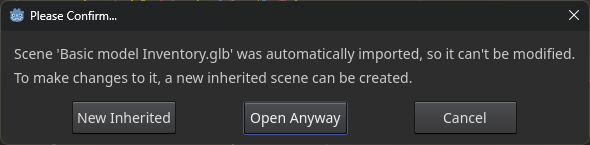
I’m still working on the wrapping/unwrapping animation for my gift box. It’s imported from Blender, where I used cloth simulation and forces to create the animation. It was baked out into a series of shape-keys on two objects, the ribbon and the paper, and exported as a .glb. I’ve made a new Inherited Scene from the .glb that contains an Inherited Animation Player with the animations in it, and it functions to wrap and unwrap by playing backward and forward. I’d like to add a visibility track to the Bow animations to have them fade out to invisible after the ribbon has popped open, but the Animation Player has an Imported Scene warning at the bottom right, and most of the options are inaccessible, including Duplicate and Add New. Is there any way I can make the imported animation into an editable one? I’ve tried the instructions presented when clicking on the Imported Scene warning: "This animation belongs to an imported scene, so changes to imported tracks will not be saved.
To modify this animation, navigate to the scene’s Advanced Import settings and select the animation.
Some options, including looping, are available here. To add custom tracks, enable “Save To File” and
“Keep Custom Tracks”." I’ve also tried (and succeeded) in making the animation tracks into a separate .res file, but then I can’t find a way to load the resource as my animation. Any advice much appreciated!