Godot Version
4.7.2
Question
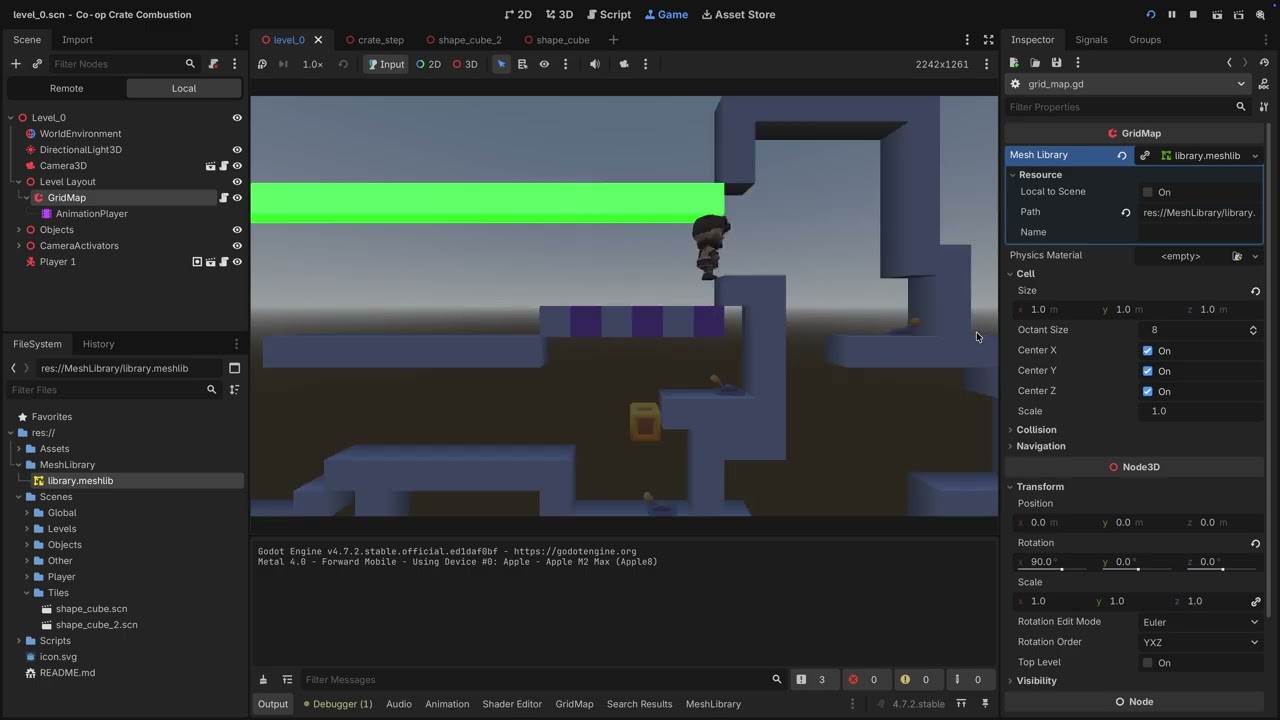
How could I animate color of cell without affecting the rest?
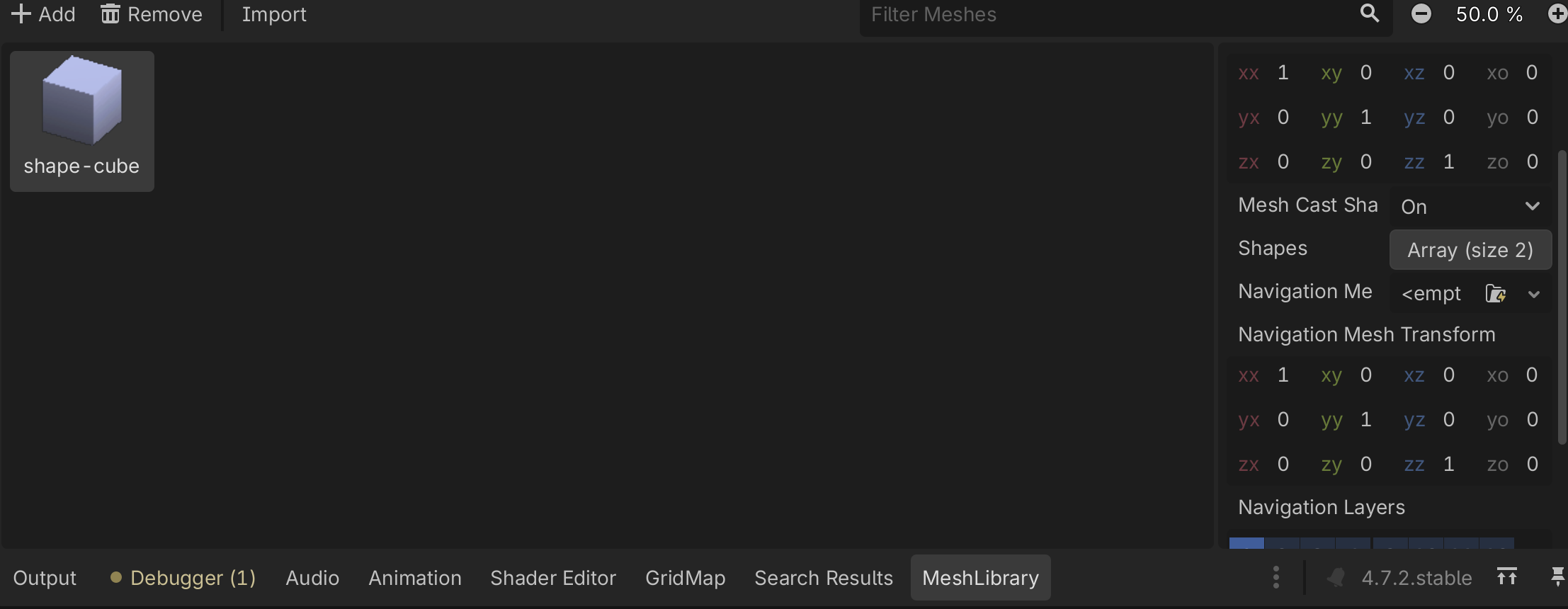
The MeshLibrary have only one mesh
First how to get access to material?
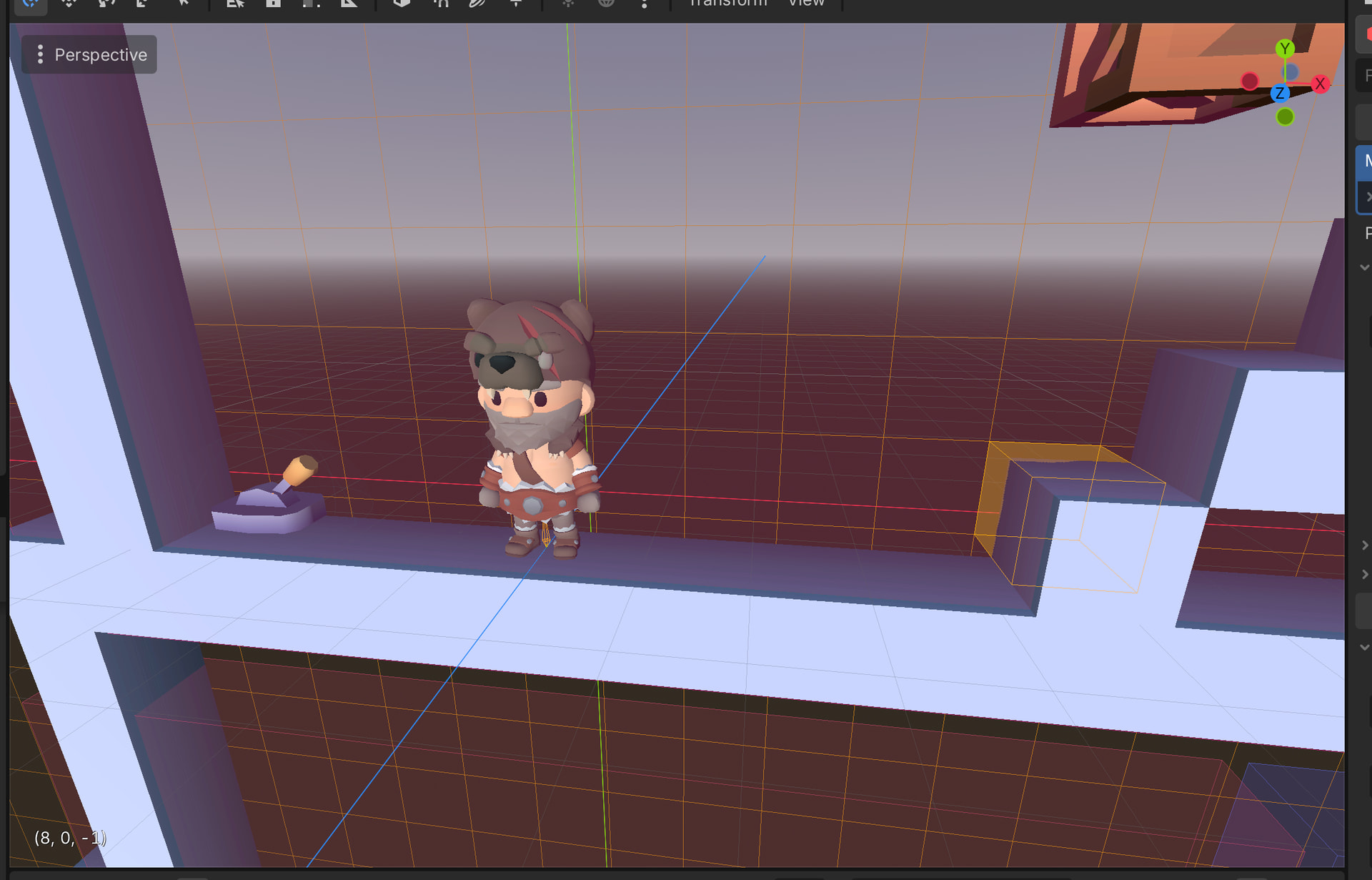
Example would be this Cell on 8,0,-1.
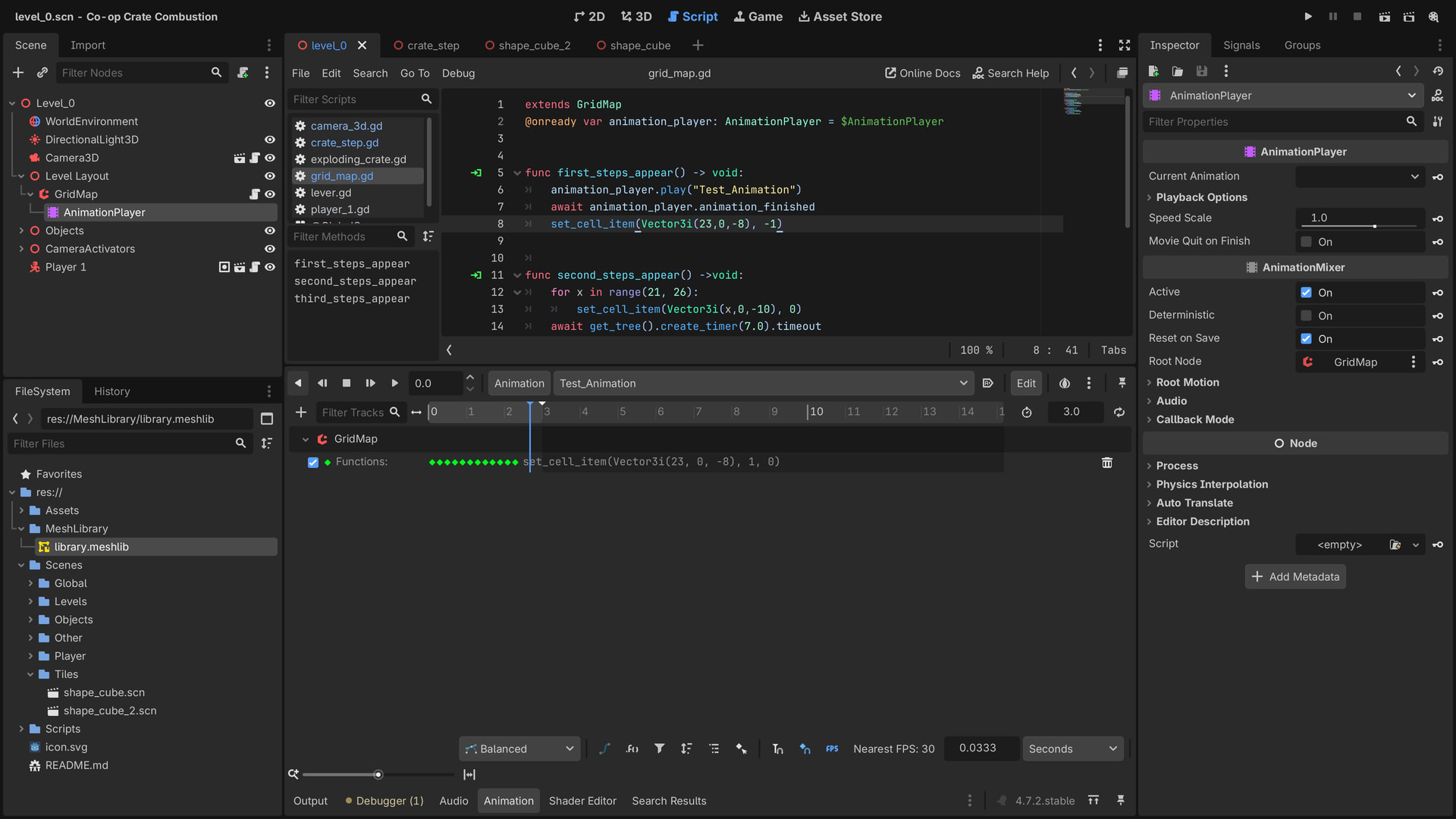
I have AnimationPlayer as child of GridMap. Is there way to get access to the cell and affect the color of this item which occupy it?
What exactly are you aiming to do?
Make flash those cubes so it indicates they are temporary there.
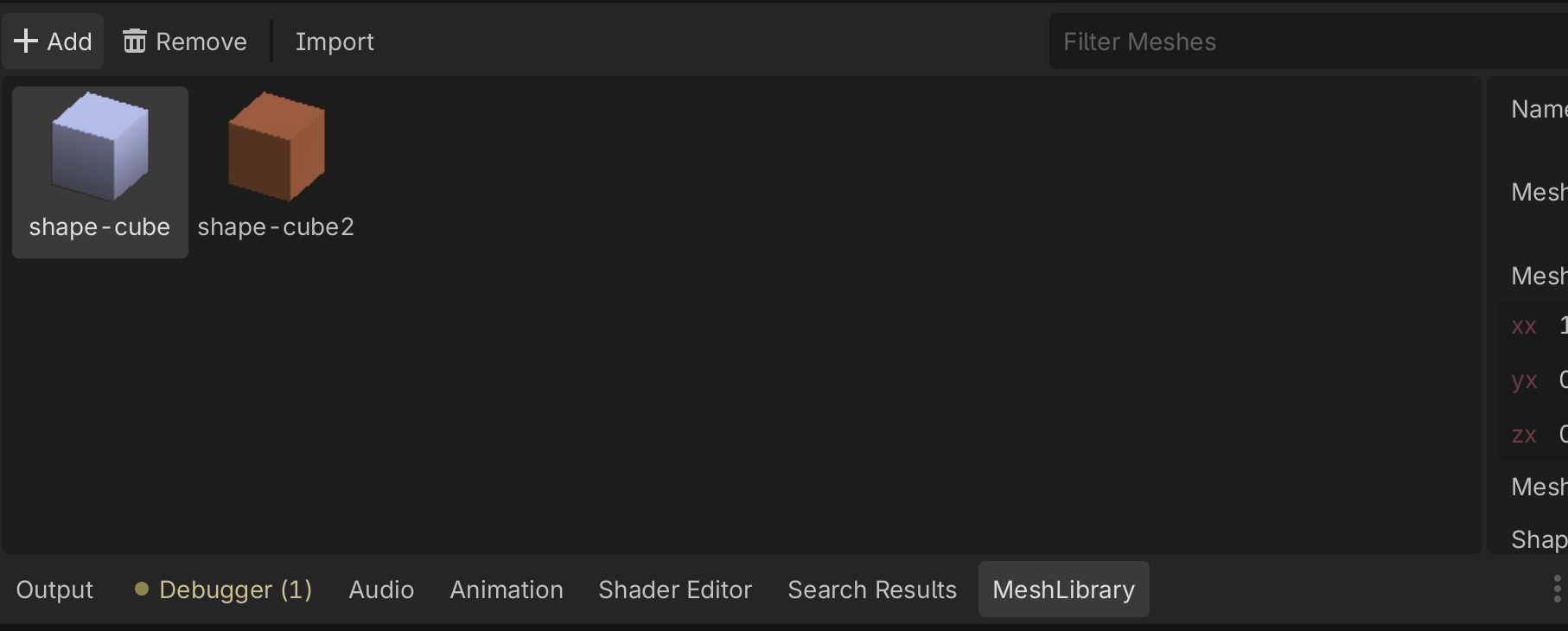
Why just not use a different mesh from the library?
Like duplicate and change material so it’s item 1?
Yes. Or alter the mesh slightly in some other way.
So made something like this, for multiple cells will need to make custom func to be able to call it at once.
func set_floor_pattern(offset: int) -> void:
	for x in range(21, 27):
		set_cell_item(Vector3i(x, 0, -10), (x + offset) % 2)

func second_floor_zero() -> void:
	set_floor_pattern(0)
func second_floor_one() -> void:
	set_floor_pattern(1)

func second_steps_appear() ->void:
	directional_light_3d.light_energy = 0.0
	for x in range(7, 27):
		set_cell_item(Vector3i(x, 0, -14), 2)
	animation_player.play("Second_Floor")
	await animation_player.animation_finished
	directional_light_3d.light_energy = 1.0
	for x in range(7, 27):
		set_cell_item(Vector3i(x, 0, -14), 0)
	for x in range(21, 27):
		set_cell_item(Vector3i(x,0,-10), -1)