Hello everyone.
With the release of 4.7, I noticed, after i migrated my small project, that when I press double shift a new popup dialog appears that allows me to search through all my files.
While I do applaud the innovation in QoL - a very nice IDEA, hehe - I have a problem in that I cannot find the editor keybind for it. It seems to be hardcoded to double shift. I checked and checked and checked for the keybind in the editor and I cannot seem to find it.
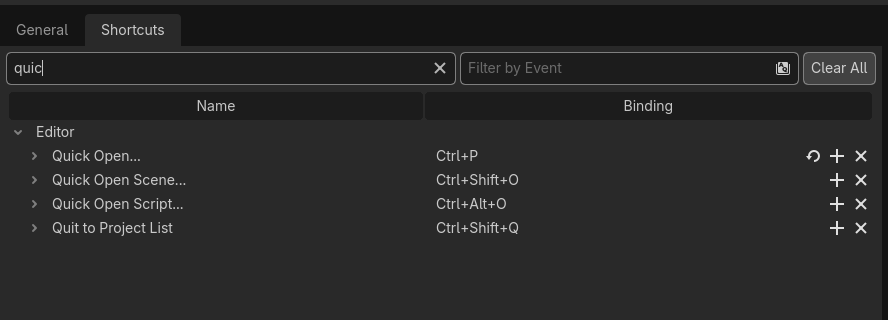
Here is a screenshot of the hotkeys for standard quick open dialogs.
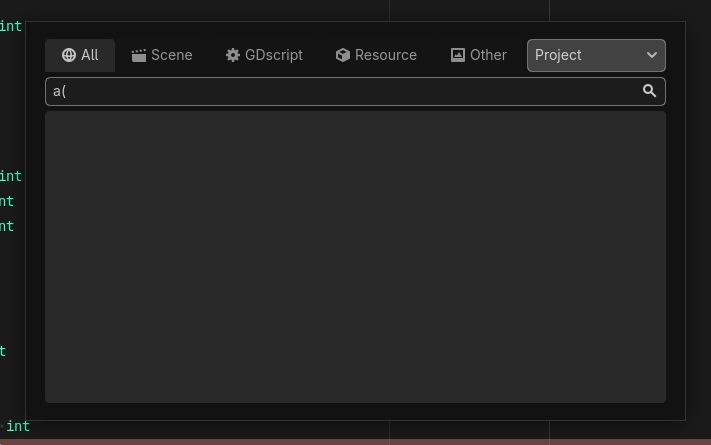
And this picture is the dialog popup in question that appears when you press double-shift.
I would very much like to not have double-shift be the keybind that pops this up.
So yeah. Am I missing something obvious and the keybind for this popup is somewhere or… is this something that has to be added to the editor keybinds?
Thank you and cheers.