var foo = anim_player.get_animation(Anim.SLEEP)
print(Anim.SLEEP, " has loop mode ", foo.loop_mode)
foo = anim_player.get_animation(Anim.SLEEP_START)
print(Anim.SLEEP_START, " has loop mode ", foo.loop_mode)
I get
Arm_Corgi|Lie_Sleep has loop mode 1
Arm_Corgi|Lie_Sleep_start has loop mode 0
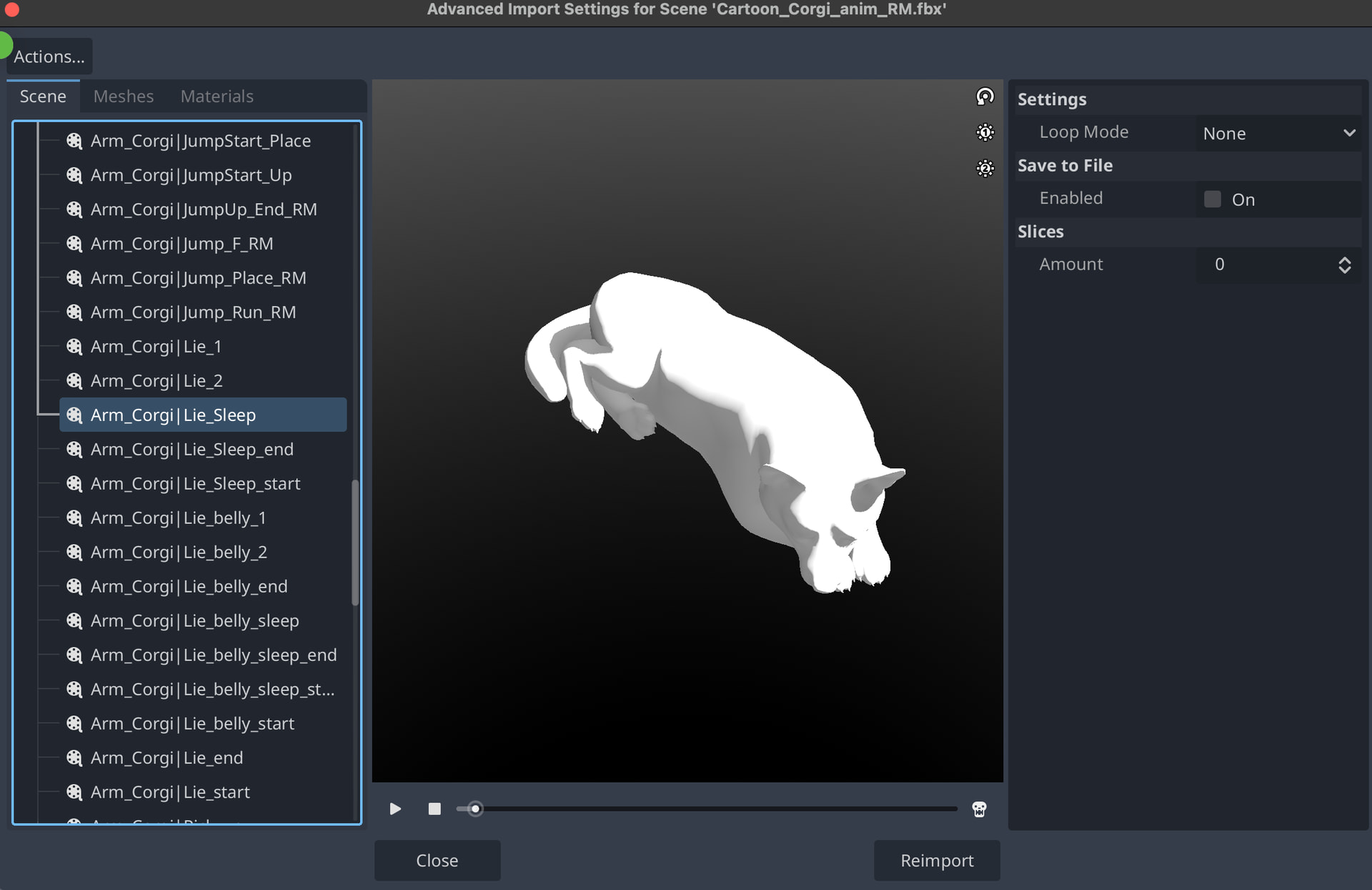
but how do I see loop mode in the editor? Also what is the loop mode setting we see in the import menu on the right? (it’s the same for all animations, doesn’t seem to be related with the code loop_mode.)
yeah I saw that icon and read those docs but I couldn’t make any sense of it. I hope they make this clearer e.g. on hover show the actual mode or have an icon for non looping.
Thanks for the clarification.
What is the loop mode setting in the import menu for?
Overriding the loop mode of the animation once imported, if you need something looped that isn’t by default. I think it should match up with the loop mode but may be glitched, I see the same issue where some animations are accurately looped and others are incorrectly showing “None”
Well the import setting is the same for any of the animations but I know they aren’t all looping. Most aren’t. I’d have assumed it would take the default value from the animation.
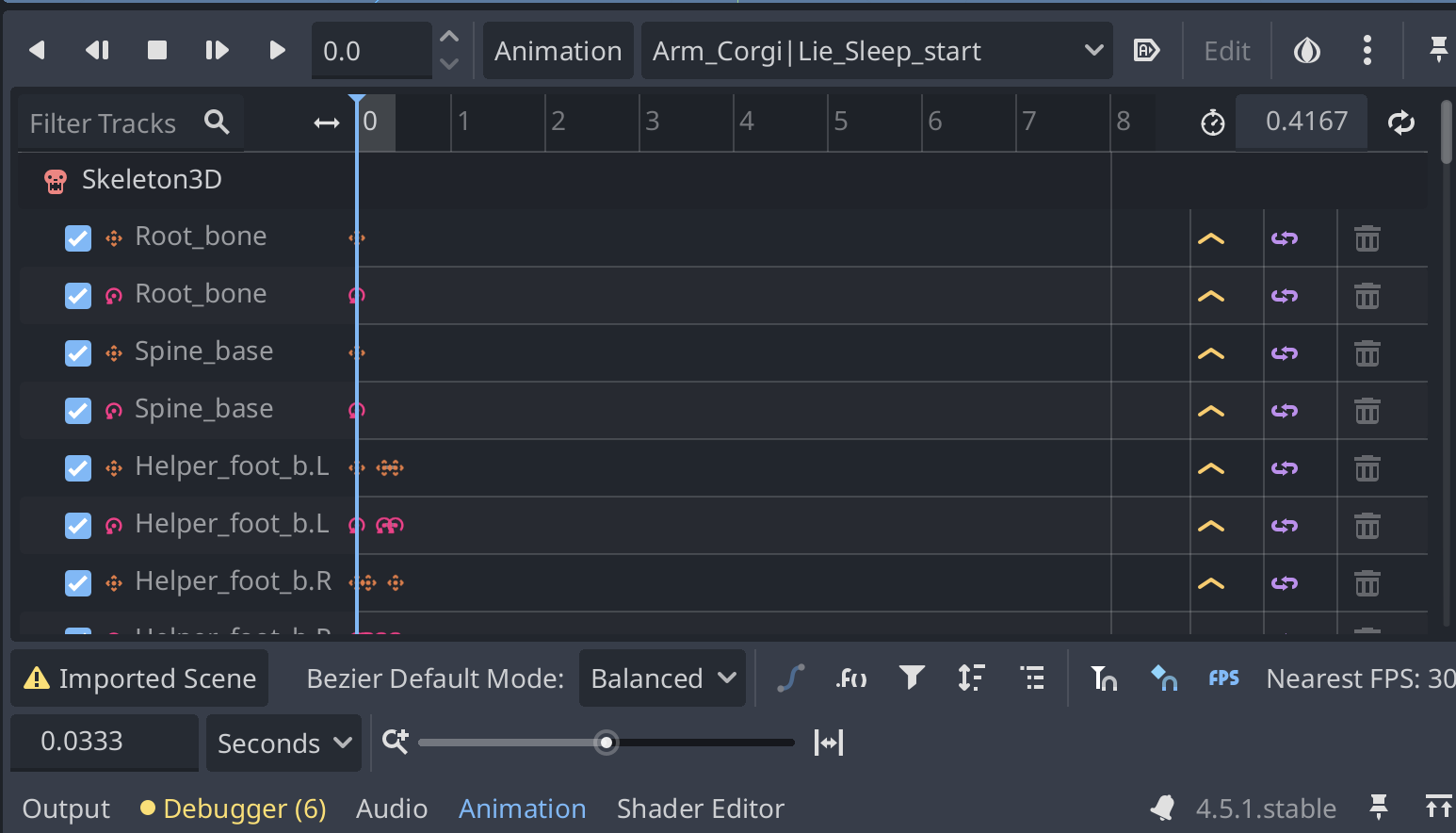
 if it’s colored in it’s set to repeat, it may also be set to ping-pong