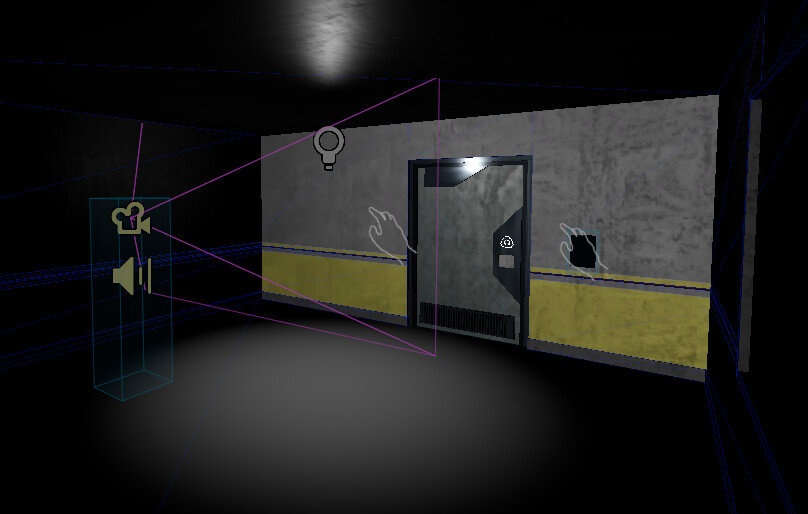
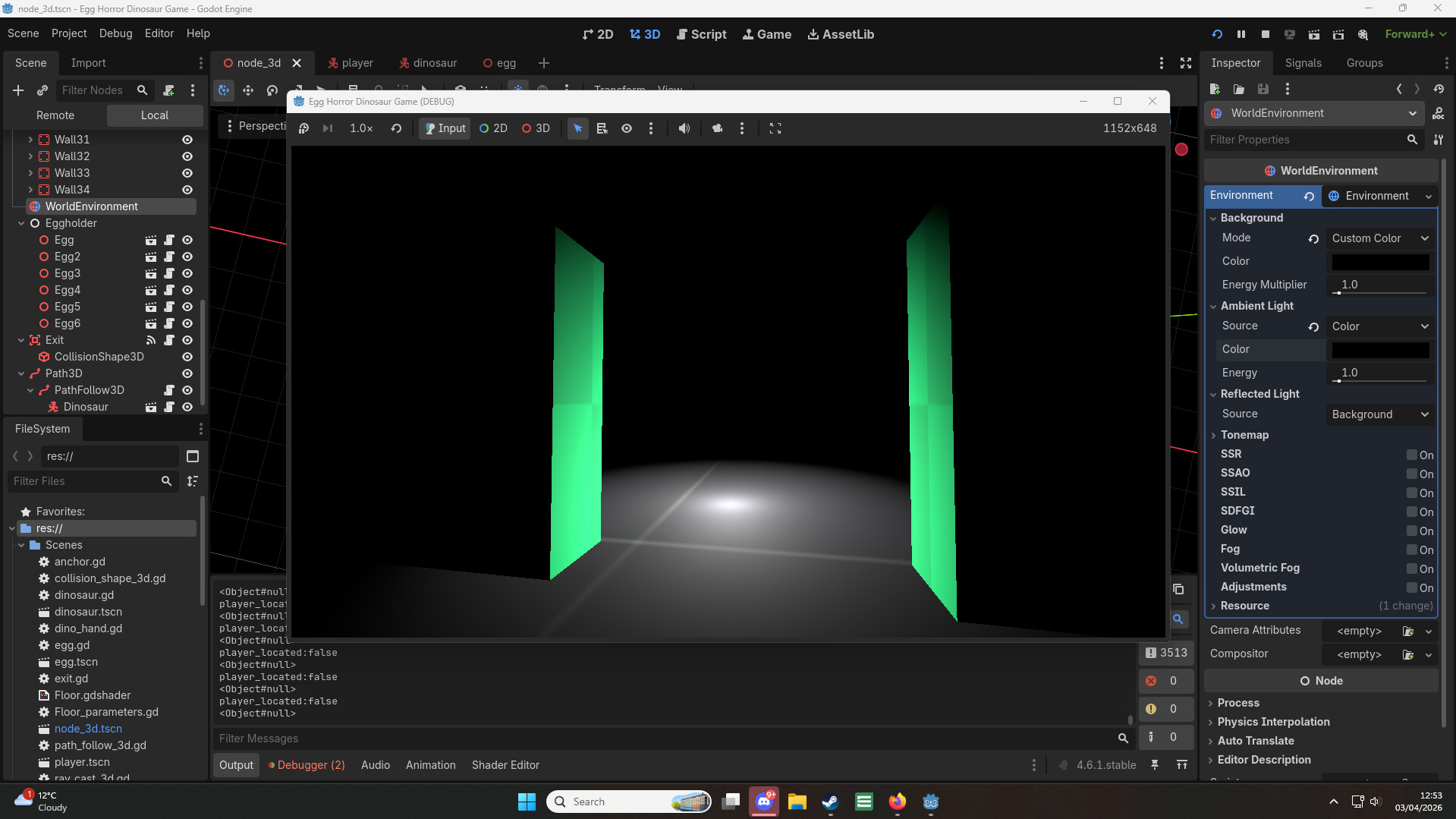
Hey guys, ive been trying to make a dark room for my game, where the only light source is a lamp. If the lamp were gone, it would be pitch black - like in real life, however this seems not to work.
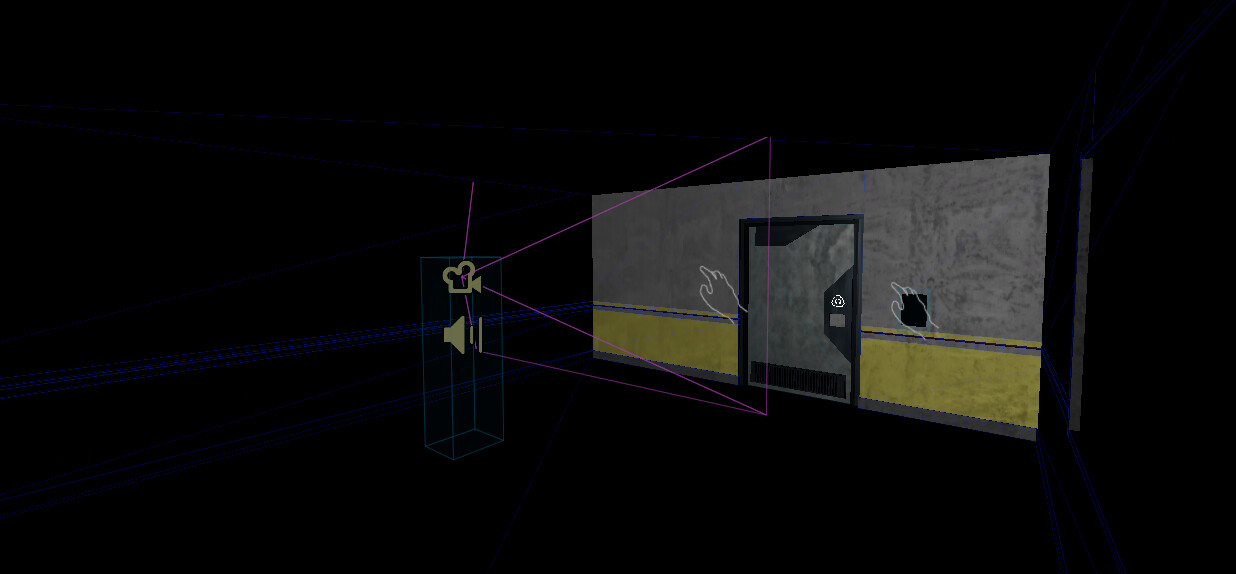
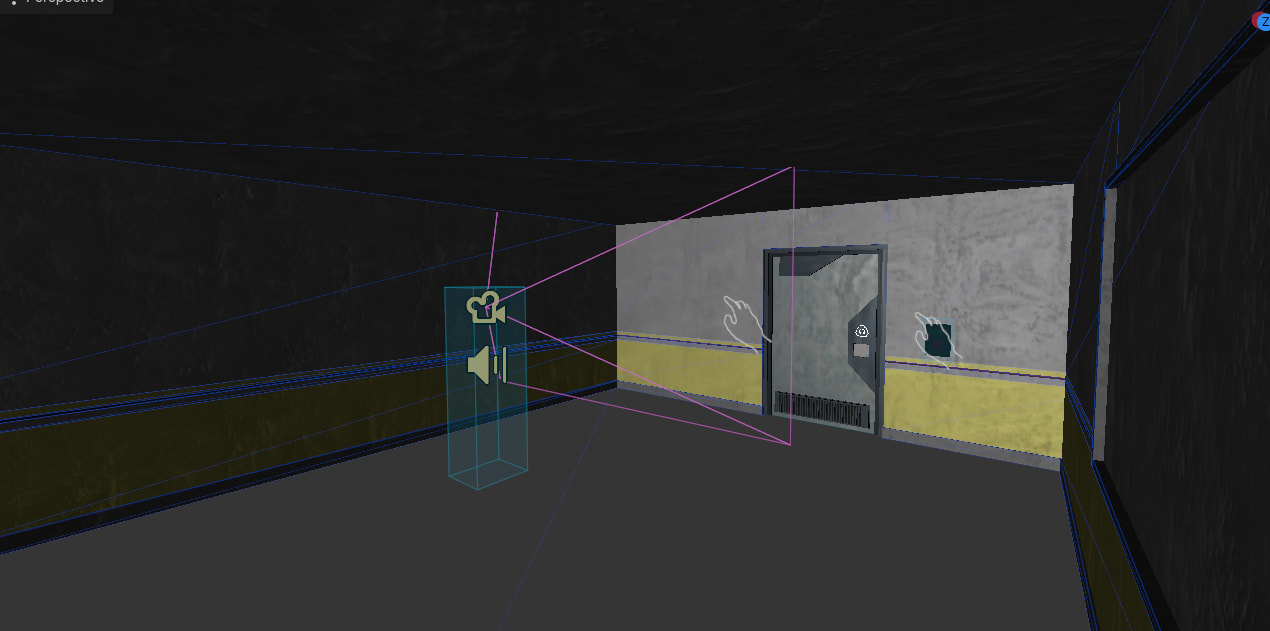
I tried everything - Disabling ambient light in my worldEnviorment, editing exposure(which works but also dims the actual lights so its uselss), changing background color to black, background energy to 0 and so much more, but for SOME reason one face of objects seems to be still lit up by something. I do not have any lights in my scene except the omni light. The issue persists even if i remove the omni light.
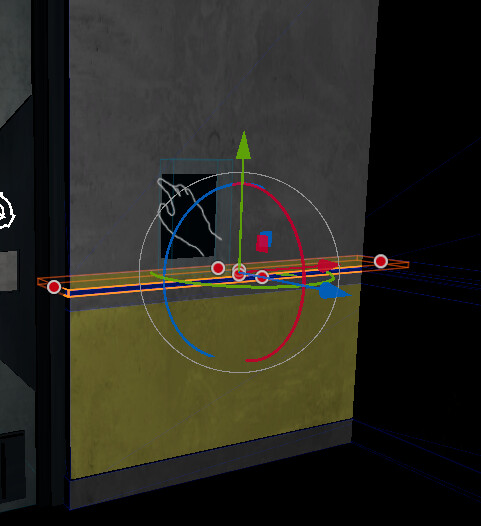
As you can see the rest of the walls are dark(or barely lit if i increase the range of the light, but this particular wall is lighter). The wall is still light even without the light
have you tried setting the ambient light in your world environment to black? When I do this in my current prototype and add an OmniLight3D, this is the result:
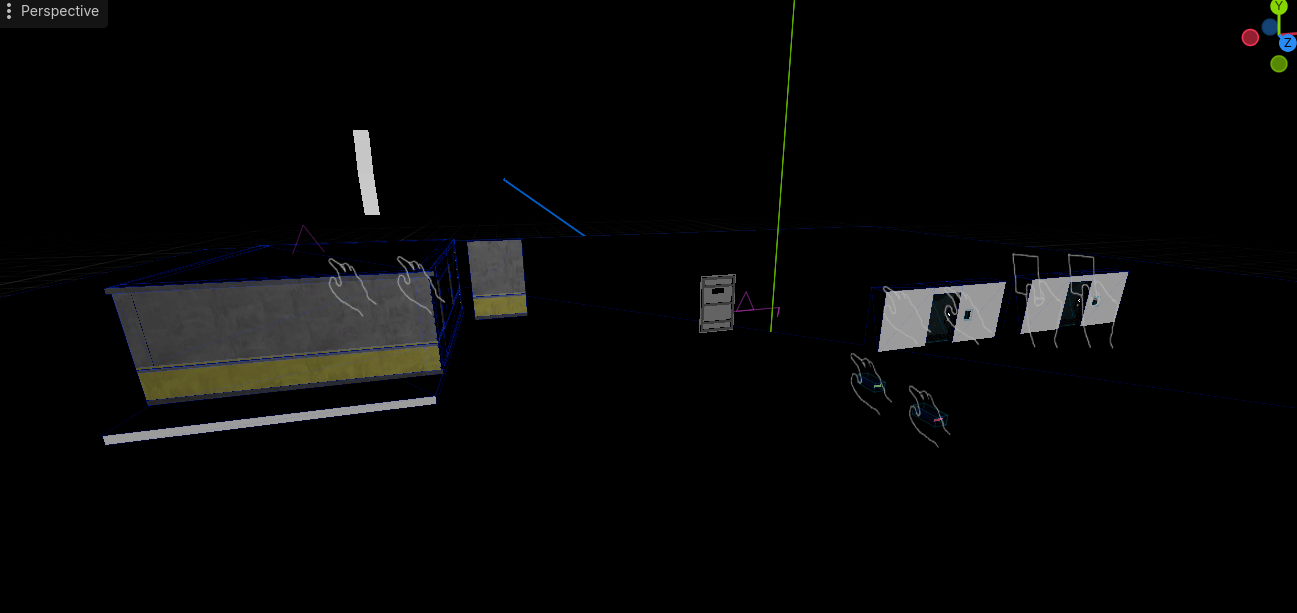
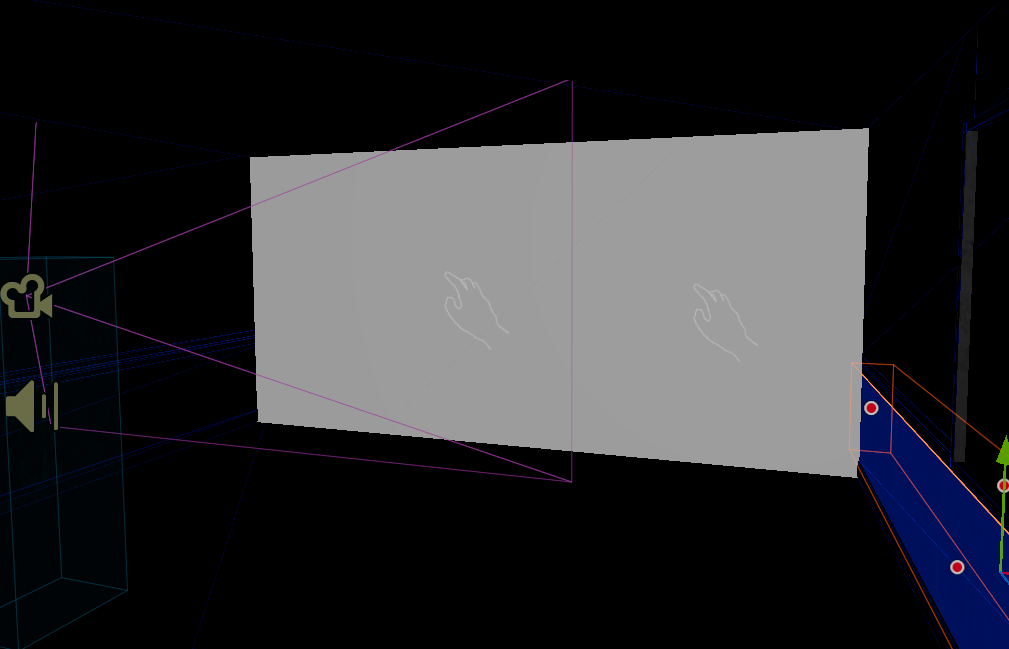
well its not really a mesh, especially the walls, its like made from CSG boxes, idk if thats a part of the issue, but in a blank project, when i use csg boxes the issue doesn’t accour
Well, the point is not to conclude it’s fine. The point is to reproduce it by minimal means. Start with an empty project and gradually add stuff that mimic every suspicious aspect of the problematic project until the problem appears. The last thing you added before it appears is the probable cause.
Is there a way to switch the culling mask for ambient lights? doing my own testing, I can replicate this effect with an OmniLight3D by disabling its culling mask on layer 4 and setting the visibility layers on a mesh to only be visible on layer 4, but I don’t know how to replicate this for ambient lights.
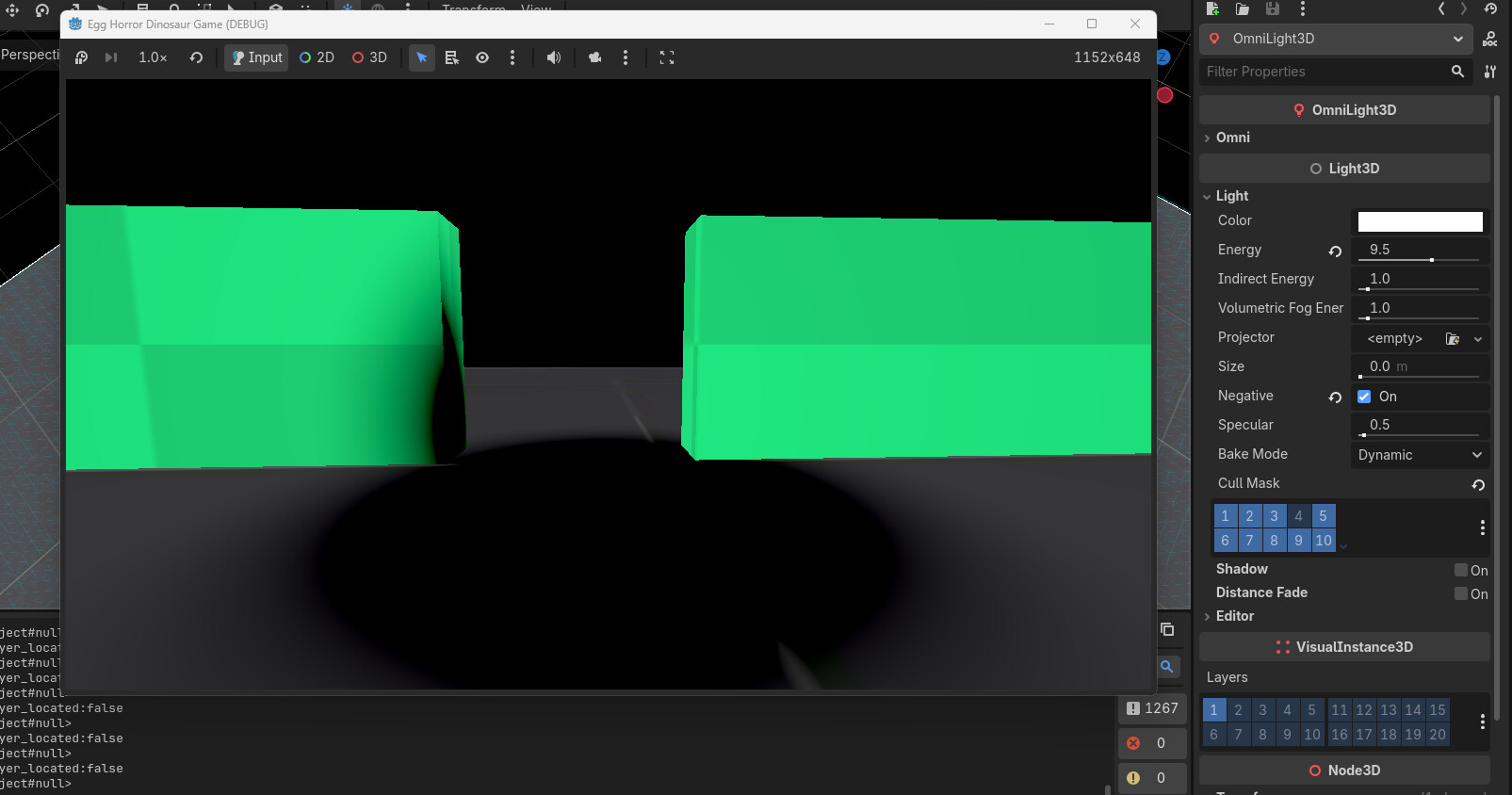
This is how it looks with an omnilight set to negative:
You can see the shadow creeps up the unaltered mesh on the left, but the OmniLight3D cannot affect the altered mesh on the right. So my thinking is, if you somehow disabled a culling mask on your ambient light then it could be causing the issues you have with lighting.
Culling from what i can see is fine in my project, i guess i will just reimport my assets on a blank project and monitor for any issues, Thanks a lot to everyone who participated in this