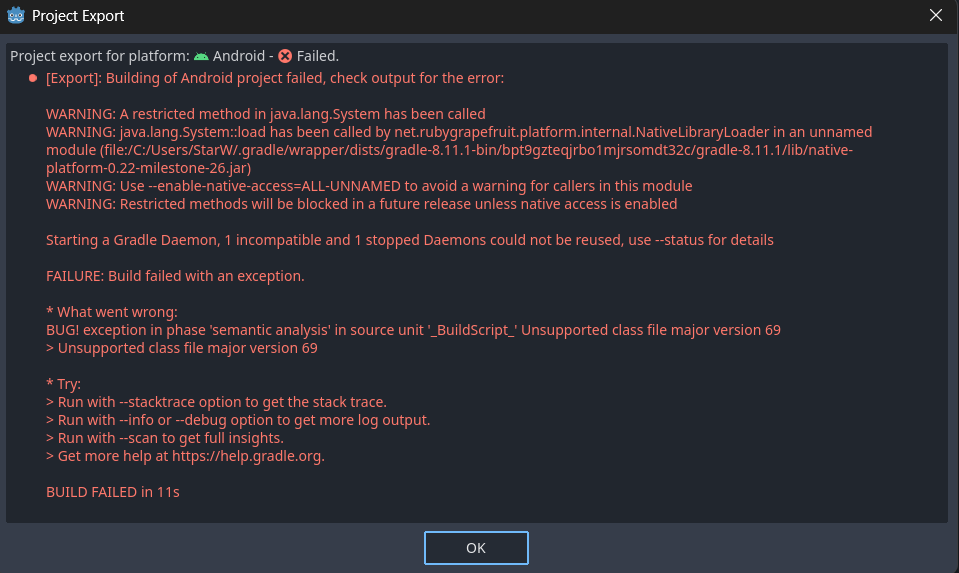
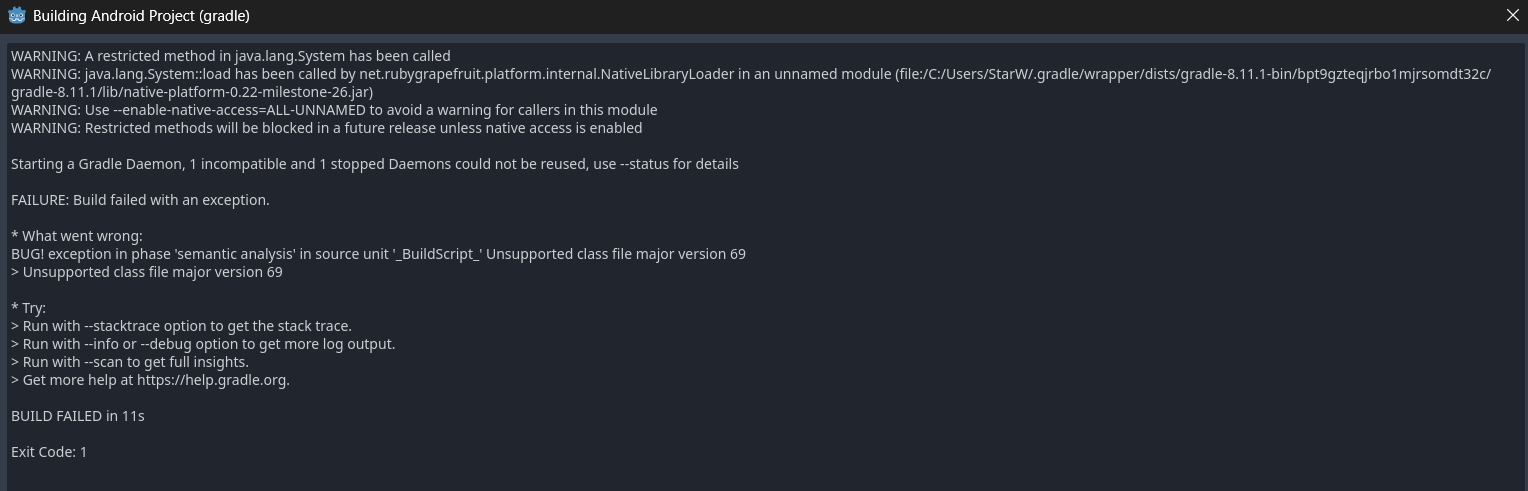
WARNING: A restricted method in java.lang.System has been called
WARNING: java.lang.System::load has been called by net.rubygrapefruit.platform.internal.NativeLibraryLoader in an unnamed module (file:/C:/Users/StarW/.gradle/wrapper/dists/gradle-8.11.1-bin/bpt9gzteqjrbo1mjrsomdt32c/gradle-8.11.1/lib/native-platform-0.22-milestone-26.jar)
WARNING: Use --enable-native-access=ALL-UNNAMED to avoid a warning for callers in this module
WARNING: Restricted methods will be blocked in a future release unless native access is enabled
Starting a Gradle Daemon, 1 incompatible and 1 stopped Daemons could not be reused, use --status for details
FAILURE: Build failed with an exception.
* What went wrong:
BUG! exception in phase ‘semantic analysis’ in source unit ‘_BuildScript_’ Unsupported class file major version 69
Unsupported class file major version 69
* Try:
Run with --stacktrace option to get the stack trace.
Run with --info or --debug option to get more log output.
Run with --scan to get full insights.
Get more help at https://help.gradle.org.
In this case, my JDK version was 25.0.1 and the compatible Gradle version is 9.1.0. Yours will be the same if you see “major version 69” in that error.
To change your Gradle version:
Edit the Gradle version on the distributionUrl line of your Android build template’s Gradle wrapper properties at res://android/build/gradle/wrapper/gradle-wrapper.properties (you can open this file in any text editor):