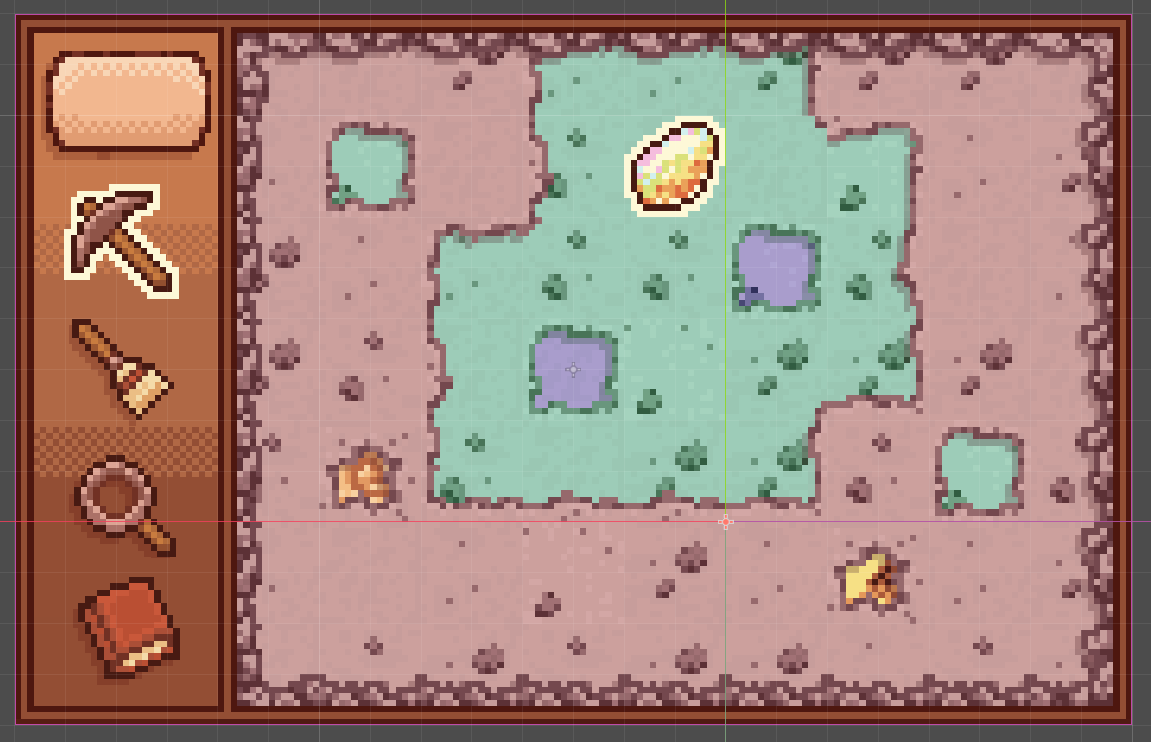
I would like to create a top-down digging game in the loose style of old browser games. I would need to generate new vertical layers indefinitely as the player digs, but I can only find procedural generation tutorials for digging in side-scrollers. Any advice on what to look for in the way of processes or tutorials? I’m new to the program and I feel like I must be missing something really simple haha.
Creating a top-down digging game with procedural generation can indeed be challenging, especially when you’re new to game development. Here are some key steps and concepts you might find helpful:
Understanding Procedural Generation: Start by learning the basics of procedural generation. Look for tutorials that cover concepts like Perlin noise, simplex noise, and random generation algorithms. These are often used in creating terrain and game environments.
2D Array for Terrain: Represent your game world using a 2D array where each cell can represent a different type of terrain (e.g., dirt, rock, treasures). This will make it easier to manage and update the terrain as the player digs.
Chunk-Based Generation: Divide your game world into chunks. As the player digs deeper, generate new chunks of terrain below the current ones. This helps manage memory and performance efficiently.
Vertical Layers: Focus on generating vertical layers of terrain. You can start with simple layers (e.g., topsoil, dirt, rock) and gradually add more complexity (e.g., caves, treasures, obstacles).
Collision Detection and Player Interaction: Implement collision detection to allow the player to interact with the terrain. Ensure the player can dig and move through the generated terrain layers.
Dynamic Loading and Unloading: To handle infinite digging, dynamically load and unload terrain chunks based on the player’s position. This ensures the game runs smoothly without excessive memory usage.