Godot Version
v4.8.beta2.official [cafc17a19]
Question
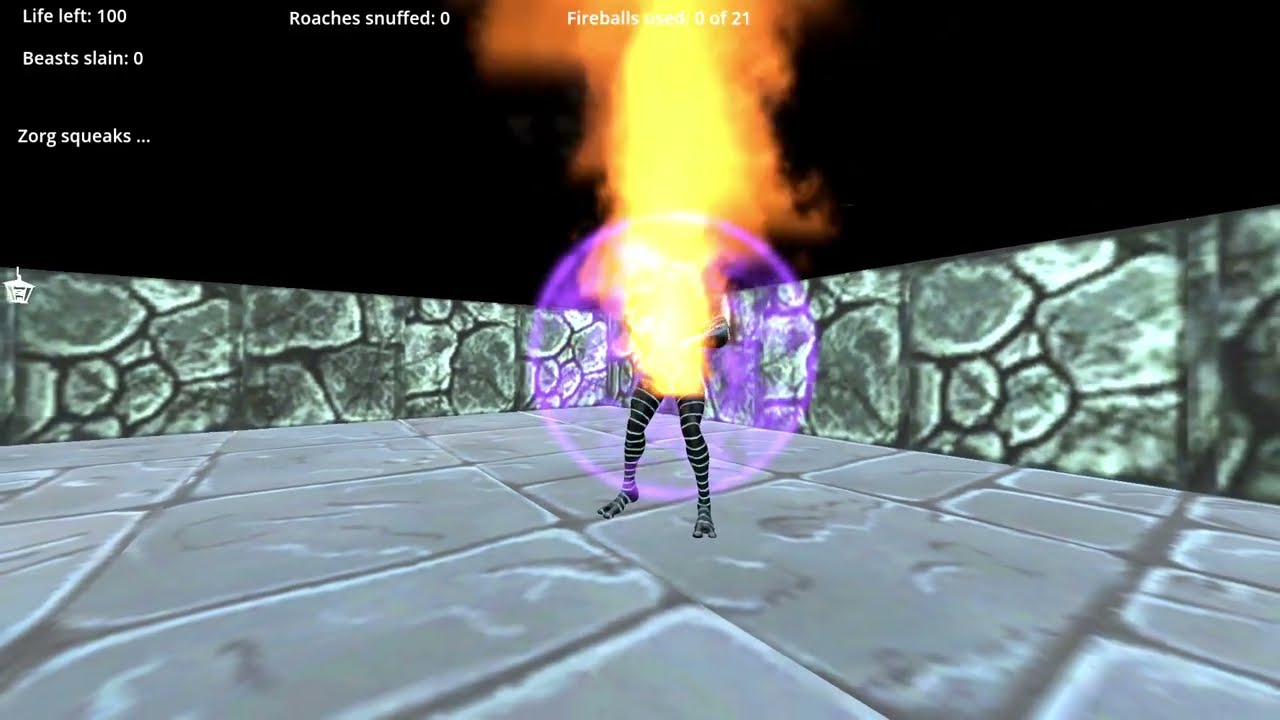
I want to record a sequence from my ‘Dungeon Master’ Project. In Godot, it looks fine, but the output from the Movie Maker is unusable (far too dark…). I tried OBS instead; better, but not good at all, and nothing like the Godot window. Here’s three screenshots, as illustration. Firstly, the Godot window…
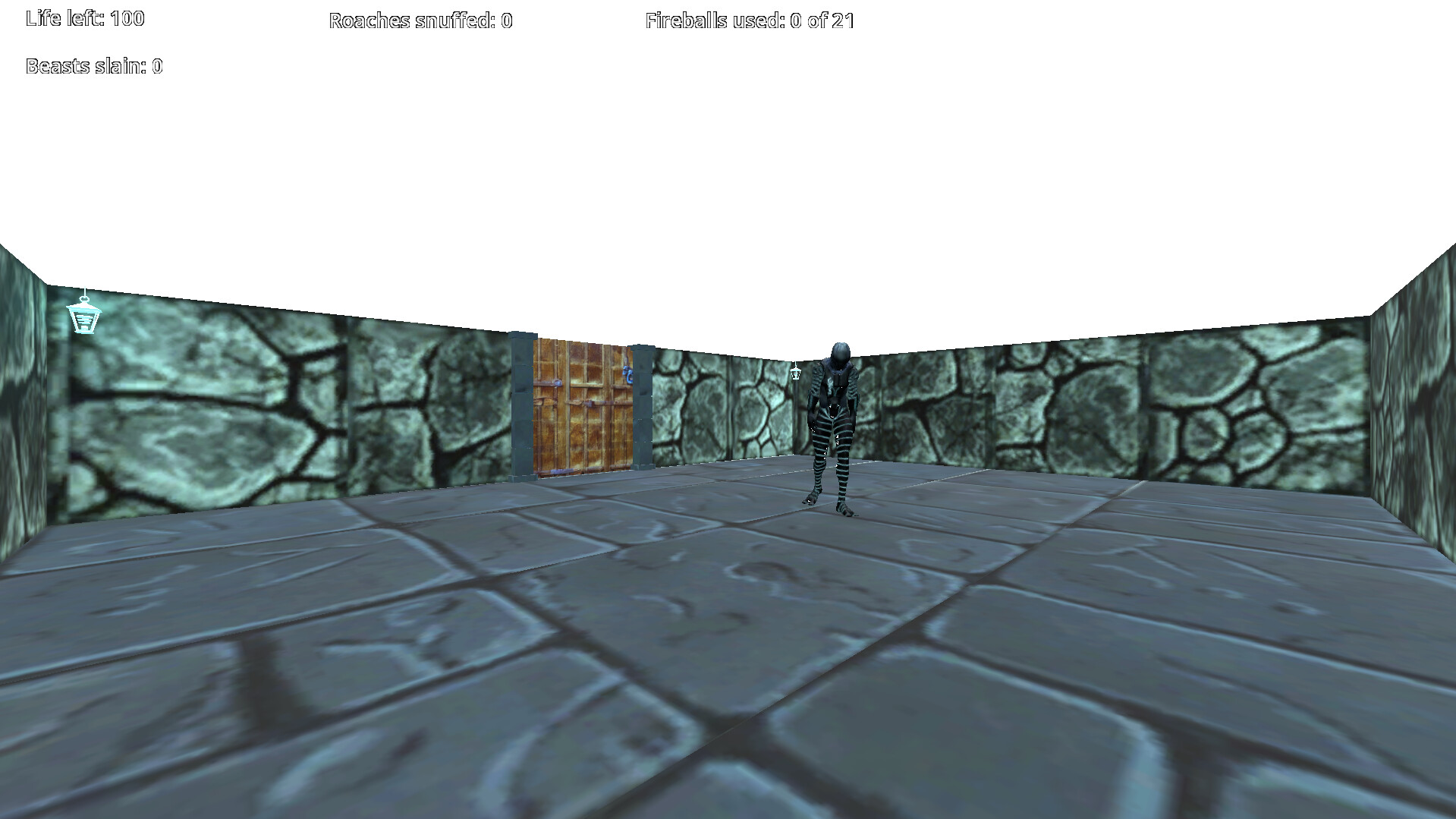
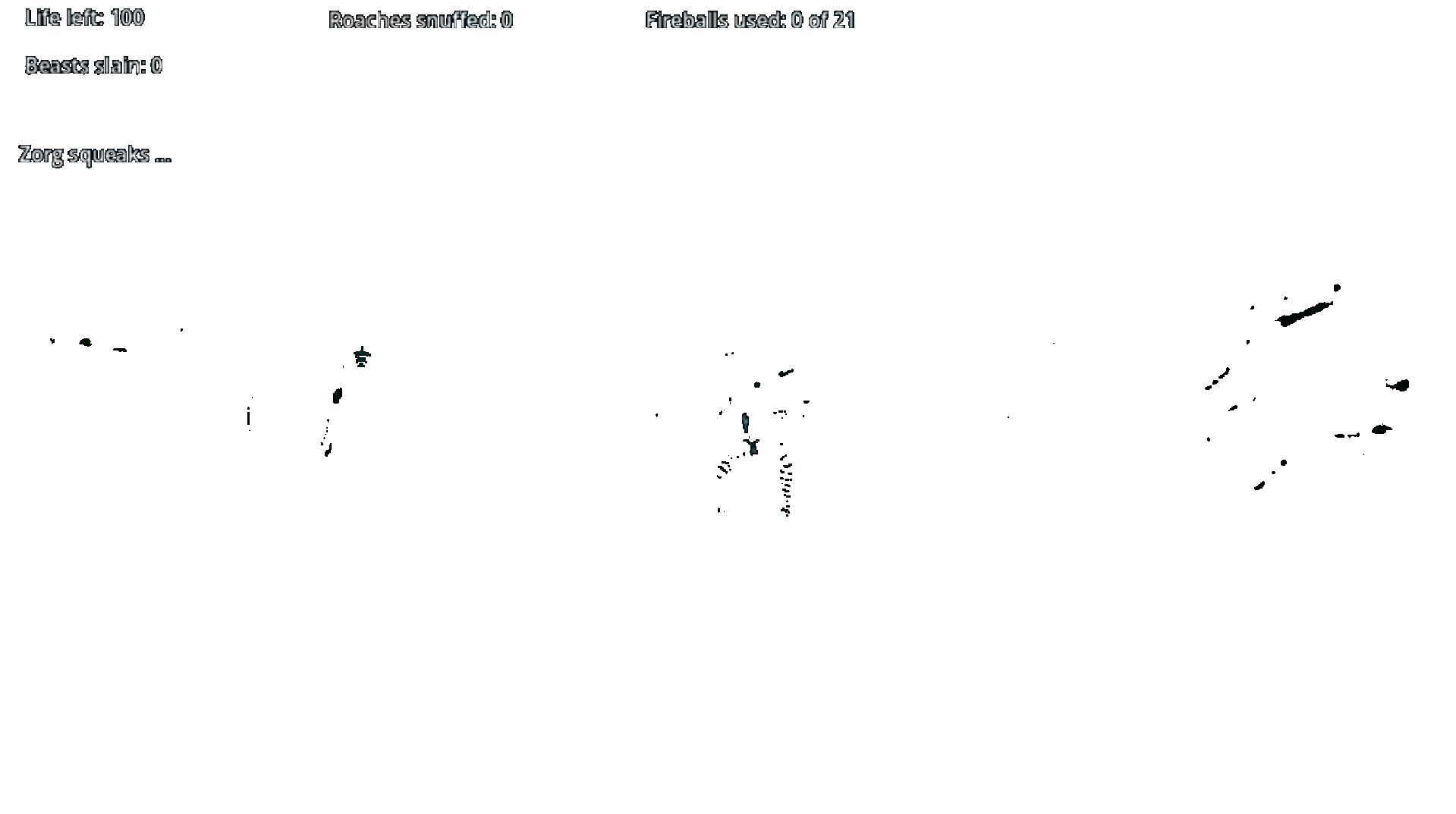
… now the Movie Maker version (it looks white here, but it’s really just black…)…
… and the OBS version…
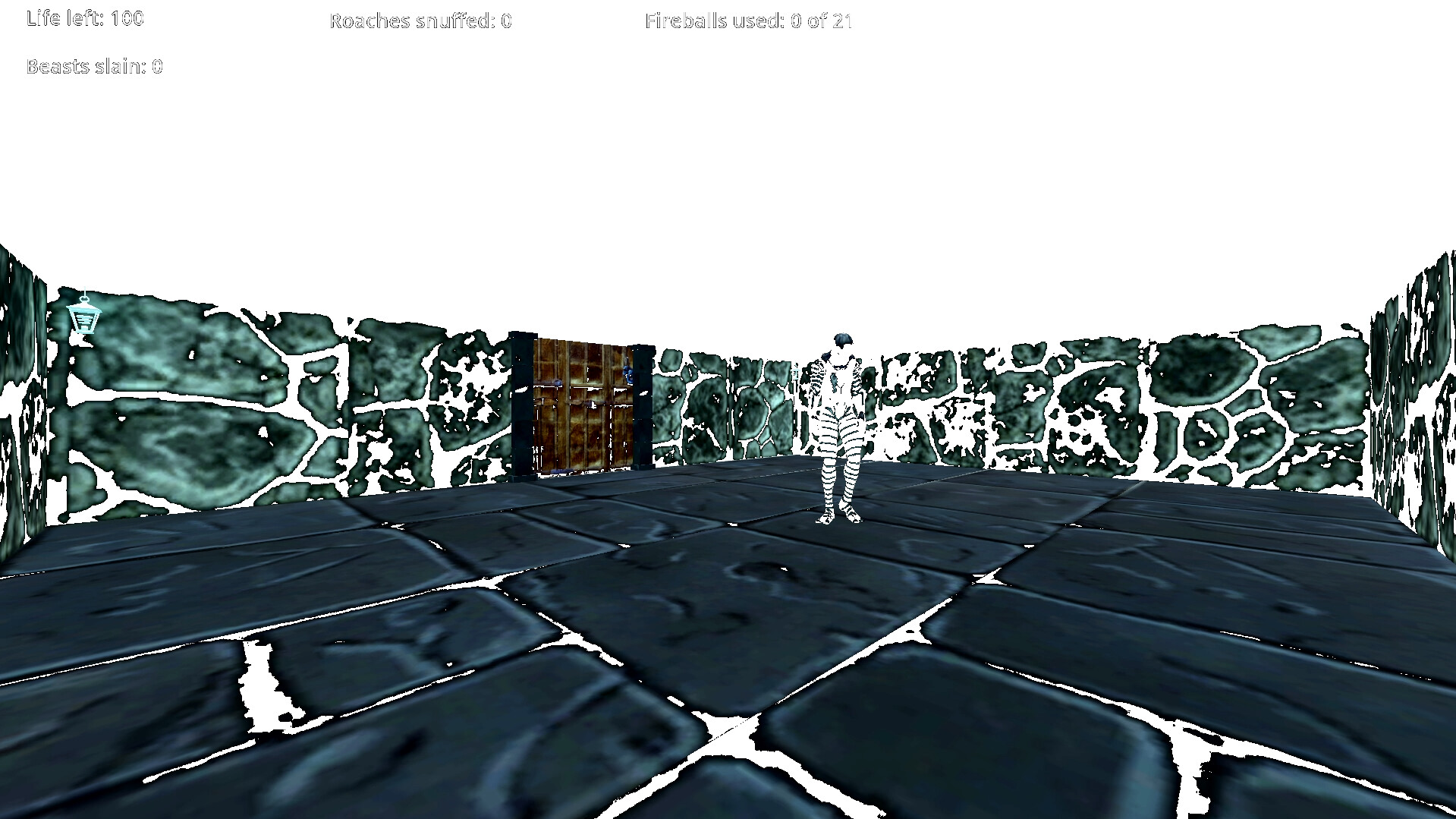
I could understand it being difficult to render under bad lighting (it’s a dungeon, so it’s dark..!), so I’ve added far more light than the real Game needs, just so that a video could be made. The ‘Godot’ screenshot is far brighter than it would be in game, but I can’t seem to be able to capture even this over-bright scene. Am I missing a trick here..? Thanks in advance for any light (haha..!) shone on the issue.
My PC is reasonably well spec’ed (HP-Z440 Xeon PC, 16Gb, NVidia GeForce GTX1650, 4Gb…); I don’t see material as being the problem (I may be wrong, but still would like a solution.).