Godot Version
4.6.1
Question
In Unreal every imported 3D model turns into a mesh that I can tinker, change its materials in no time and add light maps without any problems, but in Godot I’m locked with a node3D that doesn’t even allow me to change it’s materials. How can I make it so every imported model will be a MeshInstance3D or at least let me to tinker around these models more?
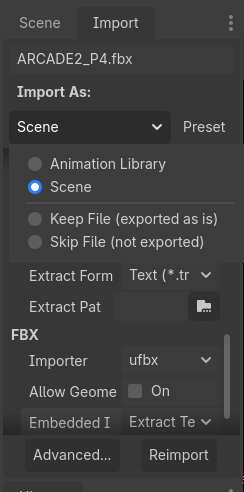
Select your asset in FileSytem ( your .gltf, .fbx, .blend, .obj) and at top change to Import and select in Import as : SingleMesh, and click Reimport.
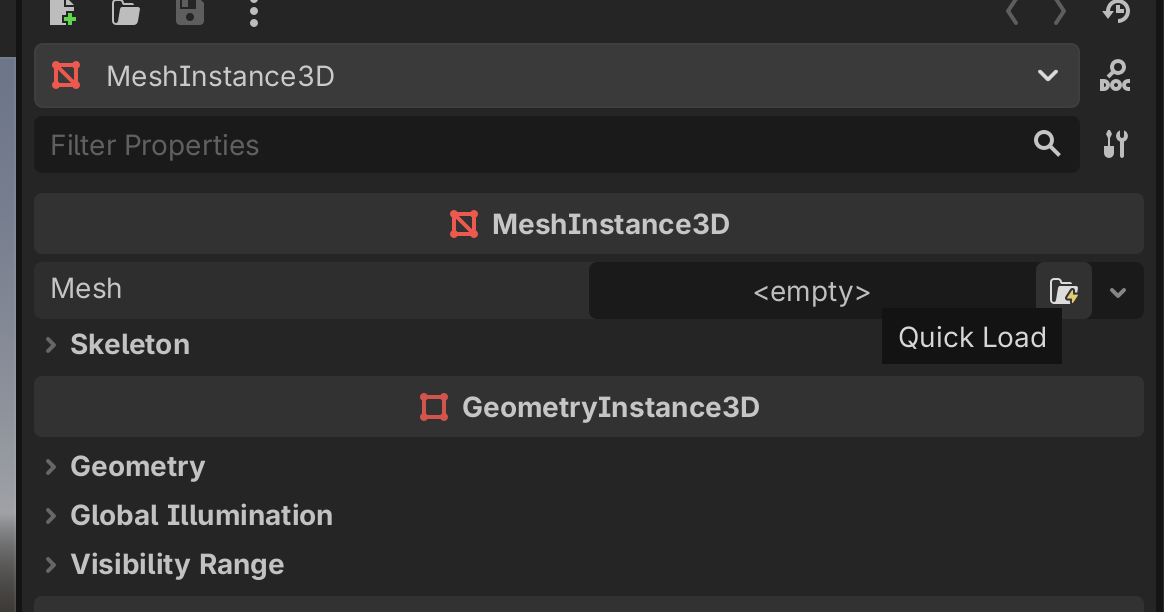
Then make new MeshInstance3D and load it as mesh 
Make it unique to be able to change, materials, shadows, etc.
not double click only select your file in FileSytem and then at the top next o Scene tab is Import tab.
btw did you selected your original asset not scene?
Yes, I have done that previously and I only have these 2 options…
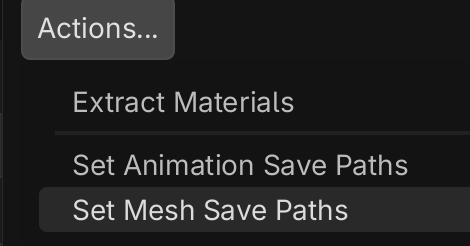
Only option will be extract it then via Advanced Importer.
with Set Mesh Save Paths
Oh and I can also extract all of the materials. Great, thanks!