Godot Version
4.5
Question
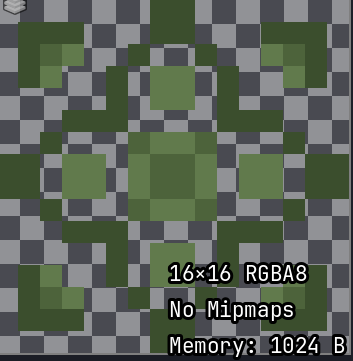
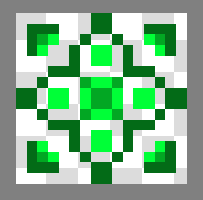
When importing files (e.g., .png), the image looks as if its colors appear slightly grayscaled.
4.5
When importing files (e.g., .png), the image looks as if its colors appear slightly grayscaled.
can you show your import settings?
also upload the sprite.
I don’t know where are the import settings, but here is the sprite

I just checked and it doesn’t seem like that. I’ll try some picture from the internet and i’ll see if it is just my software
I downloaded an image off google and I still have some issues with colors
On the left is the .png file and on the right is the same image in the engine
then maybe you messed up something in your project.Try a new fresh project
Yeah, turns that some images work great and some are still grayish… I’ll try reintalling both the engine and my sprite editing tool
I seriosly have no idea what is wrong now
Okay I just reinstalled godot and images look great in every new project except the one I am working on. Do you have any idea what it could be?
There is no problem with the engine it self at all,maybe you messed up some world environment settings like glow, contrast etc
it’s not a bug,it’s a feature that feels like a bug.
can you show your world environment node?
I haven’t added one in both this and in a new project
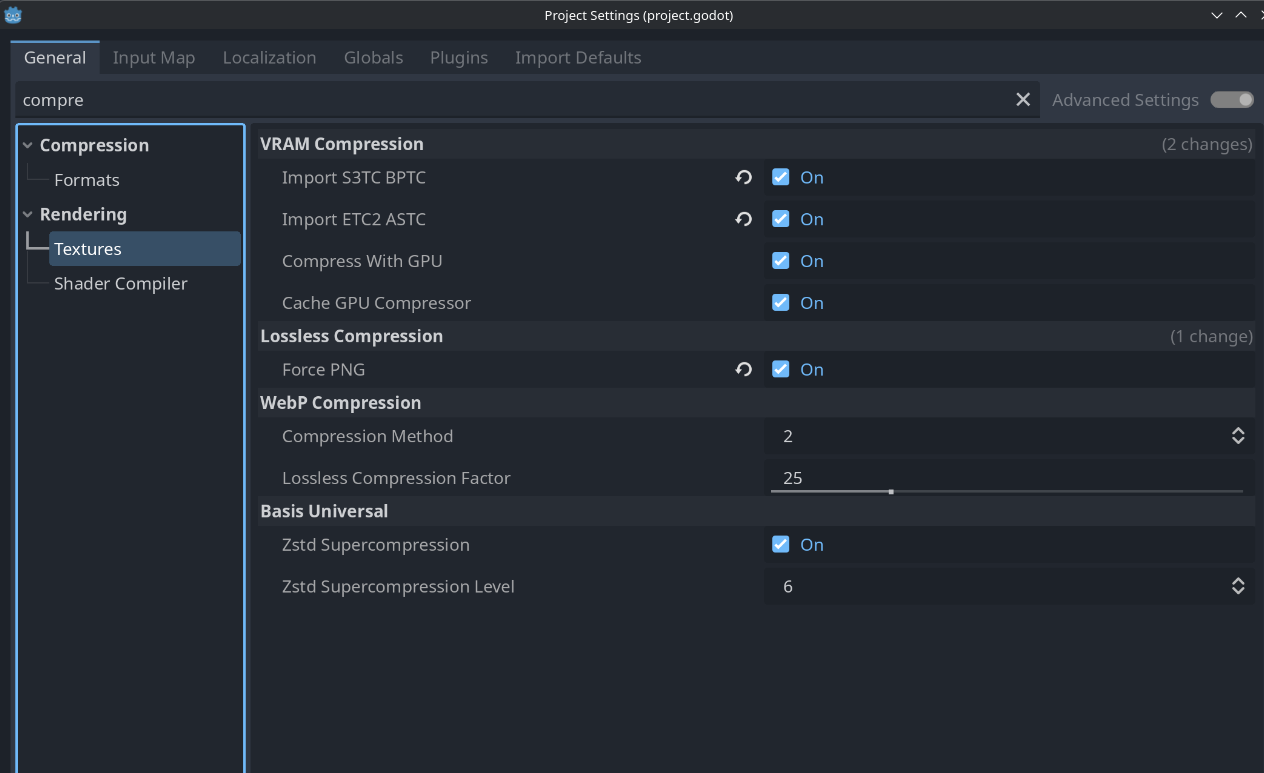
texture compression settings, make sure it’s lossless
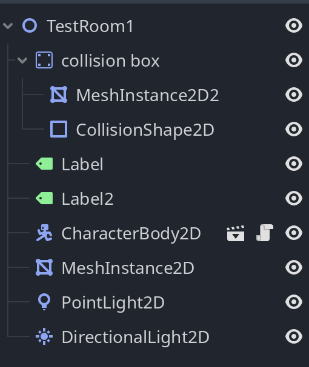
what you have in the scene tree?
These aren’t the import settings, but rendering. When you import each texture you get import settings, this is where lossy vs lossless could make a diff
I’m importing via drag and dropping, but I don’t see any settings
there’s something messed up with your project