Godot Version
v4.6.1.stable.fedora [14d19694e]
Question
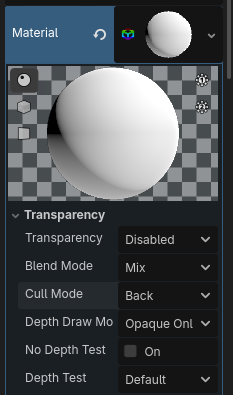
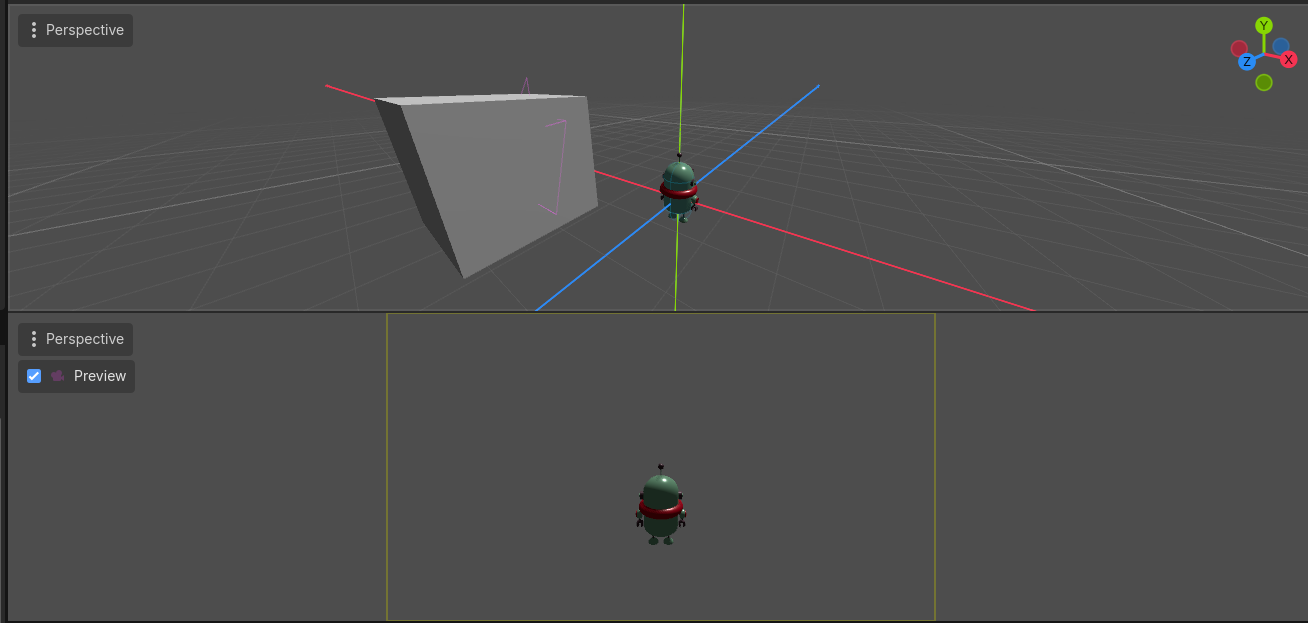
Whenever i create a MeshInstance3D object if i put my camera inside the MeshInstance3D object, i do not see the inside of the object as in below image which is the effect i want.
But when i use a GridMap’s meshes my camera renders the inside of an object which is not what i want as show in the image below.
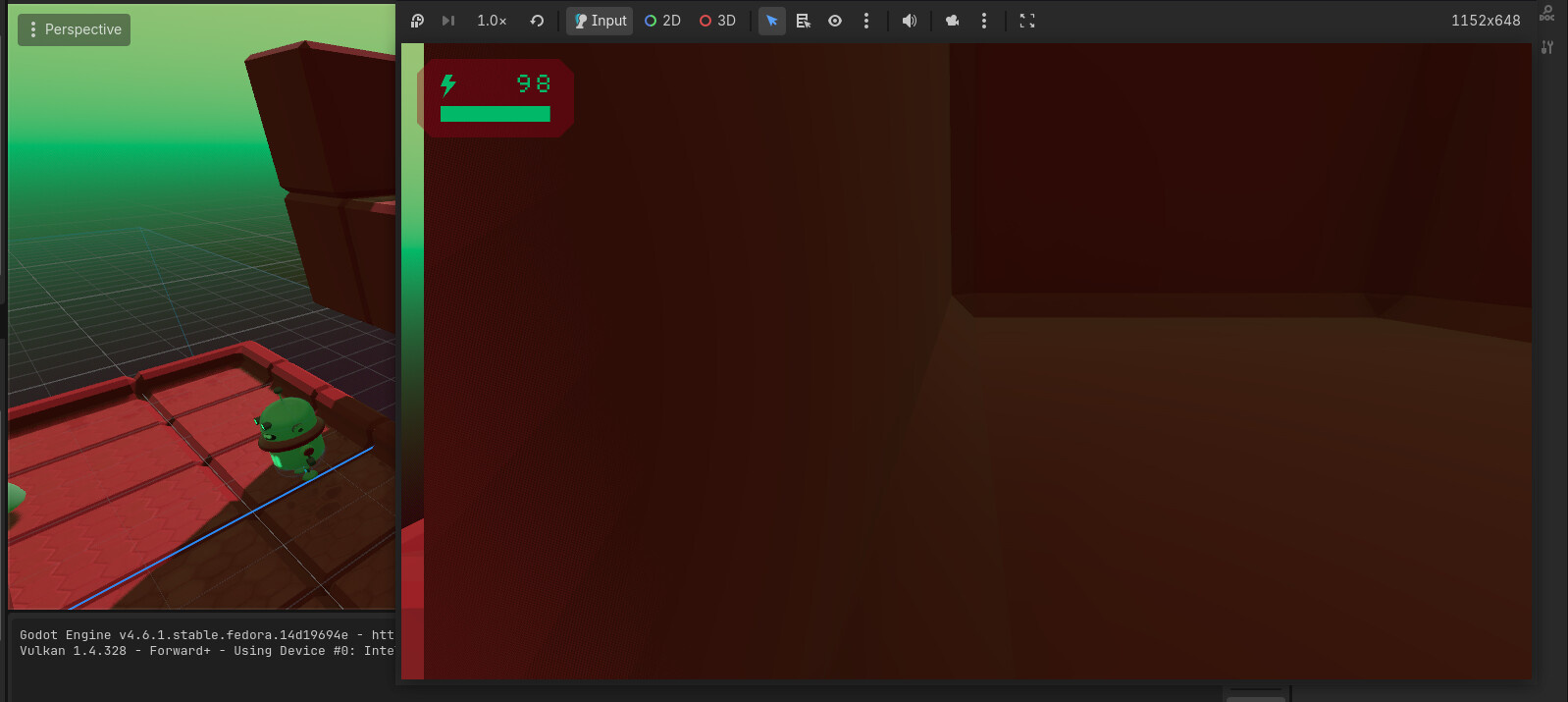
How can i make the GridMap’s meshes work like as the MeshInstance3D object