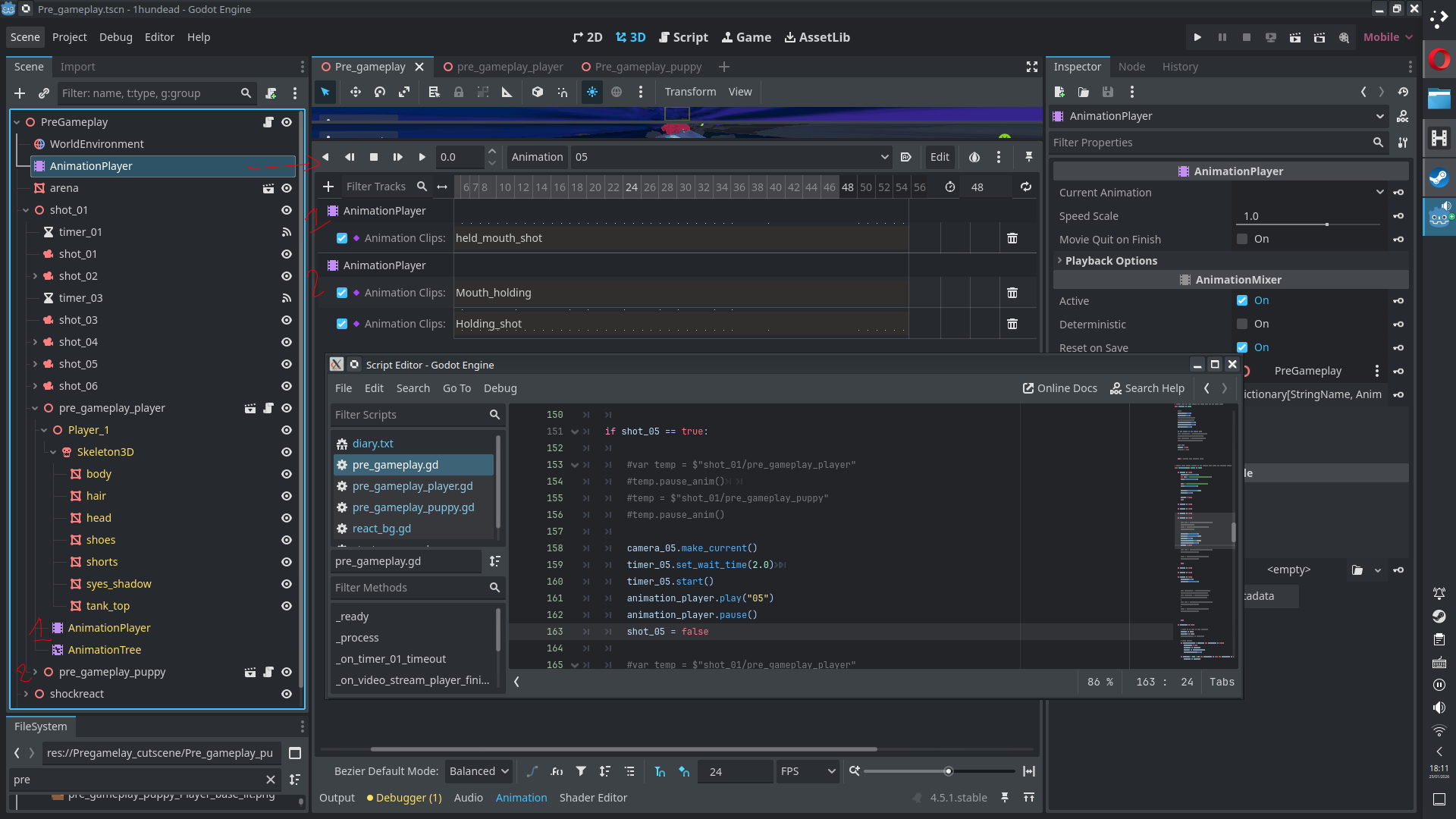
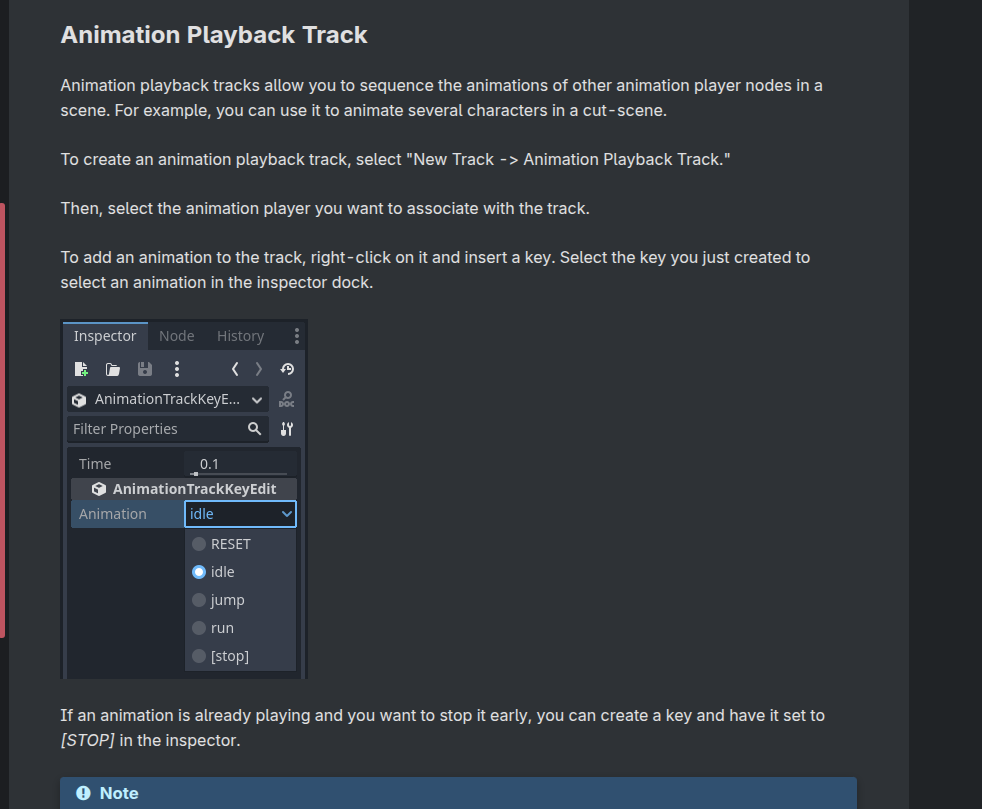
I have two separate models and I’m having problems syncing their animations to play in sync. I read online I should use an animation player outside of the models tsns, add the animations from the models as animation playback tracks, and, use the animation player to play the animations.
When I play the animation, the state machines for the models keep playing (that or they look exactly the same, this shouldn’t be the case as in blender the animations are matched) so I can’t actually see the animations. I’ve tried pausing the state machines then asking the player to play the animation but it just stays paused. What is the correct way to set this up?
It may just be broken. If that is the case what can I do to try and sync up my animations?
Edit 3: I’ve tried extending the animation duration beyond the end of the models animations, no luck. Moving the animation tracks to -0.001s also doesn’t play.
I have discovered I get an error when I press play on the animation player:
All the code I see, you’re trying to indirectly trigger animations thru an animation player that doesn’t have the animations you want to play, instead it has the animation player which has the animations(?) Is this an in game cutscene you’re trying to create? IDK if one would or should approach animations differently than from live gameplay (in terms of what nodes to use or how to sort them). Why can’t you just use an animation player that’s a child of the player node?
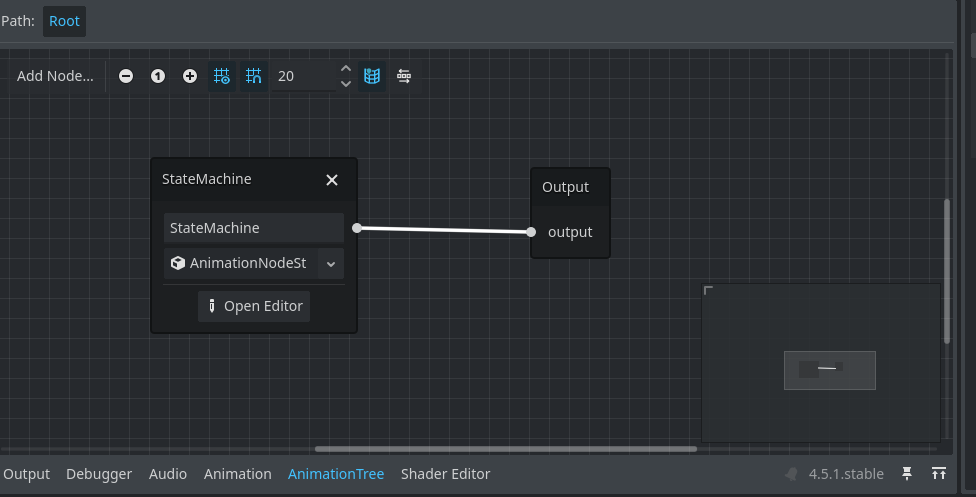
Sounds like there are two animation players being applied to the models and they interfere with one another. The correct way I guess would have an AnimationTree outputting to one AnimationPlayer. In that AnimationTree you would set up the nodes to switch the output from the StateMachine and mix with the animations you are trying to play.
Then some of the animationtree nodes, like Add2, have filters where you could cut off some of the tracks, when you want them to be controlled by anoter animationplayer.
While this is a interesting idea it doesn’t work. I can certainly see how it would be useful for some animations I have in mind, so thank you.
Someone on Reddit helped me figure out the issue. Set the animation trees for each model to inactive. This would allow the external animations player to control the animations. Also using state_machine.start() instead of .travel()fixed the sync issue, removing the need for the extra animation player.