Godot Version
v4.6.1.stable.official [14d19694e]
os
Linux Mint 22.1 Cinnamon
Question
hello godot forums! i know this questions probably been asked before many times, but please bear with me.
my problem is that when resizing the game window, if the window resolution is not of the same aspect of the viewport, there are always black bars on the top and bottom, or left and right of the screen.
how i want it to behave is to show more or less of the screen, depending on the screens dimensions. (preferably keeping the viewport centered)
what i have tried
- read the “multiple resolutions” godot docs page (i cant reproduce some of the effects shown in the gifs)
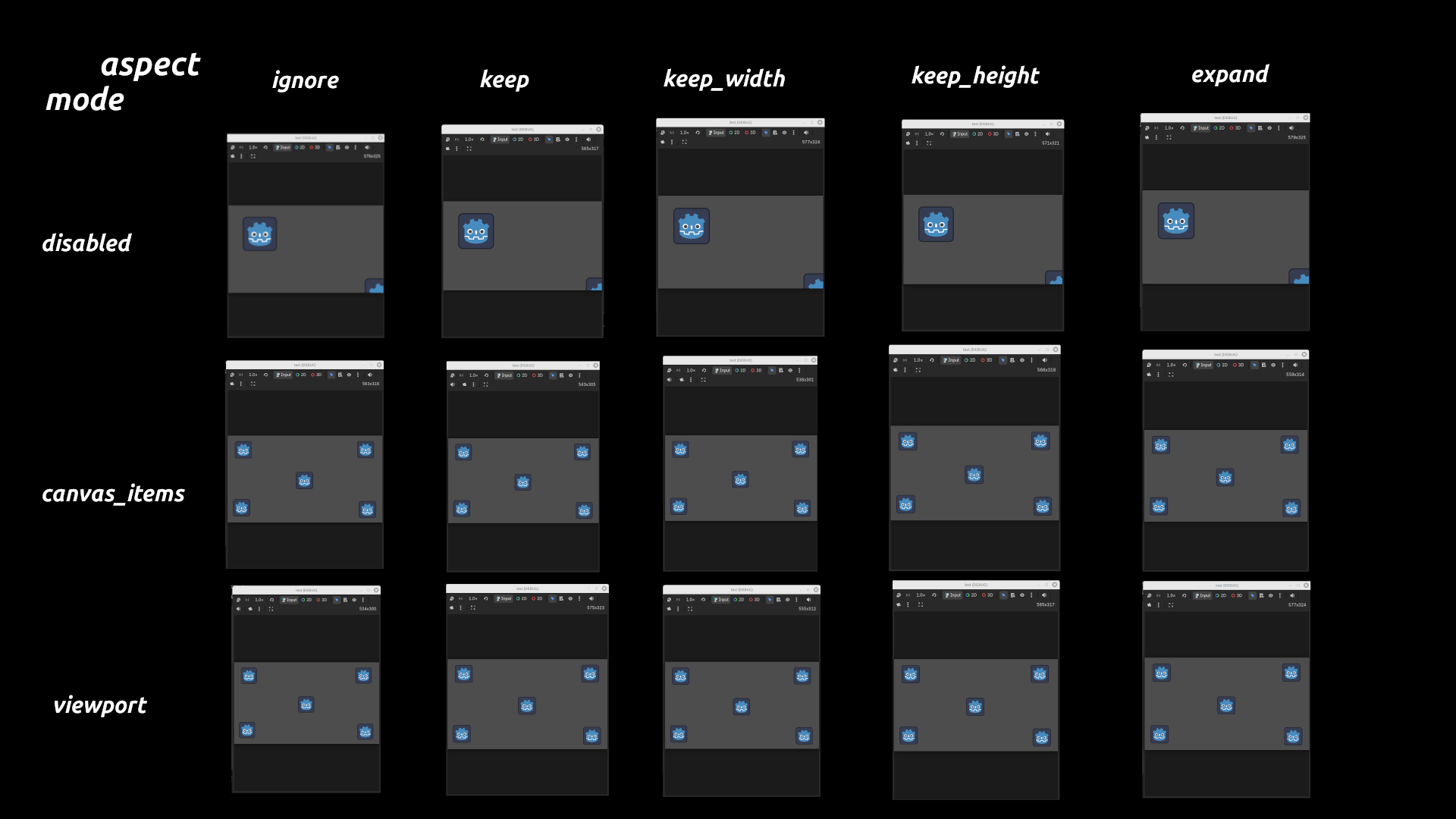
- try all 15 combination of “mode” and “aspect” in project settings (all of them have black bars, including mode=disabled and aspect=expand)
- run the multiple resolutions demo project (it worked, i guess? im not really sure how its supposed to behave, but it did have some effects i couldnt achieve so its not a problem with my godot copy)
- search the internet (including this forum, still cant fix)
how to reproduce
- create new project
- drag a bunch of sprite2ds into the scene
- run
thanks for your time.