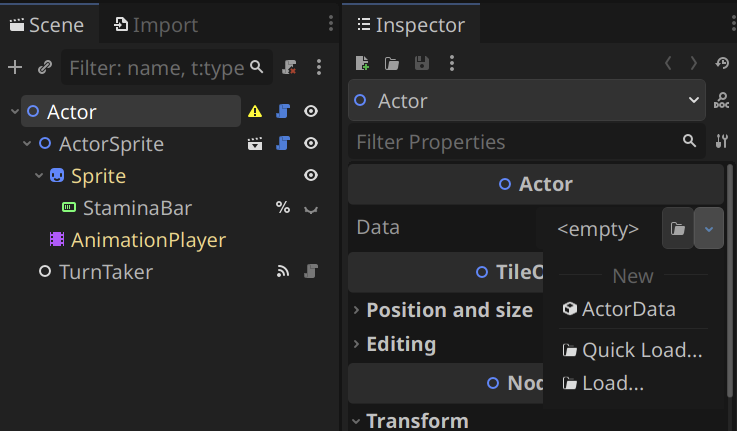
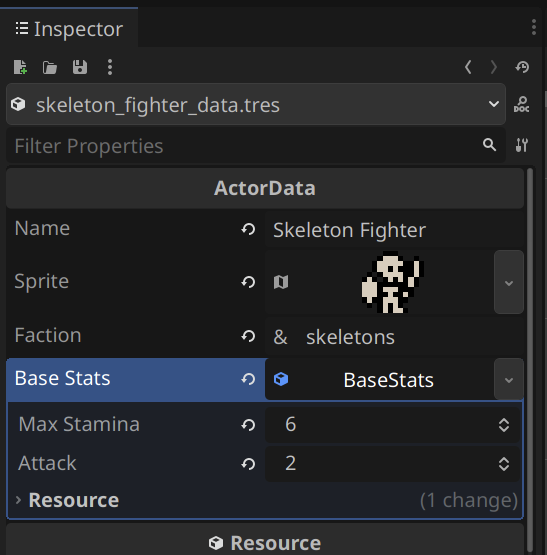
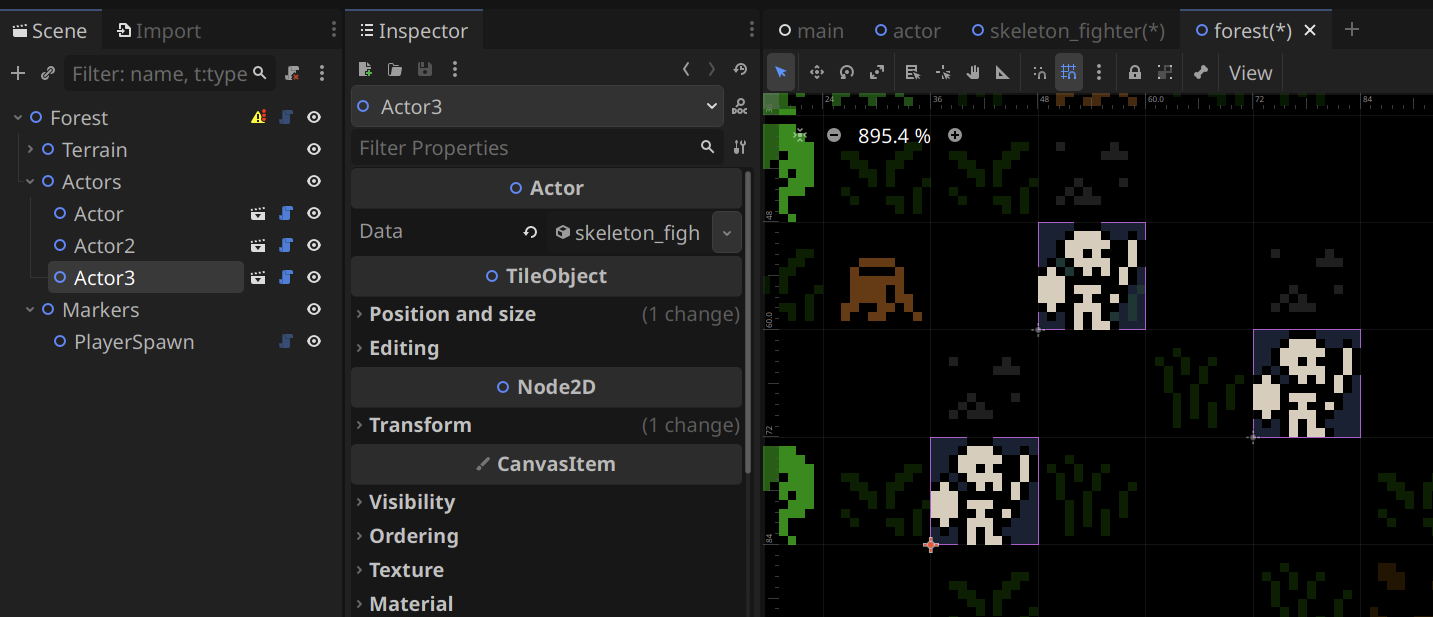
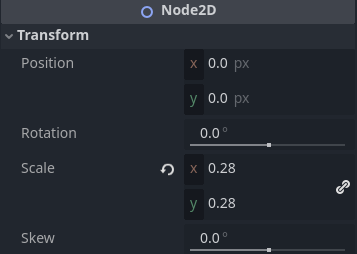
I will try to be clearer. In my experience (because this feature was not well-documented when I learned it), when inheriting a scene to make a new scene, and the scene is the root of the scene:
- You can edit @export variables in an inherited scene’s nodes without detaching from inheritance.
- You can add new nodes to an inherited scene without detaching from inheritance.
- You can edit any inspector properties, on the root inherited node without detaching from inheritance.
- You can attach a new script to the root inherited node without detaching from inheritance.
- You cannot edit any transform properties, on any of the inherited nodes. You will detach from inheritance.
- You can make changes through code, to add nodes or alter node export values without detaching from inheritance.
Example:
This is the Enemy2D base scene for my game Eternal Echoes.
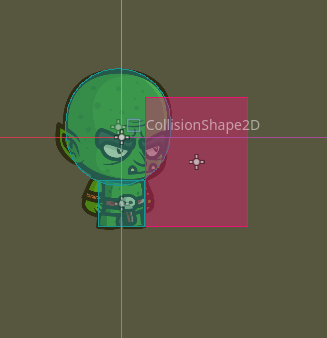
It looks like this in the 2D view:
When the Goblin scene inherits the Enemy2D scene, it looks like this:
And because I have filled out the @export variable of sprite_root_folder for the inherited ChibiAnimatedSprite2D node, even though the code creates a sprite_frames object and fills it with animation frames, I have not broken scene inheritance because I did not do it myself in the editor.
And now the 2D view looks like this:
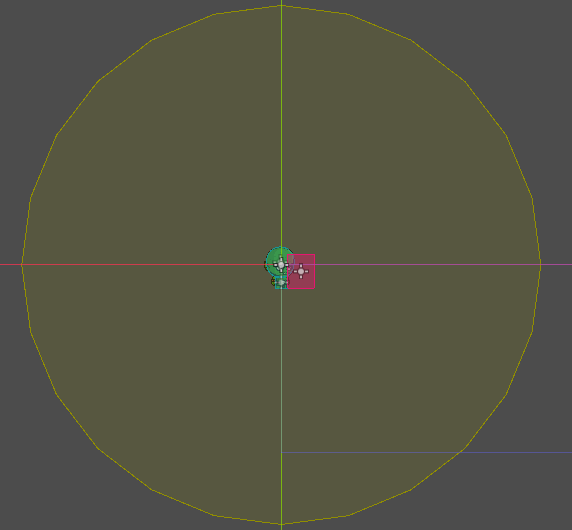
Furthermore, the yellow background is the CollisionShape2D for the VisionArea2D, which determines the range a Goblin can throw a dagger. Both of those nodes are new to the inherited Goblin scene, but do not break inheritance of the original scene, even though they are positioned in the middles of the inherited nodes. It looks like this in the 2D view:
To make the Goblin throw daggers, I had to add an EnemyStateRangedAttack node to the EnemyStateMachine that is inherited. That does not break inheritance.
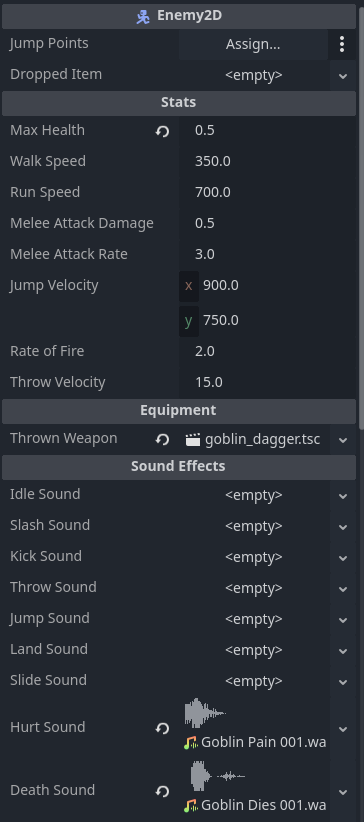
On the Goblin node itself, I have changed some @export values for the Enemy2D
I have also changed the scale of the Goblin root scene because goblins are small.
Your Code
You get what you give. You don’t want to give the full script, nothing I can do about it. I made that code suggestion based on the fact that it’s the right place for it based on the context you gave. Having an initialization function makes sense in the wider context. The style guide comments are still valid. You do you.
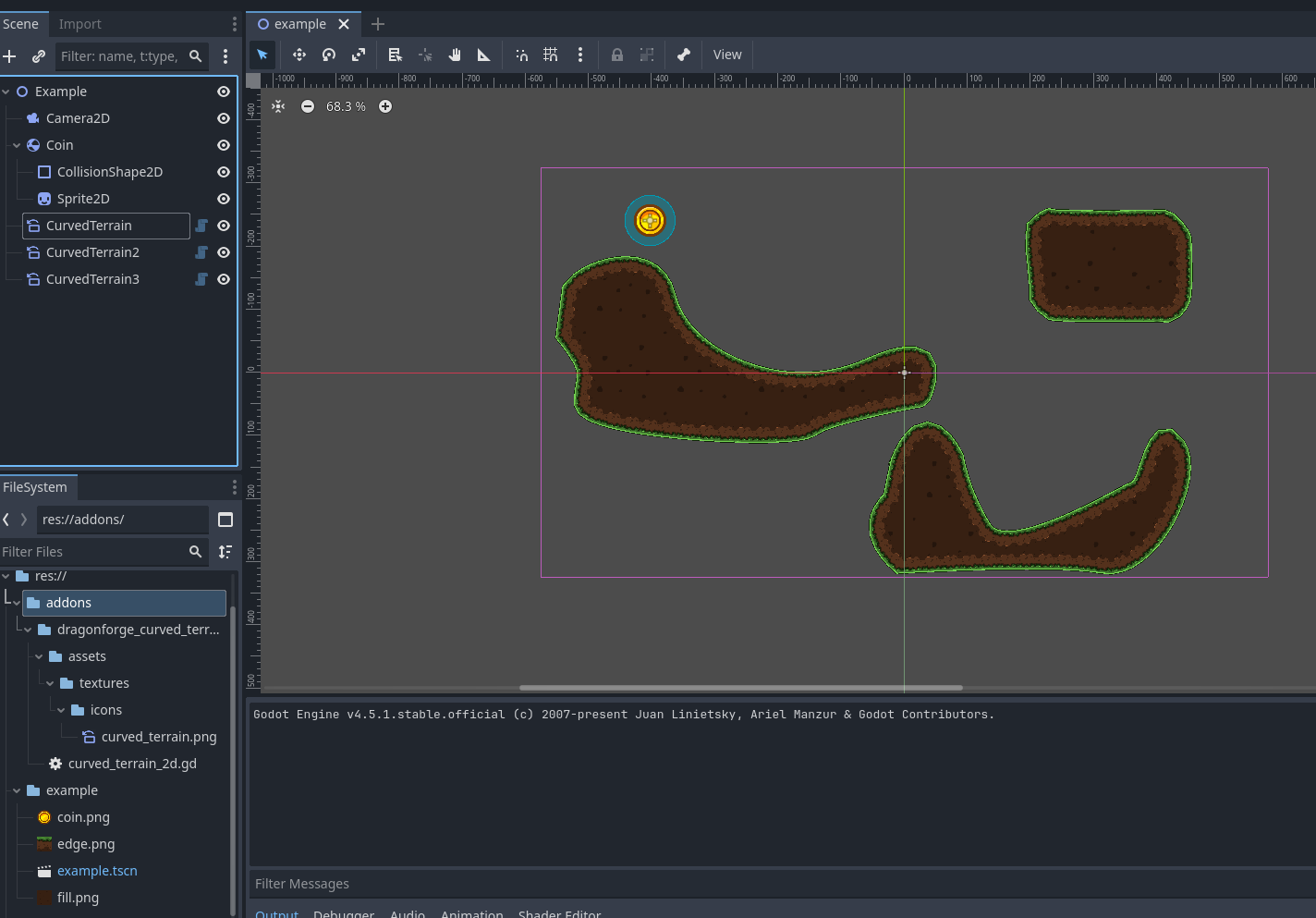
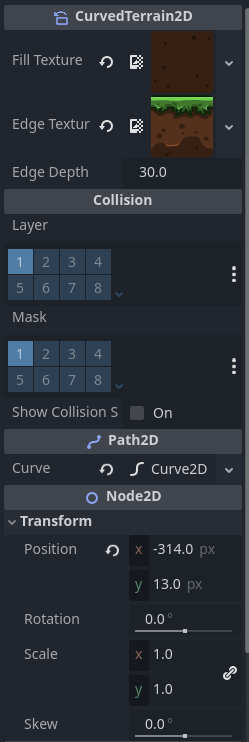
CurvedTerrain2D
So the base of the object is a Path2D which has an @export variable of curve, which I cannot create a setter for. There is a tool that allows you to create points in the editor’s 2D view:

As I add points, it is redrawn every frame. Potentially I could have found a way to tie into the signal of the curve variable’s points changing, but this code was easier at the time. I disabled it during gameplay because it’s unnecessary to run in-game.
There are a couple questions in there.
First, you are asking if I am setting the owner property of the Polygon2D, a Line2D, a StaticBody2D with a CollisionPolygon2D nodes, correct? No, I am not. They are null. They do not need to be set.
Second, you are positing they would not be saved in the scene file. That is not true, which you would seen if you’d looked at my CurvedTerrain plugin link, which was a link to the full open source project on GitHub. It contains the example test scene from my screenshot above, in which three CurvedTerrain objects are saved in the scene and rndered without issue.
Keep in mind that those nodes are being constructed when the editor loads, and then again when the game loads. They exist in the scene because they are constructed from the @export variables.
Conclusion
Scene inheritance is tricky. As @normalized pointed out, you may have to play with it to see what affects it. It is a neat idea, that in practice (in my experience) has few applications that cannot be achieved another way.
Personally, at this point I tend to go with complex objects under the hood rather than inherited scenes for almost everything. I also am a big fan of custom icons so that I can tell when a node is custom.
For your actor class it may make sense to do what you’re doing. However as I have continued to use Godot, I tend to prefer composition over inheritance. So if I were to make that goblin again, I would might make it straight up with components, and then copy it and change the components for the zombie. If I change a component (like a state), it is inherited. But I’m not sure. That’s the fun of development.