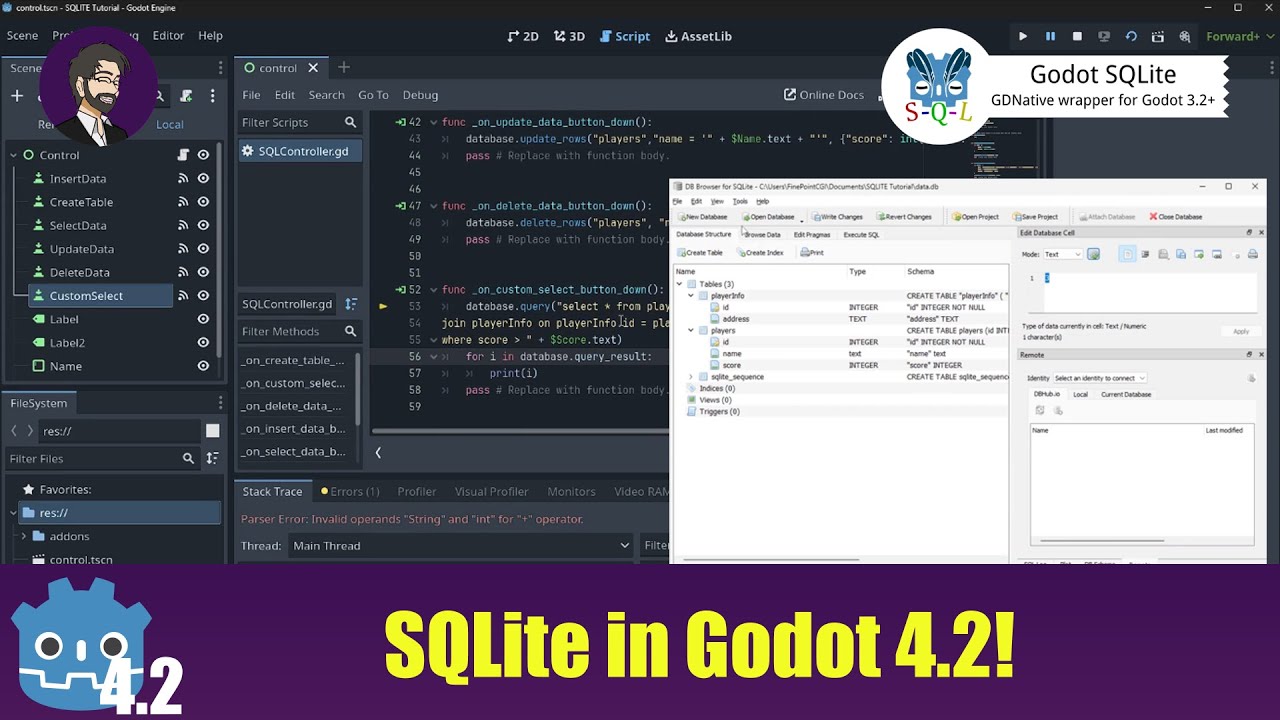
So far everything worked as intended using the great guide from FinePointCGI:
But instead of printing out the values from a database to the console with “print”, I want to show it in my GUI. Can someone please give me advice for this? (sounds kinda simple but I’m unable)
I already started with the 2D game tutorial but it doesn’t suit my needs at all. My game is purely text-based (football simulation) and everything works so far. I just need to find out how to show values from the DB on the game screen instead of the console.
But I’ll look into the documentation again, however I am not sure if there is a database involved at some point…
You are overthinking this. Assigning a value to a UI element has nothing to do with databases. The database is just the place where you get the value from.
You know what this code does, right?
label.text = "my text"
Now your label shows “my text”.
It’s the same as this:
var label_text = "my text"
label.text = label_text
Now what you have to figure out is how to get the text from your database into the variable label_text. That’s basically it.
I’d recommend taking the time to do the tutorial even if you’re just making a text game because it teaches you how to use Godot as an editor. You wouldn’t have needed to ask this question at all if you’d actually spent an hour completing it.
I only say this to try and help you, because based on your question, and requiring two people to explain the same thing to you, this is not going to be the last thing you struggle with that would have been explained if you’d done the tutorial.
Wow I heard about how “great” the godot community is for newbies and I am grateful for the answers, but looking at how you communicate to eachother I don’t know where that was coming from. As I said, I am back to the documentation / “your first 2D game”.
One last thing: @tibaverus : I guess you had a bad day. While you may have showed the solution, the post from Toxe was (for me) in more detail and easier to understand and unfortunately I cannot mark two posts as a “solution”. Perhaps I shouldn’t mark any posts as solution in the future to avoid hurt pride?